Libreoffice Run Macro From Command Line How Do I Run A LibreOffice Macro From The Command Line Without The GUI Run Macro From Button On Sheet Screencast How To Create And Run A Macro In LibreOffice Calc On Linux All Things How Why Are Tables Always Formatted With Liberation Sans Font When Created How To Create And Run A Macro In LibreOffice Calc On Linux Run Macro Selects the Basic macro to run Locate the macro by selecting the container library module and macro name Edit Macros Opens the Macro dialogue box where you can create
Mar 8 2023 nbsp 0183 32 The macro is definitely not running I even tried this quot D Program Files LibreOffice LibreOfficePortable exe quot nofirststartwizard norestore water level odb Aug 29 2019 nbsp 0183 32 I have a odb file that contains a macro and I m trying to call this macro from command line however without success That s what I m trying soffice
How To Create And Run A Macro In LibreOffice Calc On Linux Your File Couldn t Be Accessed Run Macro From Command General Guide How To Make Macros In WoW Classic 101 How To Print A Document From The Command Line Using LibreOffice How To Remove Libreoffice From Ubuntu Linux The Command Line Way VBA Tricks And Tips How To Call A Macro From Another Workbook Libreoffice Calc C mo Grabar Una Macro B sica macros visualbasic Apache OpenOffice 4 0 Released Here s How To Install It In Ubuntu Writing A Macro In LibreOffice Calc Getting Started
Libreoffice Run Macro From Command Line
 Libreoffice Run Macro From Command Line
https://i.ytimg.com/vi/my1QIFNgNhY/maxresdefault.jpg
Jun 23 2016 nbsp 0183 32 A macro is a saved sequence of commands or keystrokes that are stored for later use An example of a simple macro is one that types your address The LibreOffice macro
Pre-crafted templates offer a time-saving option for developing a diverse series of documents and files. These pre-designed formats and layouts can be made use of for different individual and expert tasks, including resumes, invites, leaflets, newsletters, reports, presentations, and more, improving the material production process.
Libreoffice Run Macro From Command Line

Solved How Do I Run A LibreOffice Macro From The 9to5Answer

Your File Couldn t Be Accessed Run Macro From Command General
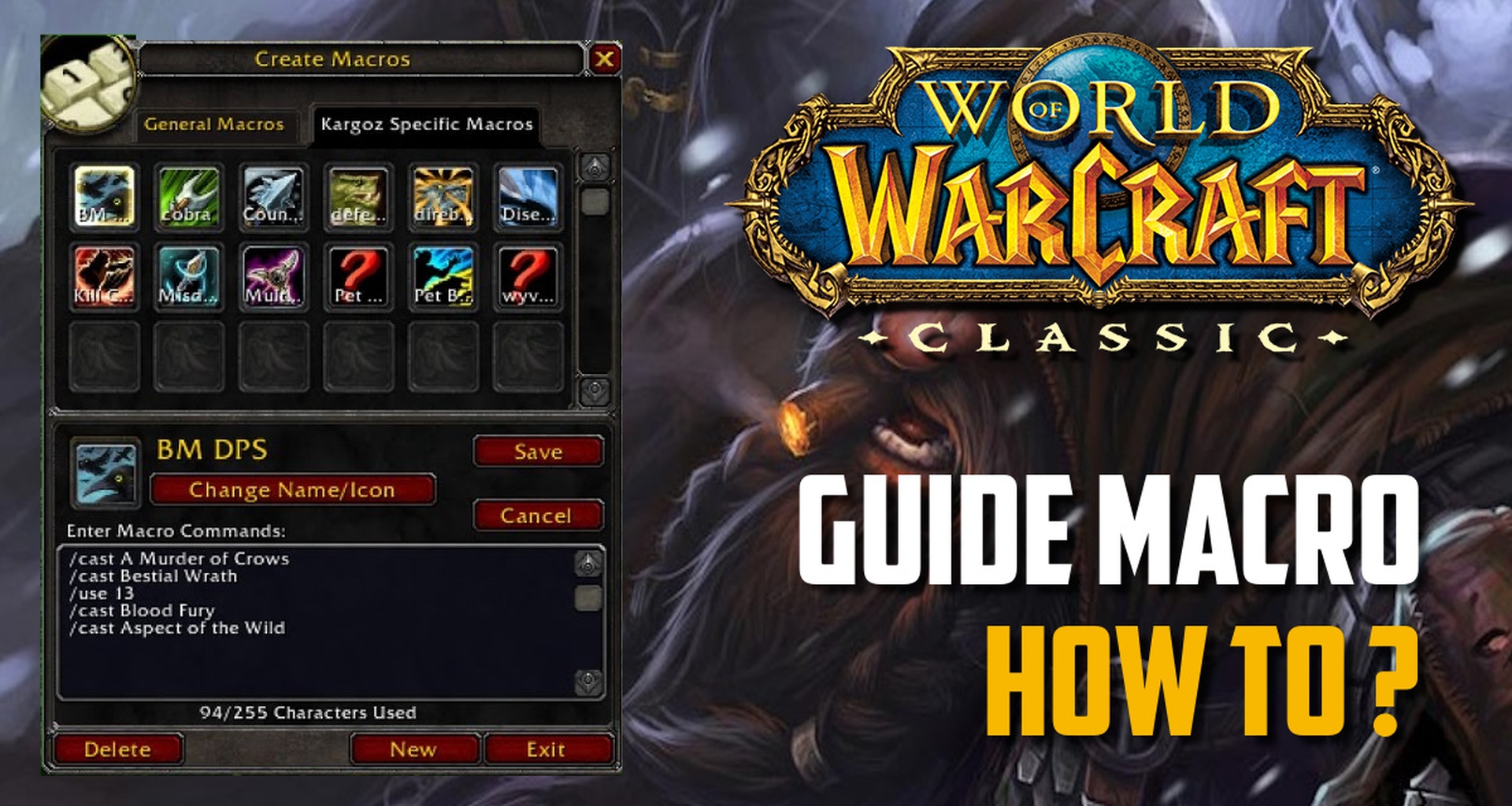
Guide How To Make Macros In WoW Classic 101

How To Print A Document From The Command Line Using LibreOffice
VBA Tricks And Tips How To Call A Macro From Another Workbook
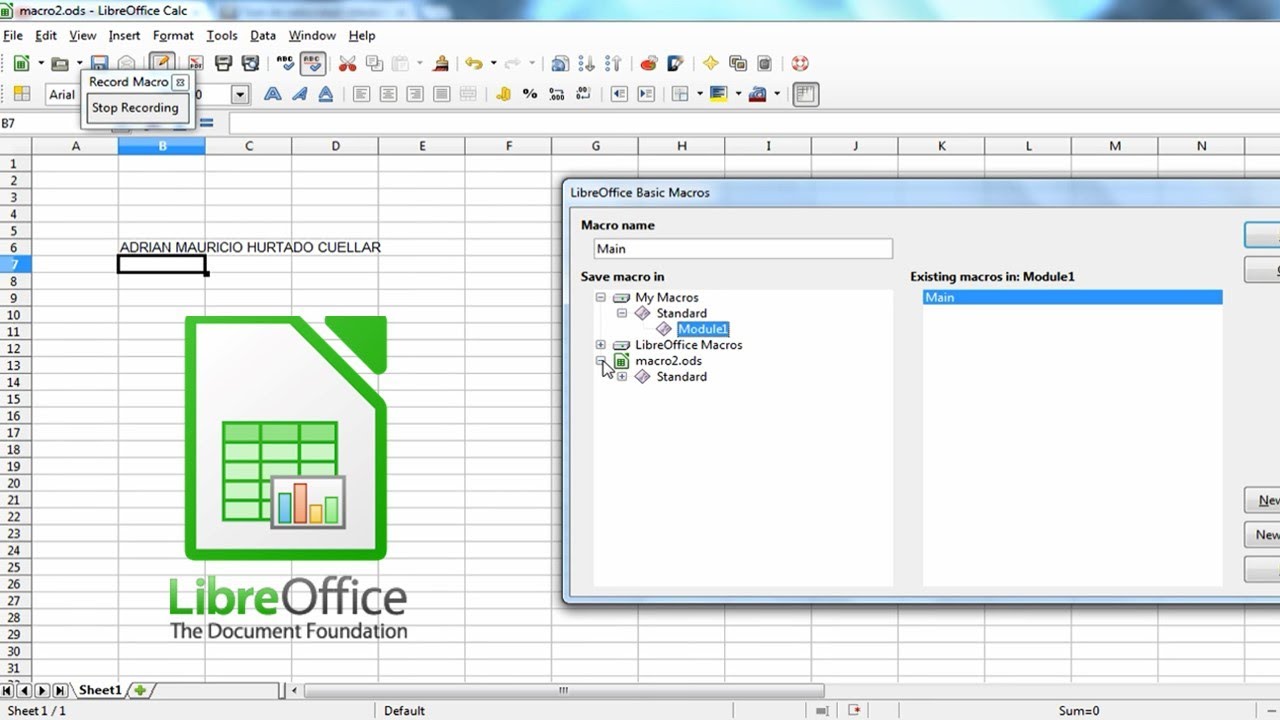
Libreoffice Calc C mo Grabar Una Macro B sica macros visualbasic

Feb 23 2022 nbsp 0183 32 I have a docker container with a GUI in which I registered my macro through LibreOffice Calc Using the GUI given by the docker container I can successfully run the
Invoking LibreOffice and running a macro via the GUI works as expected producing three HTML files one for each spreadsheet page libreoffice x ods Tools gt Macros gt Run Macros

By starting LibreOffice software from the command line you can assign various parameters with which you can influence the performance The use of command line parameters is only
Running a macro Go to Tools gt Macros gt Run Macro to open the Macro Selector dialog For example select your newly created macro EnterMyName and click Run Alternatively go to

Aug 10 2015 nbsp 0183 32 You can do it by If it is an odt file you can open it just by Some file formats can be opened by different LO applications then you need to specify which one to use If its a csv
Run Macro Selects the Basic macro to run Locate the macro by selecting the container library module and macro name Edit Macros Opens the Macro dialog where you can create edit To create a new macro in your document select the quot Standard quot module in the Macro from list and then click New To create a new module in a library of the My Macros container select the
Mar 29 2023 nbsp 0183 32 It s well known how to call LibreOffice soffice from a terminal shell It may then open a file in different modes and or run a macro However the macro doesn t get passed any