Largest Email Attachment Size Limit Attachment Size Limit In Exchange Server ALI TAJRAN Gmail Attachment Size Limit How To Send Large Files Over Email 4 What Are Some Email Marketing Best Practices Bluehost Tutorials Yahoo Mail Attachment Size Limit Tooins How To Check Set Email Attachment Size Limit In Exchange And Office Salman Ravoof October 18 2023 Whether you re delivering important documents or just sharing photos from a family vacation sending attachments should be a breeze However the Gmail attachment size limit can make this process a bit difficult Fortunately there s a way to work around this obstacle
Attachment size limit You can send up to 25 MB in attachments If you have more than one attachment they can t add up to more than 25 MB If your file is greater than 25 MB Gmail Gmail allows you to send attachments up to 25MB per email You can send multiple attachments in an email as long as they do not add up to 25MB If your attachment exceeds the 25MB limit Google
How To Check Set Email Attachment Size Limit In Exchange And Office How To Limit Email Attachment Size In Cognos PerformanceG2 Changing Email Attachment Size Limit Knowledgebase Nimbus Hosting File Attachment Size Limit In Hotmail YouTube How To Write Email With Attachment File Sample Adair Hand Increase Attachment Size Limit In Gmail For Android How To YouTube Microsoft 365 Email Attachment Size Limit MCRSQ How To Send Large Files Through Gmail Android Authority Gmail Attachment Size Limit How To Send Large Files Over Email 4
Largest Email Attachment Size Limit
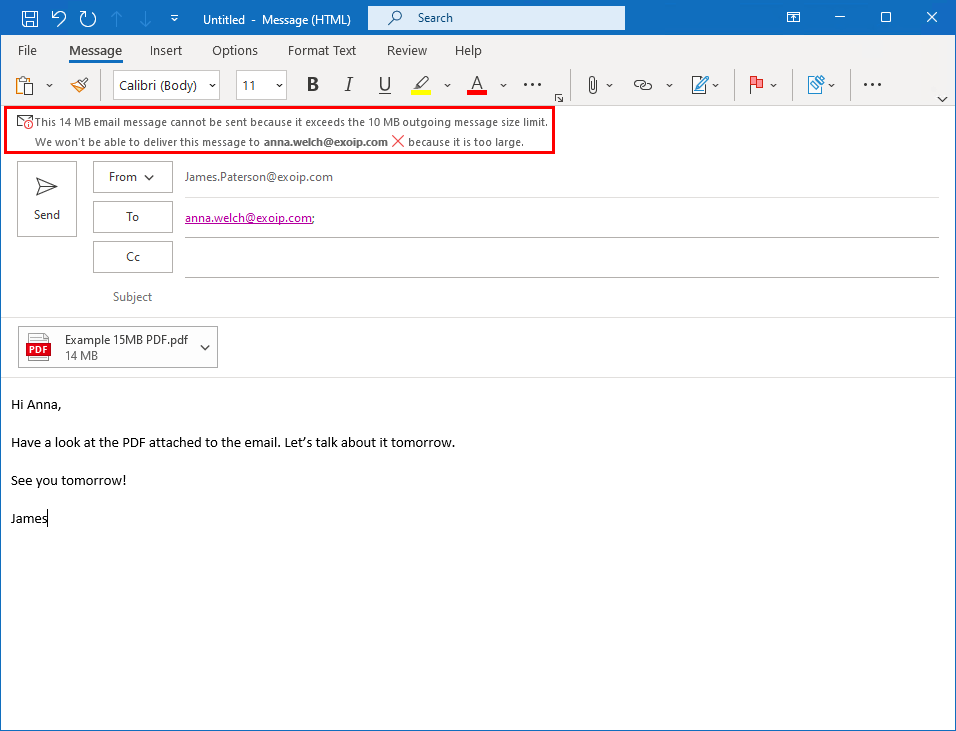 Largest Email Attachment Size Limit
https://www.alitajran.com/wp-content/uploads/2020/05/Attachment-size-limit-Exchange-Server-Outlook-notification.png
1 Google Drive Use With Gmail With Gmail you can send attachments limited to 25MB and receive files of up to 50MB If you want to send a Google Drive file that exceeds 25MB Gmail will automatically replace the attachment with a Google Drive file It makes sense to use the built in Google Drive to send big files
Templates are pre-designed files or files that can be utilized for different functions. They can conserve effort and time by supplying a ready-made format and layout for producing different type of material. Templates can be used for individual or professional projects, such as resumes, invites, leaflets, newsletters, reports, presentations, and more.
Largest Email Attachment Size Limit

Email Attachment Size Limit Exchange 2019 Emailjullla
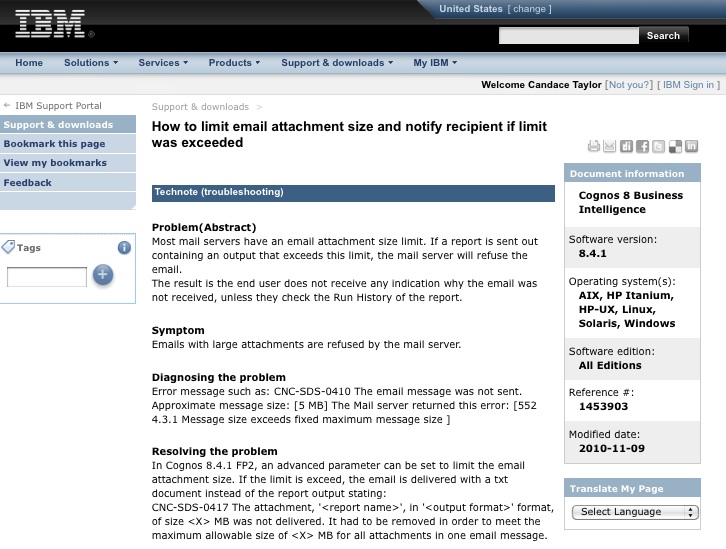
How To Limit Email Attachment Size In Cognos PerformanceG2

Changing Email Attachment Size Limit Knowledgebase Nimbus Hosting
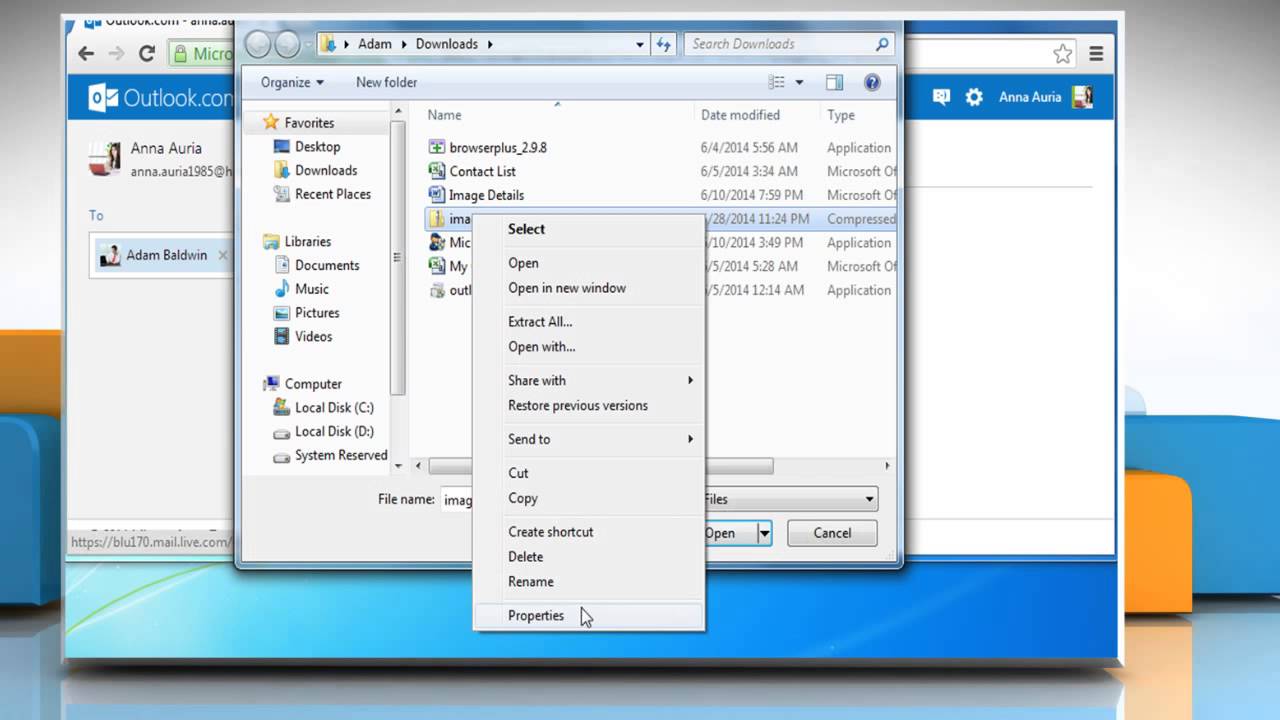
File Attachment Size Limit In Hotmail YouTube
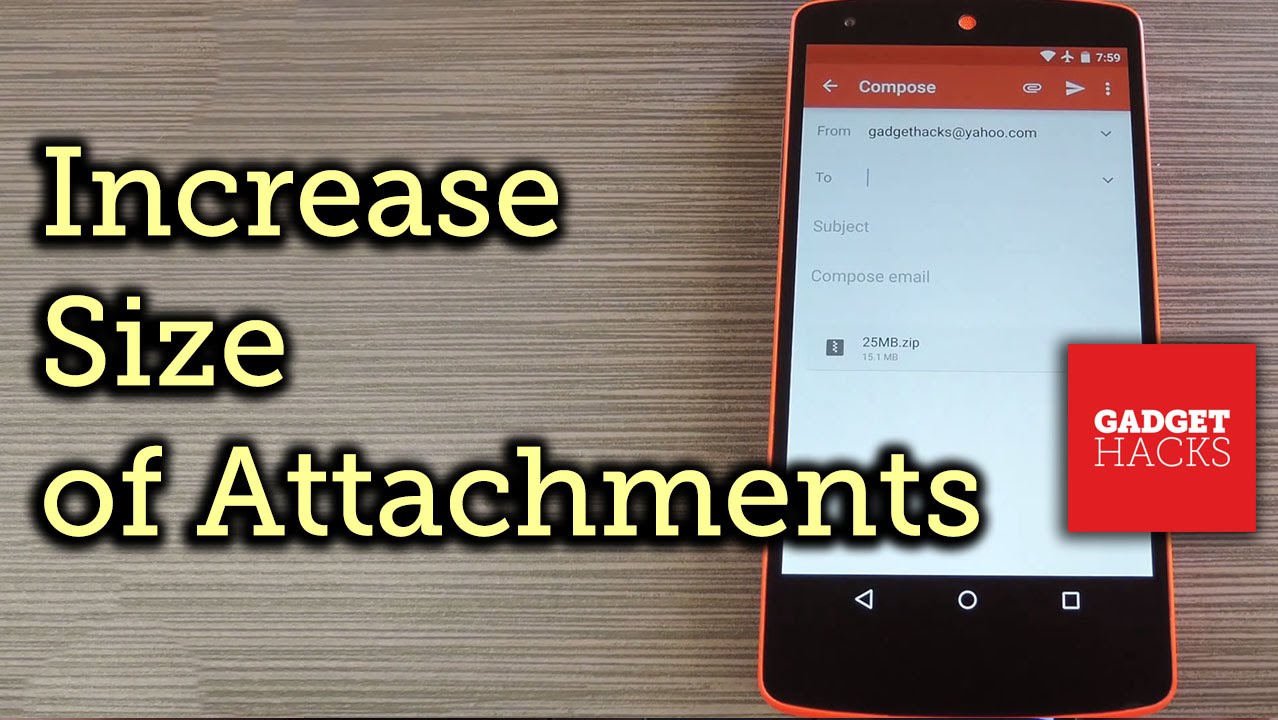
Increase Attachment Size Limit In Gmail For Android How To YouTube

Microsoft 365 Email Attachment Size Limit MCRSQ

What are the Outlook email limits The limits for Microsoft 365 subscribers are Daily recipients 5 000 Maximum recipients per message 500 Daily non relationship recipients 1 000 Notes Limits may vary based on usage history and will be lower for non subscribers A non relationship recipient is someone you ve never sent email to before
What s the Maximum Size of an Email Attachment In theory there s no limit to the amount of data you can attach to an email Email standards don t specify any sort of size limit In practice most email servers and some email clients enforce their own size limits In most cases email attachments can be up to 20 MB or so in size

The Gmail attachment size limit for incoming emails is 50 MB That means you can accept emails from other people of up to 50 MB

For those times we re pleased to announce that we ve increased the allowed maximum message size to 150 MB giving Office 365 administrators the ability to set the maximum message size of their choosing from 1 MB up to 150 MB

30 MB ESPs size limits You can see that most email clients are capable of retrieving 20 25 MB of email data It s a pretty rare situation when you need to send a mass email with large attachments But it is still possible when you send numerous booking or order confirmations for example
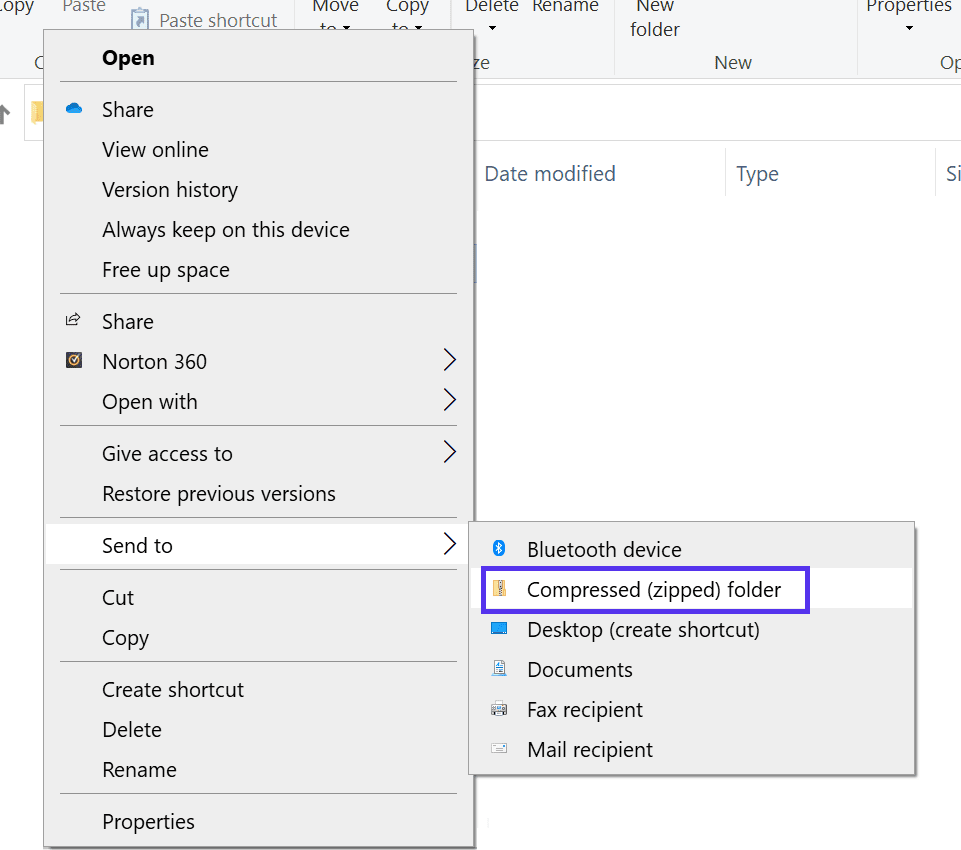
Dropbox SharePoint OneDrive Compress the file Create a ZIP file Send attachment in individual parts These are the most efficient ways to send larger email attachments through any email provider you use Typically you will want the file to be under the 25 or 20MB limit to forward it to the recipient successfully If an email server allows its users to send attachments of larger sizes they could be sent through their web application but not through the Outlook desktop or mobile client In case you are
Step 1 Create a New Message To start open Microsoft Outlook and create a new message Create a new message in Microsoft Outlook Type the text of your Outlook email message You re now ready to attach a file Step 2 Attach the File From your new message click the Attach File icon in the ribbon