Larger Csv Files New Plugin CSV Lint Notepad Community Are There Data Limits In A CSV File The Ultimate Guide To CSV Files PDQ Smart Csv Viewer How To Download A Csv File Vrogue When your account reaches its storage limit you won t be able to upload or create files in Drive send or receive emails in Gmail or back up photos or videos to Google Photos If you re over
Nov 21 2022 nbsp 0183 32 6 In the drop down menu beneath that select quot System quot 7 Click OK to close all menus 8 Launch Google Earth Pro You should see a larger font in the left panel larger icons I tried the settings clicked on all settings changed the size of font but nothing was changed It s too small to read
How To Download A Csv File Vrogue Csv Codesandbox Difference Between CSV And Excel Studytonight Importing Data From CSV Stacker Mac Csv To Ical Converter Fightberlinda Welcome To The CSV Guide Why You May Need Quotation Marks In CSV Files EasyCSV CSV Importer Tool For Your App Zapier Salesforce Or Public GitHub Via5K csv viewer CSV Viewer A Simple Web App That Allows
Larger Csv Files
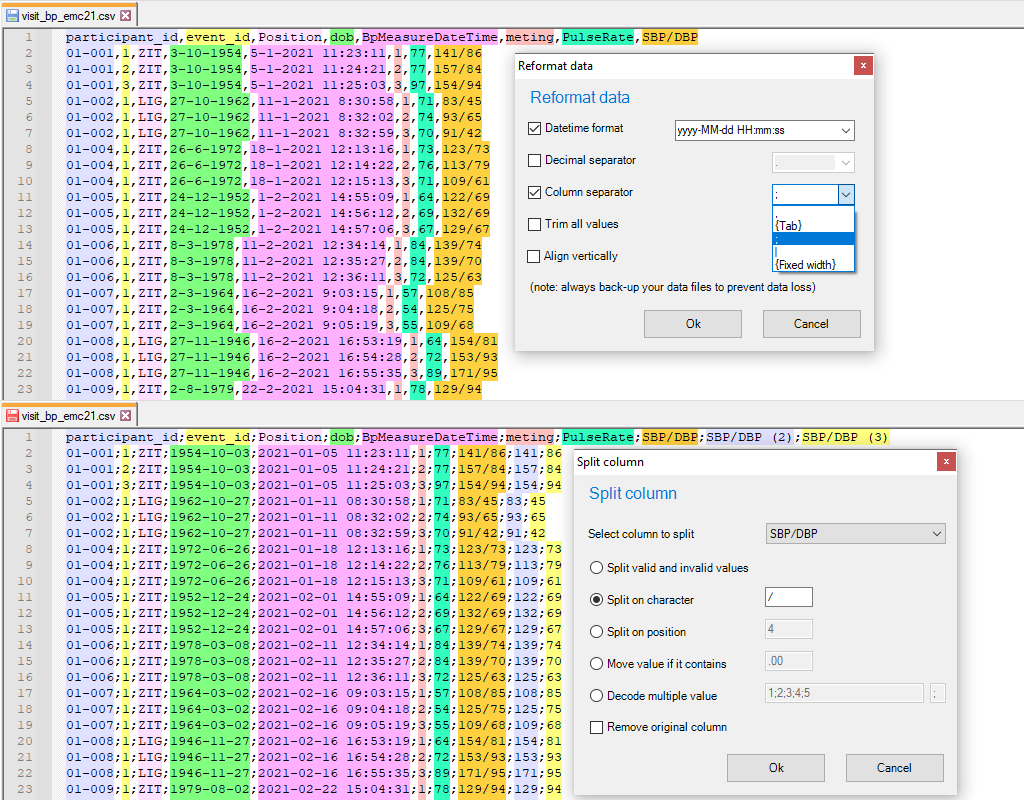 Larger Csv Files
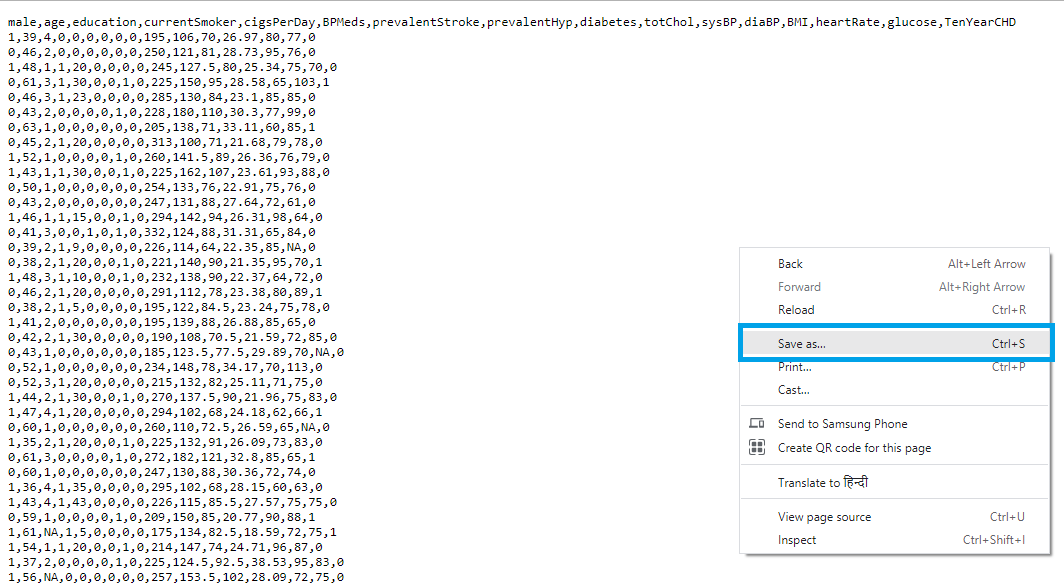
https://community.notepad-plus-plus.org/assets/uploads/files/1635401625731-csv_lint_example.png
Suddenly the display became large and rough and I could not find where to change it
Pre-crafted templates offer a time-saving service for developing a diverse series of files and files. These pre-designed formats and layouts can be used for different individual and professional tasks, consisting of resumes, invitations, flyers, newsletters, reports, presentations, and more, simplifying the material development process.
Larger Csv Files

Csvkit Sql On Csv Files Tkcyber

Csv Codesandbox

Difference Between CSV And Excel Studytonight
Importing Data From CSV Stacker
Welcome To The CSV Guide

Why You May Need Quotation Marks In CSV Files
On your computer open Chrome At the top right click More Settings Click Appearance Make the changes you want Change everything Next to quot Page zoom quot click the Down arrow Then
Mar 31 2025 nbsp 0183 32 Currently the Gemini app produces images in a square 1 1 aspect ratio meaning it does not generate images in 9 16 or 16 9 ratios automatically without further editing
You can use words or symbols called search operators to filter your Gmail search results You can also combine operators to filter your results even more Use a search operator

In the Search box type quot has attachment larger 10M quot This will find emails with attachments larger than 10 megabytes You can change 10 to find emails with different sized attachments Click
With 100 other websites has no issues It just the Gmail text is too small No issues when I open gmail on other browsers
[desc-11] [desc-12]
[desc-13]