Kill Service On Remote Computer Powershell PowerShell Remote WinRM Cannot Complete The Operation Techuisitive SOLVED How To Kill Tasks On A Remote Computer Up Running Get Process ID From A Remote Computer PowerShell Help PowerShell Forums O Que O PowerShell Do Windows Computador Tecnoblog Hot Sex Picture Get Registry On A Remote Computer In PowerShell Delft Stack System Idle Process 0 Services 0 4 K System 4 Services 0 1 880 K smss exe 528 Services 0 324 K csrss exe 668 Services 0 2 688 K wininit exe 748 Services 0 652 K csrss exe 764 Console 1 17 152 K winlogon exe 812 Console 1 2 560 K taskkill s reception1 im smss exe or taskkill s reception1 pid 528
5 Answers Sorted by 19 PSService on SysInternals is specifically for remotely controlling services psservice computer u username p password command options where query Displays the status of a service config Displays the configuration of a service setconfig Sets the start type disabled auto demand of a service And if you decided to run PowerShell from an elevated account a firewall between you and the remote computer can block the request To use the PowerShell remoting commands that are demonstrated in this chapter PowerShell remoting must be enabled on the remote computer Use the Enable PSRemoting cmdlet to enable PowerShell remoting PowerShell
Get Registry On A Remote Computer In PowerShell Delft Stack How To Install Microsoft Store Apps Via Powershell Ampeblumenau br Solved Powershell Map Unmap Network Drive On A Remote 9to5Answer How To Shutdown Remote Computers Via Powershell Action1 We re Living In A Subscriptions World Here s How To Navigate It PowerShell 7 Preview Install And Upgrade Posts By Andrii Enterinit Wallpaper Anime Girls Ice Akame Ga Kill Esdeath 1920x1080 Px Windows Powershell Tutorial Examples And Forms How To Restart SMS Agent Host Service Restart SCCM Client
Kill Service On Remote Computer Powershell
 Kill Service On Remote Computer Powershell
https://techuisitive.com/wp-content/uploads/2023/03/PowerShell_edited.jpg
Killing a process on a remote computer using PowerShell Killing a process on a local computer is easy 1 Get Process Name notepad2 Kill Or 1 Stop Process Name notepad2 Or 1 Get Process Name notepad2 Stop Process You get the idea But neither of these work on a remote computer
Templates are pre-designed files or files that can be utilized for different functions. They can save effort and time by offering a ready-made format and layout for producing various sort of content. Templates can be used for individual or expert projects, such as resumes, invites, leaflets, newsletters, reports, discussions, and more.
Kill Service On Remote Computer Powershell

A Connection Could Not Be Established Error TeamViewer Support
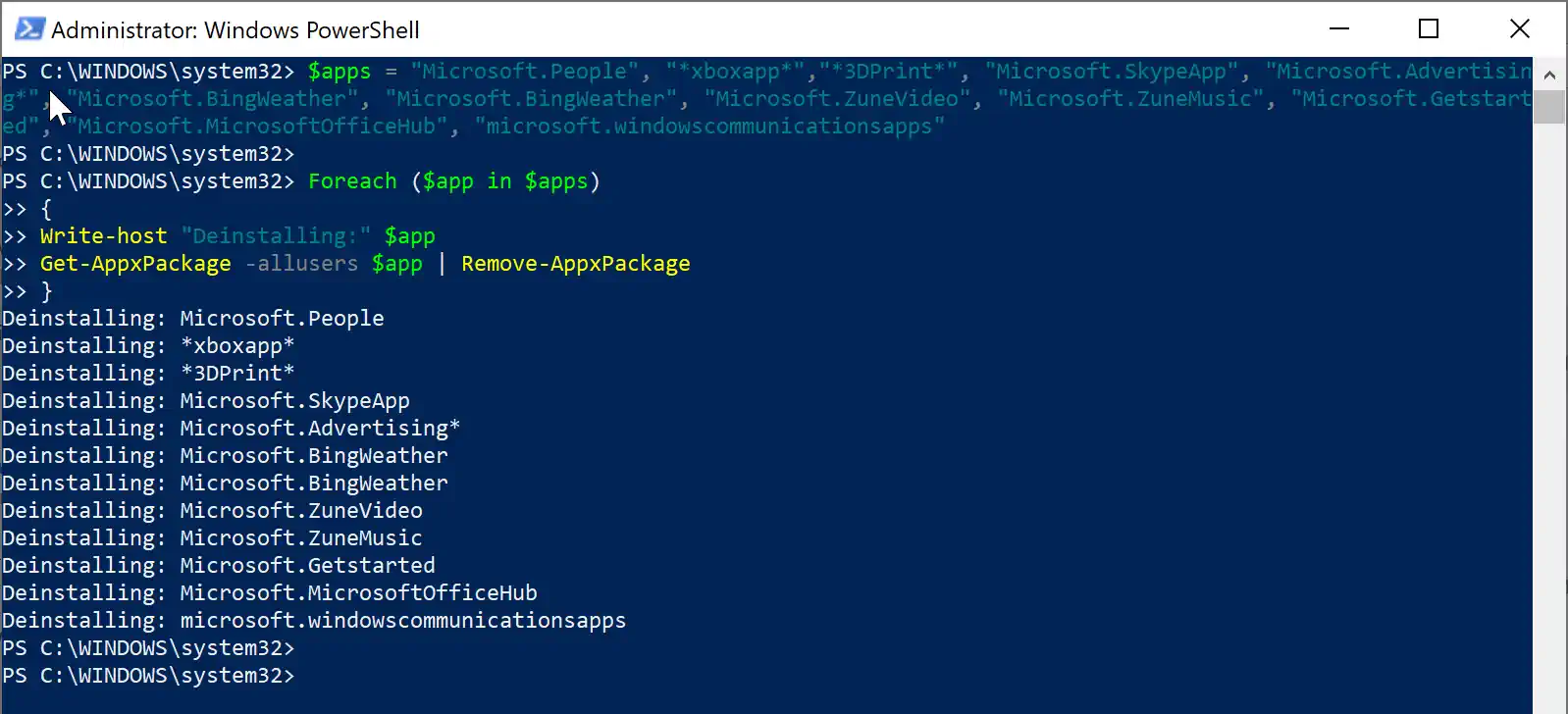
How To Install Microsoft Store Apps Via Powershell Ampeblumenau br

Solved Powershell Map Unmap Network Drive On A Remote 9to5Answer
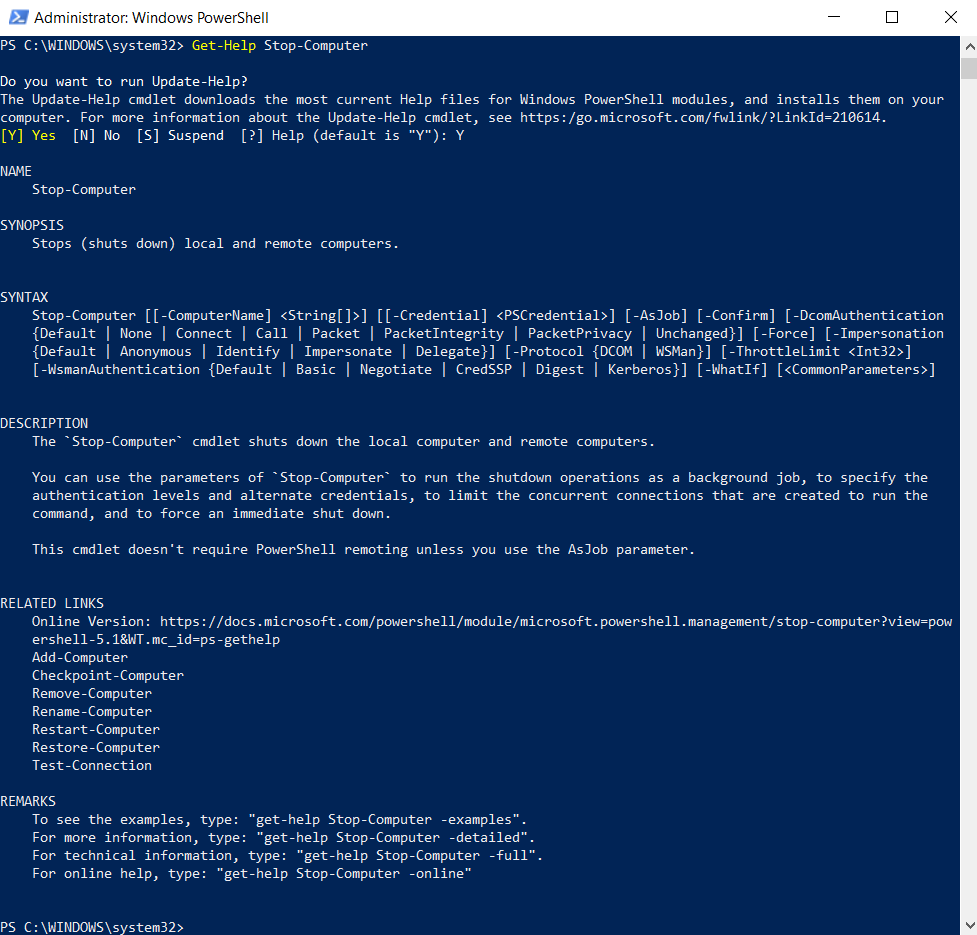
How To Shutdown Remote Computers Via Powershell Action1

PowerShell 7 Preview Install And Upgrade Posts By Andrii Enterinit

Wallpaper Anime Girls Ice Akame Ga Kill Esdeath 1920x1080 Px
The answer is that it helps you to get granular information about processes you are querying such as process creation time the owner of a given process with which account it is started command line information about the process the title of the application and much more Below are a few example code snippets Process creation time

Killing a Remote Windows Process with PowerShell Conclusion Perhaps you re working happily on a remote Windows server then find a process that runs awry using up valuable CPU cycles What do you do Kill it In this tutorial you will learn how to kill a Windows process using native utilities third party utilities and PowerShell

Example 1 Stop a service on the local computer PowerShell PS C Stop Service Name sysmonlog This command stops the Performance Logs and Alerts SysmonLog service on the local computer Example 2 Stop a service by using the display name PowerShell PS C Get Service DisplayName telnet Stop Service
You do need to be in the administrators group on the remote PC either by virtual of your domain membership and roles or defined locally you do not need more access than local admin to kill processes It is possible to connect to a system as the SYSTEM account with psexec s Frank Thomas Dec 8 2015 at 15 10 Add a comment 2 Answers Sorted by

The Set Service cmdlet also has a StartupType parameter that lets you change the service startup type To use Set Service on Windows Vista and later versions of Windows open PowerShell with the Run as administrator option PowerShell provides several cmdlets that help manage services on local and remote computers
The easiest way to stop a stuck service is to use the built in taskkill command line tool First of all you need to find the PID process identifier of the service As an example let s take the Windows Update service Its system name is wuauserv you can check the name in the service properties in the services msc console Take servers list from a text file and restart a service on them Get Content c scripts servers txt Restart Service ServiceName dnscache This is the output of the command above PowerShell Restart a remote service For safety try the script in a lab environment before you run it in production
Script Name Kill service ps1 Description Kills a Service Stucked in Starting or Stopping in a remote or local Computer Inputs Remote or Local computer and service that is Stucked Outputs The result