Kill Process Using Port How To Kill Process Using Port In Windows Infinitbility How To Kill Process Using Port In Windows Infinitbility Kill Process Running On Port 8080 On Windows YouTube Kill Process Using Port 8000 How To Kill Process Using Port In Windows Infinitbility Web May 15 2021 nbsp 0183 32 In this tutorial we ve addressed several ways to kill a process using a specific port First we ve used the fuser command Finally we ve searched for the PID of a process by looking at the port and protocol and then terminate the associated process with the kill command
Web Oct 4 2022 nbsp 0183 32 How to Kill a Linux Process by Port Number Killing Processes Occasionally a Linux process can become unresponsive It may stop operating correctly or it might Creating Connections With socat So that we have some connections to kill we ll use socat to create network connections Using Kill Web May 9 2017 nbsp 0183 32 7 Answers Sorted by 157 The problem with ps efl grep PORT NUMBER is that PORT NUMBER may match other columns in the output of ps as well date time pid A potential killing spree if run by root I would do this instead PORT NUMBER 1234 lsof i tcp PORT NUMBER awk NR 1 print 2 xargs kill Breakdown of command
How To Kill Process Using Port In Windows Infinitbility How To Find And Kill Process On A Port In Windows 10 Windows Bulletin Best Web Design Singapore Jasys Technologies Best Website Design How To Find Which Process program Using The Port In Windows Mac And How To Kill Process Based On The Port Number In Linux Linux Tutorials Kill Process On Port 8080 In Windows OS How To Kill Process By Port Linux Tutorials Learn Linux Configuration Incorrect Spacing When Confirming To Kill Process Issue 304 Stsdc How To End Process On Windows 10 Pureinfotech
Kill Process Using Port
 Kill Process Using Port
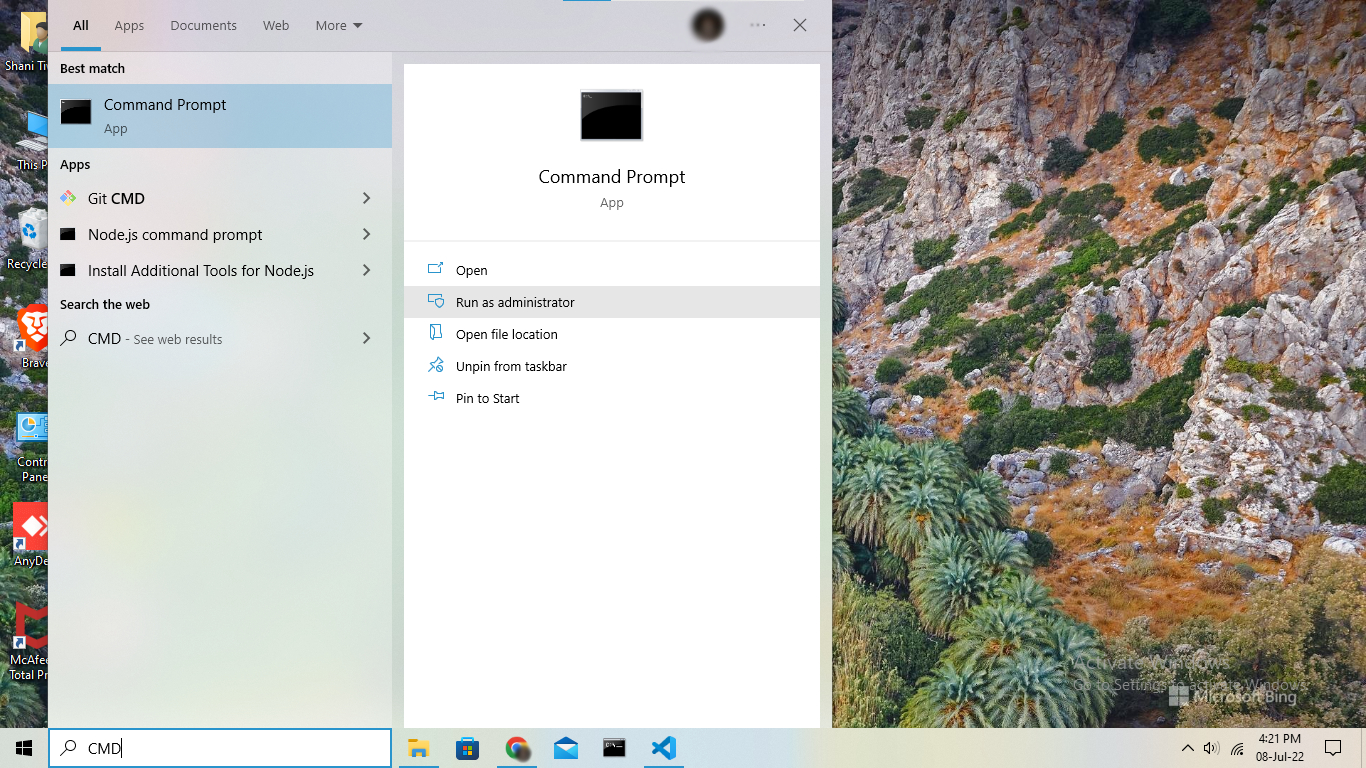
https://infinitbility.com/how-to-kill-process-using-port-in-windows/images/cmd-run-as-a-administrator.jpg
Web Jan 10 2023 nbsp 0183 32 The fuser command combined with the k kill option will end all associated processes that are listening on a TCP or UDP port Simply provide the port number and type TCP or UDP in the fuser command For instance to end a process on UDP port 81 use the fuser command as sudo fuser k 81 udp
Pre-crafted templates use a time-saving service for creating a diverse series of files and files. These pre-designed formats and layouts can be used for different individual and professional projects, consisting of resumes, invites, leaflets, newsletters, reports, presentations, and more, simplifying the content creation process.
Kill Process Using Port
Kill all node processes Guardben
How To Find And Kill Process On A Port In Windows 10 Windows Bulletin

Best Web Design Singapore Jasys Technologies Best Website Design

How To Find Which Process program Using The Port In Windows Mac And

Kill Process On Port 8080 In Windows OS

How To Kill Process By Port Linux Tutorials Learn Linux Configuration

Web Jul 20 2012 nbsp 0183 32 If you want to kill a process running on port number 8080 then first you need to find the 8080 port process identification number PID and then kill it Run the following command to find 8080 port number PID sudo lsof t i 8080 Here sudo command to ask admin privilege user id and password

Web Mar 10 2023 nbsp 0183 32 Kill Process on Port in Mac and Linux Open the terminal and make sure you are signed in as the root user opening the terminal List the processes that are listening on a specific port by typing in the following command and executing it lsof i In order to terminate any process that is using the

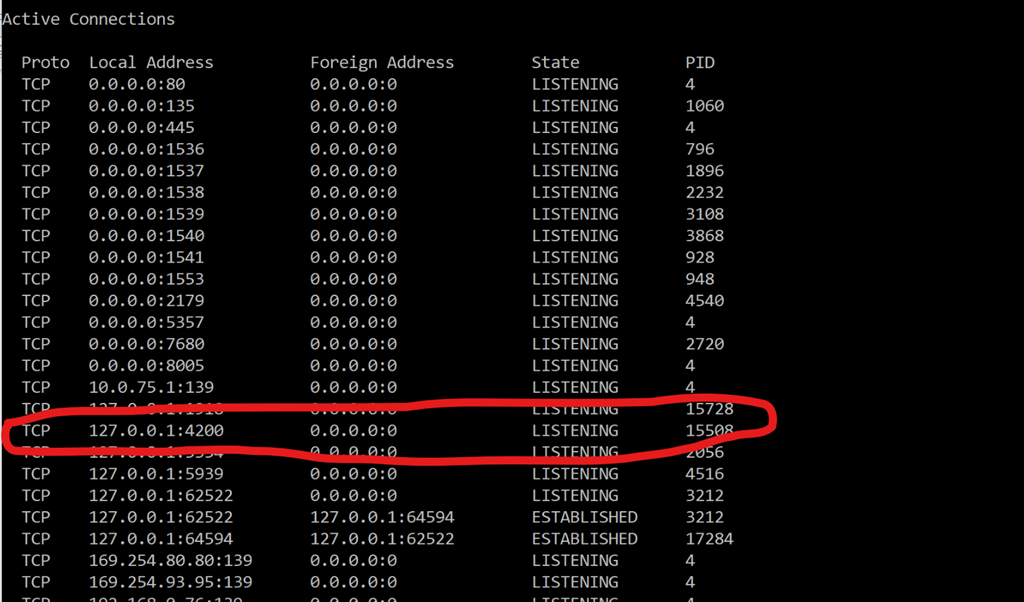
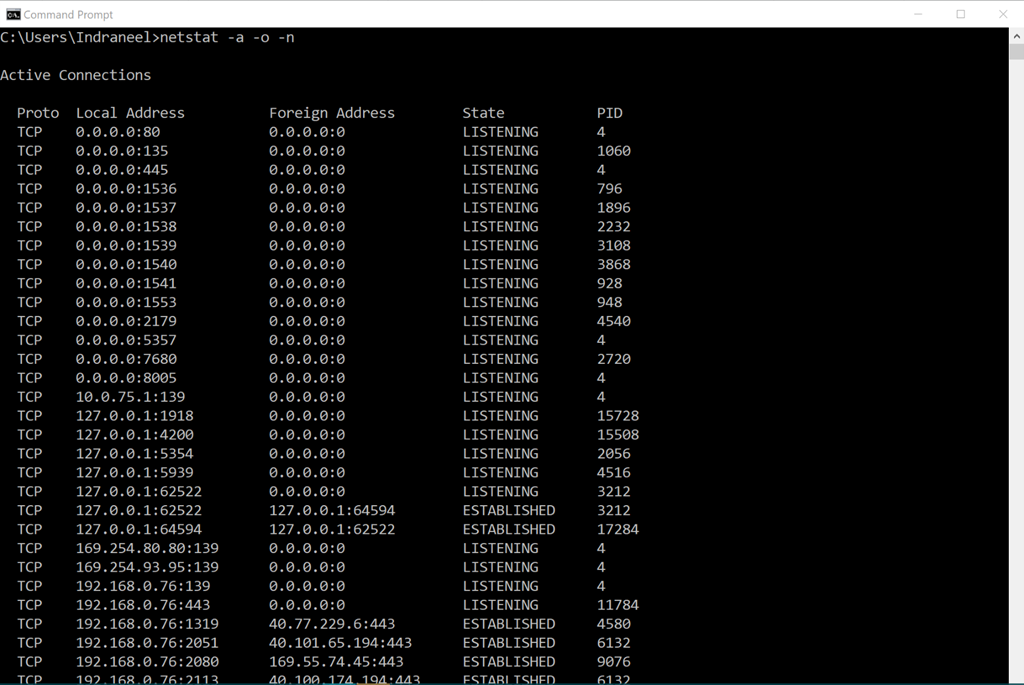
Web Normally the steps are as below Find the PID by looking at the ports example port 8084 List the processes running on ports netstat a o n And then kill the process on that port with the following command taskkill F PID lt pid gt

Web Jun 14 2023 nbsp 0183 32 Killing a process using a port in Linux involves finding the PID of the process using the lsof command and then using the kill or killall command to terminate the process This can be a useful tool for freeing up resources and troubleshooting unresponsive processes

Web 3 Answers Sorted by 58 You can try fuser fuser k 4990 tcp Or using lsof to get the process id then feed to kill kill sudo lsof t i 4990 Share Improve this answer Follow
[desc-11] [desc-12]
[desc-13]