Kill All Process On Port 80 BUG Not Changing Bind Port Issue 2552 Bitfocus companion GitHub How To Find And Kill Process On A Port In Windows 10 Windows Bulletin Windows 10 IIS On Port 80 System And Compressed Memory YouTube Difference Between Port 80 And Port 8080 Linux Kill Process How to s Tutorials Community Support WEB Aug 22 2022 nbsp 0183 32 For processes listening on a TCP or UDP port the fuser command along with the k kill option will terminate the related processes for you Just specify the port type TCP or UDP and the port number in your command For example this would terminate processes utilizing TCP port 80 fuser k 8080 tcp
WEB Jul 8 2024 nbsp 0183 32 This step by step guide is designed to help beginners understand how to identify and terminate these processes with simple clear instructions We ll walk you through the process of finding the port number identifying the process using that port and safely stopping the process WEB Mar 18 2024 nbsp 0183 32 In this tutorial we ve addressed several ways to kill a process using a specific port First we ve used the fuser command Finally we ve searched for the PID of a process by looking at the port and protocol and then terminate the associated process with the kill command
Linux Kill Process How to s Tutorials Community Support Netcat Is Listening On Infosec Port 80 IFunny TurnKey Docker Port 80 Stock On The Init Page TurnKey GNU Linux Kill All Process Attack Download Scientific Diagram Docker Reverse Proxy Using Traefik Accesto Blog How To Kill Process Based On The Port Number In Linux Linux Tutorials How To Allow Ports Through Firewall How To Kill A Process On A Port On Windows 11 Technipages Using My Own Domain For CVAT Beyond Localhost Issue 3526 Opencv
Kill All Process On Port 80
 Kill All Process On Port 80
https://user-images.githubusercontent.com/111146190/261022991-5ffbb0e1-9300-4c87-a0a4-75716e147a63.png
WEB Jun 14 2023 nbsp 0183 32 Killing a process using a port in Linux involves finding the PID of the process using the lsof command and then using the kill or killall command to terminate the process This can be a useful tool for freeing up resources and troubleshooting unresponsive processes
Pre-crafted templates use a time-saving solution for creating a diverse series of files and files. These pre-designed formats and designs can be made use of for different individual and expert tasks, consisting of resumes, invites, leaflets, newsletters, reports, discussions, and more, streamlining the material production process.
Kill All Process On Port 80

Find And Kill Process On Port MacOS Tuts Make

Netcat Is Listening On Infosec Port 80 IFunny
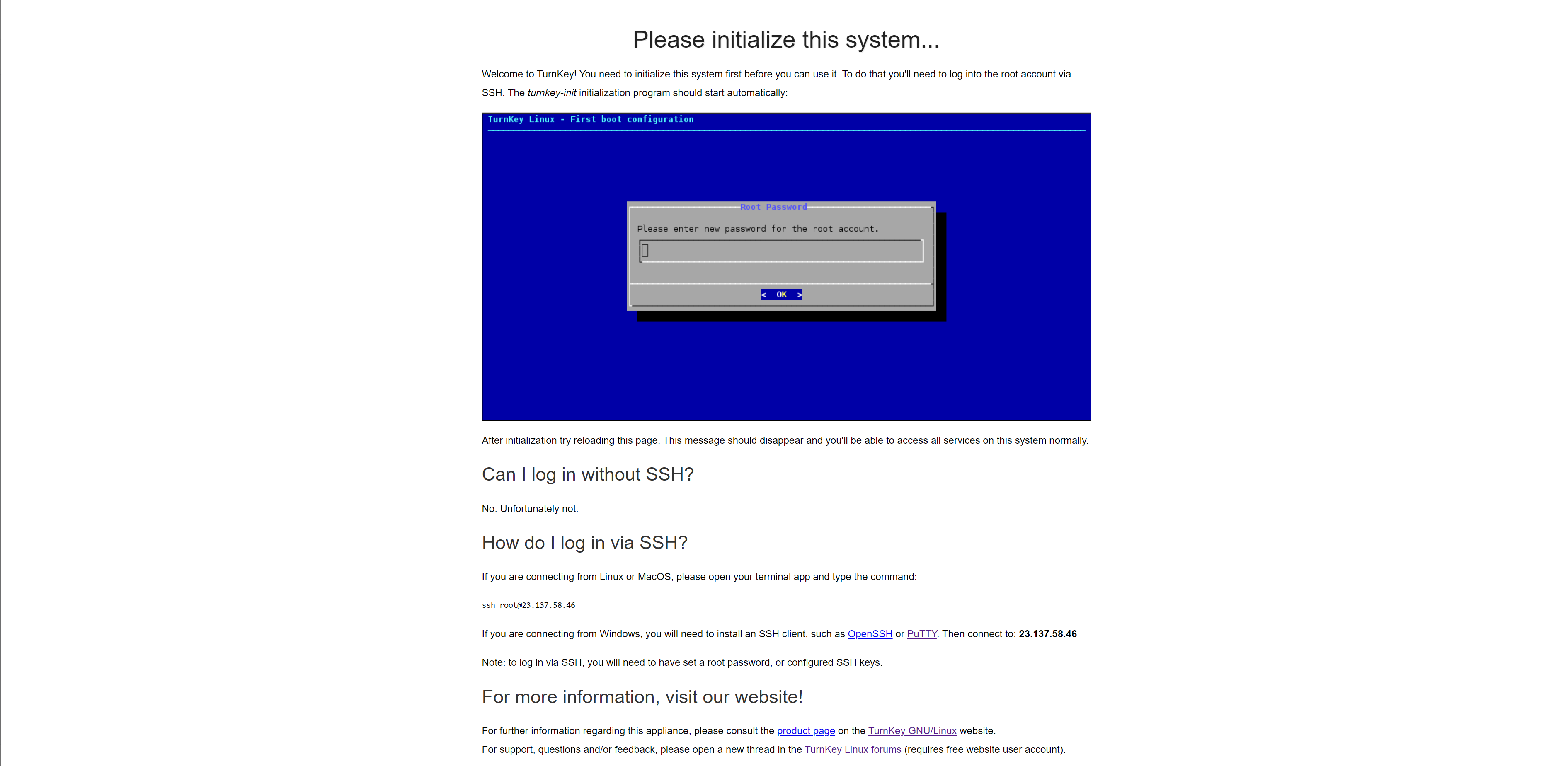
TurnKey Docker Port 80 Stock On The Init Page TurnKey GNU Linux

Kill All Process Attack Download Scientific Diagram

How To Kill Process Based On The Port Number In Linux Linux Tutorials

How To Allow Ports Through Firewall
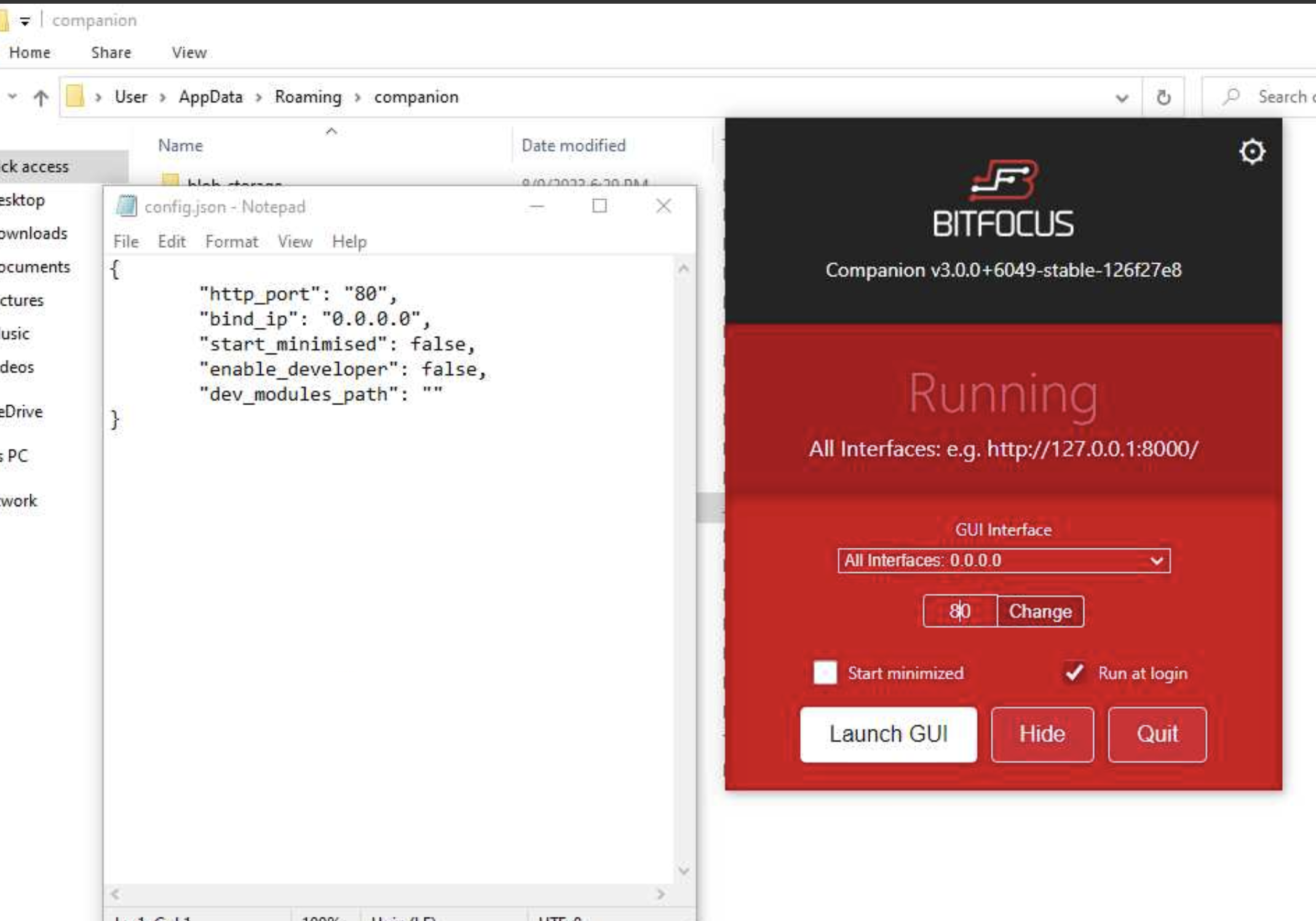
WEB Jul 20 2012 nbsp 0183 32 If you want to kill a process running on port number 8080 then first you need to find the 8080 port process identification number PID and then kill it Run the following command to find 8080 port number PID sudo lsof t i 8080 Here sudo command to ask admin privilege user id and password

WEB Feb 19 2012 nbsp 0183 32 To kill a process running on Port number 9001 sudo kill 9 sudo lsof t i 9001 lsof list of files Also used for to list related processes t show only process ID i show only internet connections related process 9001

WEB May 30 2023 nbsp 0183 32 For processes listening on a TCP or UDP port the fuser command along with the k kill option will terminate the related processes for you Just specify the port type TCP or UDP and the port number in your command For example this would terminate processes utilizing TCP port 80 fuser k 8080 tcp

WEB The fuser command combined with the k kill option will end all associated processes that are listening on a TCP or UDP port Simply provide the port number and type TCP or UDP in the fuser command For instance to end a process on UDP port 81 use the fuser command as sudo fuser k 81 udp
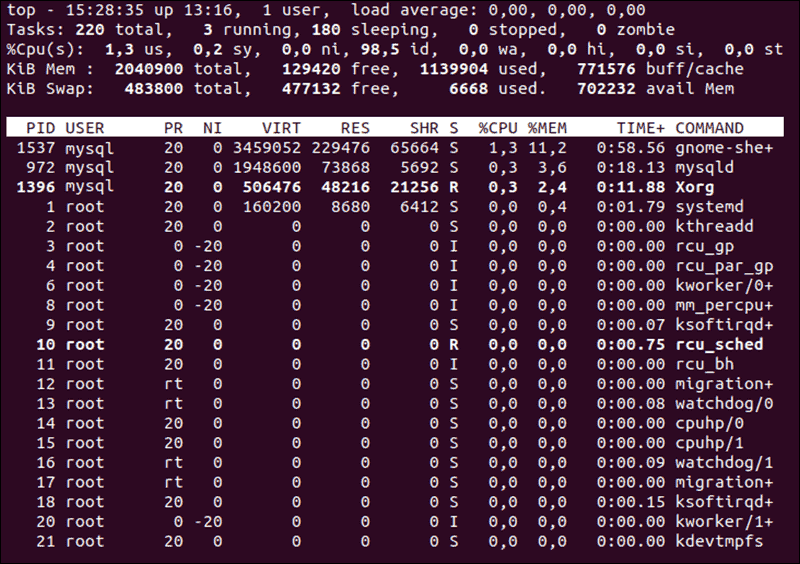
WEB If you want to kill any service or process running on port number 8080 then first you need to find the 8080 port process identification number PID and then kill it Run the following command to find 8080 port number PID
WEB Dec 2 2015 nbsp 0183 32 We can create a function to get the pid like this portpid fstat grep quot 1 quot awk print 3 portpid 8080 17454 Then we can kill a process listening on port 8080 like this kill portpid 8080 1 Terminated nc l 8080 WEB Jun 6 2024 nbsp 0183 32 Killing a process running on a particular port in Linux can be accomplished using a few methods One common approach is to use the fuser command line utility The fuser file user command in Linux is a powerful utility that helps identify processes using specific files sockets or file systems
WEB Dec 28 2023 nbsp 0183 32 Way 1 Graceful process Termination with Kill Way 2 Forceful Termination with kill Way 3 pkill Command Way 4 fuser Command Way 5 Using killall Identifying the Process using Top Netstat or lsof