Keyboard Command For Up Arrow What Is Mac Command For Center Text Lanesos How To Type Down Arrow On Keyboard YouTube Pc Keyboard Mac Command Key Holosercraze Command N And Other Incredibly Useful Mac Keyboard Shortcuts I Use Mac Keyboard Command For Bullet Point Lasopapromo WEB ALT Codes for Arrow Symbols Welcome to Useful Shortcuts THE Alt Code resource If you are already familiar with using alt codes simply select the alt code category you need from the table below If you need help using alt codes find and note down the alt code you need then visit our instructions for using alt codes page
WEB I will however show you the arrow alt code shortcuts that will help you to type arrows anywhere on Windows including Word Excel PowerPoint MS Word Shortcut The easiest way to get the arrow symbol in Word is to type gt WEB Jan 7 2023 nbsp 0183 32 ALT key shortcuts for Windows to insert Trademark Copyright and other symbols with Keyboard in Microsoft Word PowerPoint amp Excel
Mac Keyboard Command For Bullet Point Lasopapromo MacOS Keyboard Shortcut Symbolized By Underlined Down Arrow Ask Different Up Arrow Symbol Keyboard Shortcut Mac Fanclubsel Vector Sign Of The Up Arrow Symbol Is Isolated On A White Background Command Button Computer Keyboard Keyboard Electronic Products Keyboard Command For Check Mark Mac Google Sheets Ginvisual Keyboard Command For Screenshot Mac Tsmoz Function Keys On Laptop Yahoo Image Search Results Mac Ic keyboard arrow up System Driving School
Keyboard Command For Up Arrow
 Keyboard Command For Up Arrow
https://hips.hearstapps.com/amv-prod-gp.s3.amazonaws.com/gearpatrol/wp-content/uploads/2020/04/FD-Command-Key-Gear-Patrol-Lead-Full.jpg
WEB Mar 25 2023 nbsp 0183 32 When using Microsoft Word on a PC using keyboard shortcuts is the fastest way to insert the arrow symbol First hold down the Alt key For a left facing arrow type the number 27 A right arrow can be inserted by typing the number 26 Type the number 24 for an up arrow or 25 for a down arrow
Templates are pre-designed files or files that can be used for different purposes. They can conserve time and effort by providing a ready-made format and layout for creating various sort of material. Templates can be used for individual or professional tasks, such as resumes, invitations, leaflets, newsletters, reports, discussions, and more.
Keyboard Command For Up Arrow
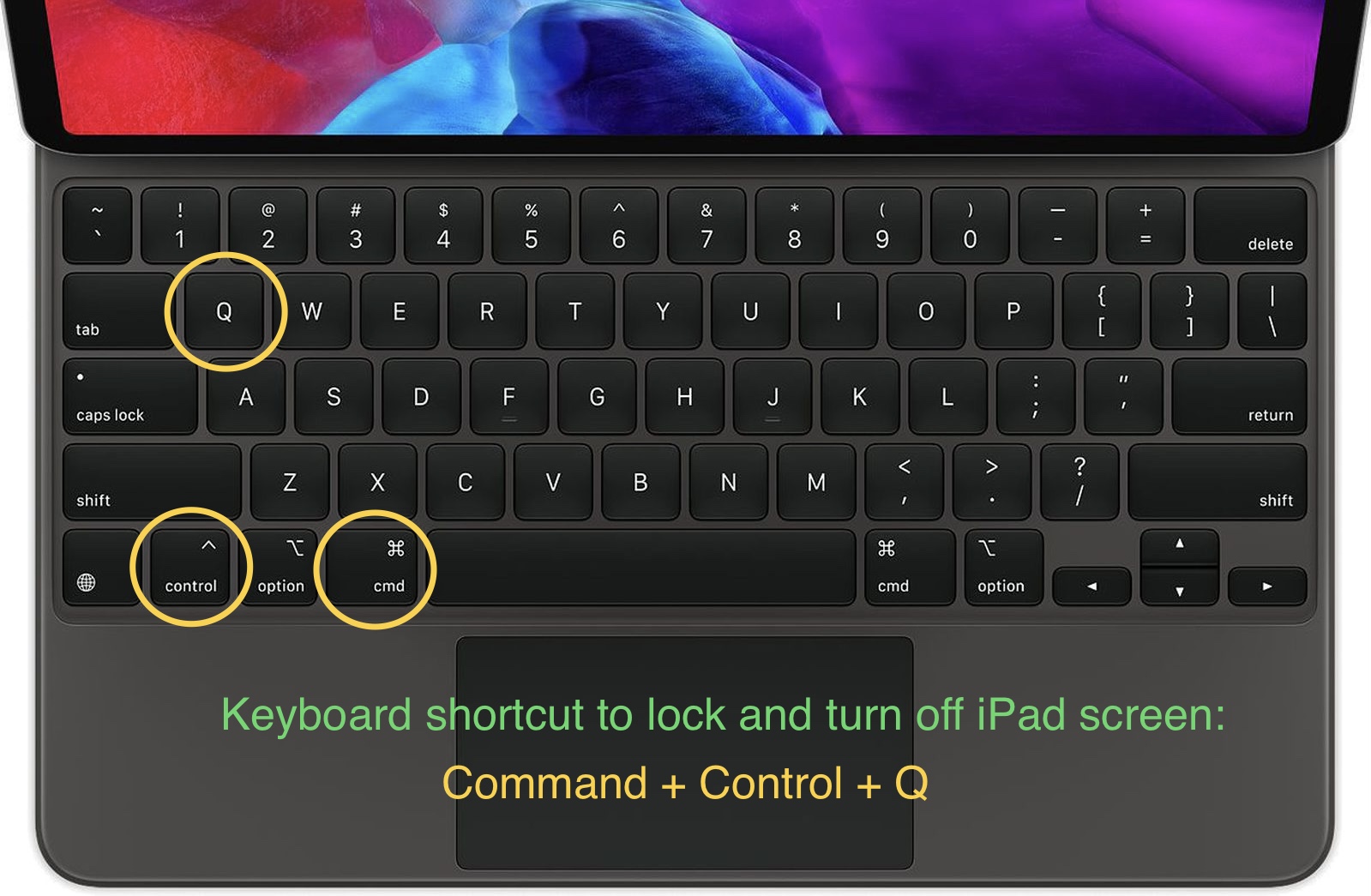
Keyboard Shortcut To Lock And Turn Off IPad Screen
MacOS Keyboard Shortcut Symbolized By Underlined Down Arrow Ask Different

Up Arrow Symbol Keyboard Shortcut Mac Fanclubsel

Vector Sign Of The Up Arrow Symbol Is Isolated On A White Background

Keyboard Command For Check Mark Mac Google Sheets Ginvisual

Keyboard Command For Screenshot Mac Tsmoz
WEB May 3 2022 nbsp 0183 32 Using the alt code shortcut you can type any Arrow symbol on any Windows or Mac keyboard To do this press down the Alt key and type the Arrow Alt Code i e 23 for 24 for 25 for 26 for 27 for 29 for using the numeric keypad then release the alt key

WEB Make the arrows with keyboard shortcuts under Windows Make the quot left quot arrow Alt 2 7 Make the quot right quot arrow Alt 2 6 Make the quot down quot arrow Alt 2 5 Make the quot up quot arrow Alt 2 4

WEB Arrow symbols alt codes and unicode html arrows including down arrow up arrow right arrow left arrow symbol codes learn how to make an arrow icon

WEB How to easily type Arrow Symbols using Windows Alt code keyboard shortcuts Or click any arrow symbol copy and paste
WEB Aug 28 2020 nbsp 0183 32 To type the Up Arrow Symbol anywhere on your PC or Laptop keyboard like in Microsoft Word or Excel simply press down the Alt key and type 24 using the numeric keypad on the right side of your keyboard For Mac users to get the Upward arrow symbol first press Control Command Spacebar to bring up the Character
WEB Jan 12 2010 nbsp 0183 32 The character which looks like an inverted V is known as caret It s also known as a hat control or uparrow It s Shift 6 on my UK keyboard and I think it s the same for US layouts as well so you could try Ctrl Shift 6 WEB Jan 17 2014 nbsp 0183 32 It s a three step method that can be performed without leaving the keyboard Both in OneNote 2013 and Word 2013 the equation mode can be started with Alt In there you can write arrows with a code word like rightarrow leftarrow or uparrow
WEB Jan 9 2023 nbsp 0183 32 Command Control Spacebar shortcut to open the Character Viewer Search for Upwards arrow or just upw and the Viewer should find the symbol you need Despite the name Character Viewer the Apple system tool will also insert characters into any program including Office for Mac