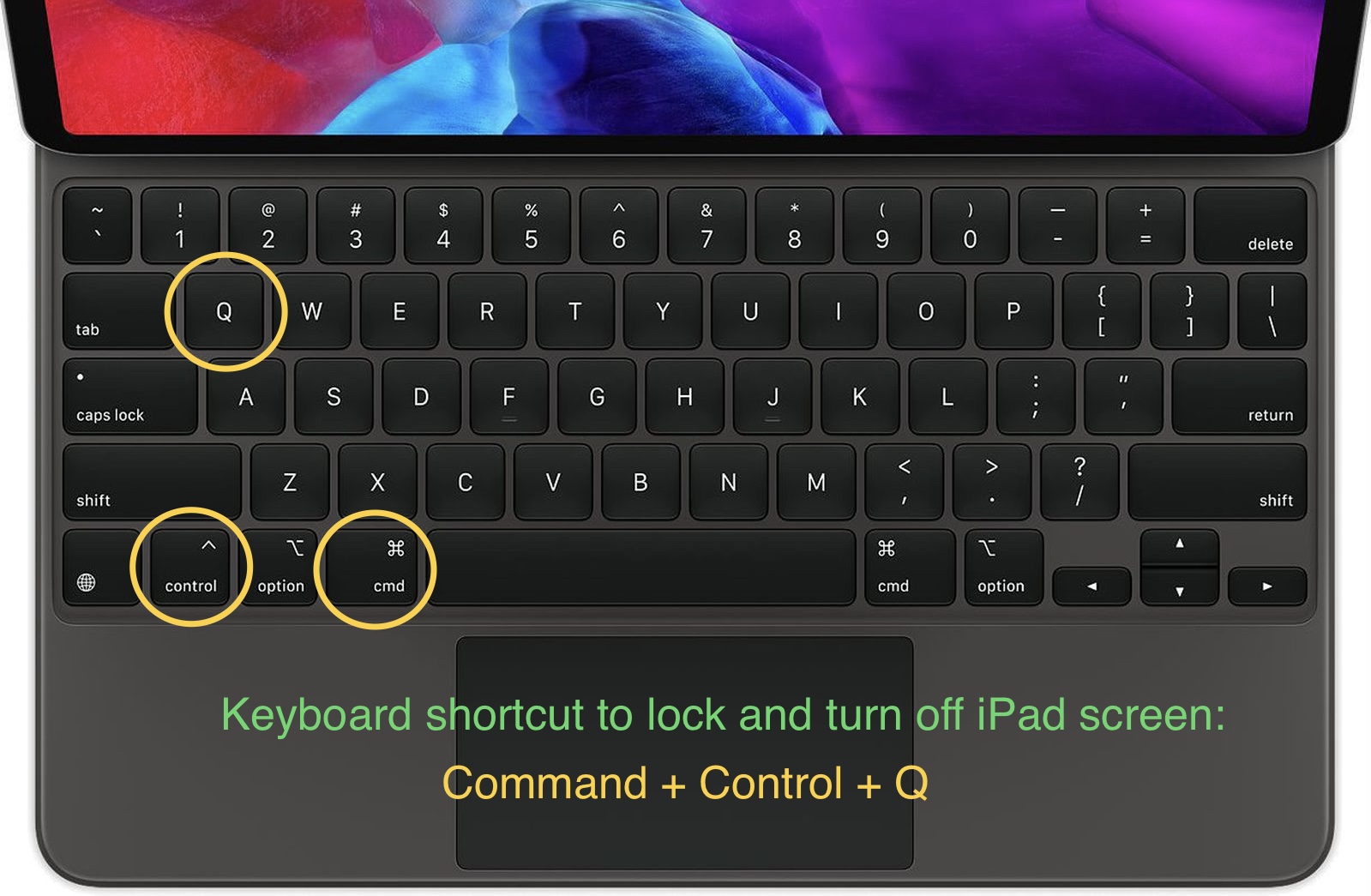
Keyboard Command For Right Arrow What Is Mac Command For Center Text Lanesos Pc Keyboard Mac Command Key Holosercraze Command N And Other Incredibly Useful Mac Keyboard Shortcuts I Use Mac Keyboard Command For Bullet Point Lasopapromo Keyboard Shortcut To Lock And Turn Off IPad Screen Oct 28 2021 nbsp 0183 32 The Windows On Screen Keyboard can show your keyboard layout and is also a means for entering keys via the mouse See the Microsoft article Use the On Screen Keyboard
Sep 27 2020 nbsp 0183 32 After having added a second keyboard layout to Windows I wanted to turn off its hotkeys to switch between them like Left Alt Shift and Ctrl Shift I knew about the Text Jun 16 2011 nbsp 0183 32 I m looking for a keyboard shortcut that will duplicate the functionality available by double clicking the quot handle quot in the bottom right corner of a cell Is there something that can do
Keyboard Shortcut To Lock And Turn Off IPad Screen Where Is The Command Button On A Keyboard Explained Command Key On Keyboard Windows Hackanons Function Keys On Laptop Yahoo Image Search Results Mac Command Button Computer Keyboard Keyboard Electronic Products Keyboard Command For Check Mark Mac Google Sheets Ginvisual Java How To Get Left And Right Arrow Keys On Android Keyboard COMMAND V PASTE Keyboard Mac Keyboard Shortcuts Mac Keyboard Shortcuts To Streamline Your Workflow Indos Computer Services
Keyboard Command For Right Arrow
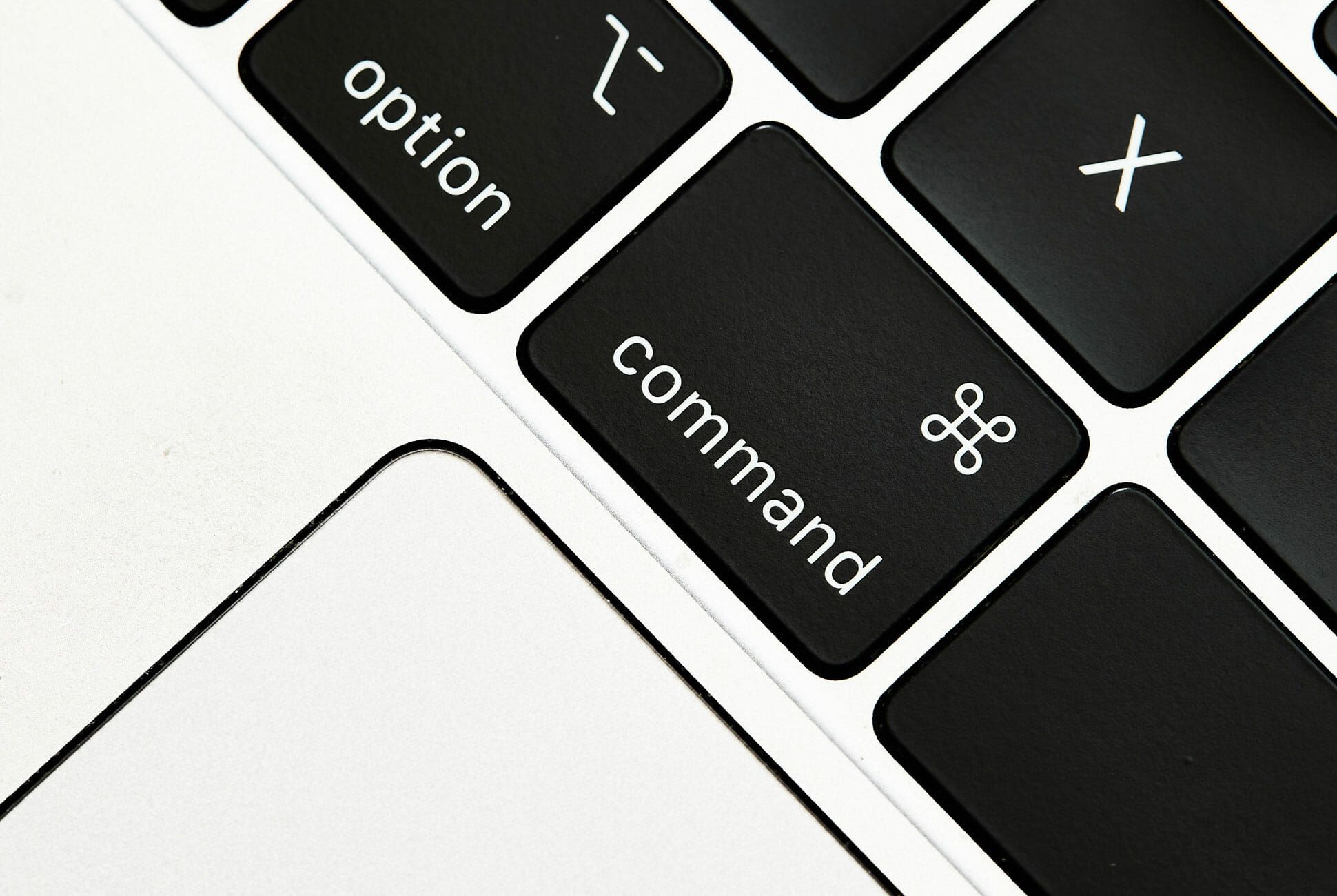 Keyboard Command For Right Arrow
https://hips.hearstapps.com/amv-prod-gp.s3.amazonaws.com/gearpatrol/wp-content/uploads/2020/04/FD-Command-Key-Gear-Patrol-Lead-Full.jpg
Keyboard is normal US standard keyboard Now that I am working for a UK based client I need to use pound sign quite often Currently I am copy pasting it and it is a bit annoying If it is
Pre-crafted templates provide a time-saving solution for developing a diverse variety of documents and files. These pre-designed formats and designs can be made use of for different personal and professional jobs, including resumes, invitations, leaflets, newsletters, reports, presentations, and more, simplifying the content creation procedure.
Keyboard Command For Right Arrow
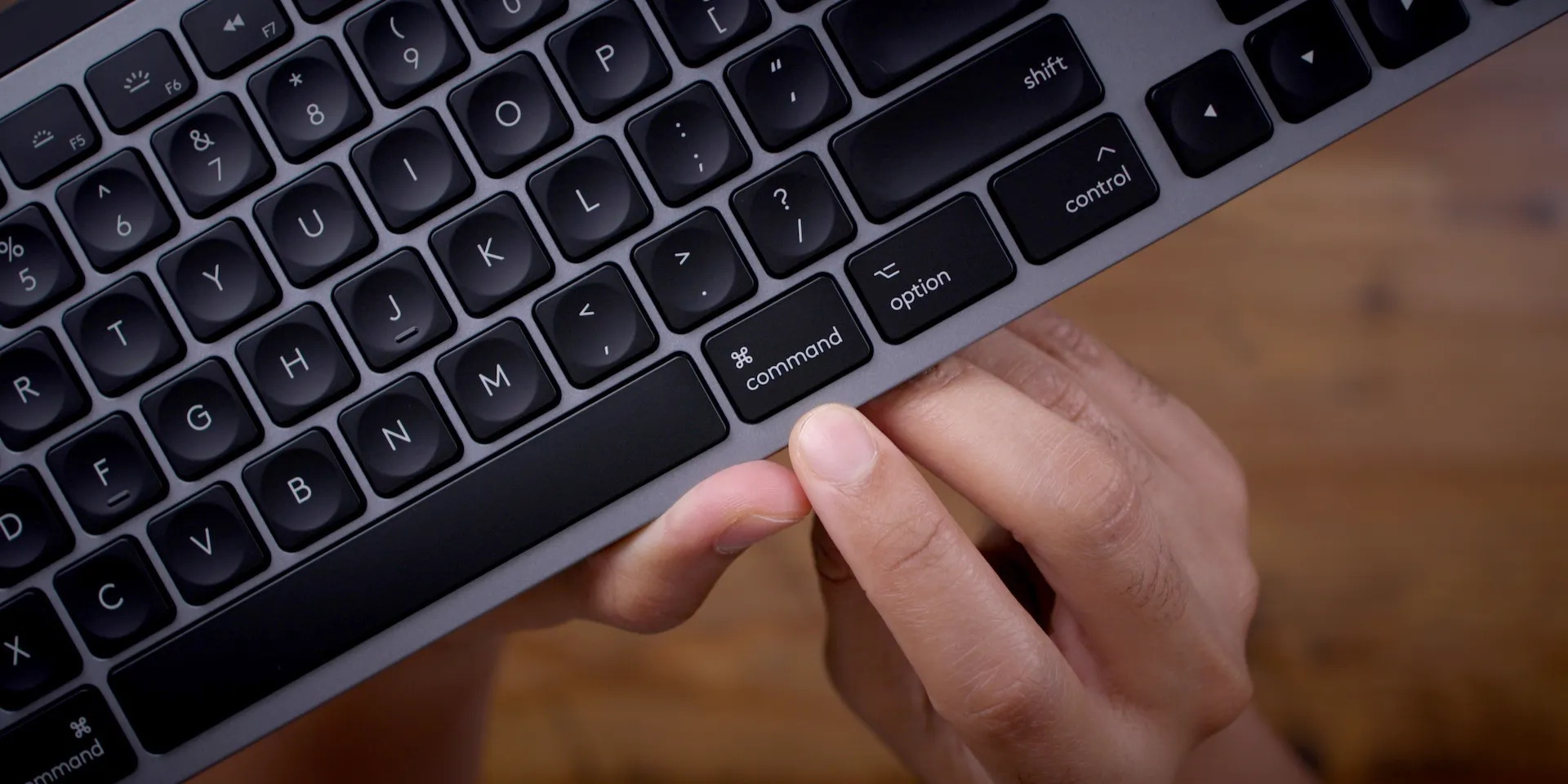
How To Use Command Key On Logitech Keyboard Robots
Where Is The Command Button On A Keyboard Explained
Command Key On Keyboard Windows Hackanons

Function Keys On Laptop Yahoo Image Search Results Mac

Keyboard Command For Check Mark Mac Google Sheets Ginvisual

Java How To Get Left And Right Arrow Keys On Android Keyboard
Nov 24 2019 nbsp 0183 32 5 Depending on your keyboard layout there might be an AltGr key on the on screen keyboard Type osk into the search box on the taskbar and then choose quot On Screen

Oct 31 2013 nbsp 0183 32 The methods do not work on Italian keyboard layout as shipped with Windows 7 Using a layout called Italian 142 the characters can be typed but using different keys

Jan 22 2016 nbsp 0183 32 When I try to type a question mark character shift on my Samsung Chromebook I get an underscore Other non letter characters are wrong too I haven t had the machine for
Nov 4 2023 nbsp 0183 32 My keyboard stops working properly for instance if I type the D key actually Windows understands ALT D Any key I type is interpreted as this key plus ALT
Jun 28 2021 nbsp 0183 32 For Windows 10 or Windows 11 there is currently no feature to temporary disable the keyboard keys with one button click from the settings sadly but you can temporarily
[desc-11] [desc-12]
[desc-13]