Kali Linux Vm Internet Not Working How To Connect To A WiFi Network In Kali Linux Systran Box Oxid l dik Mad rtoll Hamis tv ny Kali Linux Wifi Power Burma Setting up Kali Linux VM Grayhat Security How To Configure Network Manually Kali Linux Tutorial For Beginners In Installing Kali Linux In VMware Workstation Pro PentaROOT Information May 16 2024 nbsp 0183 32 You re on your Kali Linux VM and suddenly it s as if you ve been banished from the online universe Attempts to ping 8 8 8 8 return a cold unfeeling Network is Unreachable
How to Fix Internet Connection Error and Browser Not Working on Kali Linux Setup Internet connection on Kali Linux Machine in your VirtualBox kalilinux v Mar 26 2014 nbsp 0183 32 A network gateway is responsible for connecting two different networks together If you re having issues accessing resources outside of your LAN subnet e g WAN the Internet but LAN local resources is working there is a good chance there is an issue with the gateway
Installing Kali Linux In VMware Workstation Pro PentaROOT Information How To Change Your IP Address In Kali Linux Systran Box KALI LINUX Installing On VM Ware FULL LESSON YouTube Kali Linux 2019 1 Feb 2019 Desktop 32 bit 64 bit ISO Disk Image HL1 Kali Linux VMWare Install YouTube Kis K nyv Laza Jelent s Kali Linux Hdd Check T ska Tipikus Csomagtart You Need To Learn Virtual Machines RIGHT NOW Kali Linux VM Ubuntu Fix Kali Linux Internet Connection Issue GUI Method Kali Linux Kali Linux Weekly ISOs
Kali Linux Vm Internet Not Working
 Kali Linux Vm Internet Not Working
https://syscdn.systranbox.com/1661321262530.png
Feb 16 2022 nbsp 0183 32 In general you do have a few options on how to connect your VM to your host and the network in general The simplest approach is to have your VM guest being added to your host network E g on VMware this is called bridged networking
Pre-crafted templates use a time-saving option for producing a diverse series of files and files. These pre-designed formats and layouts can be made use of for numerous individual and expert projects, including resumes, invites, flyers, newsletters, reports, discussions, and more, enhancing the content creation procedure.
Kali Linux Vm Internet Not Working
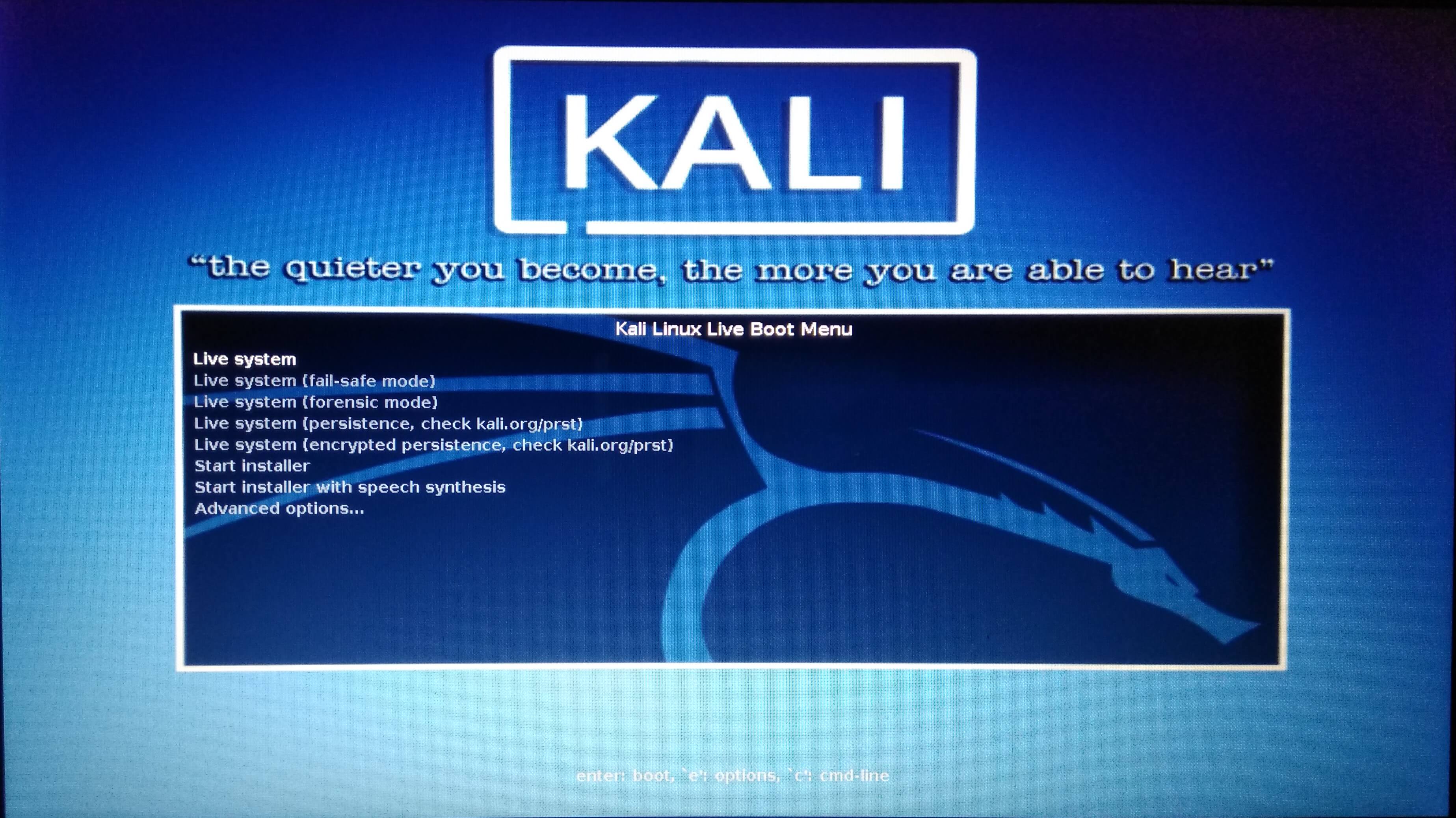
Kali Linux Installation Guide Benisnous How To Install Steps With

How To Change Your IP Address In Kali Linux Systran Box

KALI LINUX Installing On VM Ware FULL LESSON YouTube
Kali Linux 2019 1 Feb 2019 Desktop 32 bit 64 bit ISO Disk Image
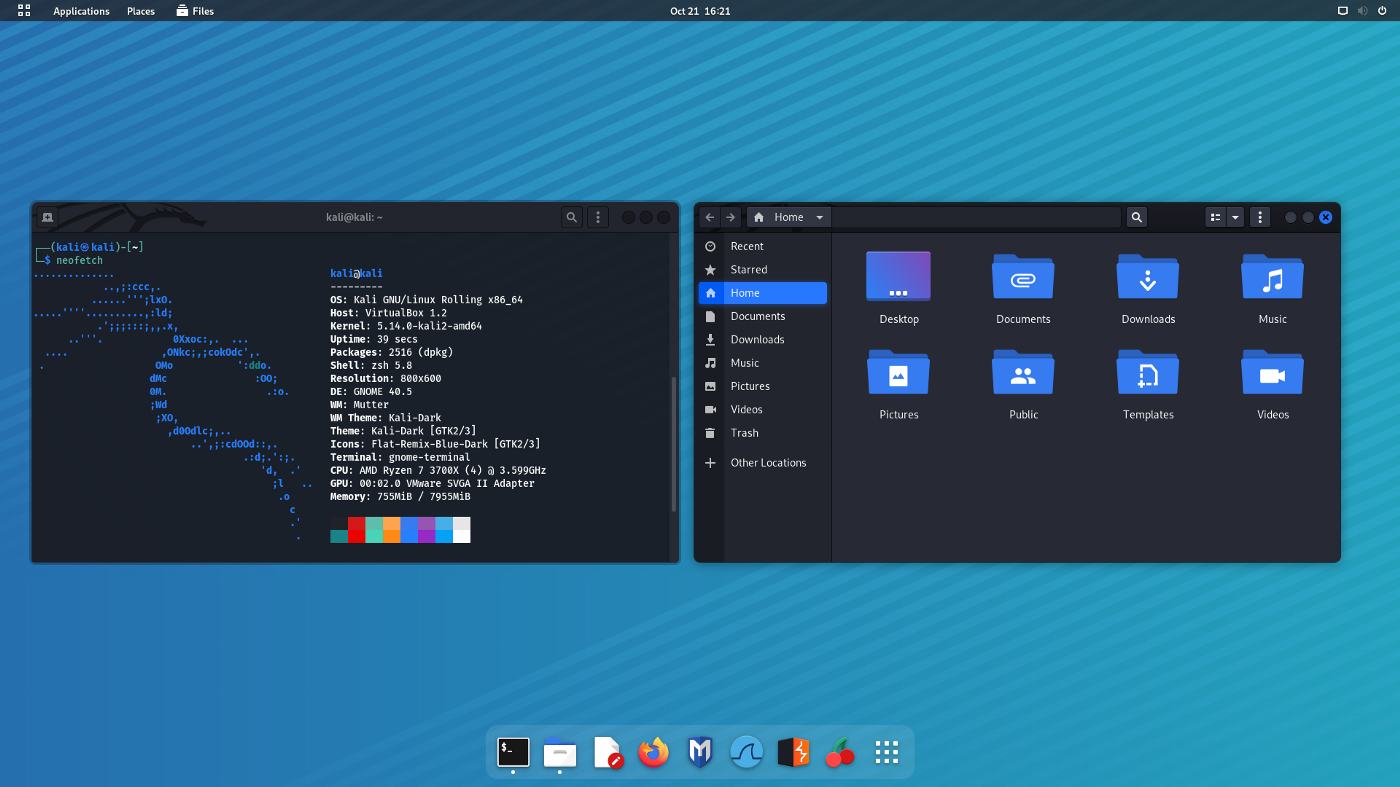
Kis K nyv Laza Jelent s Kali Linux Hdd Check T ska Tipikus Csomagtart
You Need To Learn Virtual Machines RIGHT NOW Kali Linux VM Ubuntu

Dec 19 2021 nbsp 0183 32 Go to the the VMware menu VM Removable Devices and select the USB card Now see if there are Wireless Drivers in Kali for the USB card and install them So the NAT connection in Kali is Ethernet uses the Host internet connection and the USB Wireless in Kali is an additional connection

Jun 1 2022 nbsp 0183 32 1 Open Terminal on Kali Linux and type ping 8 8 8 8 If the out is quot destination host unreachable quot then do the following commands sudo dpkg reconfigure wireshark common usermod a G wireshark lt user gt If you got different output
Jan 10 2015 nbsp 0183 32 SOLVED this issue on for myself on my macbook running Kali Linux Go back into the network settings on virtual box make sure it says Nat and below that click advanced settings Make sure quot cable connected quot is selected and start up your Kali Linux

How to troubleshoot Kali Linux not connecting to the internet If Kali Linux is not connecting to the internet you can troubleshoot the problem by following these steps 1 Check your network settings Make sure that your network settings are correct This includes your IP address subnet mask gateway and DNS server addresses

Sep 17 2019 nbsp 0183 32 VirtualBox s NAT engine receives your request but only cares about your IP not MAC and forwards it to the Internet normally When the Internet responds VirtualBox s NAT engine needs your virtual machine s MAC address to
Sep 10 2016 nbsp 0183 32 1 To get your Kali functioning through a bridged adapter in VirtualBox while wired Either enable promiscous mode on the VirtualBox NIC or configure a static IP within Kali Bridged mode in VirtualBox has a completely different behavior over wireless than wired Oct 29 2014 nbsp 0183 32 When I login in the VM both my host system Windows 8 1 and the xp XM that had internet access can t access anymore until they login to that portal Please help I am not able to update install new packages
Feb 28 2015 nbsp 0183 32 UPDATE I have changed the VMware network connection from quot bridged quot to quot NAT quot this has quot fixed quot my networking issue However I understand that this isn t the best practice with Kali I have tried several IP addresses in my subnet and still cant seem to get a connection