Java In Visual Studio Code Run Java In Visual Studio Code Historylo Visual Studio Code For Java The Ultimate Guide 2019 By Bruno Borges Noteworthy The Using Visual Studio Code To Debug Java Applications Microsoft For Java Developers How To Run Java In Visual Studio Code On Windows 10 Techdecode Gambaran [desc-7]
Web You can launch the guide with the lt strong gt Java Extensions Guide lt strong gt command lt p gt n lt p dir quot auto quot gt For this tutorial the only required extensions are lt p gt n lt ul dir quot auto quot gt n lt li gt lt a href quot https marketplace visualstudio items itemName redhat java quot [desc-8]
How To Run Java In Visual Studio Code On Windows 10 Techdecode Gambaran Java School livin france Java In Visual Studio Code Java In Visual Studio Code Erskate How To Run Visual Studio Code On Ubuntu Gambaran Visual Studio Build Tools Pondsany Calculator Code By Using Visual Studio With If Condition YouTube Java Visual Studio Code Ffopliberty Java Program In Visual Studio Code Editor YouTube
Java In Visual Studio Code
 Java In Visual Studio Code
https://i.stack.imgur.com/22U9f.png
[desc-9]
Templates are pre-designed documents or files that can be used for different functions. They can save time and effort by supplying a ready-made format and design for creating different kinds of content. Templates can be utilized for personal or expert jobs, such as resumes, invites, leaflets, newsletters, reports, presentations, and more.
Java In Visual Studio Code

Solved Debug run Standard Java In Visual Studio Code 9to5Answer

Java School livin france
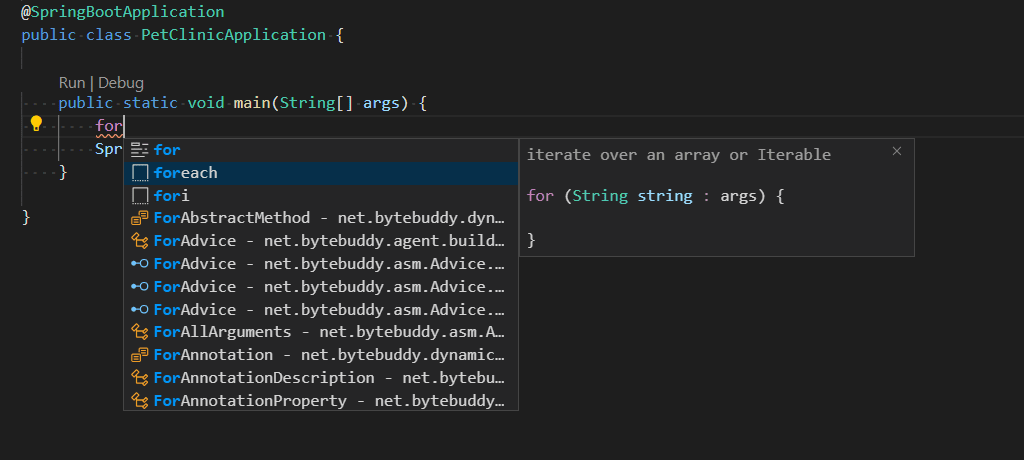
Java In Visual Studio Code

Java In Visual Studio Code Erskate
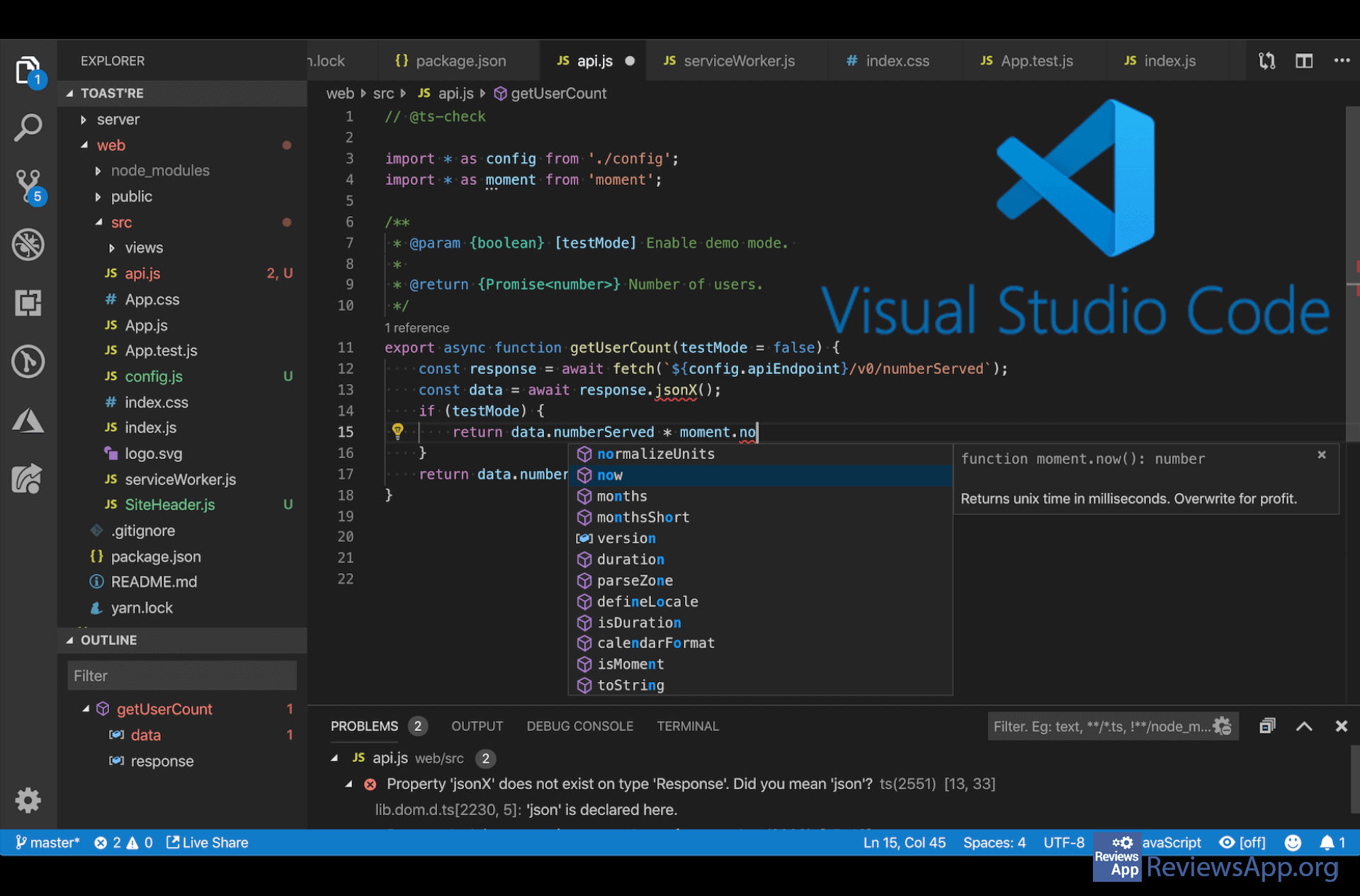
Visual Studio Build Tools Pondsany

Calculator Code By Using Visual Studio With If Condition YouTube

Web To use Java within Visual Studio Code you need to install a Java Development Kit JDK on your local environment JDK is a software development environment used for developing Java applications Supported Java versions The Extension Pack for Java supports Java version 1 5 or above
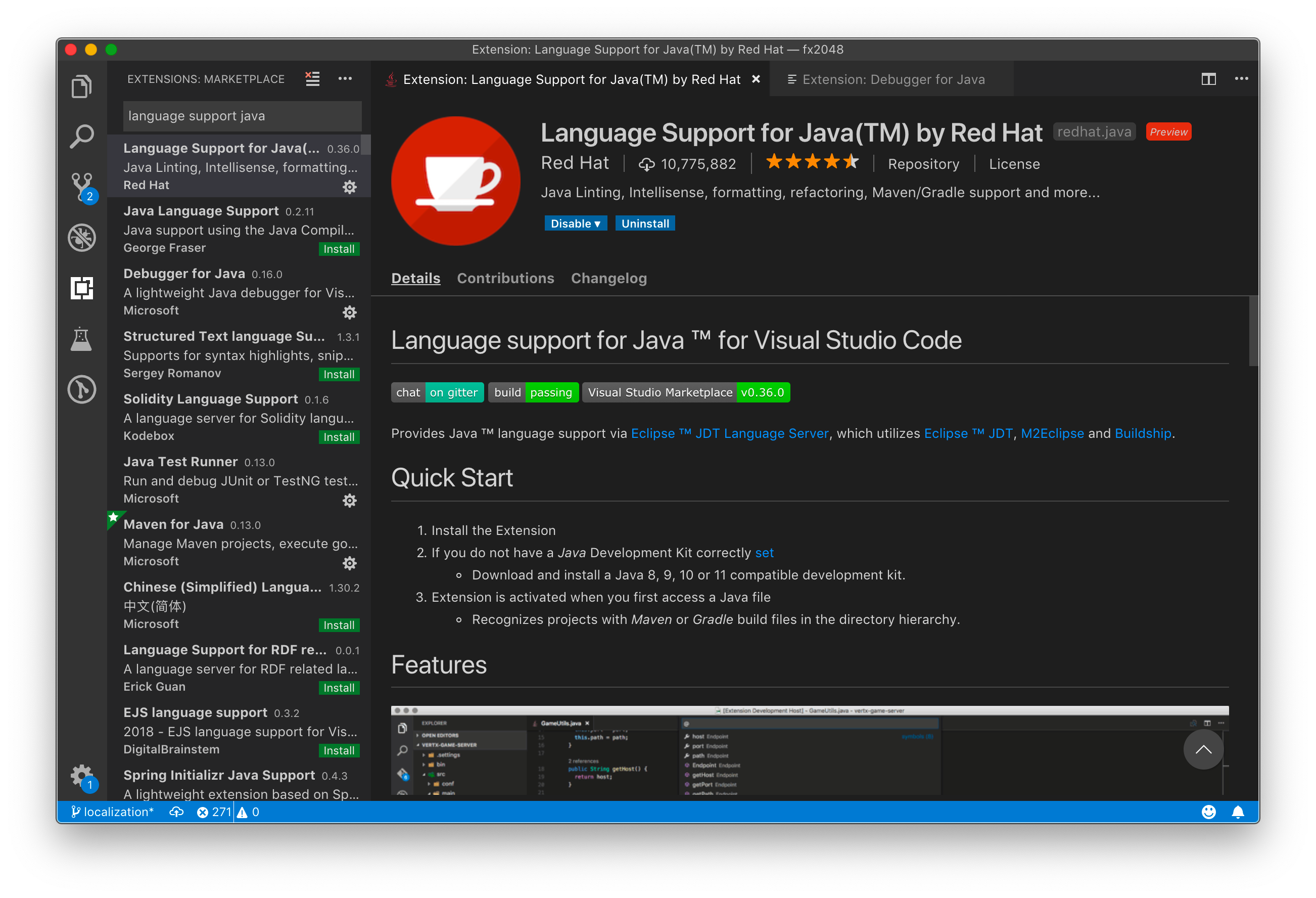
Web Aug 14 2023 nbsp 0183 32 Working with a Basic Java Project 3 1 Create or Open a Java Project If we need to open an existing project Visual Studio Code will show a small popup 3 2 Run and Debug the Project To run the project we just have to press F5 debug or Ctrl F5 run We can also 3 3 Manage Java
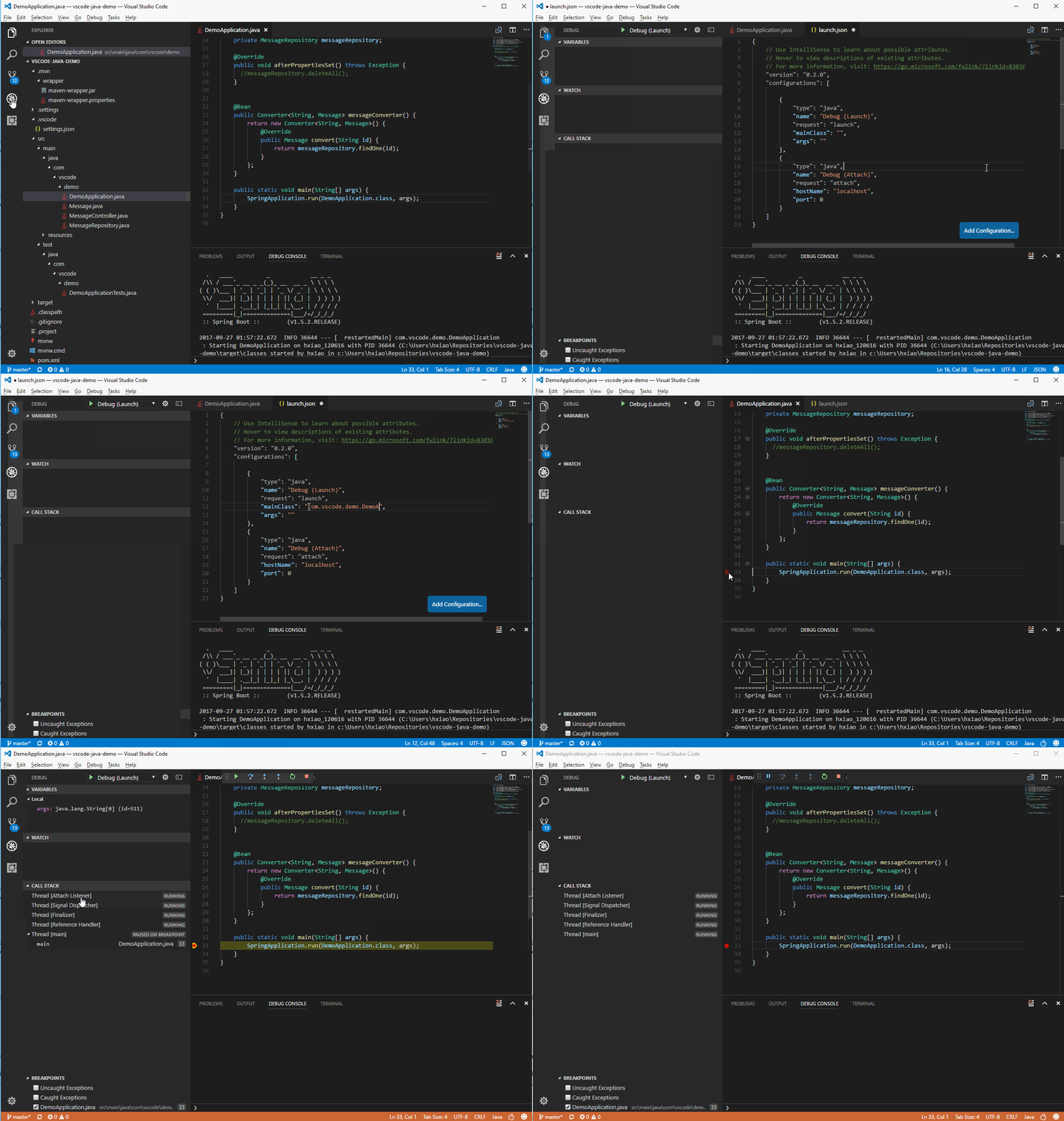
Web Projects view Create a new Java project You can create a new Java project by clicking the button in the navigation bar or through Import Java projects You can directly import existing Java projects and modules to your workspace through File gt Open Export to JAR You can export your build
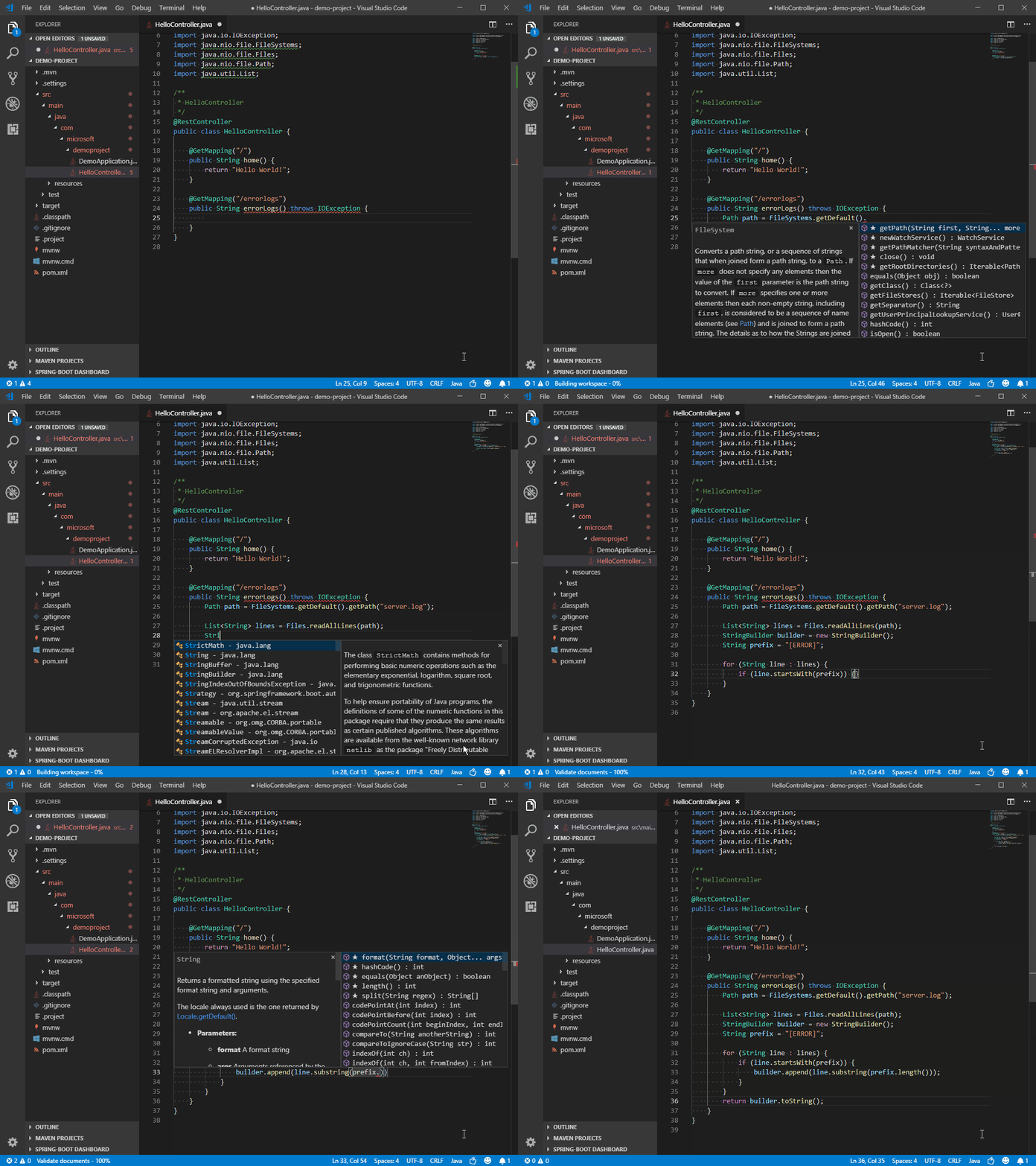
Web Running and debugging Java Install To get the complete Java language support in Visual Studio Code you can install the Extension Pack for Java Configure By default the debugger will run out of box by automatically finding the main class and generating a default Run and Debug The debugger
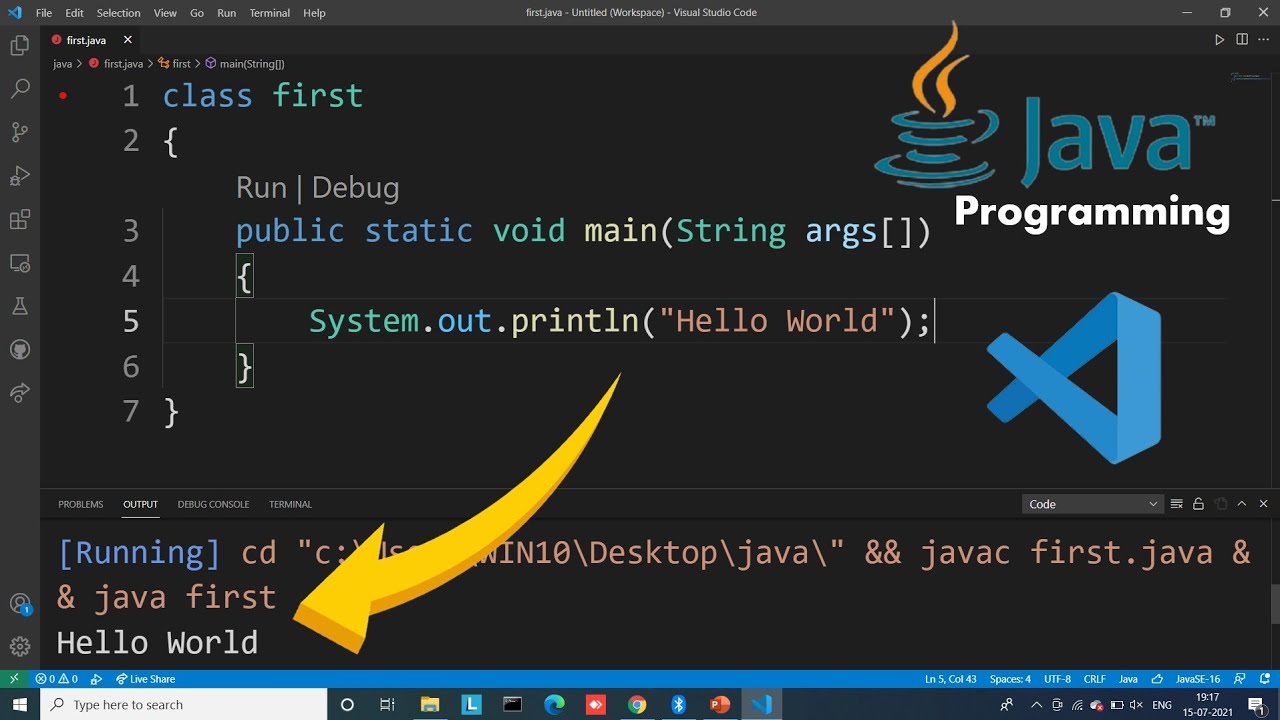
Web Oct 30 2021 nbsp 0183 32 Step 3 Creating a Java Project Start Visual Studio Code Click the extensions icon circled in red Enter Extension Pack for Java in the text box to find the extension pack then click the Install button to install the extension Click the files icon in the top left then click the Create Java Project button in the bottom left Click No build
[desc-11] [desc-12]
[desc-13]