Iphone Microsoft Authenticator To Scan Qr Code Passage Tr nen B hne Microsoft Authenticator Qr Code Scannen Verz gern How To Use Apple S Two Factor Authenticator Code Generator What Is Microsoft Authenticator Set Up Guide Efex MFA Using Authentication Apps DocMgt Refugia i Cosi Accent How To Set Up Microsoft Authenticator Dinozaur A QR code appears to help you set up an authenticator app On iPhone use the camera to scan the QR code On iPhone select your account for the website or app A verification code appears below the User Name and Password fields On your other device enter the verification code that appears on your iPhone
Launch the Microsoft Authenticator app click the Add button tap third party accounts then use your phone to scan the QR code on the screen Authenticator will then generate a code To recover your information On your mobile device open the Authenticator app and select Begin recovery Sign in to your recovery account using the personal Microsoft account you used during the backup process Your account credentials are recovered to the new device
Refugia i Cosi Accent How To Set Up Microsoft Authenticator Dinozaur Microsoft Authenticator BC Atsit How To Scan Qr Code Iphone Microsoft Authenticator Nda or ug Authenticator App Iphone Cpsilope How To Set Up The Microsoft Authenticator App For MFA Concord Refugia i Cosi Accent How To Set Up Microsoft Authenticator Dinozaur The Microsoft Authenticator App Is Now Available But Only For Those On Microsoft Authenticator Qr Code Iphone AMISOQ MFA CHO T I KHO N AWS D ng EightDdy
Iphone Microsoft Authenticator To Scan Qr Code
 Iphone Microsoft Authenticator To Scan Qr Code
https://www.lifewire.com/thmb/cVKHn1L4_DhEziroh8FigVB2zv8=/1500x0/filters:no_upscale():max_bytes(150000):strip_icc()/MSauthenticatorAppSetup1-fab3f7575abb4646b86a938ecfbc775d.jpg
Set up the Authenticator app After you install the Authenticator app follow the steps below to add your account Open the Authenticator app Select in the upper right corner Point your camera at the QR code or follow the instructions provided in your account settings After your account appears in your Authenticator app you can use the
Templates are pre-designed files or files that can be utilized for numerous functions. They can conserve time and effort by offering a ready-made format and design for producing various sort of material. Templates can be used for personal or professional tasks, such as resumes, invitations, flyers, newsletters, reports, presentations, and more.
Iphone Microsoft Authenticator To Scan Qr Code
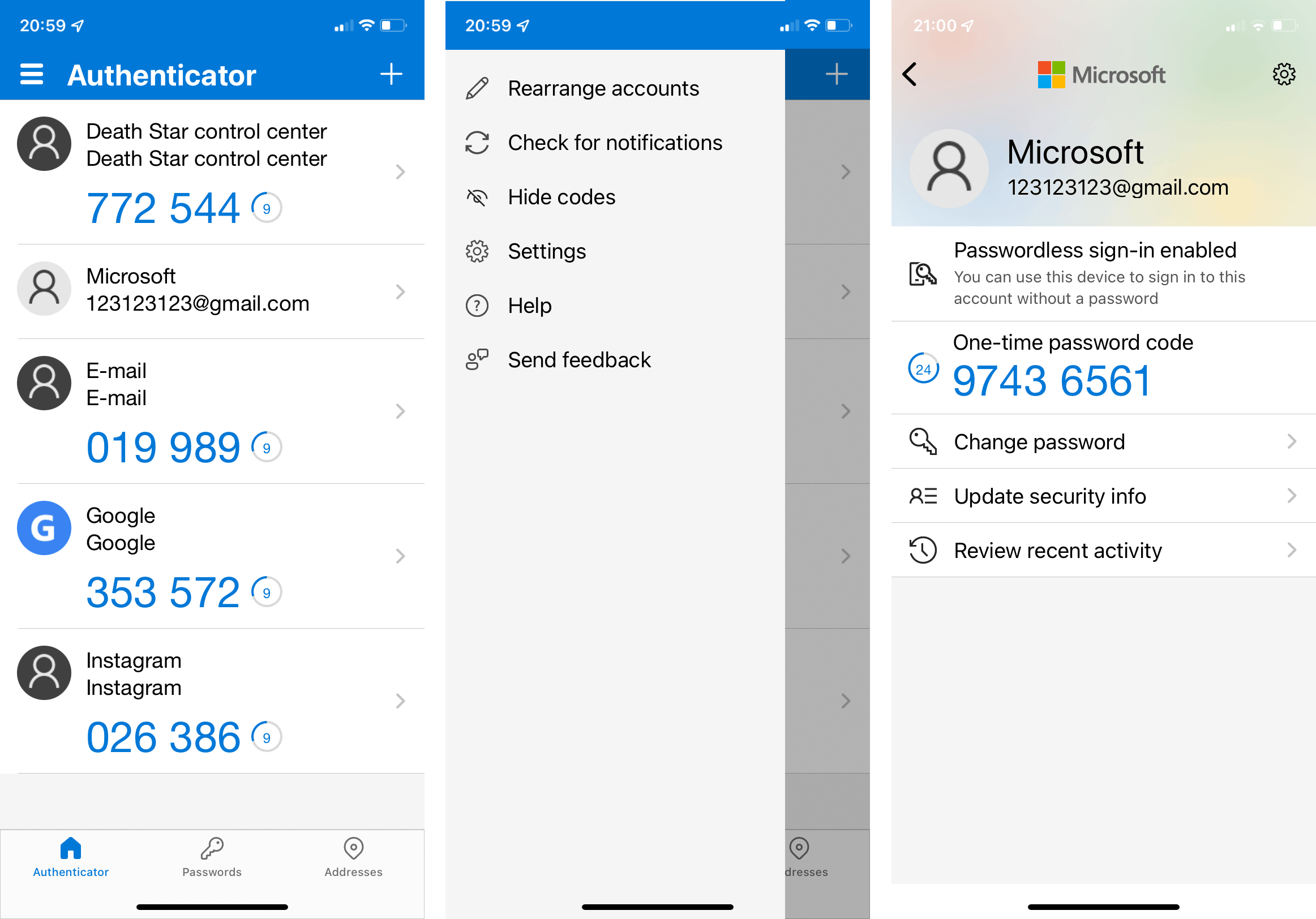
Os 10 Melhores Autenticadores Para Android IOS Windows E MacOS 2022
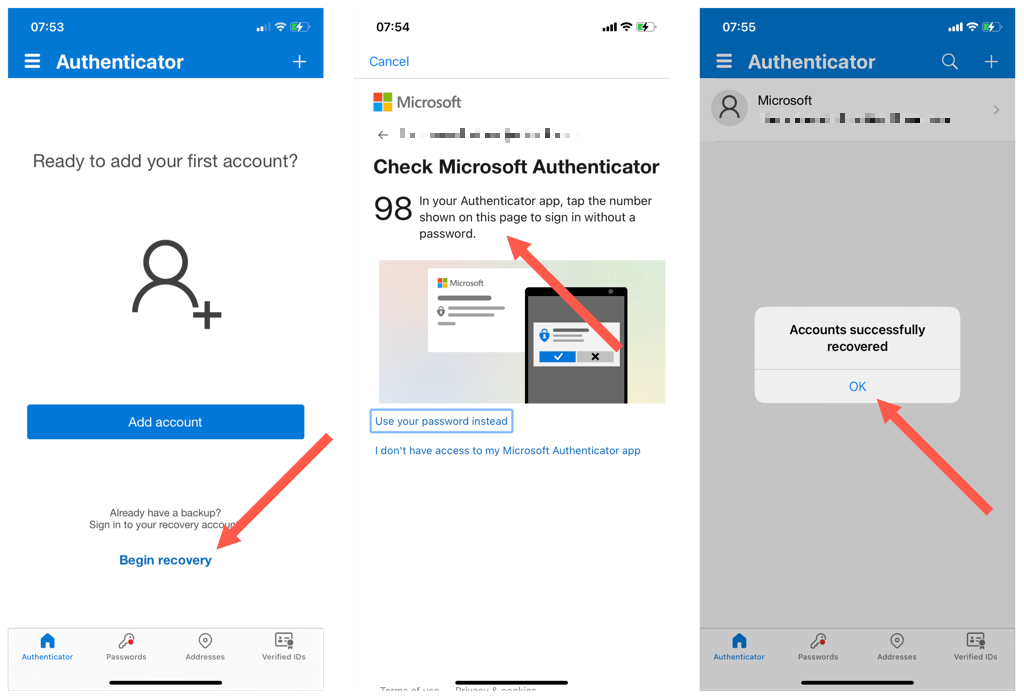
Microsoft Authenticator BC Atsit
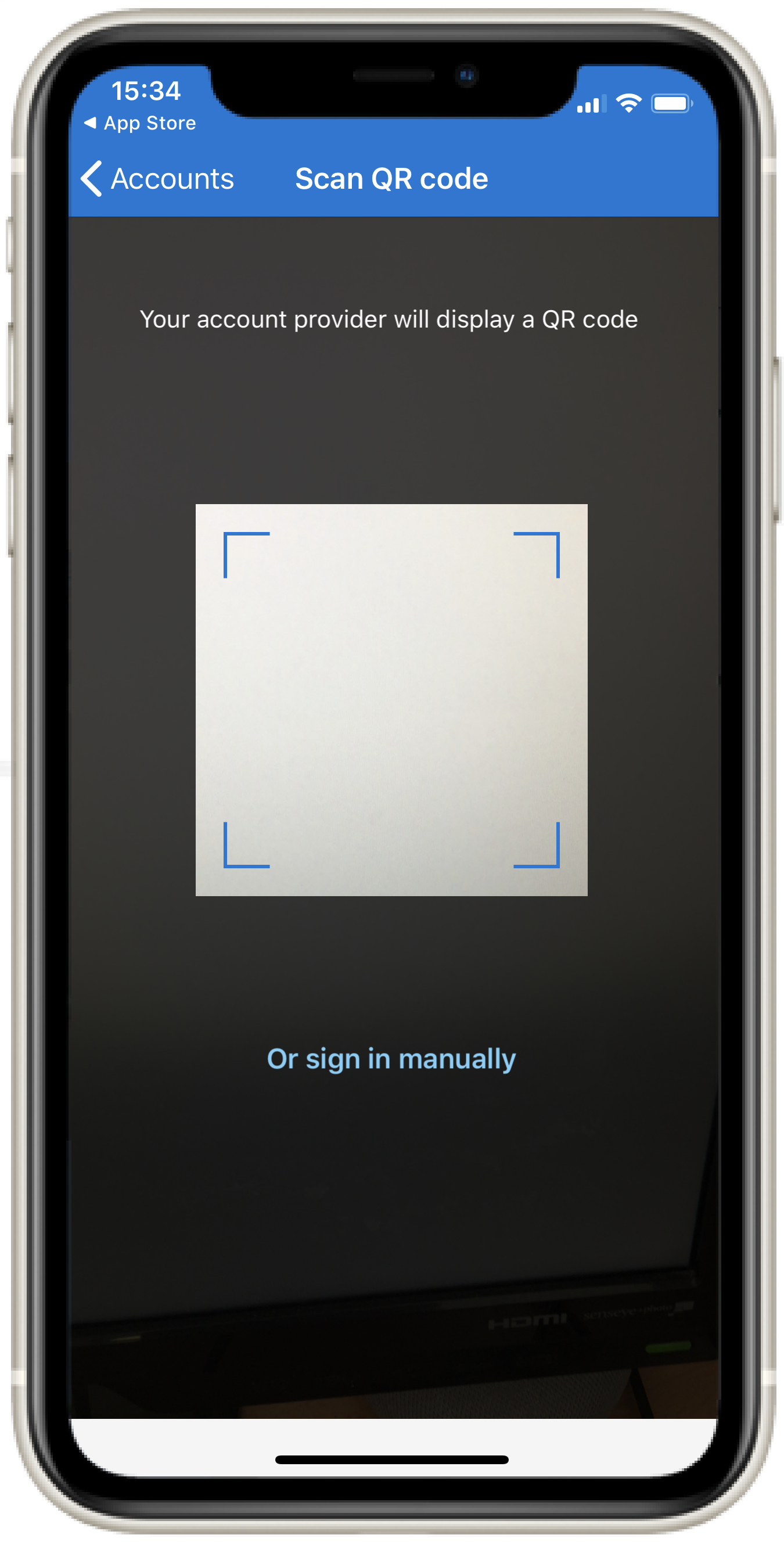
How To Scan Qr Code Iphone Microsoft Authenticator Nda or ug
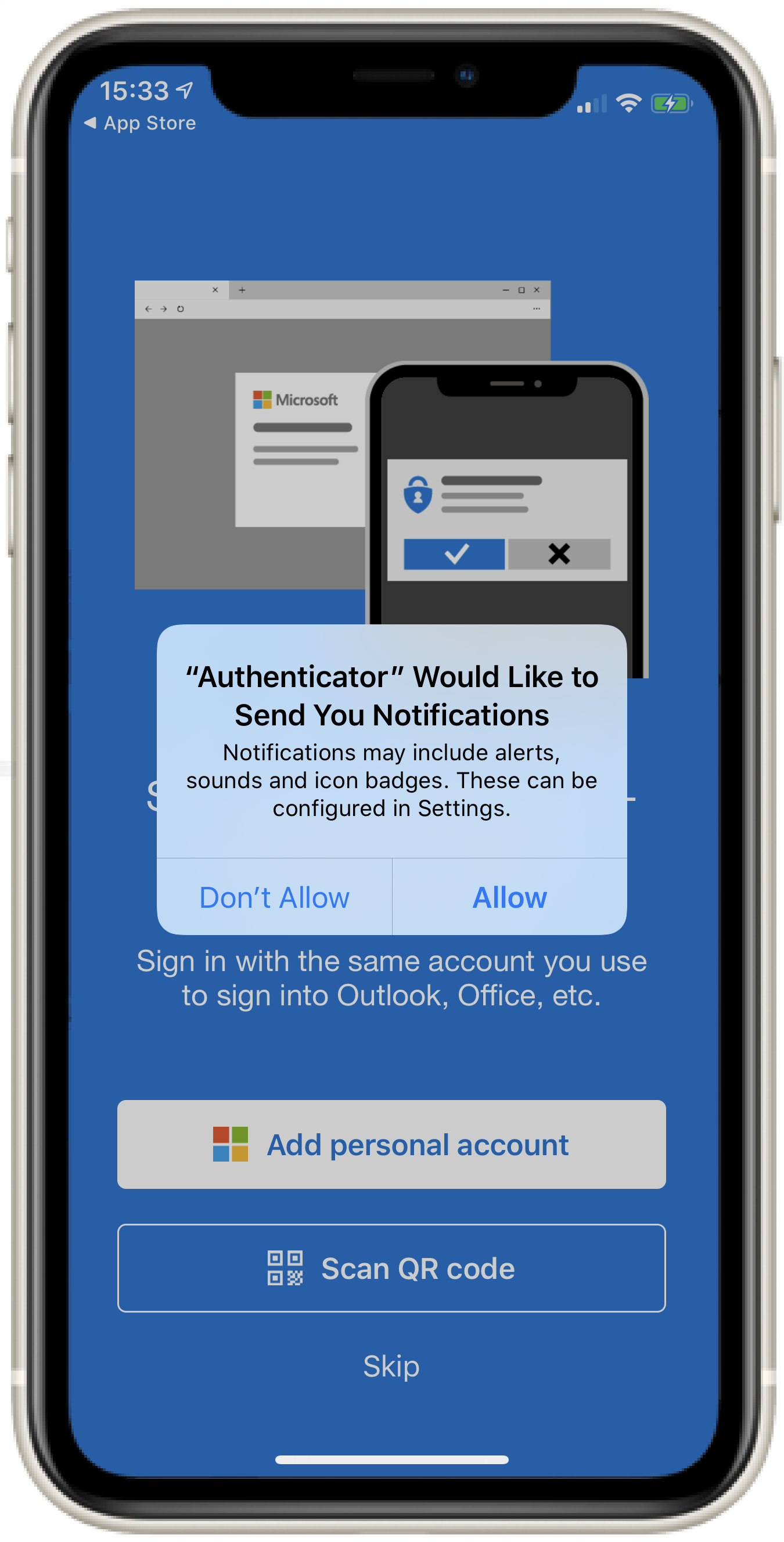
Authenticator App Iphone Cpsilope
Refugia i Cosi Accent How To Set Up Microsoft Authenticator Dinozaur

The Microsoft Authenticator App Is Now Available But Only For Those On

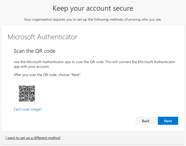
Choose Set up Authenticator app and it will open a pop up box with QR code so that you can configure the app on your new device If you cannot access your account via browser please contact your Office 365 admin and disable MFA for you and remove the lost device

How to use the Microsoft Authenticator app Microsoft account Microsoft account dashboard With this free app you can sign in to your personal or work school Microsoft account without using a password You ll use a fingerprint face recognition or a PIN for security Why use the Microsoft Authenticator app
You can set up an authenticator app to send a notification to your mobile device or to send you a verification code as your security verification method You aren t required to use the Microsoft Authenticator app and you can select a different app during the set up process However this article uses the Microsoft Authenticator app
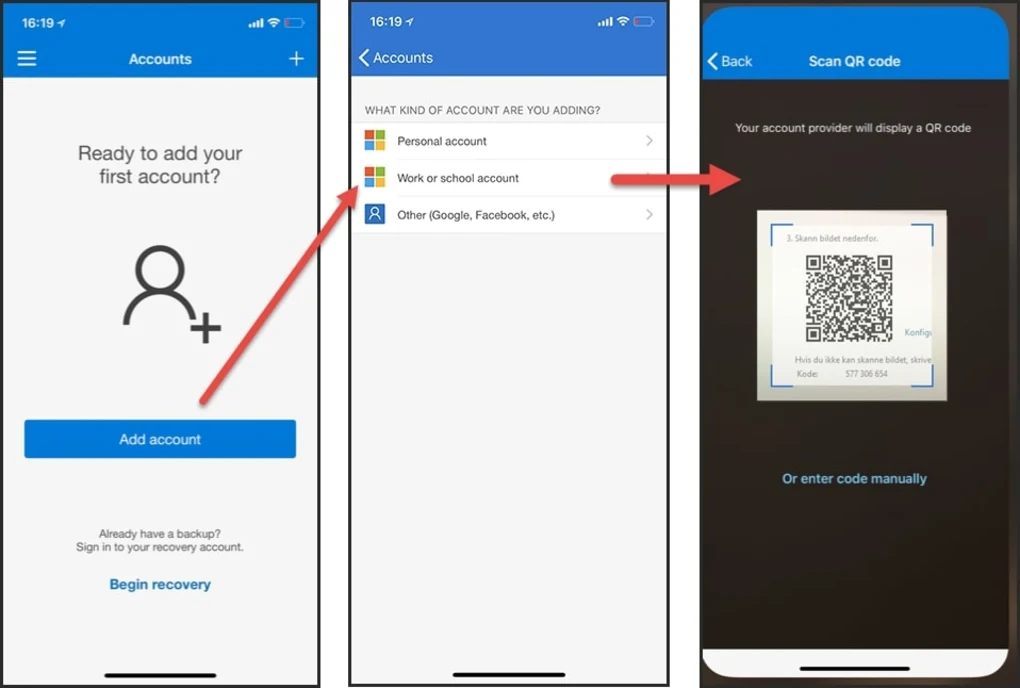
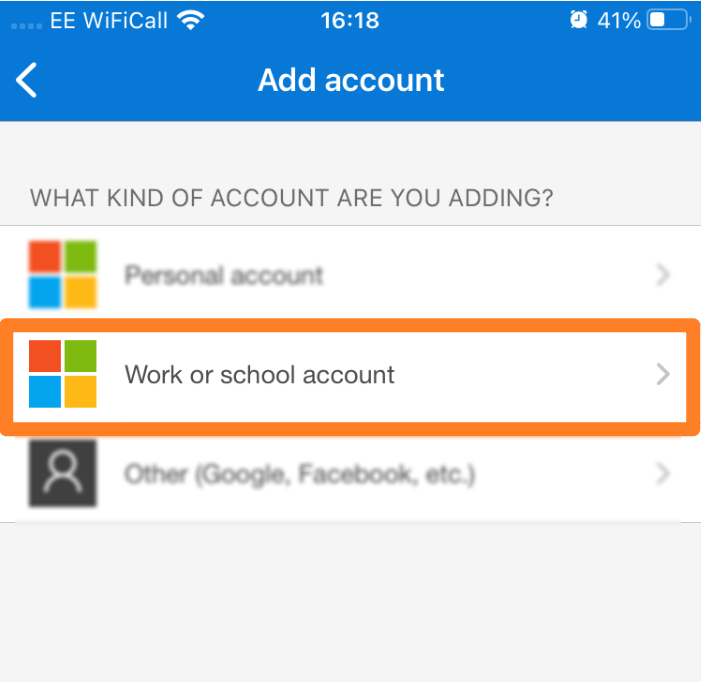
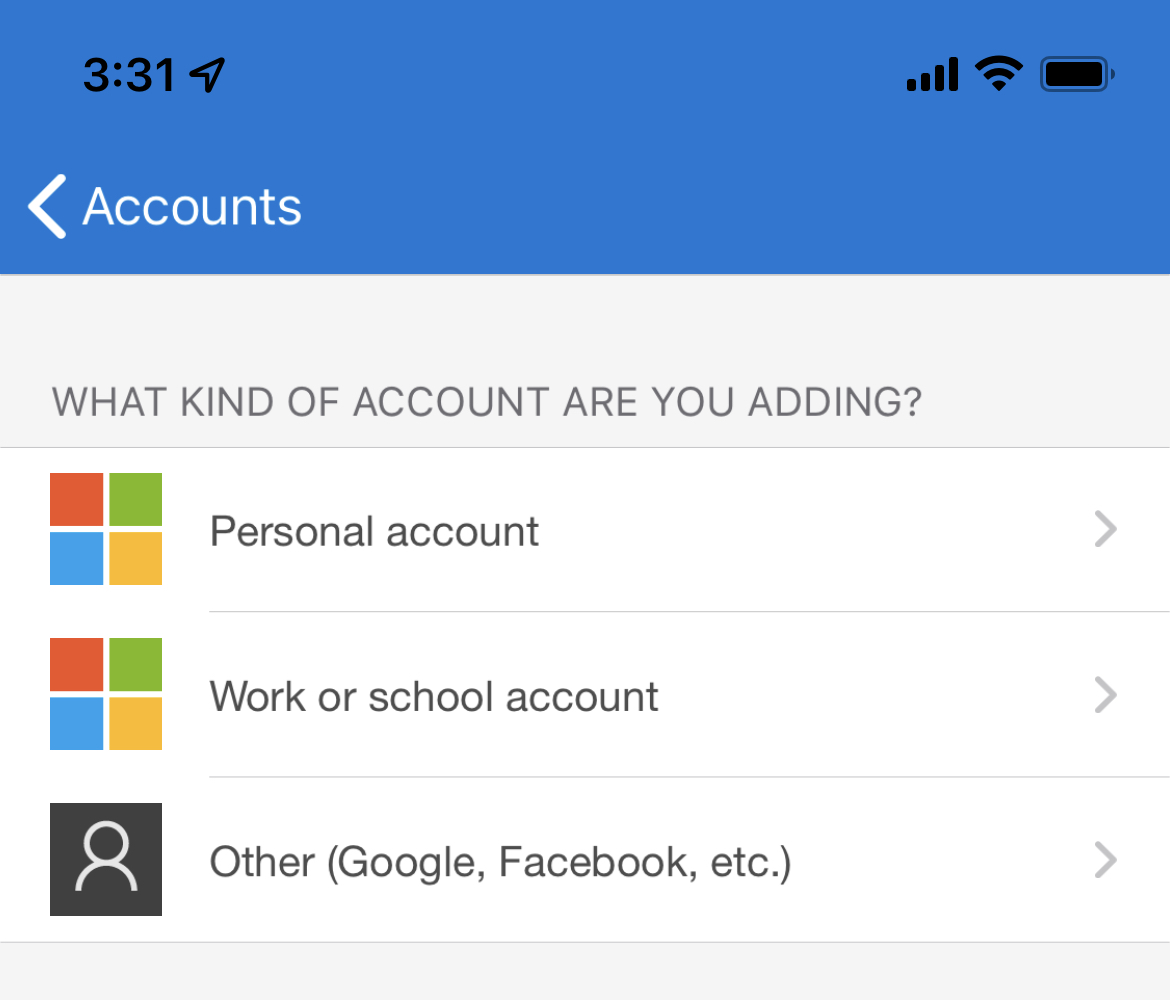
Open the Authenticator app select the plus icon and select Add account and then select Work or school account followed by Scan a QR Code If you don t have an account set up in the Authenticator app you ll see a large blue button that says Add account
Get started Set up Microsoft Authenticator and add your accounts Learn more Sign in to your accounts Know your accounts are safer with two step verification using one time passcodes and push approvals in Microsoft Authenticator Learn more Back up and recover your accounts
Step 1 Step 2 Step 3 Step 4 Step 5 Step 6 Choose the mobile app Open a browser on your computer and go to portal office Sign in to your Office 365 for business account Use these steps if you see this screen Click Set it up now Choose Mobile app from the dropdown Make sure Receive notifications for verifications is selected Know your accounts are safer with two step verification using one time passcodes and push approvals in Microsoft Authenticator Learn more Back up and recover your accounts Easily move personal accounts to a new device with encrypted cloud backup in Microsoft Authenticator Learn more Learn more about Microsoft Authenticator
How to install Microsoft Authenticator on your iPhone Download and open Microsoft Authenticator on your mobile device in the App store 5 Select Allow 6 Select Skip 7 Select Skip 12 Your iPhone should look like the picture below use this square to scan the QR code now showing on your computer 13