Iphone Email Attachment Size Limit How To Send Photos Or Attachments On IPhone And IPad IMore Attachment Size Limit In Exchange Server ALI TAJRAN Gmail Attachment Size Limit How To Send Large Files Over Email 4 Email Attachment Size Limit How To Send Large Files Via Email How To Add Email Attachments In Mail For IPhone IPad Get started Mail Drop lets you send large files like videos presentations and images through iCloud If you shared links through Mail Drop that are no longer available you might have exceeded one or more of the service limits
What s the Maximum Size of an Email Attachment In theory there s no limit to the amount of data you can attach to an email Email standards don t specify any sort of size limit In practice most email servers and some email clients enforce their own size limits In most cases email attachments can be up to 20 MB or so in size Compress Files on iPhone For faster sharing or to send files larger than 20 MB you can compress them in the Files app Open Files app Find the file you want to compress Tap and hold the file until a menu appears Then tap Compress
How To Add Email Attachments In Mail For IPhone IPad How To Add Attachments To Mail For IPhone And IPad IMore Yahoo Mail Attachment Size Limit Tooins Message Size Exceeds Fixed Maximum Message Size Gmail Collection De Como Salvar Anexos De E mail No IPhone E IPad Not cias Agregadas How To Attach Files And Documents To The Mail App On IPhone Or IPad How To Limit Email Attachment Size In Cognos PerformanceG2 How To Save Email Attachments To IPhone And IPad The Billymacdeus Blog Attachment Size Limits For Common EMail Providers
Iphone Email Attachment Size Limit
 Iphone Email Attachment Size Limit
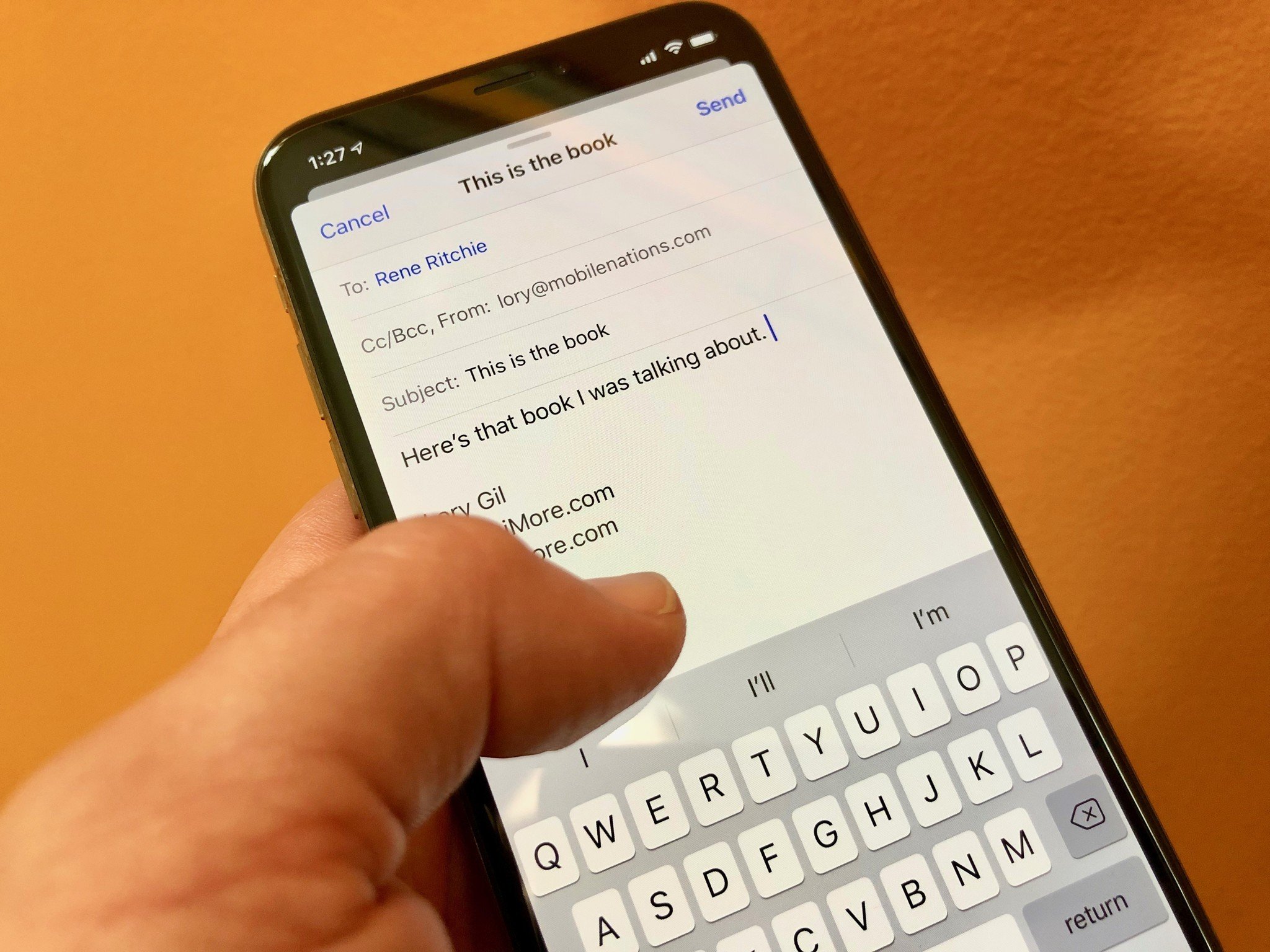
https://www.imore.com/sites/imore.com/files/styles/large_wm_blw/public/field/image/2019/01/mail-app-iphone-hero-03.jpeg
Click on the Compose icon or press Command N on your keyboard to send a new email Next click on the Attachments paper clip icon in the top toolbar to insert your large attachment You can also drag a file to the Mail app screen directly from a folder Now enter your recipient s email and other necessary details
Templates are pre-designed files or files that can be utilized for numerous functions. They can conserve time and effort by offering a ready-made format and layout for producing various sort of material. Templates can be utilized for personal or professional jobs, such as resumes, invites, leaflets, newsletters, reports, presentations, and more.
Iphone Email Attachment Size Limit
How To Send Large Files Through Gmail Android Authority
How To Add Attachments To Mail For IPhone And IPad IMore
Yahoo Mail Attachment Size Limit Tooins

Message Size Exceeds Fixed Maximum Message Size Gmail Collection De
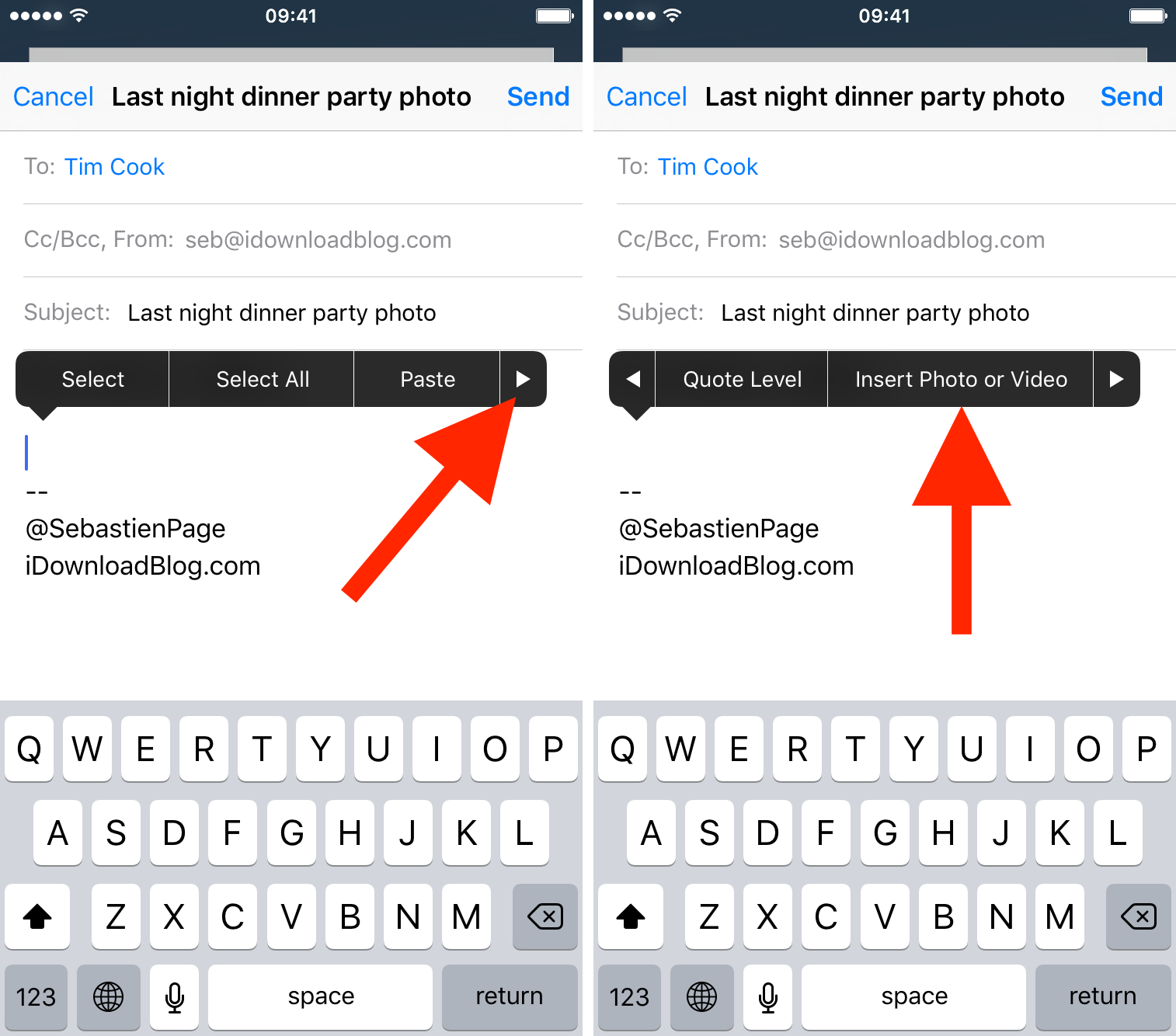
How To Attach Files And Documents To The Mail App On IPhone Or IPad
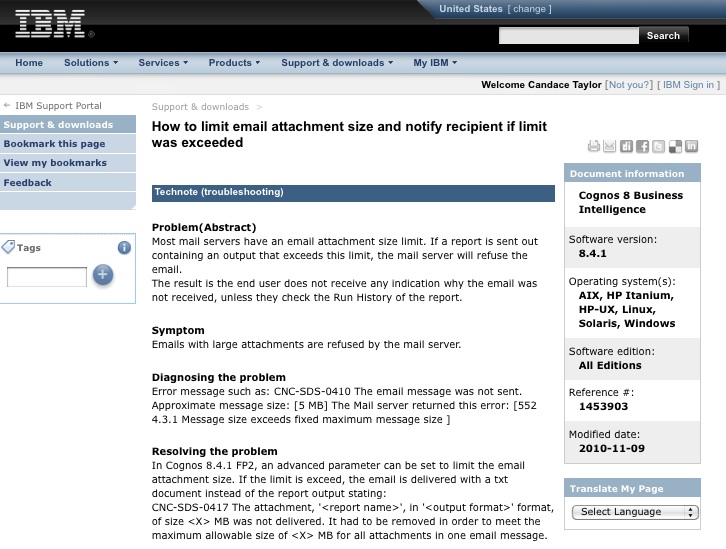
How To Limit Email Attachment Size In Cognos PerformanceG2

The size of incoming and outgoing messages 20MB up to 5GB with Mail Drop turned on iCloud Mail service is designed primarily for personal use Sending unsolicited bulk email messages through iCloud email servers is prohibited To review the iCloud membership agreement and acceptable use policy please see the iCloud terms and conditions

Browse and tap on the media you want to attach to the email If you are on an older iOS you see the progress bar in the video thumbnail for processing For videos once the processing completes it opens the next screen with your video On this screen tap on the bottom right hand corner and select Choose
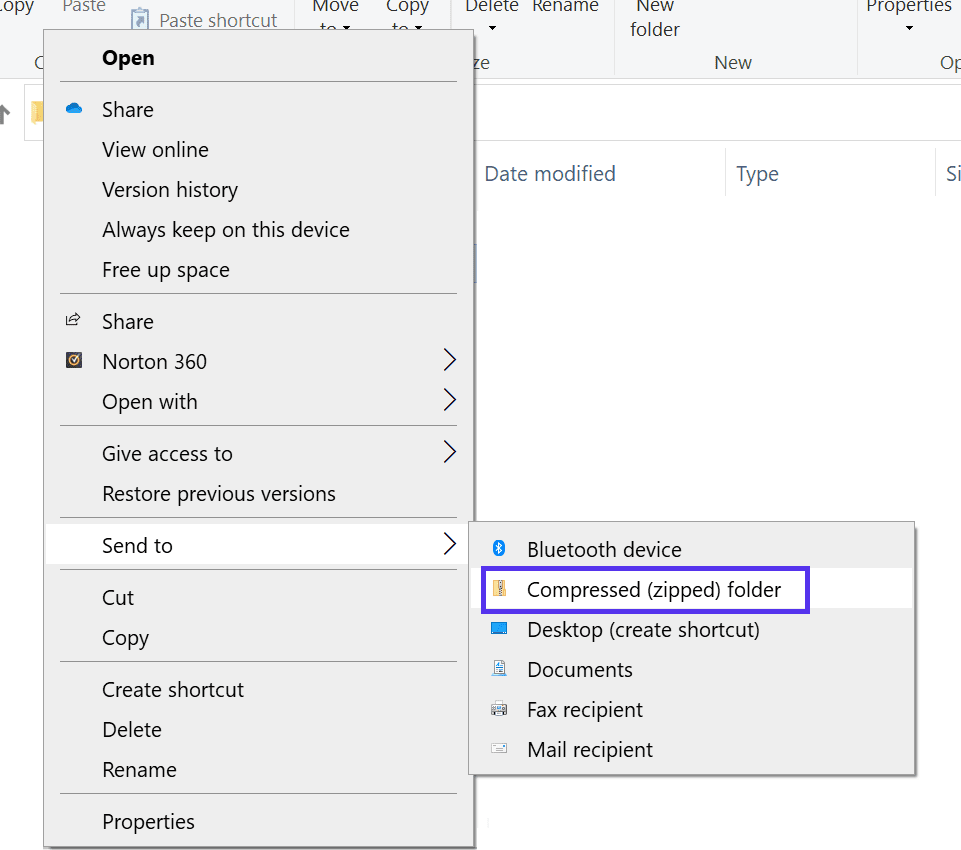
Tech Support How to Compress Files Before Sending Them via Email Tech Support How to Send a File Via SMS to a Cell Phone Advertisement Contact s Email Provider Attachment Limit When sending a file as an attachment from your iPhone you must also take the contact s email provider s attachment limit into account

Add email attachments in Mail on iPhone In the Mail app you can attach photos videos and documents to an email You can also scan a paper document and send it as a PDF attachment or draw directly in an email and send the drawing as an attachment Depending on the file size the attachment might appear inline with the text in the email or

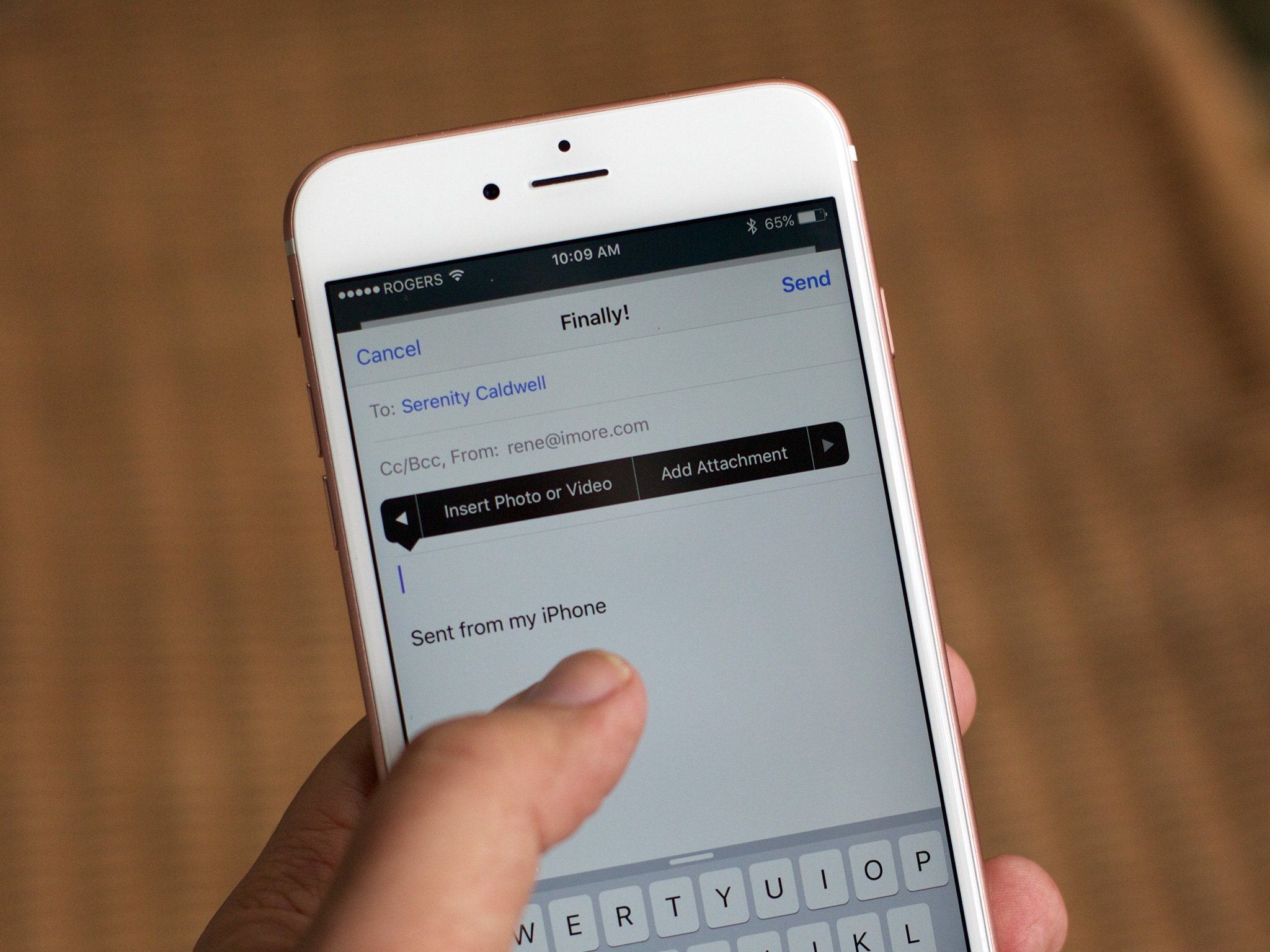
How to send large email attachments by showing steps Touch and hold the message to bring the editing menu tap the arrow on the right side of the menu tap on Add Document Image credit iMore If the file isn t in the recent tab tap on the Browse tab
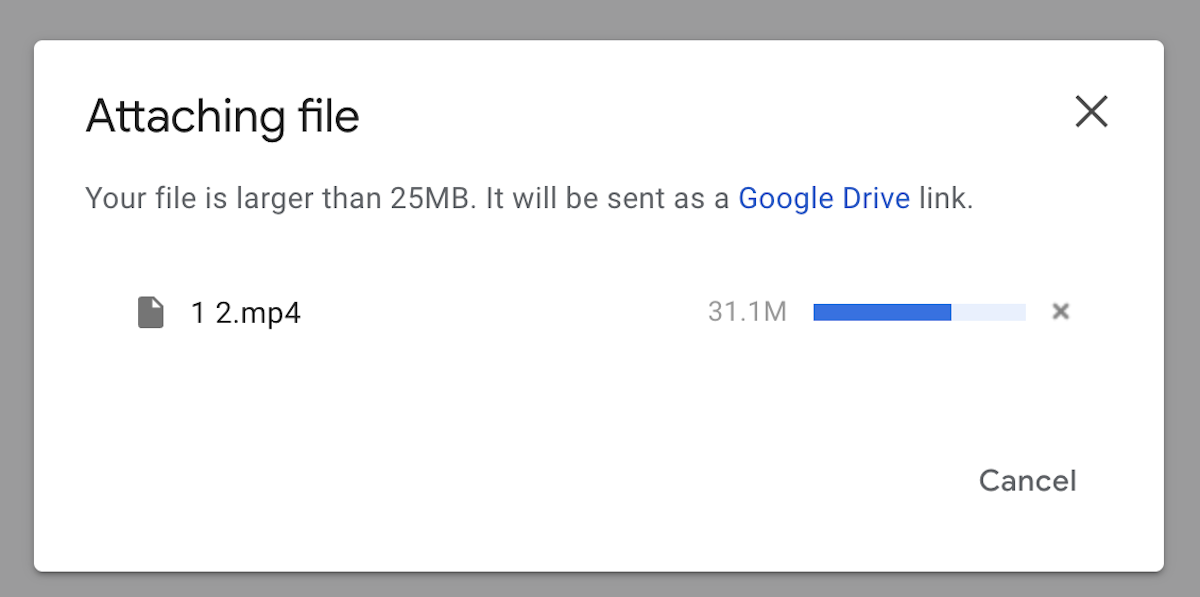
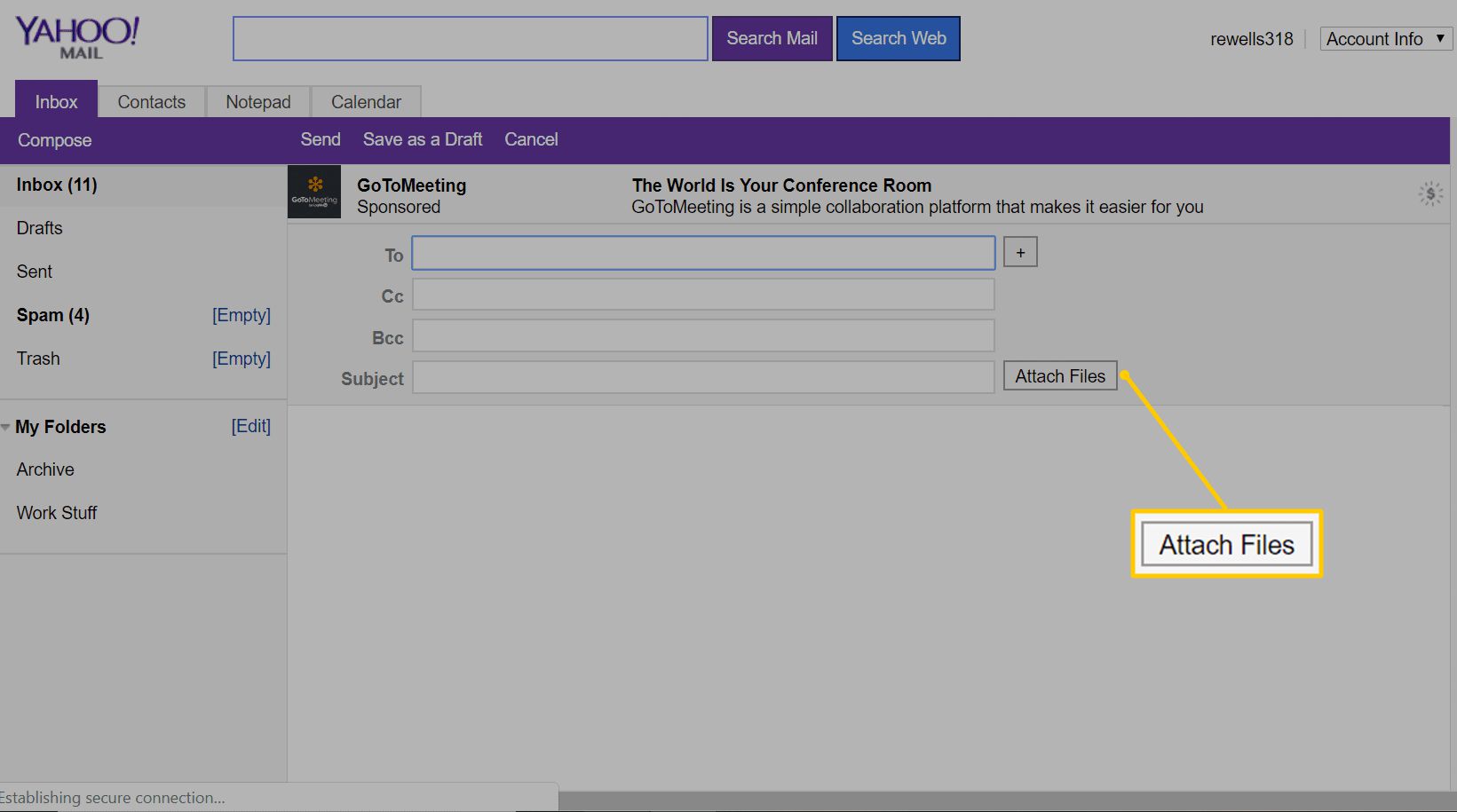
Ask Question Asked 4 years 11 months ago Modified 4 years 11 months ago Viewed 4k times 0 Our Exchange Server with ActiveSync used by mobile clients has a 300 MB attachment limit We noticed that the Mail app on the latest iPhone removes attachments over a certain size 20 Mb before sending emails 1 Email Attachment Size Limits Most email services have limitations on the size of attachments they can send or receive For instance Gmail allows you to send attachments up to 25 MB while Yahoo Mail lets you send up to 20 MB If your attachment exceeds this limit you won t be able to send it 2 Large File Size
8 points iOS 13 6 Mail size limit Hi would like to check any size limitation for native mail apps on sending out Because have no problem on receive large email but on sending out I have checked on server and enlarge the sending limit but mail still stuck on outbox Thank you in advance iPhone 11 Pro Max Posted on Aug 13 2020 6 12 AM 0