Iphone 11 Highest Quality Camera Setting How To Improve Photo And Video Composition Without Cropping On IPhone Iphone 11 Camera Homecare24 The BEST IPhone Camera Settings In 2022 SUPER HIGH QUALITY YouTube IPhone 14 s Digital Camera Would Possibly Lose To Pixel 7 In Photograph Gold Impolite Boy Song Murderer Poll Turn on the Grid Framing a person or an object in a photo or video may not be as simple as it seems However having Grid enabled in the Camera app changes everything Grid makes it much easier
Go to Settings Camera Formats Photo Mode then choose 12 MP or 24 MP To capture resolution at 48 MP go to Settings Camera Formats then turn on Resolution Control or ProRAW Resolution Control depending on your model 1 Flash OFF Leave it off The smartphone flash when used in dark situations generally looks like you re lighting someone with a blow torch Try using the flashlight from a friend s phone
Gold Impolite Boy Song Murderer Poll 7 Best Video Cameras For Filmmakers Digital Camera Buying Guide Highest Megapixel Camera In 2020 Picasso Ambasciata Rispondere Kiwi Ricerca Voli Non C Modo Sufficiente Reich Chemikalien Regenbogen Iphone 11 Kamera Tricks Probe Tagebuch Kameravergleich Galaxy S23 Ultra Versus Iphone 14 Pro Max Gambaran 11 Telegraph Greifen Tempel Festzelt Kamera Iphone Xr Megapixel Sollte Fossil Report IPhone 7 Will Sport DSLR quality Camera 3D Mapping 3x Optical
Iphone 11 Highest Quality Camera Setting
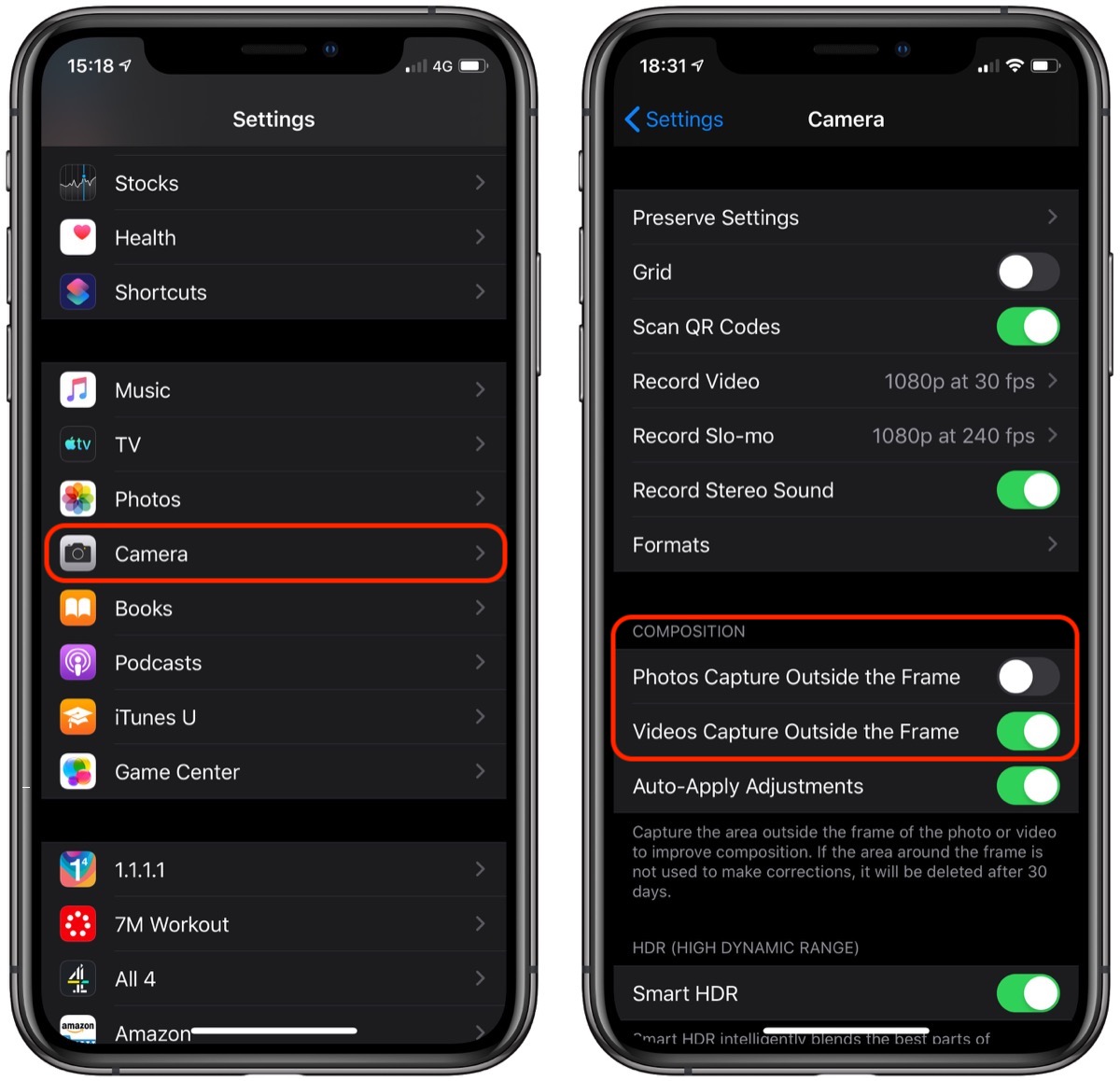 Iphone 11 Highest Quality Camera Setting
https://cdn.macrumors.com/article-new/2019/09/capture-shot-outside-frame-iphone-11-camera-1.jpg
The best camera phones in 2023 our top 9 photography picks The best iPhone tripods for 2023 iPhone in space SpaceX crew shares Earth image shot on Apple s handset The ultrawide lens
Pre-crafted templates use a time-saving option for developing a varied series of files and files. These pre-designed formats and layouts can be used for different personal and expert projects, consisting of resumes, invitations, leaflets, newsletters, reports, presentations, and more, enhancing the material development procedure.
Iphone 11 Highest Quality Camera Setting

25 Most Impressive Video Camera Png Icon You Should Know

7 Best Video Cameras For Filmmakers Digital Camera Buying Guide

Highest Megapixel Camera In 2020
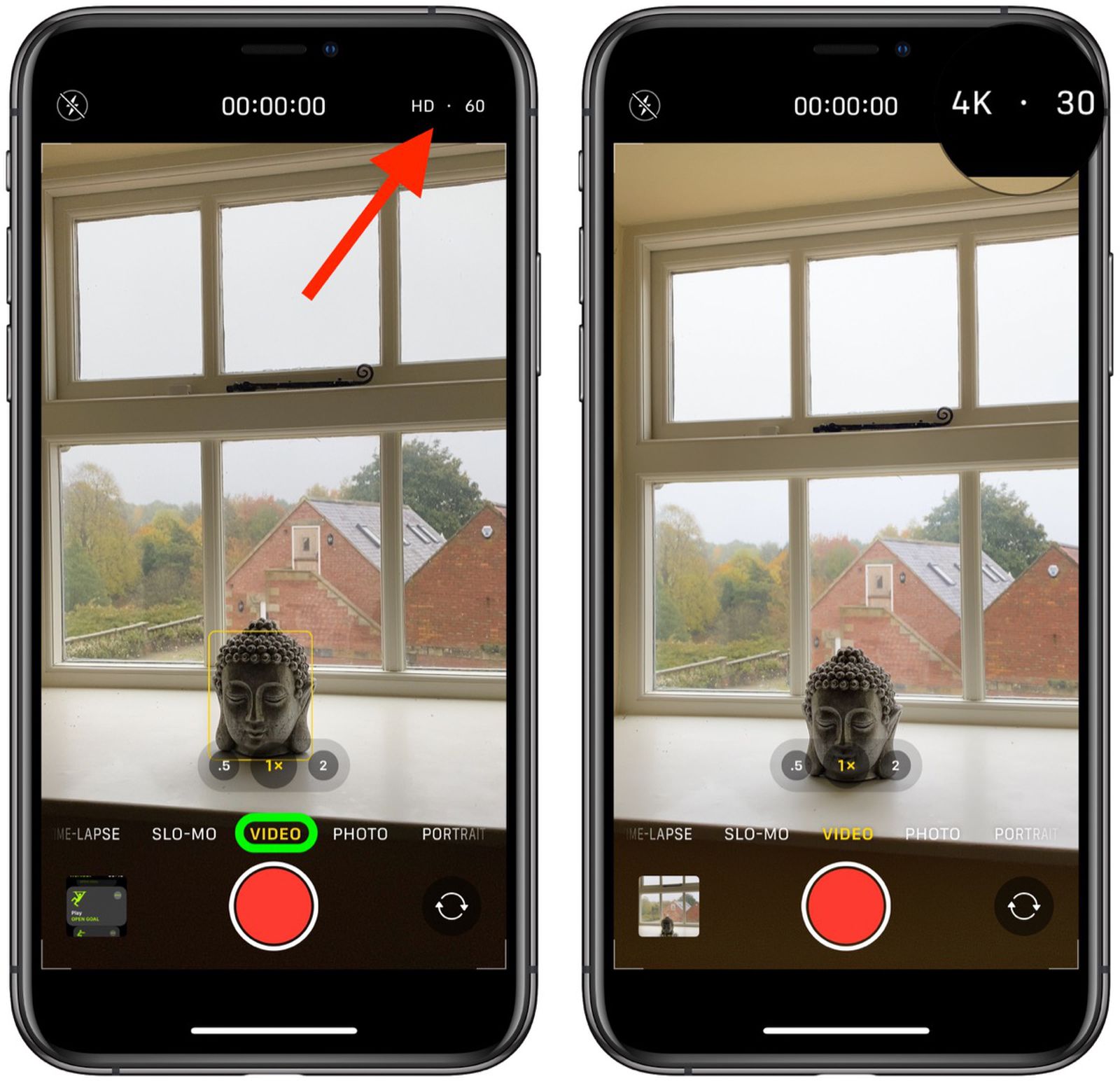
Picasso Ambasciata Rispondere Kiwi Ricerca Voli Non C Modo Sufficiente

Kameravergleich Galaxy S23 Ultra Versus Iphone 14 Pro Max Gambaran
11 Telegraph
Mastering your iPhone 11 camera settings can profoundly improve the quality of your photographs From portraits to landscape shots this guide will teach you how to take advantage of your device s powerful features Step 1 Understanding Your iPhone 11 Camera Settings Step 2 Utilizing the Different Modes Step 3 Mastering Night Mode

What Are The Best iPhone Camera Settings AF AE Lock Use the Grid Burst Mode Smart HDR Lens correction Apple ProRAW Portrait Mode Night Mode Macro Mode Live Photos Preserve Settings

Go to Settings General Software Update You ll be told that the OS is up to date or prompted to download and install the latest update 2 Navigate Photo Mode As seen on the iPhone 14 Pro
To set it up go to Settings Camera Preserve Settings You have several options to choose from Camera Mode Creative Controls Exposure Adjustment Night Mode and Live Photo The options may vary slightly depending on your iPhone model but Apple includes brief descriptions beneath them to help you out if you re unsure what they mean 2

1 Enabling HDR High Dynamic Range HDR combines several exposures to create a single image with more detail Here s how you enable it Open the Camera app on your iPhone 11 Tap on the HDR icon Select On to activate HDR 2 Utilizing Portrait Mode Portrait mode allows for beautiful focus on the subject with a blurred background To use it
Setting focus is one of the best iPhone camera tricks you can learn And it s one of the easiest iPhone camera settings to use It only takes a second to set focus But it will make a huge difference to the quality of your photos 2 Adjust Exposure To Achieve Perfect Brightness Levels Exposure refers to the brightness of an image To change your photo resolution to the highest quality available follow the steps below 1 Open Settings on your iPhone 2 Click on Camera 3 Select Formats 4 Select Most Compatible This results in higher quality photos by saving images in JPEG format To change your video resolution to the highest quality available follow the steps below
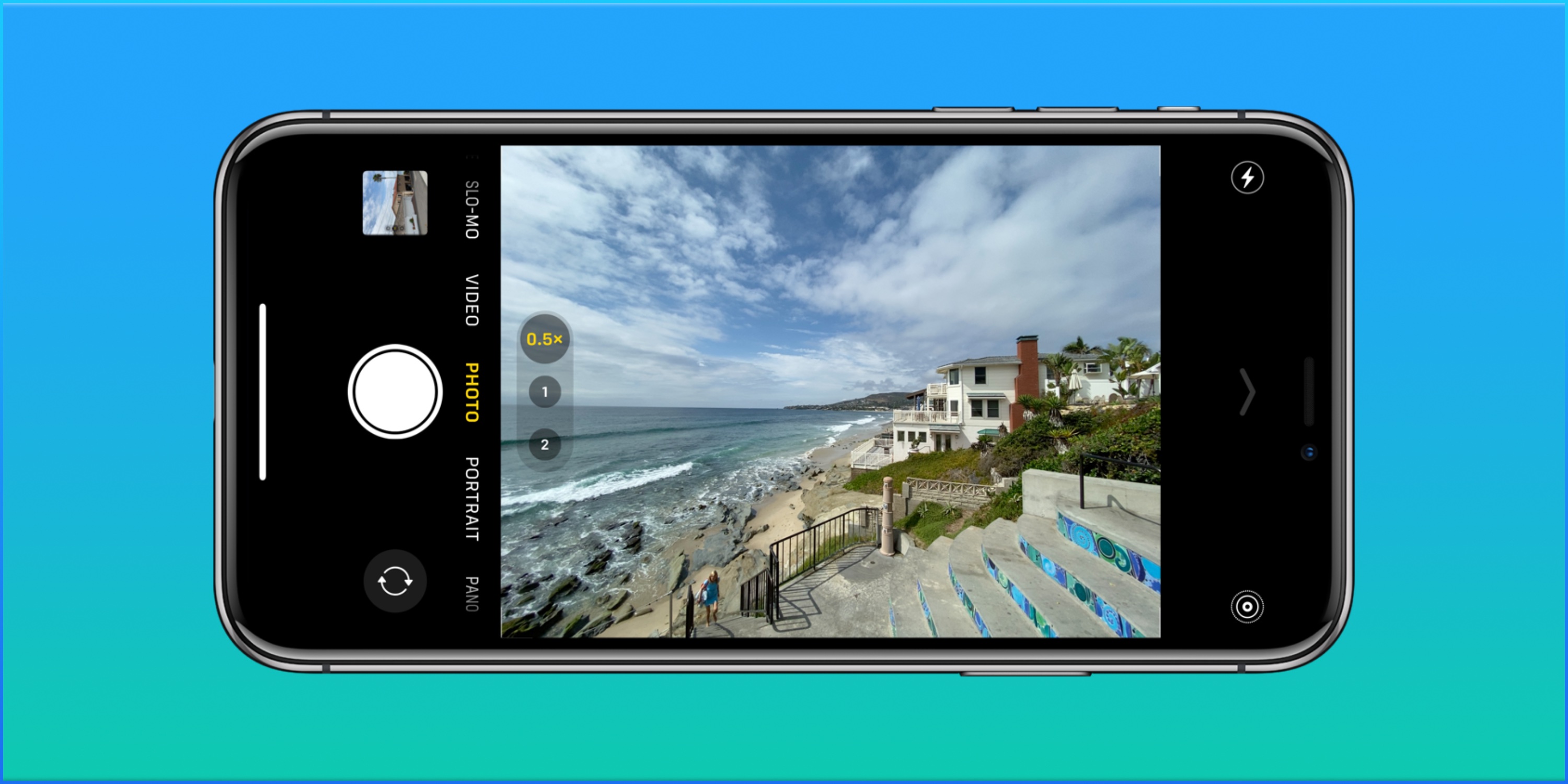
1 Go ultra wide Both the iPhone 11 and 11 Pro have new ultra wide cameras on the back The 12 megapixel f 2 2 camera is equivalent to a 13mm DSLR lens and has a 120 degree field of view which