Ios Reduce Pdf File Size How To Reduce PDF File Size How To Decrease PDF File Size YouTube How To Reduce Pdf File Size In Illustrator Gories Reduce Pdf Size Without Losing Quality How To Reduce Pdf File Size To How To Reduce PDF File Size On Mac macOS Ventura Monterey How To Reduce PDF File Size Below 100 KB For Free Made Stuff Easy Web September 23rd 2021 In case you need to reduce your file s size no matter if it s for sending it out via email or just to save some space PDF Expert lets you optimize PDF files right on your iOS device or Mac You can select the
Web Aug 9 2022 nbsp 0183 32 You can always transfer the PDF file to the desktop also compress it using adenine web based resolve or a PDF editor However you no longer need to go through a lengthy process to reduce PDF size You can easily do how in will iPhone using third party apps Let s learn what Apple s macOS allows her the reduce PDF size from the default Web Select the uploaded file from your Dashboard Locate and apply the feature to reduce PDF size in iOS Choose how you d like to compress the document Stay patient The session may take up a few seconds depending on your chosen compression option Click to download the file or choose to send it via email
How To Reduce PDF File Size Below 100 KB For Free Made Stuff Easy How To Shrink Compress Reduce PDF File Size In Windows 10 PC Free Reduce PDF File Size APK For Android Download Reduce PDF File Size APK For Android Download How To Reduce Pdf File Size Without Losing Quality Compress Pdf File Reduce PDF File Size APK For Android Download Reduce PDF File Size APK For Android Download How To Reduce PDF File Size Compress PDF File Size Less Then 1 Mb How To Reduce PDF File Size Without Losing Quality Compress PDf File
Ios Reduce Pdf File Size
 Ios Reduce Pdf File Size
https://i.ytimg.com/vi/VVyKnVDlVdM/maxresdefault.jpg
Web Screenshots PDFOptim is a simple and intuitive way to compress optimize and reduce PDF documents on iPhones and iPads PDFOptim provides easy and effective ways to compress large image and graphics heavy PDF files Inbuilt side by side preview to compare original and compressed PDF PDFOptim for Mac is also available on the
Pre-crafted templates use a time-saving solution for producing a diverse variety of documents and files. These pre-designed formats and layouts can be used for numerous personal and expert projects, consisting of resumes, invites, leaflets, newsletters, reports, discussions, and more, simplifying the content development process.
Ios Reduce Pdf File Size

How To Reduce PDF File Size Without Losing Quality TechWiser

How To Shrink Compress Reduce PDF File Size In Windows 10 PC Free
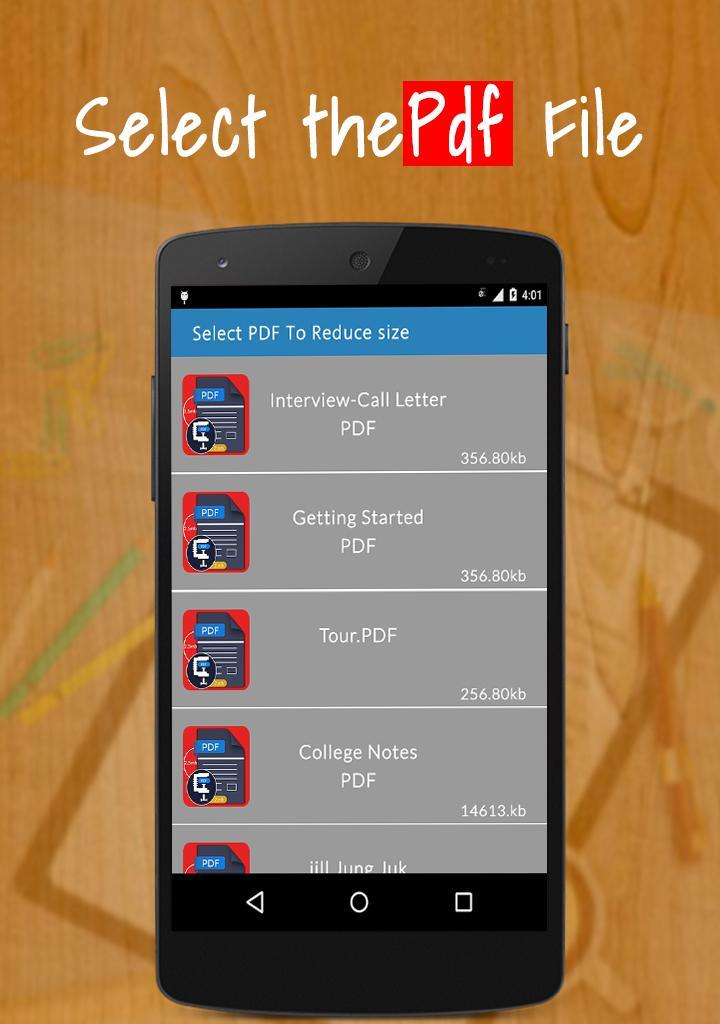
Reduce PDF File Size APK For Android Download
Reduce PDF File Size APK For Android Download
Reduce PDF File Size APK For Android Download
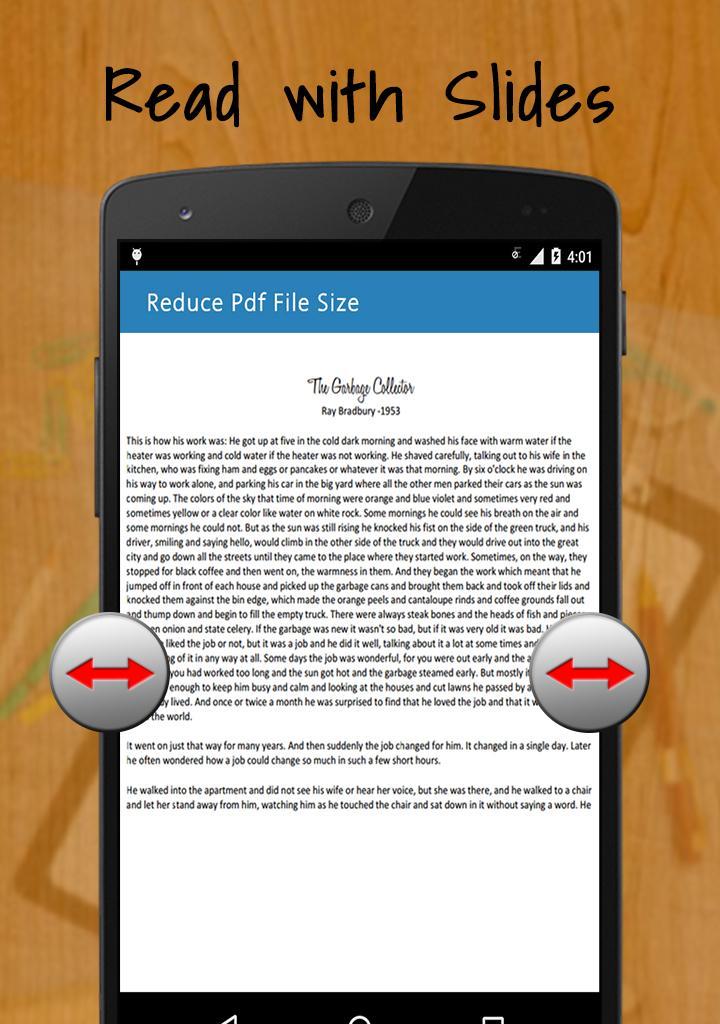
Reduce PDF File Size APK For Android Download
Web Jun 27 2023 nbsp 0183 32 To compress PDF file size on iPhone and iPad Launch the Files app gt Open the PDF file gt Tap and hold the PDF Choose Quick Actions gt Optimize File Size To compress a pdf on iphone using Shortcut app Launch Shortcuts app gt Tap Optimize PDF File Size gt Select PDF to be compressed gt Choose Open gt Open
Web Aug 9 2022 nbsp 0183 32 Step 1 Download Adobe Acrobat from the Apple App Store Download Adobe Acrobat for iPhone Step 2 Open the app and sign in with your Adobe account details Step 3 Tap icon in the bottom right
Web Nov 29 2022 nbsp 0183 32 Open the Files app on your iOS or iPadOS device and locate the PDF file Tap amp hold over a PDF file and pick Quick Actions gt Optimize File Size The Files app will process the PDF make it smaller and save it
Web Nov 24 2019 nbsp 0183 32 In iOS 13 maybe 12 you can scan documents using the files app It uses the camera manually or automatically crops allows multiple pages and produces a PDF A very large PDF My single A4 page is 10MB A drivers license 4MB It s too big for uploading to some sites Is there a way to reduce the file size either while scanning or after
Web Compress PDFs online with your iPad Open Safari or any other browser then navigate to the Acrobat online PDF compressor Tap on Select a File and locate your PDF on your iPad Download your compressed PDF file You can also check how much the compressor was able to shave off the file size
Web Home Reduce PDF Size Choose Files or drop files here Reduce the size of a PDF in seconds no sign up or account creation required Just drag and drop your files to get started Works on Mac Windows and Linux devices Trusted by 2 4 billion people since 2013 Reduce your PDF file size up to 99 Reduce PDF Size for Free Yes for free Web Step 1 Open the Files app on your iPhone and select the PDF document Step 2 Tap and hold on to the PDF document you will see a drop down Tap on Quick Actions 224 Optimize File Size The app will compress the PDF document to make it smaller and autosave it Best for Fuzz free and easily accessible
Web Follow the steps below for compressing PDF files with ultimate ease Ensure you have the latest UPDF version installed on your iOS device Launch the UPDF and open any PDF file in it Tap the v shaped icon in the top left corner and choose Reduce File Size from the drop down menu In the following pop up menu select compressing quality from