Intellij Remove Git Repository IntelliJ PyCharm Git Remote Remove Git Remote In IntelliJ PyCharm How To Use Git Delete File For Git Users EaseUS Git Remove Already Ignored And Removed From Cache Files From IntelliJ Resolving Git Merge Conflicts In IntelliJ IDEA Foojay io Today How To Delete File On Git Removing Files From Git Repository Using Note These instructions should work for any JetBrains product IntelliJ WebStorm etc Blacklist the idea folder by adding the idea folder to the gitignore file in master then commit this change In your branch check this file out from master git checkout master gitignore Remove the idea folder from the git tree
Remove git from IntelliJ Answered acon1234 Created September 06 2020 12 31 I had initially configured IntelliJ to push to my github repo I have removed the remote repo but I want to remove the local repo October 24th 2020 When you initialize a git repository with git init you create a hidden git directory git inside your project directory To uninitialize remove git from your project directory run this command in your Terminal Command Line while inside your project directory rm rf git
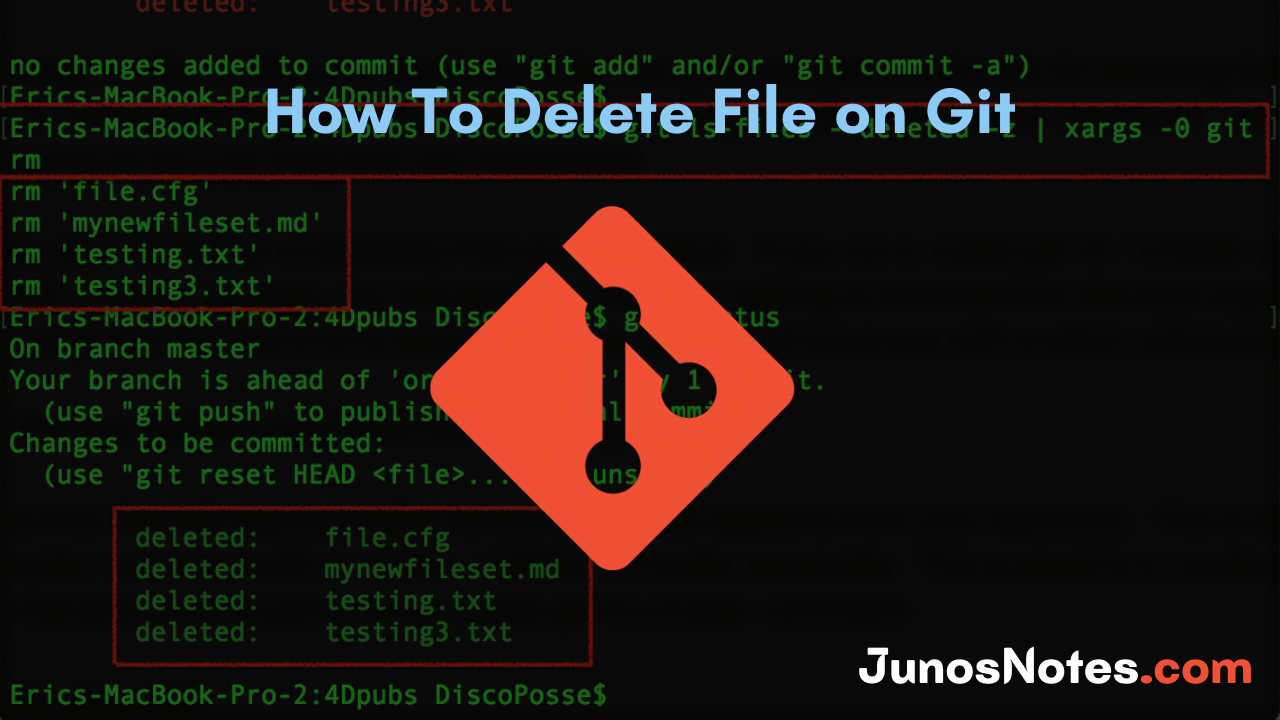
How To Delete File On Git Removing Files From Git Repository Using IntelliJ 2021 1 How To Remove A File From Git Repository YouTube Git IntelliJ IDEA How To Remove A File From Git YouTube Fixed Command add apt repository Not Found In Ubuntu TechPiezo Solved Cannot Remove Git Repository Completely 9to5Answer Git IntelliJ IDEA How To Remove Git From Project Scaler Topics
Intellij Remove Git Repository
 Intellij Remove Git Repository
https://i.stack.imgur.com/1pe6e.png
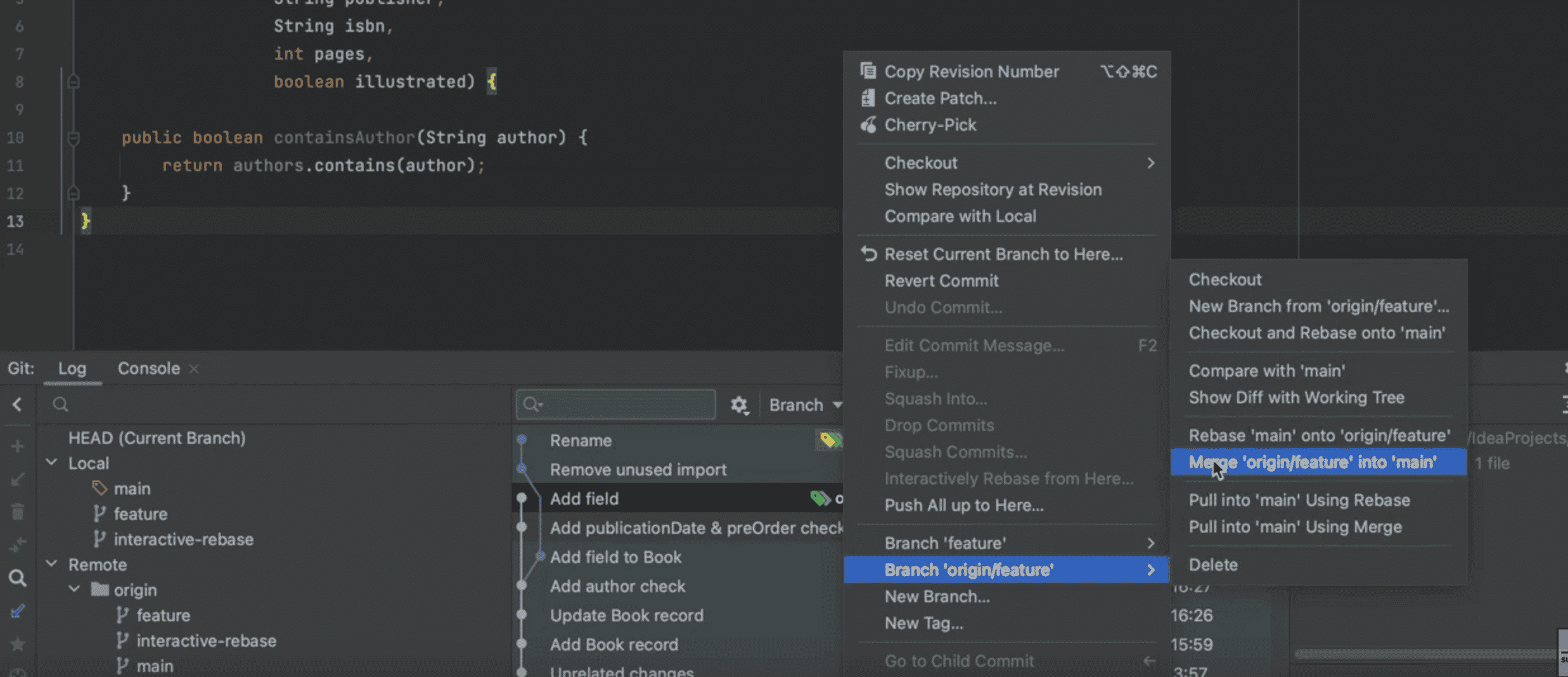
In IntelliJ IDEA all operations with branches are performed in the Git Branches popup To invoke it in the main window header click the Git widget with the name of the branch that is currently checked out You can also manage branches and perform batch operations with multiple branches in the Branches pane of the Git tool window
Pre-crafted templates offer a time-saving solution for developing a diverse variety of documents and files. These pre-designed formats and layouts can be utilized for different personal and expert jobs, including resumes, invitations, leaflets, newsletters, reports, discussions, and more, streamlining the content development procedure.
Intellij Remove Git Repository

Git IntelliJ IDEA

IntelliJ 2021 1
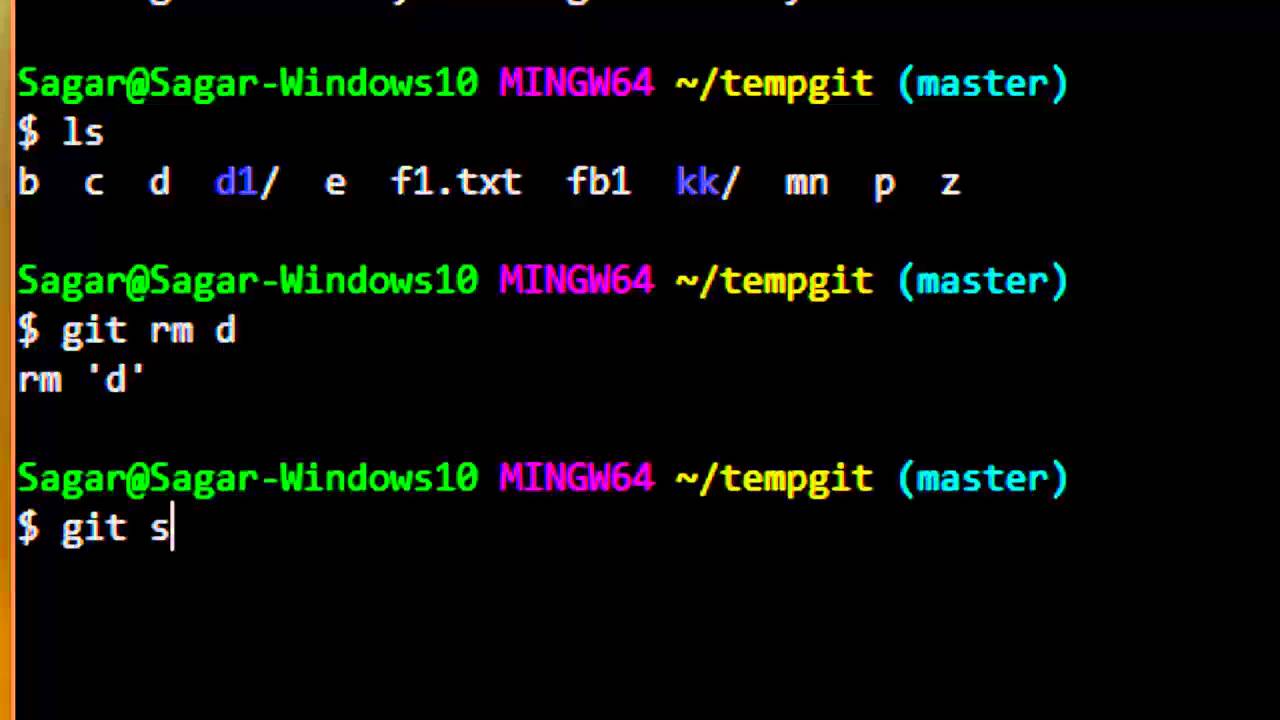
How To Remove A File From Git Repository YouTube

Git IntelliJ IDEA

Fixed Command add apt repository Not Found In Ubuntu TechPiezo

Solved Cannot Remove Git Repository Completely 9to5Answer

Check out a project from a remote host git clone IntelliJ IDEA allows you to check out in Git terms clone an existing repository and create a new project based on the data you ve downloaded To start cloning a Git repository do one of the following If the version control integration is already enabled go to Git Clone

On the repository page click Settings The Repository Settings page will open Scroll down the Repository Settings page and click Delete repository If you see the button Detach repository it means that the repository is attached to another project and can t be deleted

IntelliJ IDEA will pull changes from the remote branch and will rebase or merge them into the local branch depending on which update method is selected in Settings Version Control Git Pull changes If you need to get changes into the current branch from another branch instead of its remote tracked branch use pull
How to delete git repository from repository list Follow Answered Ogudikov Created January 05 2022 06 55 At the right bottom Idea has list of Git repositories How could I delete repository from that list Votes 9 comments Sort by Created January 05 2022 09 48 See Settings Preferences on macOS Version Control Directory Mappings 3 Ogudikov
IntelliJ IDEA How to completely delete git for a Java project MyNotes 256 subscribers Subscribe Subscribed 25 Share 2 7K views 3 years ago IntelliJ IDEA This video shows how to completely
How to delete git author entries from intelliJ I just got a new work laptop and I m still having trouble with the setup When I tried to commit some changes to a distant repository instead of writing down my name and email in the git credential window I wrote my username and password It failed for obvious reasons but now the damn dropdown Since Git is a distributed version control system DVCS even though you deleted the GitHub repository your local Git repository still exists So you still have version control with that local repo If you want to keep the local repo and remove the remote you can do such via git
Open the Terminal and execute one of the following commands To set a name for every Git repository on your machine use git config global user name John Smith To set a name for a single repository use git config user name John Smith Commit changes locally Open the vertical Commit tool window Alt 00 located on the left