Intellij Commit Message Length Git Commit Template Personal IntelliJ IDEs Plugin Marketplace How To Write Useful Commit Messages My Commit Message Template IntelliJ Commit IntelliJ IDEA AWS The IntelliJ IDEA Blog Git Intellij Commit Hunk Checkbox Not There Stack Overflow Set a template Open Settings Tools Commit Message Template and enter the desired template or set the path to a template file If you set something in the comment characters any line in the template file that starts with that character will be ignored when building the message Use the template In the Commit Changes Dialog click the
IntelliJ IDEA now has a Git commit template which you can use to create custom commit messages depending on your needs If you define a commit template the IDE will display the text from it as an initial commit message Save to Shelf In v2021 1 I ve just tried this in 2017 2 and pressing ENTER works just fine when you enter a commit message it takes you to the next line as you would expect Little My Nov 27 2017 at 8 38 I have issue doing it at the terminal in IntelliJ if you open a commit message with and do not finish it just the first line ios run boardtc
Git Intellij Commit Hunk Checkbox Not There Stack Overflow IntelliJ IDEA Code Completion 2020 How Do I Change Commit Message In IntelliJ CrossPointe Was Ist Die Beste Java IDE NetBeans Vs Eclipse Vs IntelliJ IntelliJ Idea K Mapping Extract Method Search Everuwhere Find Class By Git Commit Message Plugin IntelliJ IDEs Plugin Marketplace Library Mindset On Twitter 14 Do Not Commit To Anyone IntelliJ Postfix Completion Explained Programming Intellij IDEA Distributor Reseller Resmi Software Original Jual
Intellij Commit Message Length
Intellij Commit Message Length
https://plugins.jetbrains.com/files/17120/screenshot_be6fe479-6522-4ad9-882c-74af07833c32
Introduction A plugin that helps you standardize submissions This plugin is an upgraded version of the source idea plugin git commit template adding a series of
Templates are pre-designed documents or files that can be utilized for various functions. They can conserve time and effort by providing a ready-made format and design for developing various sort of content. Templates can be utilized for personal or professional jobs, such as resumes, invitations, leaflets, newsletters, reports, discussions, and more.
Intellij Commit Message Length
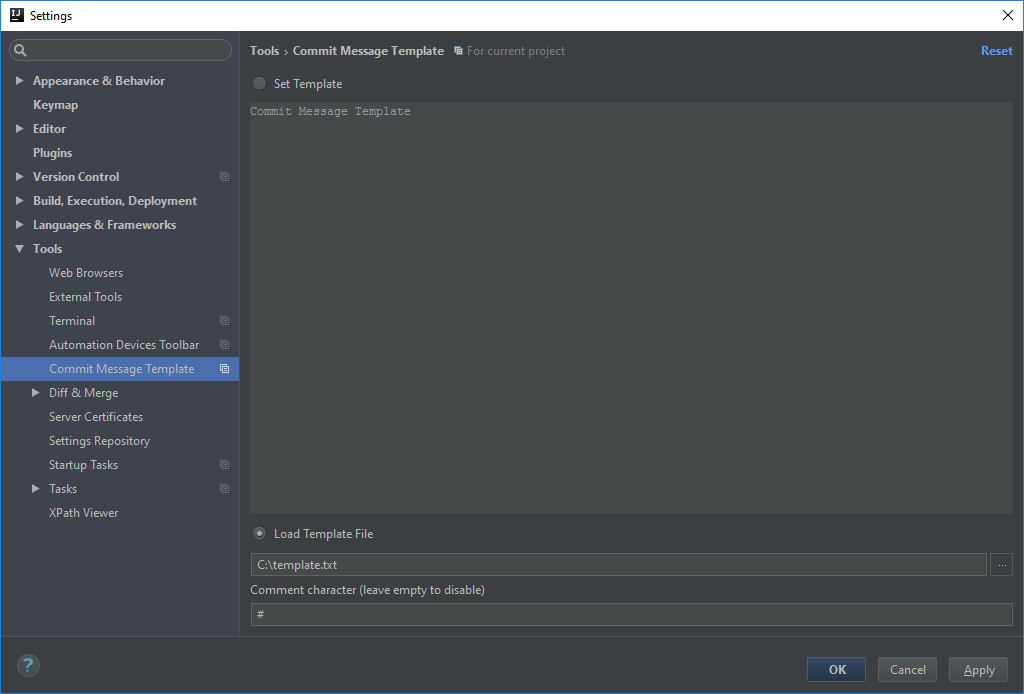
Intellij Commit Message Template Plugin
IntelliJ IDEA Code Completion 2020
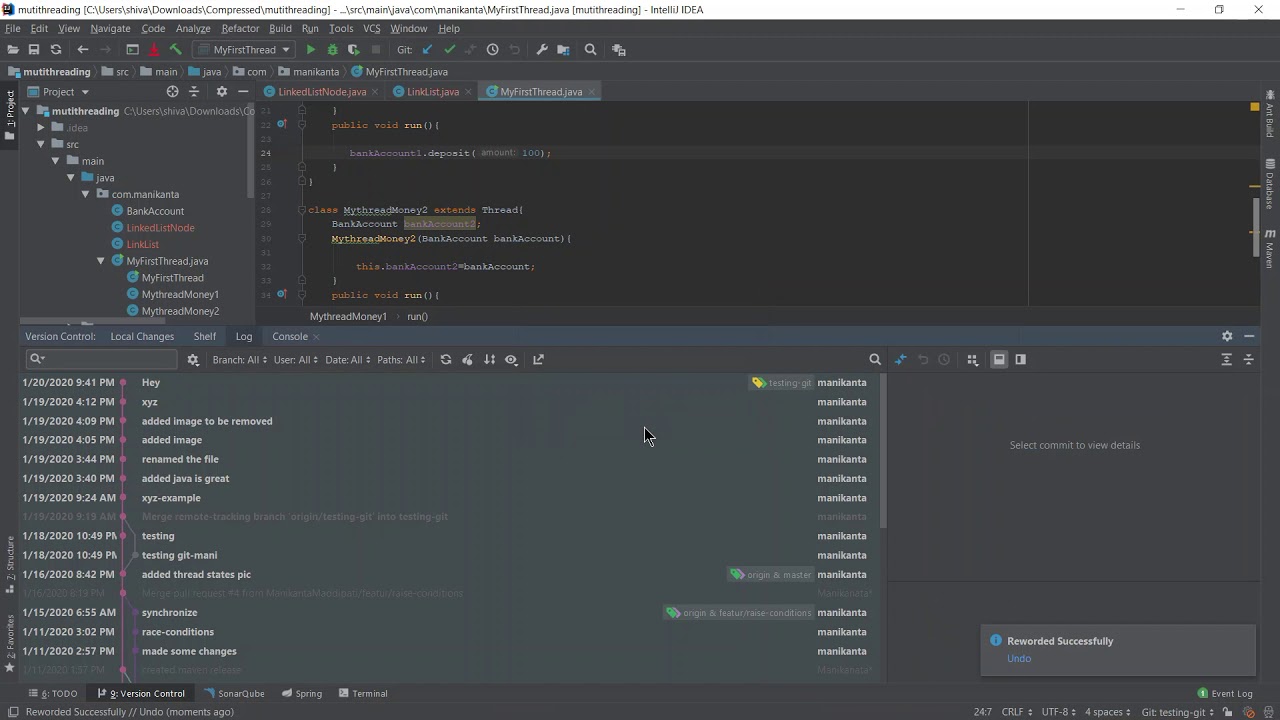
How Do I Change Commit Message In IntelliJ CrossPointe
Was Ist Die Beste Java IDE NetBeans Vs Eclipse Vs IntelliJ
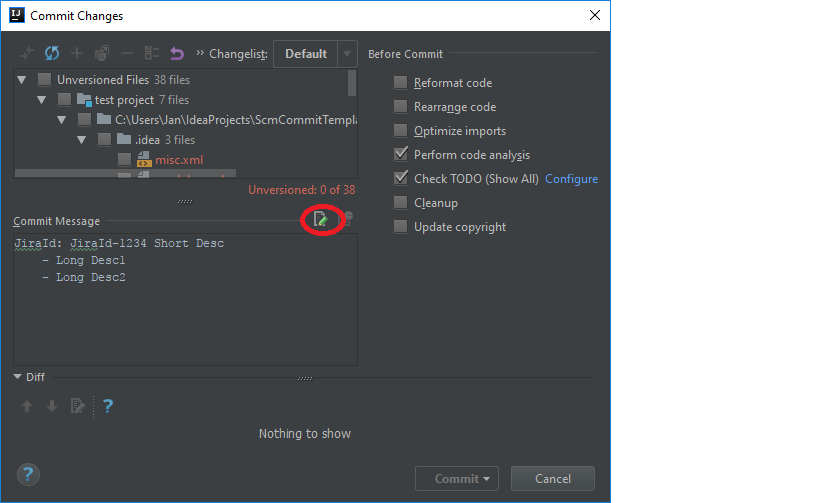
Git Commit Message Plugin IntelliJ IDEs Plugin Marketplace
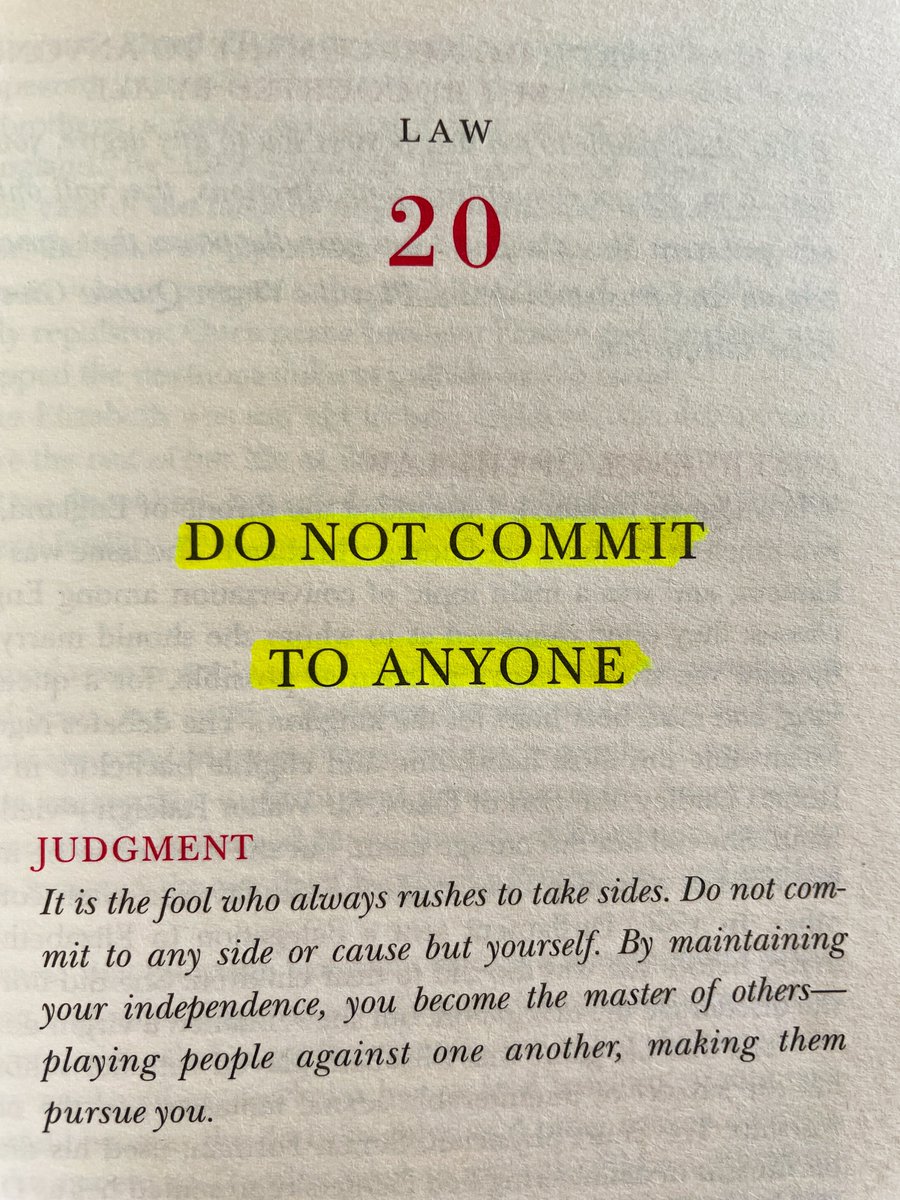
Library Mindset On Twitter 14 Do Not Commit To Anyone
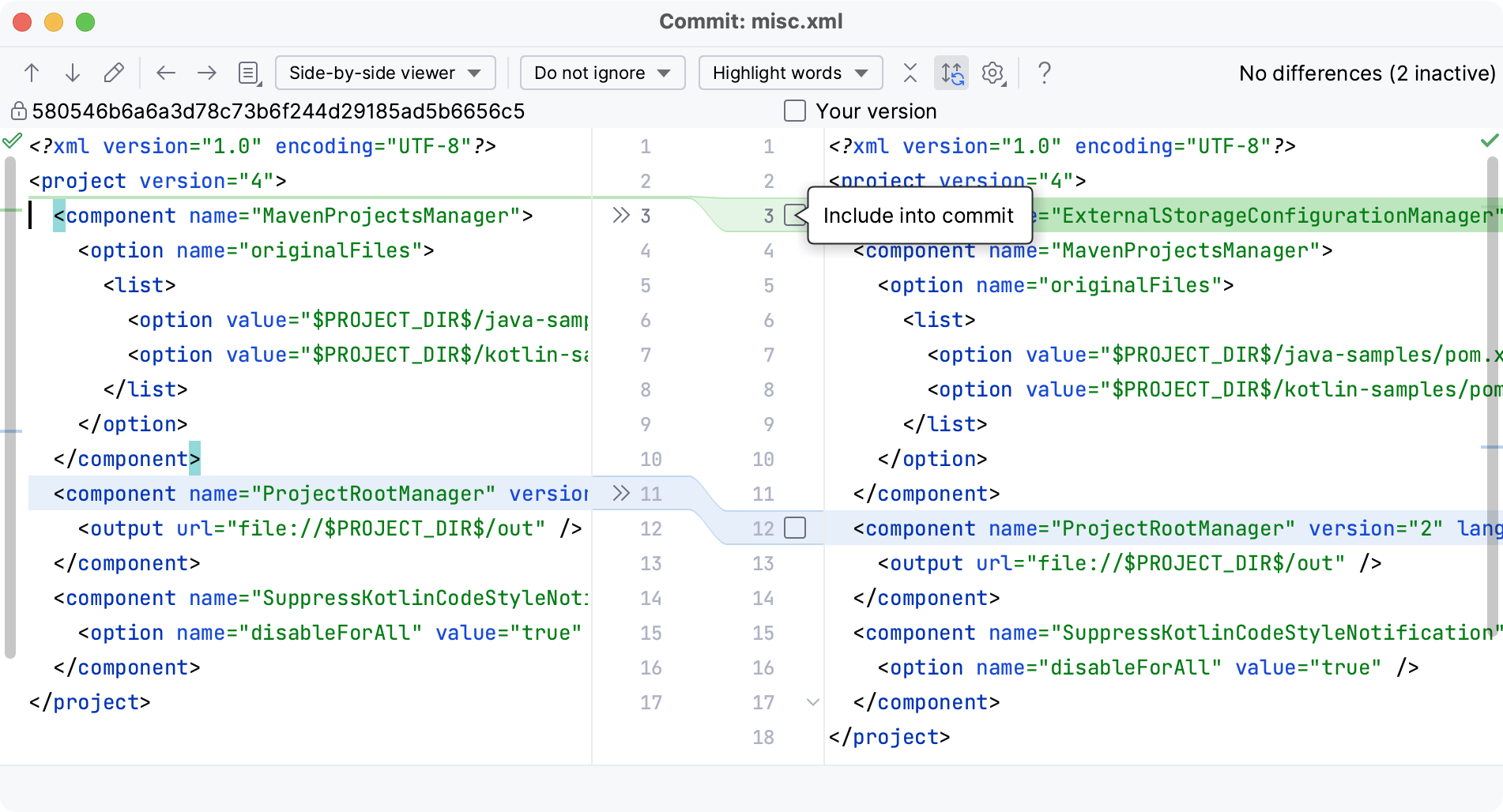
Commit tool window Alt 00 Commit Ctrl 0K Commit and Push Ctrl Alt 0K Push Ctrl Shift 0K After you ve added new files to the Git repository or modified files that are already under Git version control and you are happy with their current state you can share the results of your work

Commit Message pane In this area enter a comment to the current commit You cannot commit your changes until you enter some description in the Commit Message field This comment will also be used as the name of the patch file if you decide to create a patch You can click Commit Message history Control M to choose from the list of recent
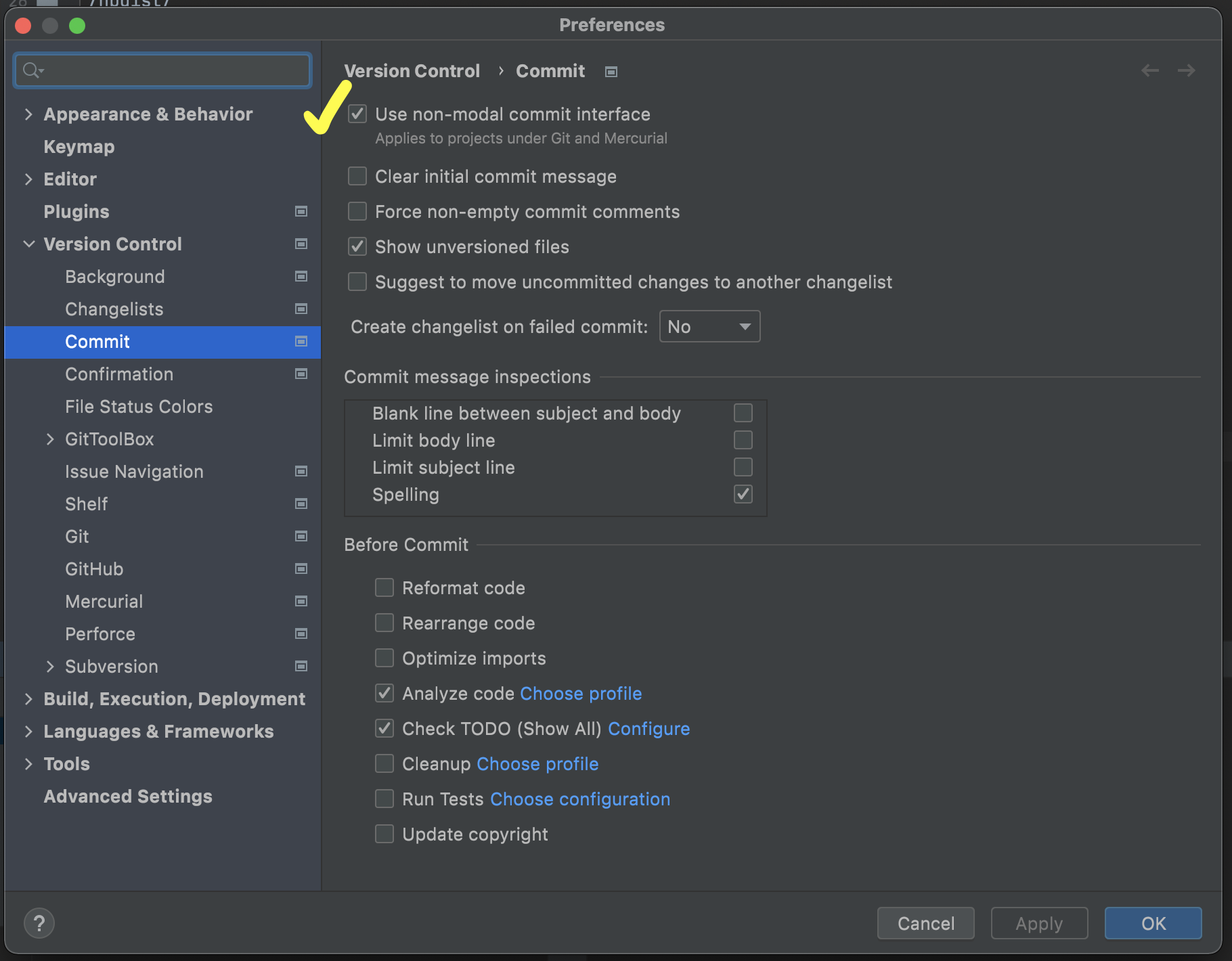
Use this settings page to configure the commit options Select this option to be able to commit from the Commit tool window Alt 00 without displaying the modal Commit Changes dialog Select this option if you do not want to automatically fill the commit message fields with the previous commit message Select this option if you want to restrict

5 Steps to Write Better Commit Messages Let s summarize the suggested guidelines Capitalization and Punctuation Capitalize the first word and do not end in punctuation If using Conventional Commits remember to use all lowercase Mood Use imperative mood in the subject line
This allows the message to be easier to read on GitHub as well as in various git tools Revert If the commit reverts a previous commit it should begin with revert followed by the header of the reverted commit In the body it should say This reverts commit hash where the hash is the SHA of the commit being reverted Type Must be one of
To write a commit message tied to a Jira issue using GitKraken Client Pro follow these steps Select JIRA ISSUES from the left panel Find the issue you want to reference Identify the issue ID Select the ellipses next to the issue and click Copy issue link In the upcoming IntelliJ IDEA 2019 2 we have added a new feature for projects that use Git or Mercurial as their version control system Now when you press the Commit shortcut Ctrl K on Windows Linux Cmd K on macOS the IDE will select the modified files for the commit and focus on the Commit message field in Local Changes tab of Version
Please increase length of recent commit messages list See the picture It should be configurable with default as it is now It would be very helpful if I could re use more older commit messages