Installing Node And Npm On Windows 10 How To Install Node JS And Install NPM On Windows 11 Node JS C mo Instalar Node js En Ubuntu Y Actualizar Npm A La ltima Versi n How To Install Node js And Npm On Windows How To Install NPM And Node js On Windows Mac Ubuntu MiniTool How To Install Nodejs On Mac Step By Step Oct 10 2023 nbsp 0183 32 Ubuntu not installing Ask Question Asked 1 year 11 months ago Modified 1 year 11 months ago
I am trying to install chrome browser via command line I tried this apt cache search chrome browser The results show that the proper term is quot chrome browser quot so I tried that sudo apt get Microsoft Community
How To Install Nodejs On Mac Step By Step How To Install Npm And Install Node Js In Windows 10 Node Js How To Install Node js And NPM On Windows Upgrade Node Js Mac Seekerpilot How To Install Nodejs And Npm On Windows 10 YouTube How To Install Node js And NPM On Windows 10 LinuxBuz How To Install NodeJS And NPM On Windows 10 OS NodeJS Installation Install Node Js Windows 10 Cadpsado Versions Os NodeJS Npm Node RED Modules flow Node RED
Installing Node And Npm On Windows 10
 Installing Node And Npm On Windows 10
https://i.ytimg.com/vi/GjfYHwlFI-c/maxresdefault.jpg
Nov 23 2023 nbsp 0183 32 Partitioning recommendations for installing Ubuntu 22 04 LTS on SSD HDD Ask Question Asked 1 year 10 months ago Modified 1 year 10 months ago
Pre-crafted templates provide a time-saving option for producing a diverse range of documents and files. These pre-designed formats and layouts can be used for various personal and expert projects, including resumes, invitations, flyers, newsletters, reports, discussions, and more, simplifying the material development process.
Installing Node And Npm On Windows 10

Install Node js And Npm In Macbook M1 M2 YouTube
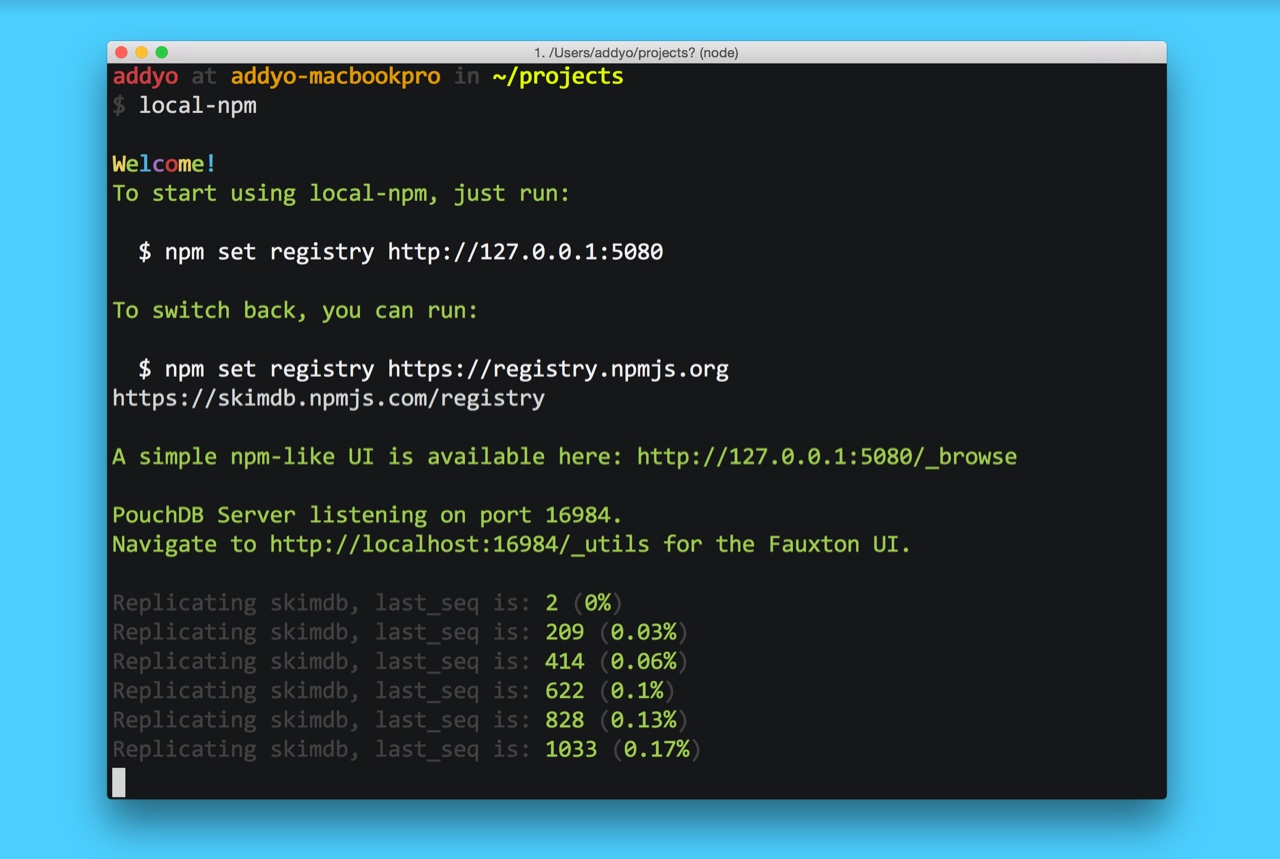
How To Install Npm And Install Node Js In Windows 10 Node Js
How To Install Node js And NPM On Windows
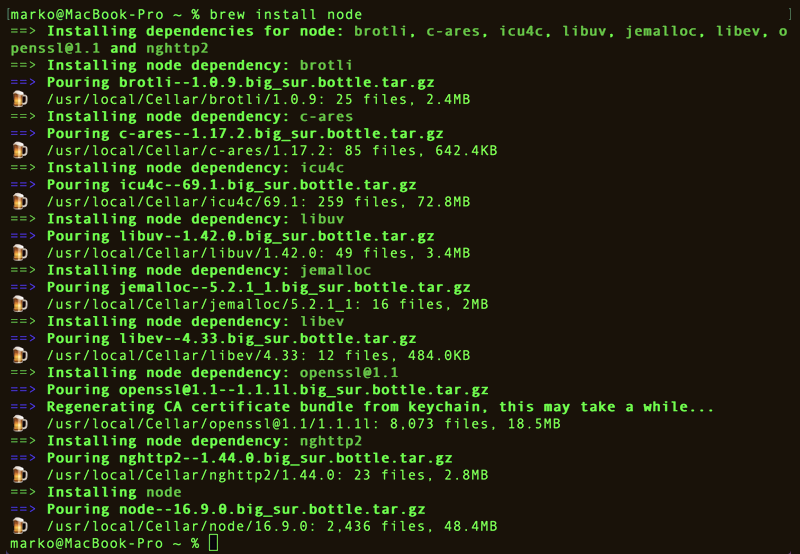
Upgrade Node Js Mac Seekerpilot
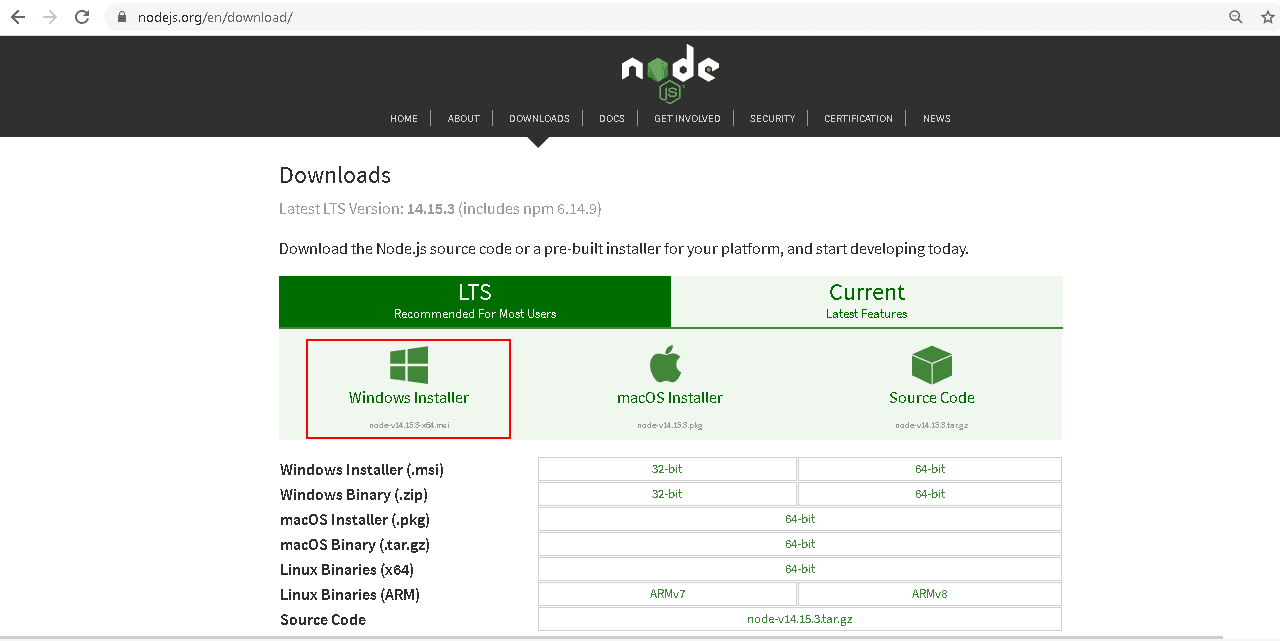
How To Install Node js And NPM On Windows 10 LinuxBuz

How To Install NodeJS And NPM On Windows 10 OS NodeJS Installation

Open files on your desktop When you install Drive for desktop on your computer it creates a drive in My Computer or a location in Finder named Google Drive All of your Drive files appear here
Nov 10 2014 nbsp 0183 32 Installing from the Software Center is much more secure much easier and will allow the app to get updates from Ubuntu That said how to install tar packages The best way

May 6 2011 nbsp 0183 32 With modern apt I would recommend doing sudo apt install package deb instead This allows automatically installing all the dependencies and it does all the extra sanity checks
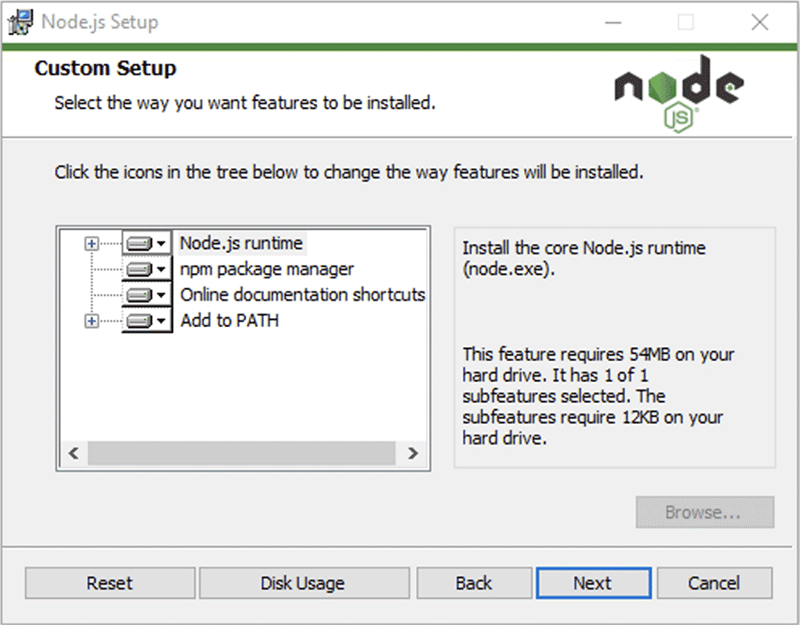
When installing GoogleEarthProSetup exe I get the error code 0x1252a I have chatted with Google looking for a solution but that has not helped

If there s not enough space on your computer for Chrome you might run into a problem To free up hard drive space delete unnecessary files such as Some antivirus software can prevent
[desc-11] [desc-12]
[desc-13]