Install Zebra Printer Using Driver V8 How To Install Zebra Blinds Zebra Blinds For Window interiorjagat How To Install Printer Driver Using Setup Utilities ZT230 Printer How To Download Driver Install Zebra ZT230 Label Printer Zebra How To Install Zebra Setup Utilities In Windows Calibrate With Zebra How To Setup And Install Zebra Lp2844 Printer On Windows 10 4x6 Works To fix most issues with your search engine pop ups or Chrome updates uninstall and reinstall Chrome On your iPhone or iPad learn how to make Chrome your default browser Learn how
Install and set up Drive for desktop Install amp set up Drive for desktop for Windows Important Before you start check that your operating system is compatible with Drive for desktop Tip If pip install conda install anaconda prompt pip install conda install 1 098
How To Setup And Install Zebra Lp2844 Printer On Windows 10 4x6 Works How To Install Zebra Designer2 Free And Install Printer Driver YouTube Image png Image png Image png Image png ZD220 And ZD230 Series Desktop Printer Where To Download Driver And Downloading Windows Fonts To A Printer Via ZDesigner V8 Zebra ZD421 And Design Manager
Install Zebra Printer Using Driver V8
 Install Zebra Printer Using Driver V8
https://i.ytimg.com/vi/Fea2kzyzj1U/maxresdefault.jpg
Select Install for no charge items or the item s price Tips To check that an app is reliable find out what other people say about it Under the app s title check the star ratings and the number
Pre-crafted templates use a time-saving solution for developing a varied variety of files and files. These pre-designed formats and designs can be used for different individual and professional jobs, consisting of resumes, invitations, leaflets, newsletters, reports, presentations, and more, simplifying the material production procedure.
Install Zebra Printer Using Driver V8

How To Install Zebra Zd220 Printer How To Install Zd230 Thermal Label
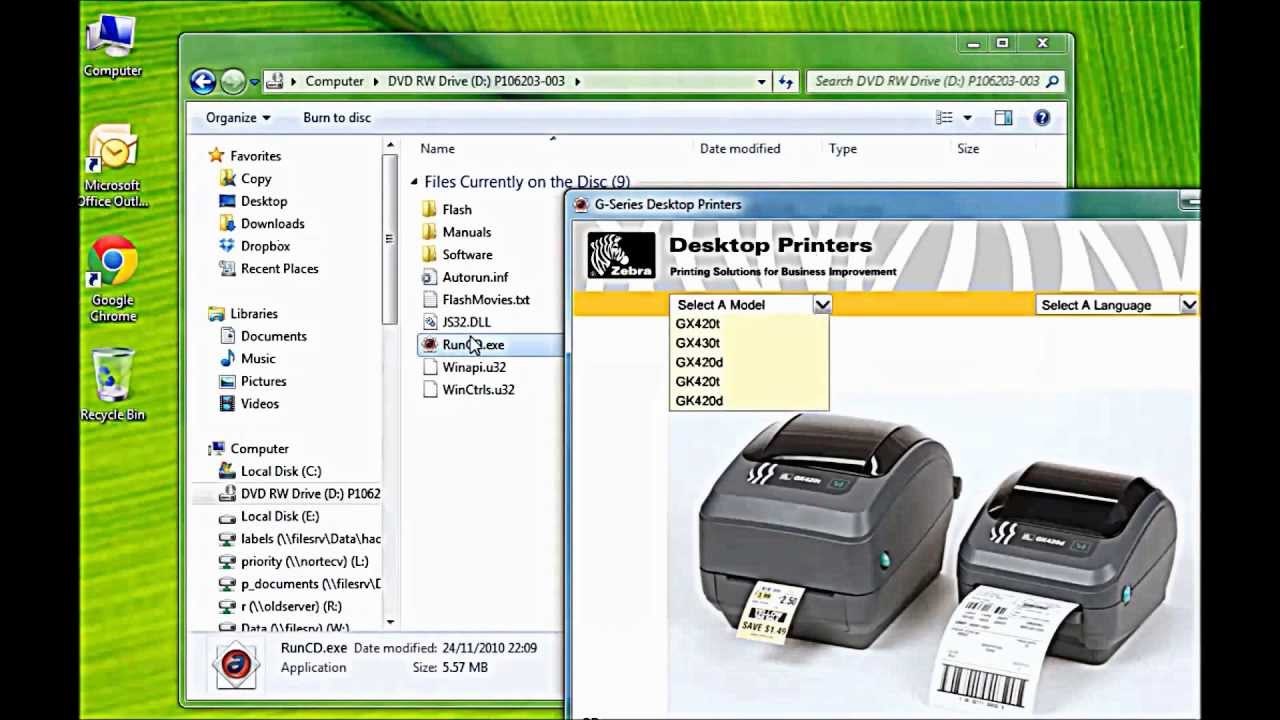
How To Install Zebra Designer2 Free And Install Printer Driver YouTube
Image png
Image png
Image png
ZD220 And ZD230 Series Desktop Printer Where To Download Driver And

Official Google Chrome Help Center where you can find tips and tutorials on using Google Chrome and other answers to frequently asked questions

Download the installation file again To install Chrome again use the new file If the installation still isn t working use an offline installer Computers with multiple user accounts Computers

What you can do with Drive Add files and folders to Drive Share files and folders in Drive Install Drive for desktop Print save or customize Learning Center guides Learn how to print Learning

To install or upgrade to the latest version of Google Earth Pro download the application System requirements In order for Google Earth Pro to run on your computer you must have all

You can download and install the Chrome web browser at no charge and use it to browse the web
[desc-11] [desc-12]
[desc-13]