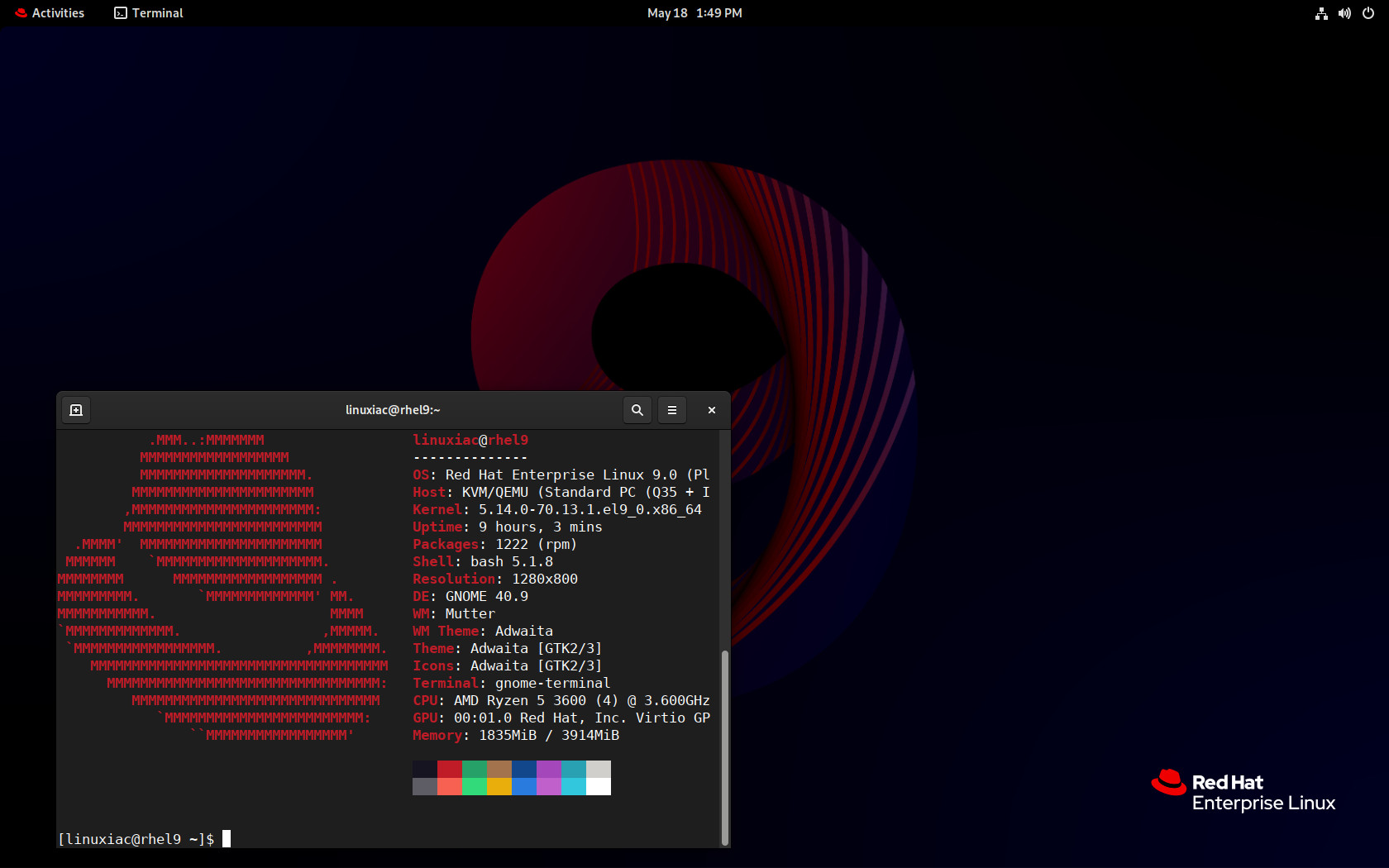
Install X11 Linux Redhat 7 Net tools Rpm Download Redhat Superkingvannuys Red Hat Linux Wallpapers Top Free Red Hat Linux Backgrounds Red Hat Enterprise Linux 9 Released With Security Enhancements How To Install Red Hat Enterprise Linux 8 RHEL 8 In VMware LWDW 374 RedHat Depreciates X11 Mozilla Gets Social Linux Game Cast To install or upgrade to the latest version of Google Earth Pro download the application System requirements In order for Google Earth Pro to run on your computer you must have all
pip install conda install anaconda prompt pip install conda install 1 098 Download the installation file again To install Chrome again use the new file If the installation still isn t working use an offline installer Computers with multiple user accounts Computers
LWDW 374 RedHat Depreciates X11 Mozilla Gets Social Linux Game Cast What Version Of Redhat Linux Am I Running Picocaqwe Cu l Es El Mejor Servidor X11 Para Windows Techlib Blog Redhat Linux 5 End Of Life Dearlockq How To Recover Accidentally Deleted Files In Linux Redhat Systran Box SALE Red Hat Enterprise Linux 7 Blog2 hix05 GNULINUX Informatica De Harvy How To Install RedHat RHEL 8 Linux On VirtualBox Hello Sunil How To Install X11 Mouse Themes Baldcircleproperties
Install X11 Linux Redhat 7
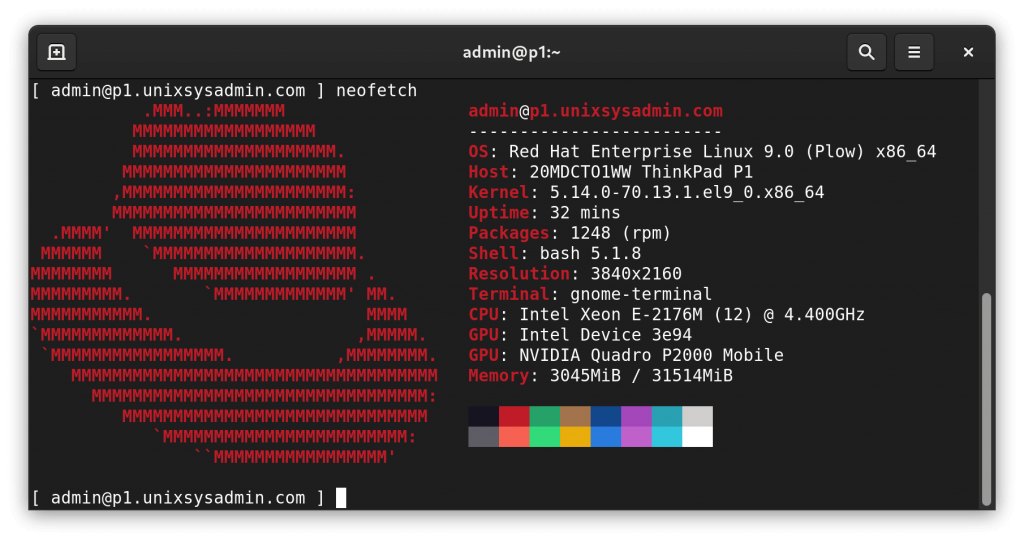 Install X11 Linux Redhat 7
https://www.unixsysadmin.com/wp-content/uploads/sites/3/2022/07/RHEL9-1024x542.png
To fix most issues with your search engine pop ups or Chrome updates uninstall and reinstall Chrome On your iPhone or iPad learn how to make Chrome your default browser Learn how
Pre-crafted templates use a time-saving solution for developing a varied series of files and files. These pre-designed formats and designs can be utilized for various personal and professional tasks, including resumes, invites, leaflets, newsletters, reports, presentations, and more, streamlining the content production process.
Install X11 Linux Redhat 7
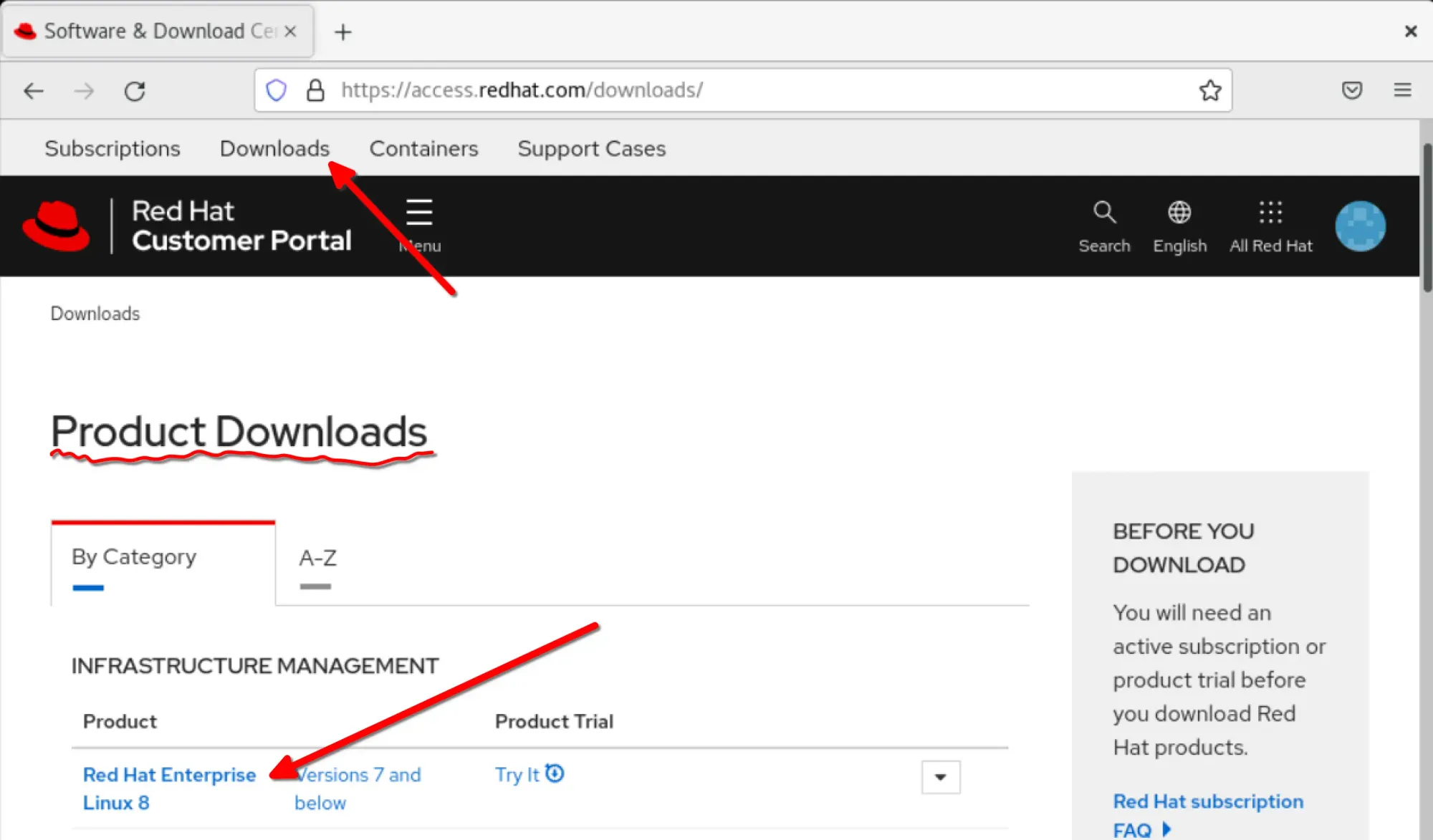
How To Get Red Hat Enterprise Linux For Free

What Version Of Redhat Linux Am I Running Picocaqwe

Cu l Es El Mejor Servidor X11 Para Windows Techlib Blog
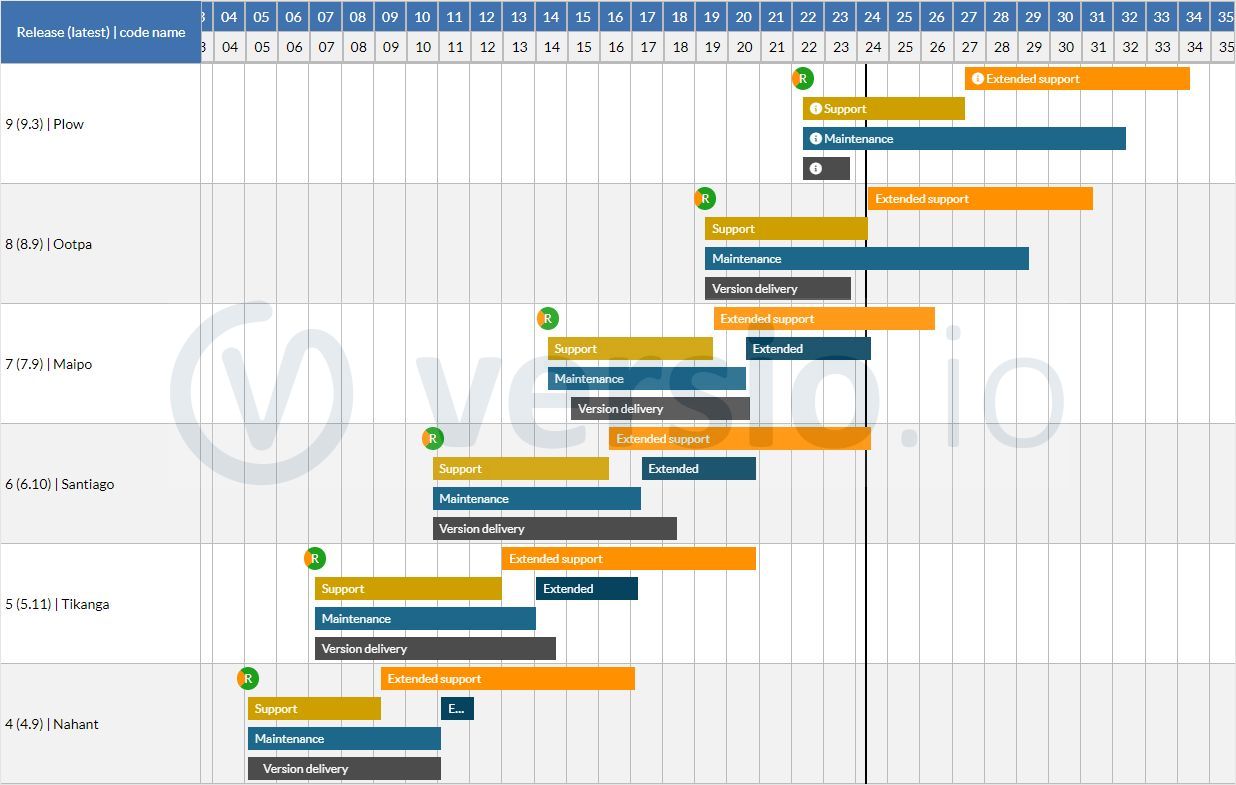
Redhat Linux 5 End Of Life Dearlockq

SALE Red Hat Enterprise Linux 7 Blog2 hix05

GNULINUX Informatica De Harvy
You can download and install the Chrome web browser at no charge and use it to browse the web
Official Google Chrome Help Center where you can find tips and tutorials on using Google Chrome and other answers to frequently asked questions
When you install Drive for desktop on your computer it creates a drive in My Computer or a location in Finder named Google Drive All of your Drive files appear here Any new files or

You can download and install the Chrome web browser at no charge and use it to browse the web

Install and set up Drive for desktop Install amp set up Drive for desktop for Windows Important Before you start check that your operating system is compatible with Drive for desktop Tip If
[desc-11] [desc-12]
[desc-13]