Install Wsl Ubuntu Using Powershell How to Install Ubuntu in Windows 10 with WSL 2 | Petri IT Knowledgebase Manuelle Installationsschritte für ältere Versionen von WSL | Microsoft Learn How to Install Ubuntu on Windows Services for Linux | ITPro Today: IT News, How-Tos, Trends, Case Studies, Career Tips, More How to Install Ubuntu in Windows 10 with WSL 2 | Petri IT Knowledgebase The Ultimate Guide to Windows Subsystem for Linux (Windows WSL) Options include distribution Specify the Linux distribution to install You can find available distributions by running wsl list online no launch Install the Linux distribution but do not launch it automatically web download Install from an online source rather than using the Microsoft Store
Microsoft Store Search for Ubuntu Click on GetInstall if you already had it Getting Ubuntu for WSL from Microsoft Store Install WSL Linux Distribution With PowerShell Similarly we can install a Linux distribution with PowerShell The only way to install it on LTSC edition Microsoft The essential WSL commands for PowerShell you need to know By Richard Devine published 17 February 2022 The Windows Subsystem for Linux has a degree of cross compatibility with
The Ultimate Guide to Windows Subsystem for Linux (Windows WSL) How to install WSL 2 on Windows 10 with Powershell - YouTube Install WSL 2 On Windows 10 Using PowerShell Command Line | Craftsman Nadeem Install WSL on Windows 10 21H1 – Learn IT And DevOps Daily Install Ubuntu on WSL2 on Windows 10 | Ubuntu Access Linux filesystems in Windows and WSL 2 - Windows Command Line How to upgrade to Ubuntu 20.10 in WSL on Windows 10 | Windows Central How to Install Linux Bash Shell on Windows [Step-by-Step Guide] Install WSL 2 On Windows 10 Using PowerShell Command Line | Craftsman Nadeem
Install Wsl Ubuntu Using Powershell
 Install Wsl Ubuntu Using Powershell
https://petri-media.s3.amazonaws.com/2021/04/Figure1-6-1280x727.png
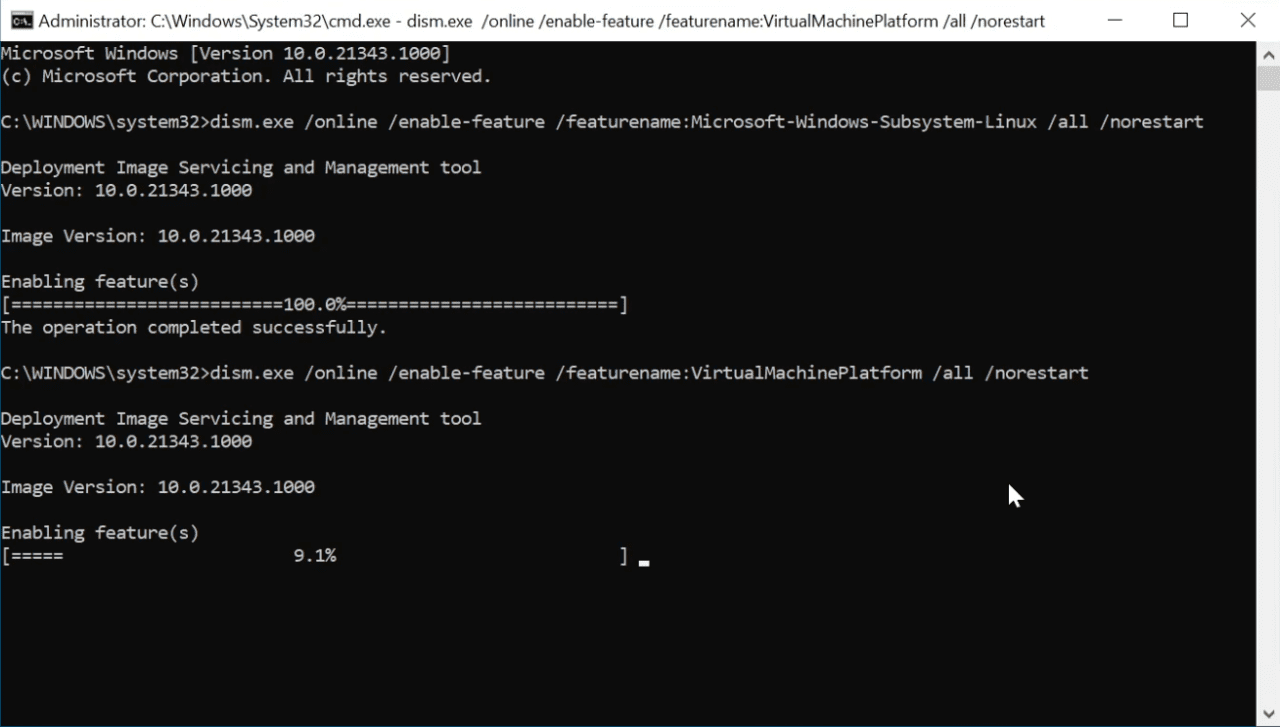
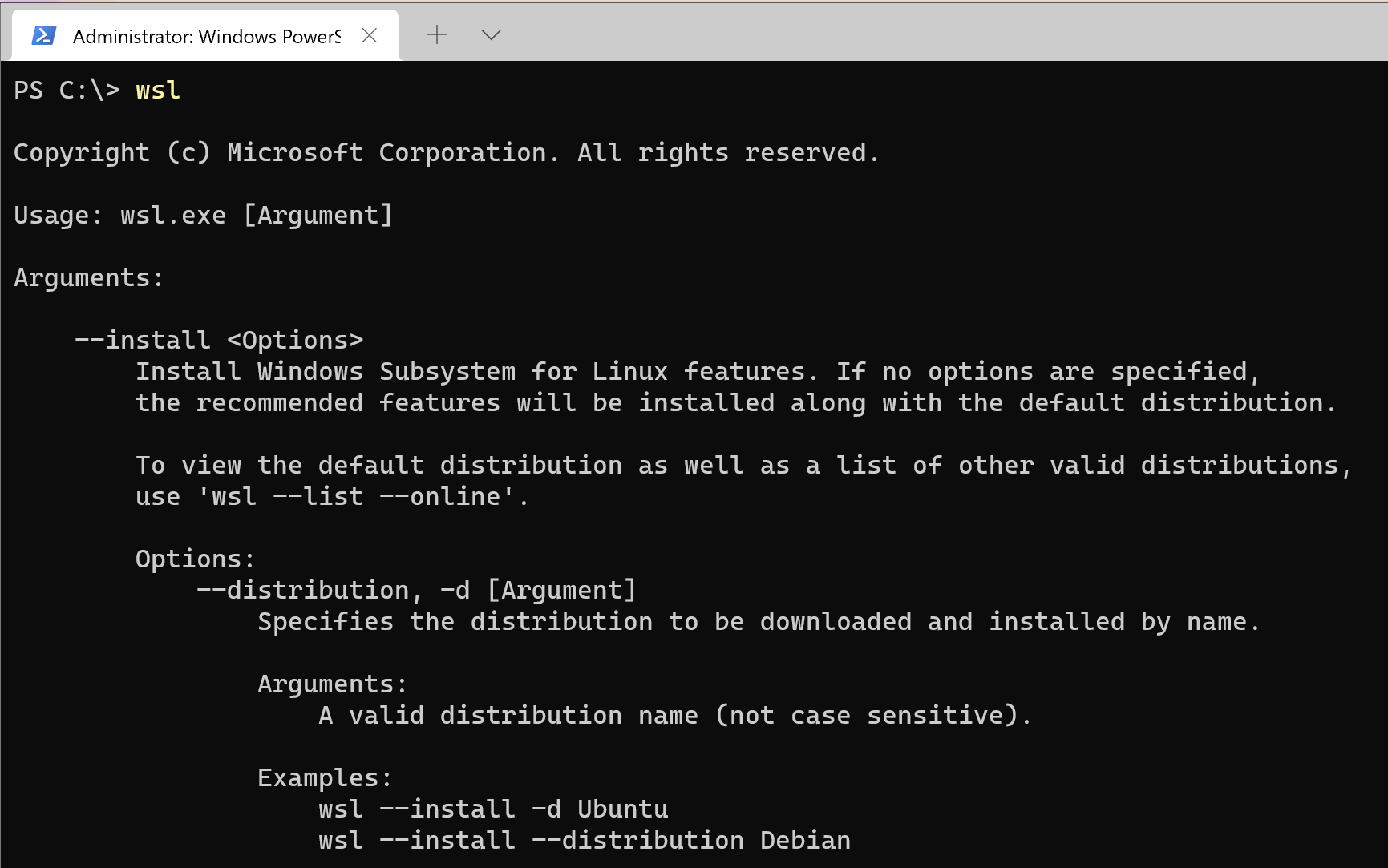
Using wsl install The process to set up WSL was previously too complicated involving turning on multiple settings and installing multiple packages We ve simplified the process down to just one command simply open a command prompt window with admin privileges and run wsl exe install
Templates are pre-designed files or files that can be used for different purposes. They can conserve time and effort by providing a ready-made format and design for producing different sort of material. Templates can be used for personal or expert tasks, such as resumes, invites, flyers, newsletters, reports, discussions, and more.
Install Wsl Ubuntu Using Powershell
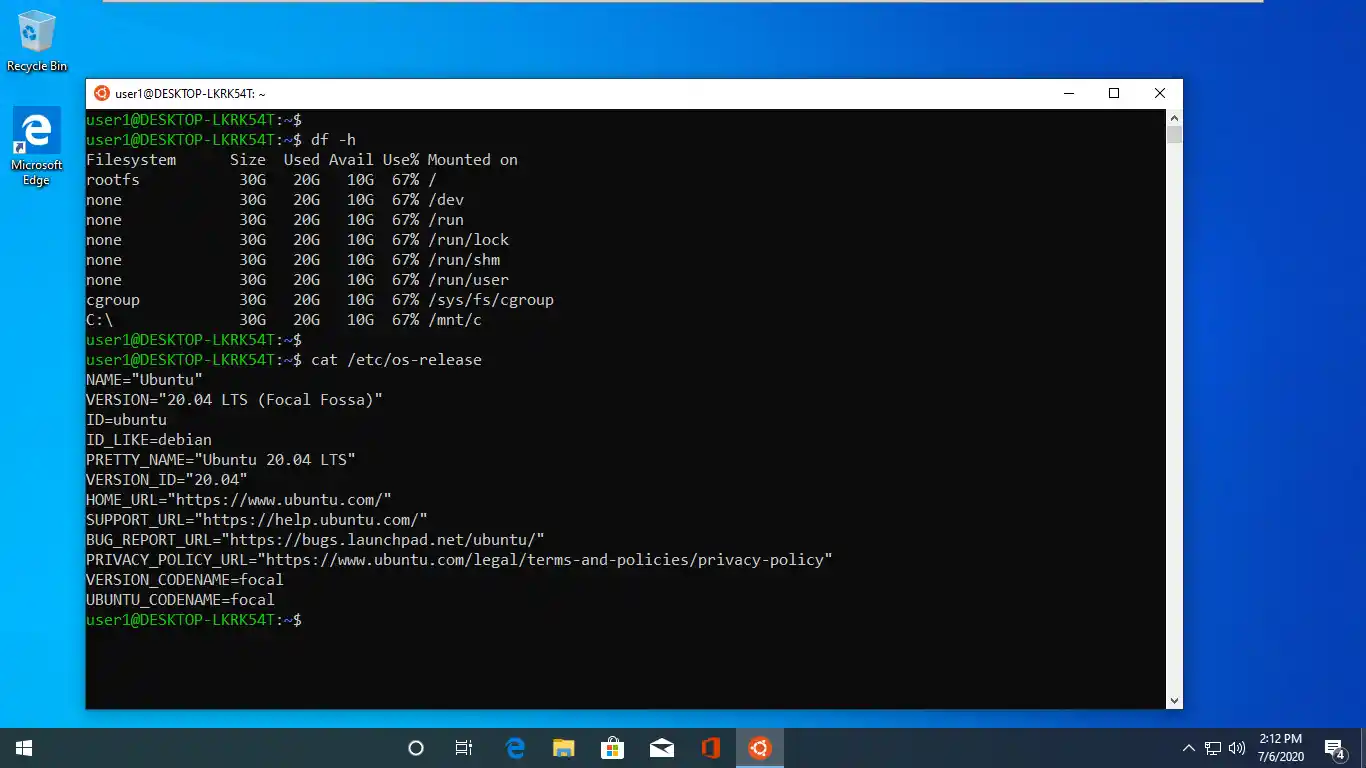
Install Ubuntu 20.04 on Windows 10

How to install WSL 2 on Windows 10 with Powershell - YouTube

Install WSL 2 On Windows 10 Using PowerShell Command Line | Craftsman Nadeem
Install WSL on Windows 10 21H1 – Learn IT And DevOps Daily
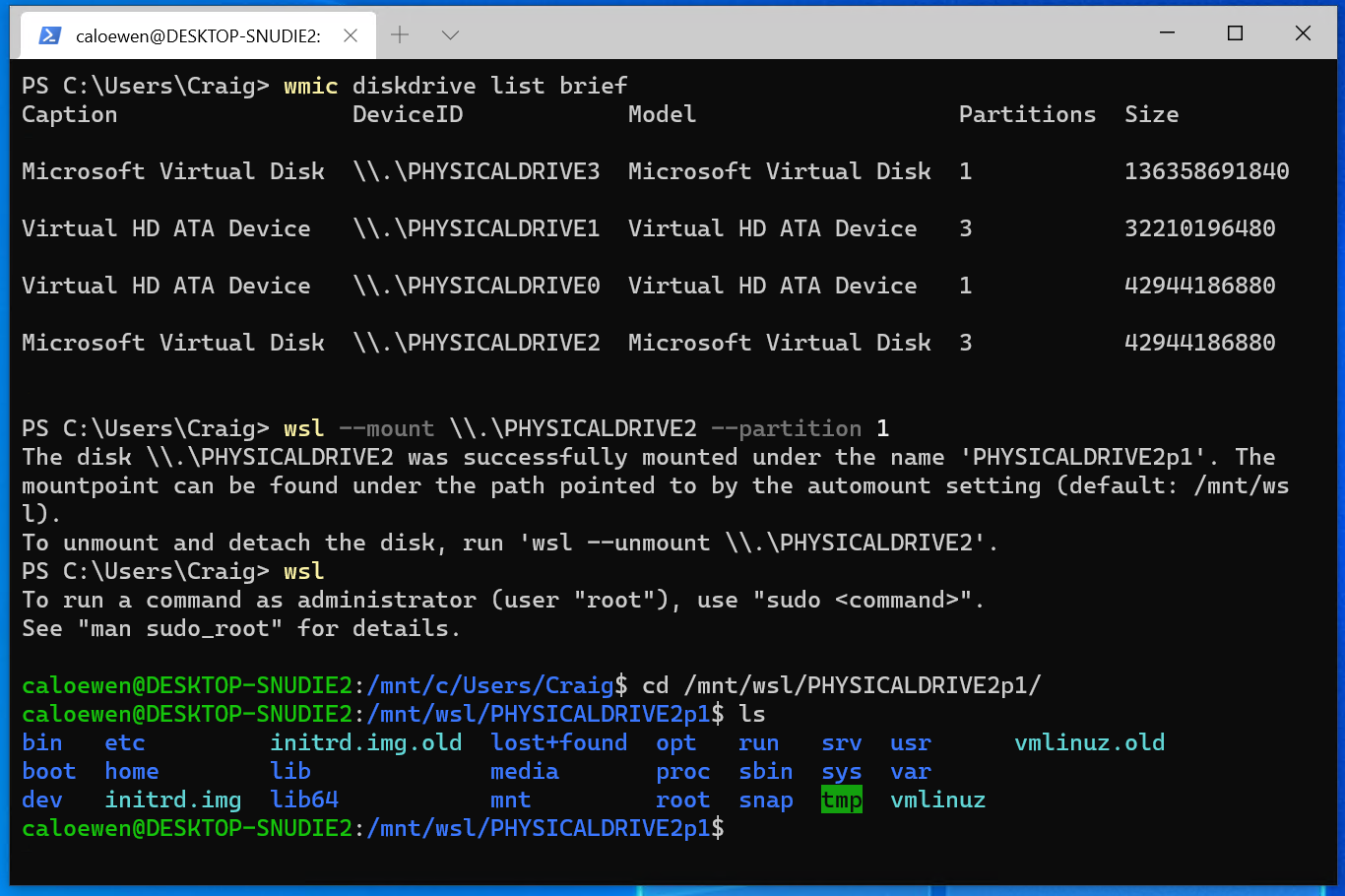
Access Linux filesystems in Windows and WSL 2 - Windows Command Line
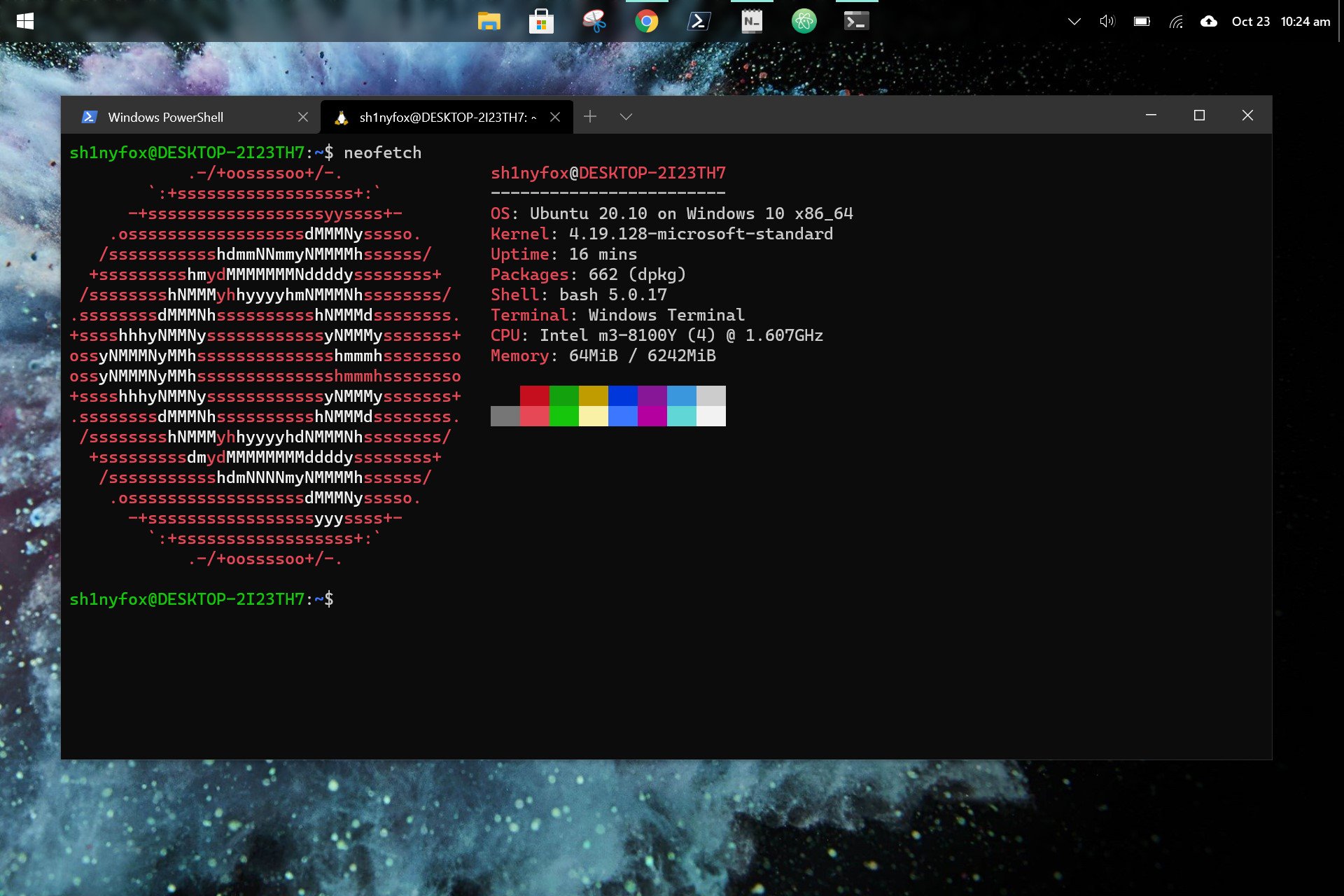
How to upgrade to Ubuntu 20.10 in WSL on Windows 10 | Windows Central
Learn how to run the command to install the default Bash shell that uses Ubuntu or can be set to install other Linux distributions use basic WSL commands set up Visual Studio Code or Visual Studio Git Windows Credential Manager databases like MongoDB Postgres or MySQL set up GPU acceleration run GUI apps and more Get started

WSL Ubuntu 20 04 Installation Using PowerShell This collection of PowerShell scripts provide a way to download install uninstall or reset Ubuntu 20 04 in WSL Prerequisites By default PowerShell s execution policy is set to Restricted and script execution is not allowed

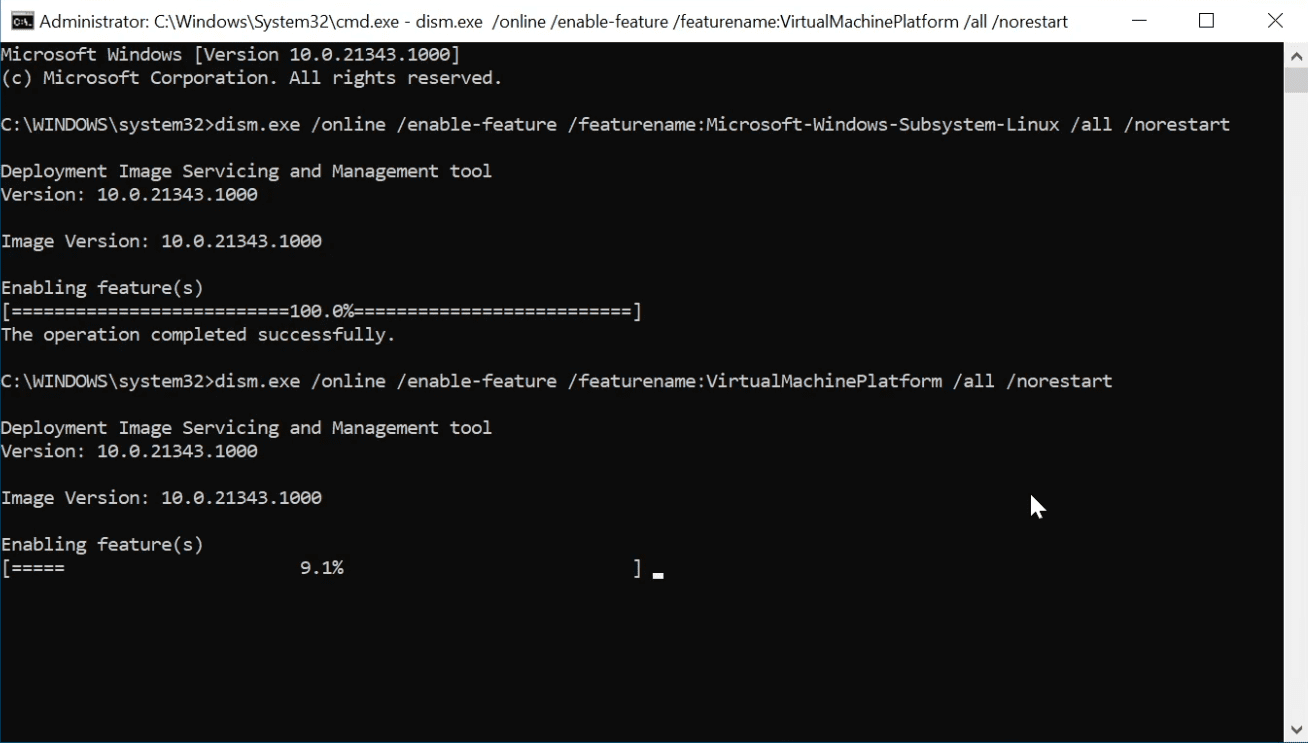
Note it is possible to install WSL 1 using a GUI too but it s much faster to use the command line and since WSL is a CLI tool it kinda makes sense too Step 1 Enable WSL Regardless of which version of WSL you want to use you first need to enable it To do this open the PowerShell tool as an Administrator and run the command below Be
Step 1 Check your version and build number on Windows To check your version and build number on Windows 10 to determine the compatibility of your system with the Windows Subsystem for Linux WSL feature you can follow these steps Open the PowerShell command prompt Type the following command and press Enter
We can enable Windows Subsystem for Linux WSL via PowerShell with a command Enable WindowsOptionalFeature Online FeatureName Microsoft Windows Subsystem Linux With the spirit of Dotfiles I would like to install Ubuntu on Windows with PowerShell At first hand I thought that it could be possible with the Appx Module in PowerShell
Method 2 WSL Command line interface It is possible to install the same Ubuntu applications available on the Windows Store directly from the command line In a PowerShell terminal you can run wsl list online to see all available distros Use wsl l v to see all your currently installed distros and which version of WSL they are using Simplified setup WSL1 component Choosing WSL2 Listing WSL distros Changing WSL version Launch in PowerShell Microsoft dropped plenty of jaws when it launched the Windows Subsystem for
To install WSL on Windows 11 open PowerShell or Command Prompt admin run the wsl install command and restart the computer The command will install WSL alongside the Ubuntu distribution To install WSL with a specific distro run the wsl install d DISTRO NAME command To install WSL from the Microsoft Store enable the