Install Wsl Manually Install WSL Manually With 0x80073CF3 Error Microsoft Q A Install WSL On Windows 10 21H1 Learn Azure OpenAI M365 Terraform How To Set The Default User For A WSL Distro That Has Been Manually How To Install WSL 2 On Windows 10 11 And Server 2022 Microsoft Apps In the latest Windows Insider Preview builds you can install everything you need to run WSL just by running wsl exe install We re excited to announce that this functionality is now officially backported to Windows 10 version 2004 and higher which will make installing WSL on those builds much easier Using wsl install
Enable Virtual Machine Platform Set WSL 2 as default Install a Linux distro I walk through each step in turn below I recommend using the PowerShell app which you need to run as an administrator n We recommend now moving on to step 2 updating to WSL 2 but if you wish to only install WSL 1 you can now restart your machine and move on to Step 6 Install your Linux distribution of choice To update to WSL 2 wait to restart your machine and move on to the next step
Microsoft Apps Install WSL Windows Subsystem For Linux On Windows 11 H2S Media WSL install Will Now Install Linux Distros Allows Picking Any Of Windows WSL2 Ubuntu Docker Kubernetes WSL And AWSL TROX Malaysia Sdn Bhd PaddlePaddle fix resnext101 32x48d wsl imagenet At WSL DaireConnell Windows 10 WSL 2 WSL install Will Now Install Linux Distros Allows Picking Any Of
Install Wsl Manually
Install Wsl Manually
https://learn-attachment.microsoft.com/api/attachments/f8f9028f-9851-421b-8db7-b200f57037c8?platform=QnA
Miro Posted on Aug 7 2020 Manually installing WSL2 distributions wsl There are a few different ways of installing Linux distributions for WSL The easiest using Microsoft Store or using tools like LxRunOffline or wsldl But distribution can be installed manually as well
Pre-crafted templates offer a time-saving option for developing a varied range of documents and files. These pre-designed formats and designs can be utilized for various individual and expert tasks, including resumes, invites, leaflets, newsletters, reports, presentations, and more, simplifying the material production process.
Install Wsl Manually
Step by Step Guide To Install WSL 2 On Windows 10 Codewithbish
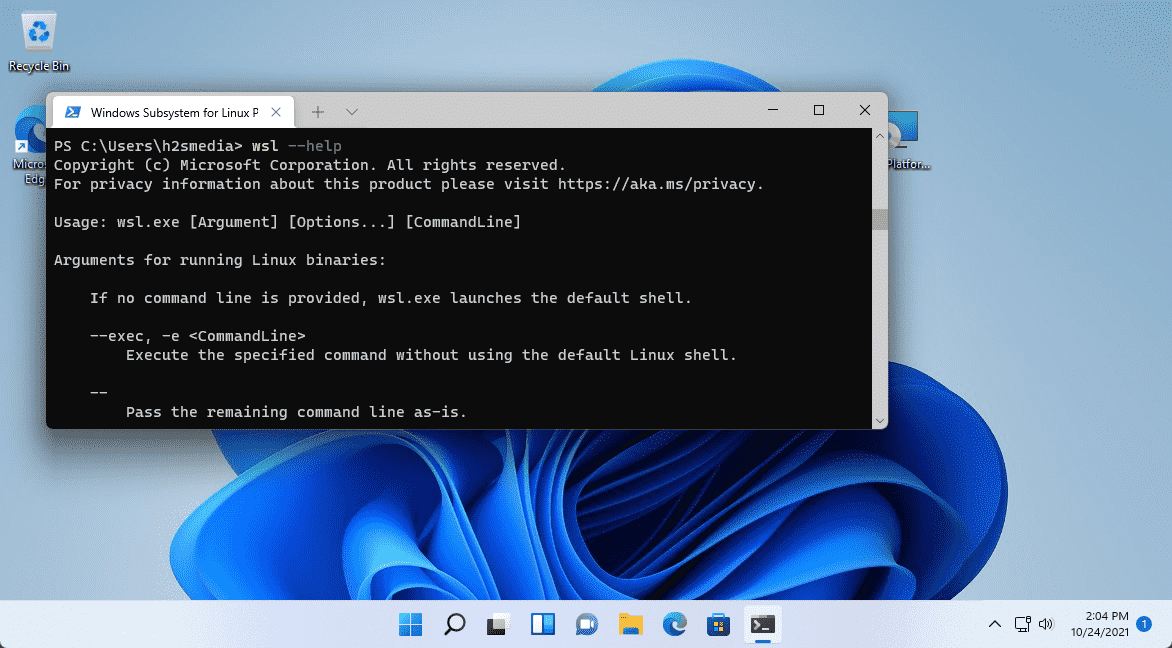
Install WSL Windows Subsystem For Linux On Windows 11 H2S Media
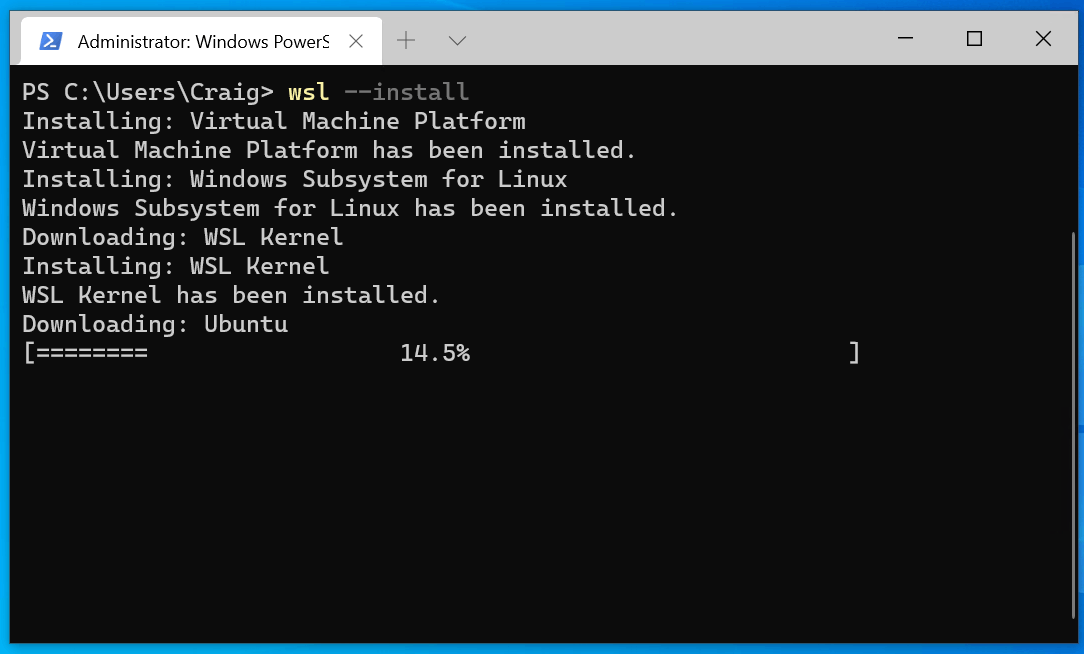
WSL install Will Now Install Linux Distros Allows Picking Any Of
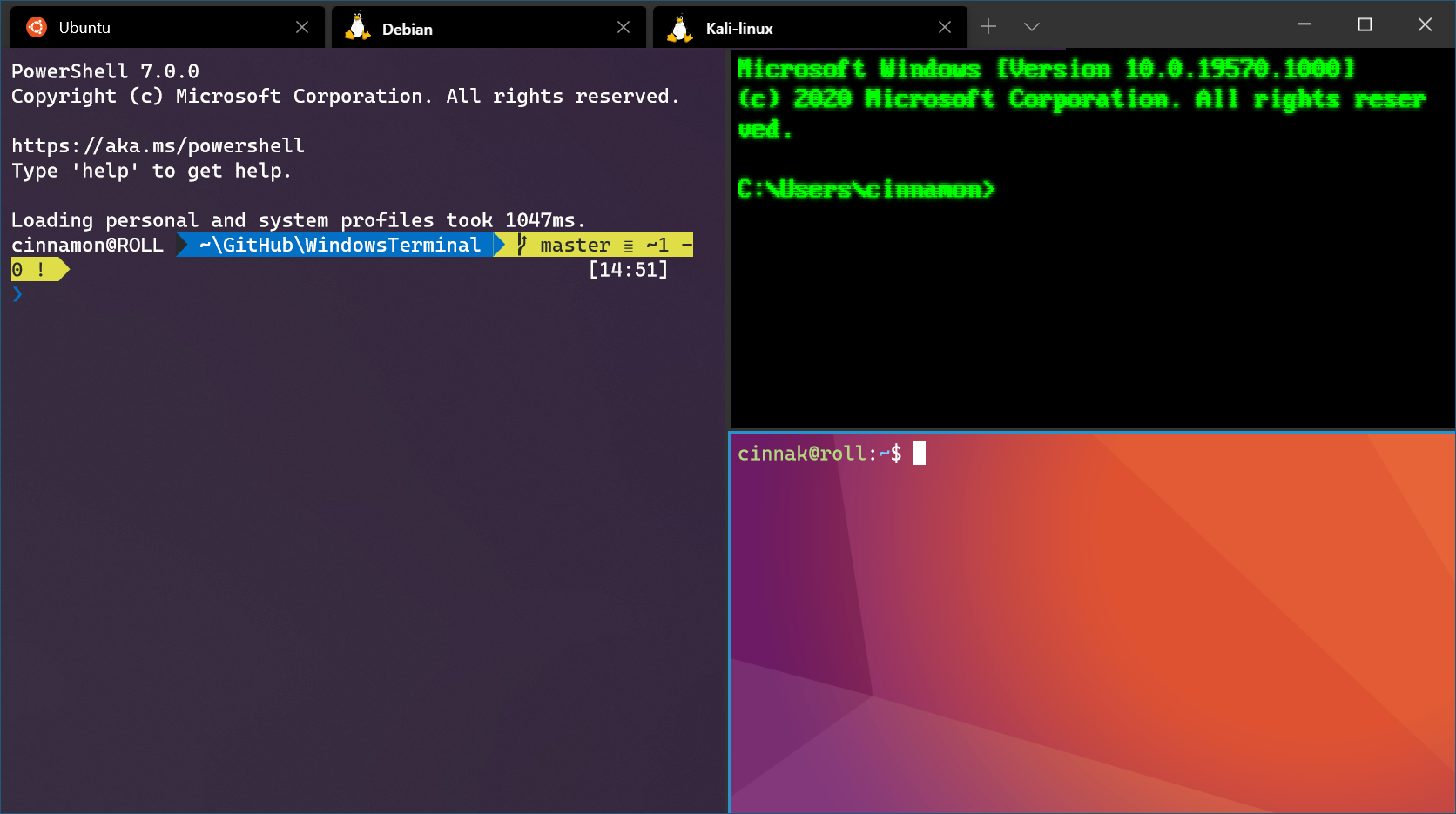
Windows WSL2 Ubuntu Docker Kubernetes

PaddlePaddle fix resnext101 32x48d wsl imagenet At

WSL DaireConnell
Open PowerShell or Windows Command Prompt in administrator mode by right clicking and selecting Run as administrator enter the wsl install command then restart your machine PowerShell wsl install This command will enable the features necessary to run WSL and install the Ubuntu distribution of Linux

Open PowerShell or Windows Command Prompt and enter wsl install The install command performs the following actions Enables the optional WSL and Virtual Machine Platform components Downloads and installs the latest Linux kernel Sets WSL 2 as the default Downloads and installs the Ubuntu Linux distribution reboot may be required
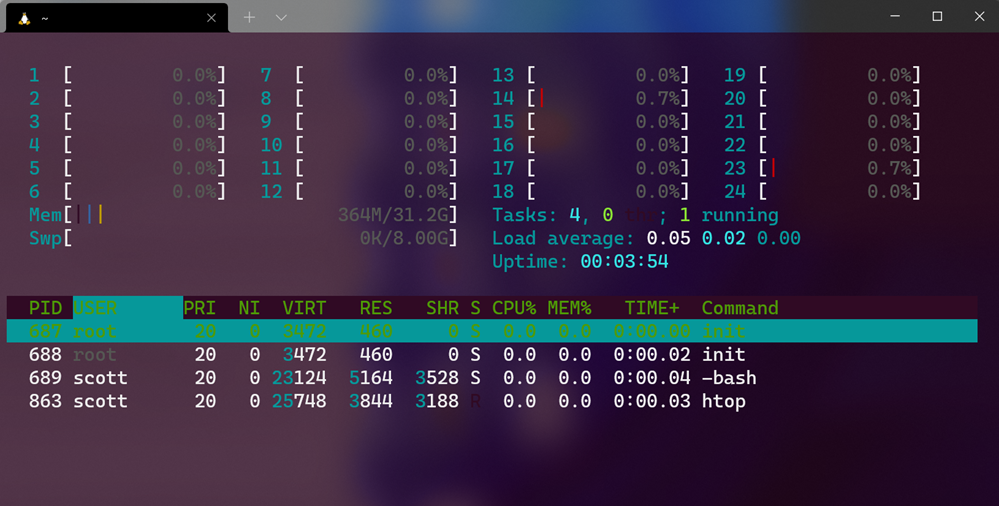
Simplified setup WSL1 component Choosing WSL2 Listing WSL distros Changing WSL version Launch in PowerShell Microsoft dropped plenty of jaws when it launched the Windows Subsystem for Linux
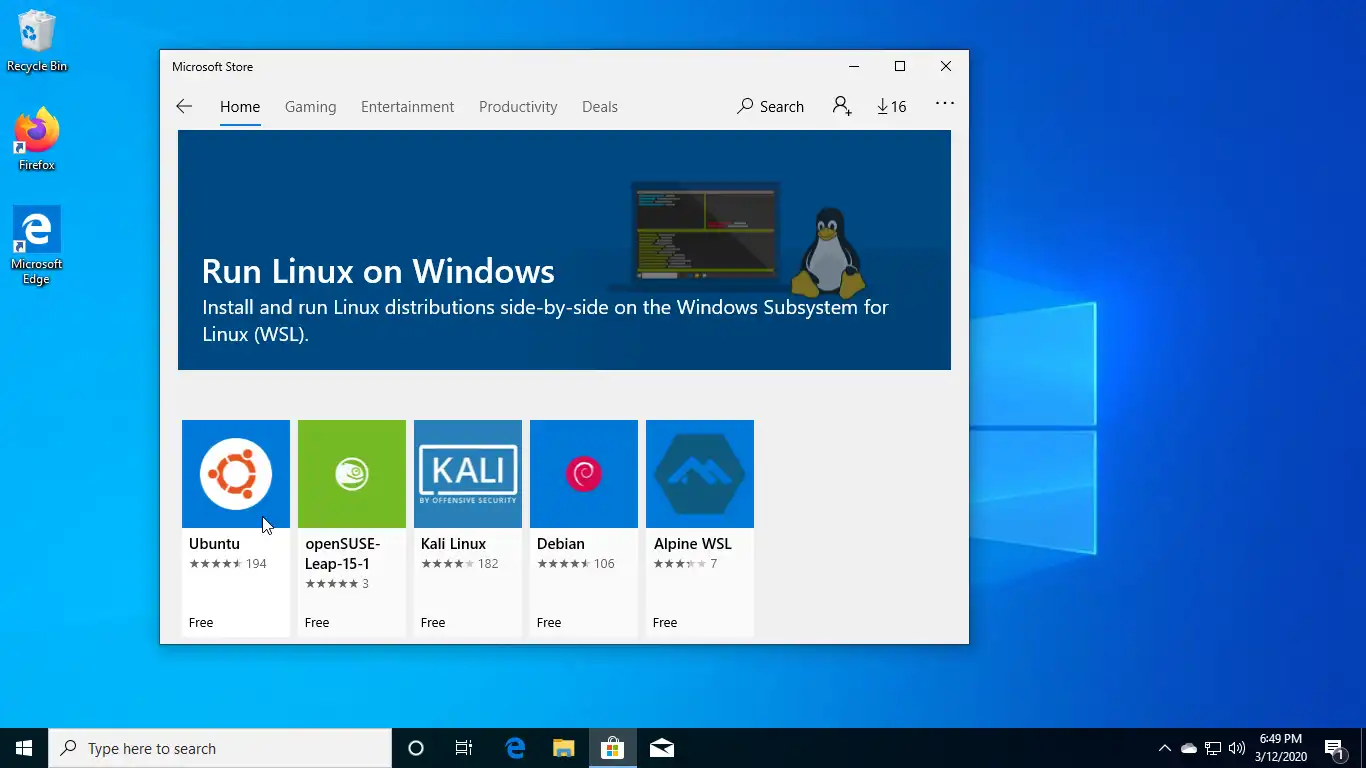
Open PowerShell or Windows Command Prompt in administrator mode by right clicking and selecting Run as administrator enter the wsl install command then restart your machine p n div class highlight highlight source powershell notranslate position relative overflow auto dir auto data snippet clipboard copy conte

Use the a href https www microsoft software download windows10 rel nofollow Windows Update Assistant a to update your version of Windows The Windows version 1903 support is also only for x64 systems If you are using an Arm64 version of Windows you will need to upgrade to Windows 10 version 2004 or later for full access to WSL 2
To install WSL on Windows 11 open PowerShell or Command Prompt admin run the wsl install command and restart the computer The command will install WSL alongside the Ubuntu distribution To install WSL with a specific distro run the wsl install d DISTRO NAME command To install WSL from the Microsoft Store enable the Virtual Machine Platform feature and then Nov 4 2023 WSL Windows Subsystem for Linux has various great advantages against dual boot installing Linux and Windows on the same computer among them the most significant is that you
Get started Install WSL Install Linux on Windows Server Manual install steps Best practices for setting up a WSL development environment Try WSL preview features by joining the Windows Insiders Program To try the most recent features or updates to WSL join the Windows Insiders Program