Install Wsl Distribution Offline Wsl Service CreateInstance ERROR FILE NOT FOUND Discussion 8729 WSL Microsoft Apps AMLnZu cByeKO6PC3m0canbW5kq864JyW6aqc8pNENWXyg s900 c k c0x00ffffff no rj WSL And AWSL TROX Malaysia Sdn Bhd Then search install tar gz via Everything app suprise are as follows Expand appx from Macrosoft Store Copy all the files to D WSL appx or where you like click distribution exe to install then a ext4 vhdx file will be created like follows after install Finally trigger uninstall from StartMenu which delete the packages in dirve C
WSL is now distributed through the Microsoft Store and the simplified installation process will pull this version in Alternatively you can download it directly from its Microsoft Store To install WSL on Windows 11 open PowerShell or Command Prompt admin run the wsl install command and restart the computer The command will install WSL alongside the Ubuntu distribution To install WSL with a specific distro run the wsl install d DISTRO NAME command To install WSL from the Microsoft Store enable the
WSL And AWSL TROX Malaysia Sdn Bhd Setting Up Multiple WSL Distribution Instances Endjin Azure Data Latex 2000 Casa Num rique Distribution How To Install Windows Subsystem For Linux 2 On Windows 10 Pureinfotech Checking In The WSL Recap The Analyst AlmaLinux WSL AlmaLinux Wiki Setup WSL On Windows Part 1 Blog By Huzaifa Arif Adb Reconnect Offline Fig How To Install Wsl 2 On Windows 10 updated Daily Tech Blog
Install Wsl Distribution Offline
Install Wsl Distribution Offline
https://opengraph.githubassets.com/d166e5a03c1297eda82b433f22eb04899db5daf69eb4bfe1caab9118ac0ccb18/microsoft/WSL/discussions/8729
Replace code Distribution Name code with the name of the distribution you would like to install li n li To see a list of available Linux distributions available for download through the online store enter code wsl list online code or code wsl l o code li n li To install additional Linux distributions after the initial in
Pre-crafted templates provide a time-saving option for developing a diverse range of documents and files. These pre-designed formats and designs can be used for different individual and professional jobs, including resumes, invitations, leaflets, newsletters, reports, discussions, and more, streamlining the content production process.
Install Wsl Distribution Offline
Wsl setup wsl setup At Main Ubuntu wsl setup GitHub

Setting Up Multiple WSL Distribution Instances Endjin Azure Data

Latex 2000 Casa Num rique Distribution

How To Install Windows Subsystem For Linux 2 On Windows 10 Pureinfotech

AlmaLinux WSL AlmaLinux Wiki
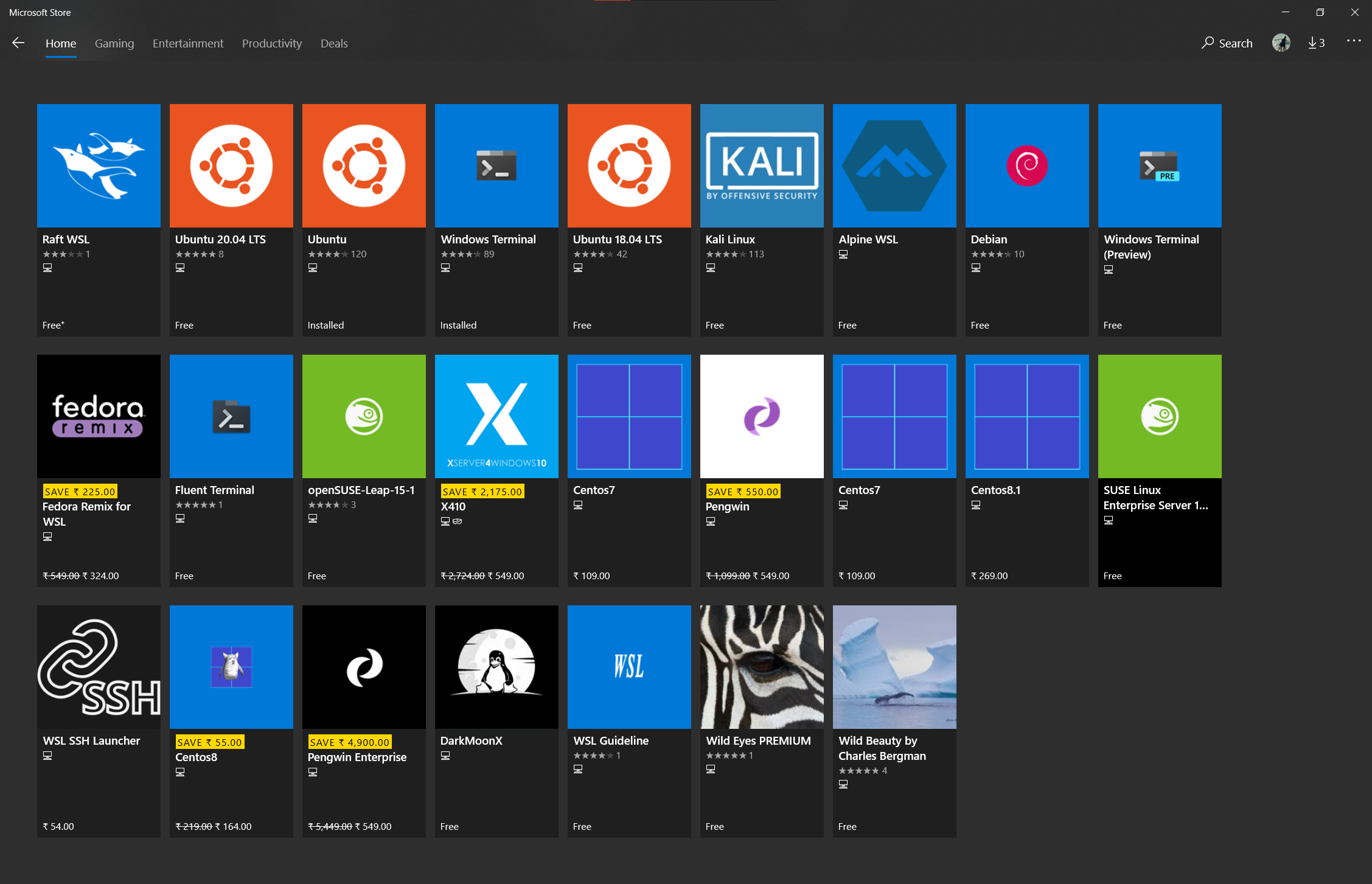
Setup WSL On Windows Part 1 Blog By Huzaifa Arif
You can 1 download the installer from the Windows Store or 2 download a distribution file and install it using tools such as lxRunOffline If you have the distribution file you can make the installation copying the files using a USB drive or something else
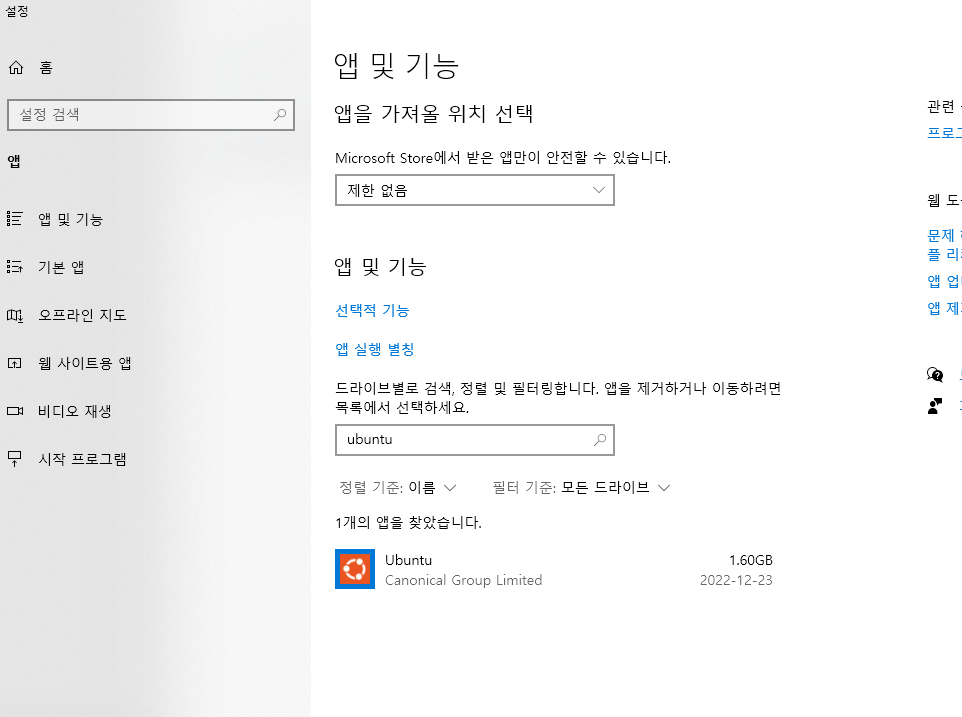
1 In a fresh Windows 11 WSL2 can be installed via command running with privilege mode c wsl install Installing Virtual Machine Platform Virtual Machine Platform has been installed Installing Windows Subsystem for Linux Windows Subsystem for Linux has been installed

How do you download ubuntu distribution for WSL offline install closed Ask Question Asked 2 years 6 months ago Modified 2 years 6 months ago Viewed 4k times 1 Closed This question does not meet Stack Overflow guidelines It is not currently accepting answers

Open PowerShell or Windows Command Prompt and enter PowerShell wsl install The install command performs the following actions Enables the optional WSL and Virtual Machine Platform components Downloads and installs the latest Linux kernel Sets WSL 2 as the default Downloads and installs the Ubuntu Linux distribution reboot may be required

There are a few different ways of installing Linux distributions for WSL The easiest using Microsoft Store or using tools like LxRunOffline or wsldl But distribution can be installed manually as well WSL command line allows to export distribution to a tar file or to import from a tar file as a new distribution
4 Answers Sorted by 7 Important Update This answer is outdated I m leaving in place for historical purposes but most users should read my updated answer for the latest and more important information wsl update in Windows 10 only updates the WSL2 kernel not WSL itself Step 1 Enable Windows Subsystem for Linux WSL Step 2 Enable Windows Virtual Machine Platform Step 3 Update the Linux kernel to the latest version Step 4 Set WSL2 as the default version Step 6 Install your preferred Linux distribution The process of installing WSL2 can differ slightly depending upon the version of Windows you are
For an offline install you need to use Add AppxProvisionedPackage Online and provide the package and the offline license file So the issue here is that we are in need of the proper offline license files just like the Windows Terminal guys did in their PreinstallKit zip