Install Wsl 2 Manually Instalar WSL 2 Windows 11 YouTube Install Windows Subsystem Linux WSL Manually YouTube How To Install WSL 2 On Windows 10 For Windows Insiders YouTube How To Install WSL 2 On Windows 10 With Powershell YouTube Install Docker In WSL 2 Without Docker Desktop YouTube Official Google Chrome Help Center where you can find tips and tutorials on using Google Chrome and other answers to frequently asked questions
To install or upgrade to the latest version of Google Earth Pro download the application System requirements In order for Google Earth Pro to run on your computer you must have all Install an extension Important You can t add extensions when you browse in Incognito mode or as a guest Open the Chrome Web Store Find and select the extension you want Select Add
Install Docker In WSL 2 Without Docker Desktop YouTube How To Install Kali Linux with GUI On Windows 11 Using WSL 2 YouTube Docker Installation On Windows 11 Home WSL Docker On Windows 10 How To Install WSL 2 On Windows Complete Tutorial Windows Subsystem Level Up Your Windows Experience Install Linux With WSL 2 YouTube How To Install WSL 2 On Windows 10 Using PowerShell PowerShell Wsl 2 How To Fix Docker Desktop Unexpected Wsl Error YouTube Docker Could Not Be Found In Wsl 2 Distro How To Active Wsl Wsl2 Install
Install Wsl 2 Manually
 Install Wsl 2 Manually
https://i.ytimg.com/vi/uJg5HVzNUN0/maxresdefault.jpg
Select Install for no charge items or the item s price Tips To check that an app is reliable find out what other people say about it Under the app s title check the star ratings and the number
Templates are pre-designed documents or files that can be utilized for numerous purposes. They can save effort and time by providing a ready-made format and layout for creating different type of content. Templates can be used for individual or professional projects, such as resumes, invites, leaflets, newsletters, reports, presentations, and more.
Install Wsl 2 Manually

Learn How To Install Windows Insiders To Get The Latest Features For

How To Install Kali Linux with GUI On Windows 11 Using WSL 2 YouTube

Docker Installation On Windows 11 Home WSL Docker On Windows 10

How To Install WSL 2 On Windows Complete Tutorial Windows Subsystem

How To Install WSL 2 On Windows 10 Using PowerShell PowerShell Wsl 2
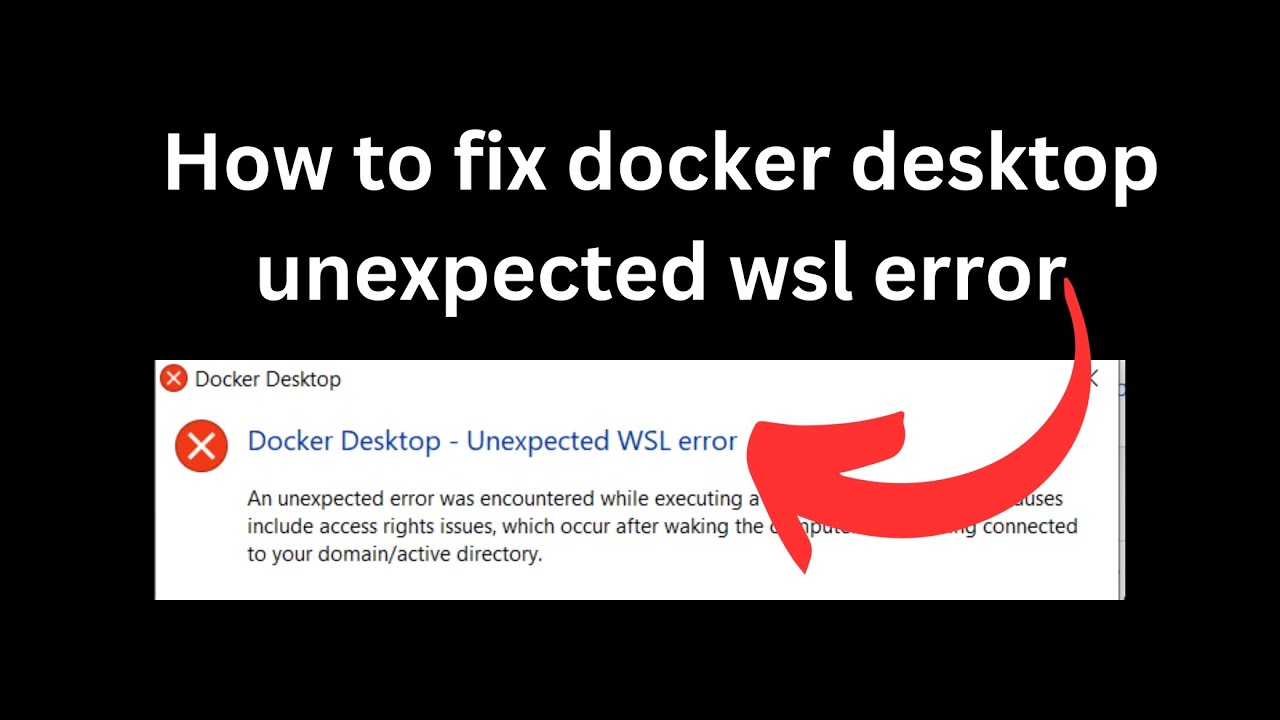
How To Fix Docker Desktop Unexpected Wsl Error YouTube

Install Chrome offline If you have issues when you download Chrome on your Windows computer use the alternative link to download Chrome on a different computer On your computer

When you install Drive for desktop on your computer it creates a drive in My Computer or a location in Finder named Google Drive All of your Drive files appear here

Download the installation file again To install Chrome again use the new file If the installation still isn t working use an offline installer Computers with multiple user accounts Computers

Get Google Chrome Important Before you download check if Chrome supports your operating system and you ve met all other system requirements
Install Chrome On your iPhone or iPad open App Store In the search bar enter Chrome Tap Get To install follow the on screen instructions If prompted enter your Apple ID password To
[desc-11] [desc-12]
[desc-13]