Install Windows Terminal Preview Without Store Microsoft Windows Terminal Preview 1 7 Settings UI Install Windows Terminal Without Store Qleroweightloss C i t Windows Terminal Install Windows Terminal YouTube Windows Terminal Installation Microsoft Learn Windows Terminal Preview 1 12 Release LaptrinhX News Web Dec 12 2022 nbsp 0183 32 Step 1 Download the msixbundle file from the most recent Microsoft Terminal release from GitHub It can be found in the Assets section Step 2 Open a Powershell window and navigate to the downloaded file s location Some PC problems are difficult to resolve particularly when it comes to corrupted repositories or missing
Web Provide the framework quot Microsoft VCLibs 140 00 quot published by quot CN Microsoft Corporation O Microsoft Corporation L Redmond S Washington C US quot with neutral or x64 processor architecture and minimum version 14 0 27810 0 along Web Of course the easiest way to install the integrated Windows Terminal is to download it from Microsoft Store The download link can be found here In case your Store is not working properly you can troubleshoot with these tips Downloading Windows Terminal from Microsoft Store
Windows Terminal Preview 1 12 Release LaptrinhX News Windows Terminal Install Packages Benchpna How To Install Windows Terminal In Windows 10 Make Tech Easier Windows Terminal Preview Download Without Store Snopremium Windows Terminal Preview 1 16 Introduces Appearance Customization How To Install Windows Terminal Without The Store Complete Guide Microsoft Announces General Availability Of Windows Terminal Preview 1 1 Cannot Install Windows Terminal Preview 1 15 As Midi Dependency Missing Windows Terminal Install Command Selectgai
Install Windows Terminal Preview Without Store
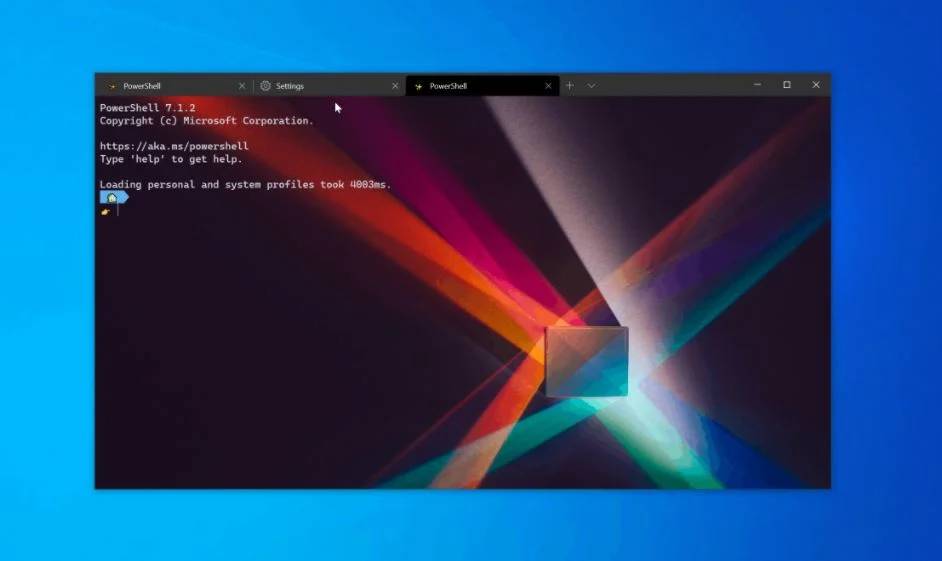 Install Windows Terminal Preview Without Store
https://www.yundongfang.com/wp-content/uploads/2021/03/Windows-Terminal-Preview-1.7.jpg
Web Windows Terminal Preview is a release for those interested in trying the latest features as they are being developed tested for bugs and becoming stable enough to be added to the main terminal release Features from this release are documented with the Preview tag
Templates are pre-designed documents or files that can be used for numerous purposes. They can conserve time and effort by supplying a ready-made format and design for producing different sort of content. Templates can be utilized for personal or expert jobs, such as resumes, invites, flyers, newsletters, reports, presentations, and more.
Install Windows Terminal Preview Without Store
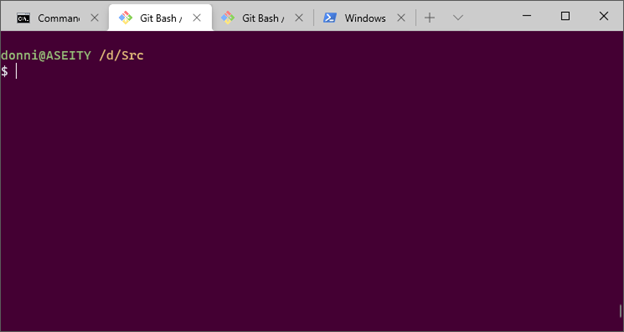
Install Windows Terminal Without Microsoft Store Stepsbap
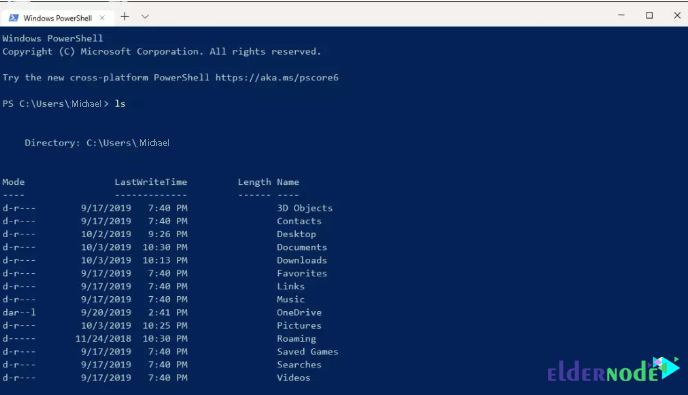
Windows Terminal Install Packages Benchpna

How To Install Windows Terminal In Windows 10 Make Tech Easier

Windows Terminal Preview Download Without Store Snopremium

How To Install Windows Terminal Without The Store Complete Guide

Microsoft Announces General Availability Of Windows Terminal Preview 1 1

Web Oct 4 2023 nbsp 0183 32 Windows 11 comes with Windows Terminal pre installed but on Windows 10 you need to manually install it yourself Windows Terminal can be installed directly from the Microsoft Store However you can also install it without the Store by using the source code available on GitHub

Web Jul 7 2022 nbsp 0183 32 If the Store app is not available on the system the only option is to download the package from GitHub and install it using PowerShell This does not require elevated privileges because the MSIX package is set up separately for each user There are always multiple versions of Windows Terminal available on GitHub

Web Nov 14 2021 nbsp 0183 32 Table of Contents Ways for Installing Windows Terminal Method 1 Install Windows Terminal from Microsoft Store Method 2 Install Windows Terminal using PowerShell Chocolatey Method 3 Download and install Windows Terminal from GitHub Ways for Installing Windows Terminal

Web Microsoft Store Recommended Install the Windows Terminal from the Microsoft Store This allows you to always be on the latest version when we release new builds with automatic upgrades This is our preferred method Other install methods Via GitHub

Web May 20 2020 nbsp 0183 32 Well using Github you can install the Windows Terminal without needing to use Microsoft Store app on your Windows Here s everything you need to know about install Windows Terminal from Github Install Windows Terminal from Github It s easy
Web Feb 3 2022 nbsp 0183 32 As always you can install Windows Terminal and Windows Terminal Preview from the Microsoft Store or from the GitHub repository The minimum supported version of Windows 10 for Windows Terminal 1 13 has been increased from 18362 19H1 to 19041 20H1 Updated settings UI design Web Oct 3 2022 nbsp 0183 32 We recommend using WSL with Windows Terminal especially if you plan to work with multiple command lines See the Windows Terminal docs for help with setting it up and customizing your preferences including Install Windows Terminal or Windows Terminal Preview from the Microsoft Store Use the Command Palette
Web May 24 2023 nbsp 0183 32 Additionally Windows Terminal Preview is getting an update to version 1 18 and will include all the features detailed here so let s talk all about them As always you can install Windows Terminal and Windows Terminal Preview from the Microsoft Store from the GitHub releases page or by using winget Tab Tearout Yes We finally