Install Windows On External Usb Drive How To Install Windows 10 11 On USB External Hard Drive Install Install Windows On External Hard Drive Mac Os X Install Windows On External Hard Drive For Mac Partyfasr How To Install Windows 11 On External USB Drive KilObit Tutorials Using LUKS Keyfile On External USB With Grub YouTube How can I install a bootable Windows 10 to an external drive Ask Question Asked 2 years 11 months ago Modified 1 year 8 months ago Viewed 13k times 8 This should be simple but I have been at it for over 12 hours and am no further forward The SSD on my laptop just died It contains my Windows 10 partitions I have
1 Install Windows 10 8 7 on External Hard Drive using EaseUS OS2GO 2 Install Windows 10 Enterprise Education Edition on External Hard Drive By doing so you can take your Windows to anywhere and boot Windows 11 10 on any computer via the external hard drive Is It Possible to Install Windows 11 10 on an External Hard Drive Step 1 Download a Windows ISO file Step 2 Download and run Rufus Step 3 Choose the USB drive on which you ll install Windows Step 4 Set Rufus to create a Windows To Go USB drive Step 5 Install Windows on the USB drive Step 6 Boot any PC using the Windows To Go USB drive Why did you want to install Windows on a USB drive Step 1
Using LUKS Keyfile On External USB With Grub YouTube How To Install Windows 10 On External Ssd How To Install Windows 11 10 To External Hard Drive For Another Computer How To Connect A Hard Drive Using USB External Hard Drive Enclosure Install Ubuntu Linux On An External USB Drive How To Install Windows 10 On USB External Drive Mac Guide 2019 Installing Linux On External USB HDD Chcem Ithaca Praktick How To Install Windows From To External Hdd Install Iso To Usb Windows 10 Streammusli
Install Windows On External Usb Drive
 Install Windows On External Usb Drive
https://i.ytimg.com/vi/qlZzuSniAX8/maxresdefault.jpg
Insert the USB into your Windows PC that you want to make the bootable USB drive on Any files on the USB drive will be erased during the setup process Make sure that there are no important files on the USB drive Next head over to Microsoft s official Windows 11 download page
Templates are pre-designed documents or files that can be used for numerous functions. They can save effort and time by supplying a ready-made format and layout for producing different type of material. Templates can be utilized for personal or professional projects, such as resumes, invitations, flyers, newsletters, reports, discussions, and more.
Install Windows On External Usb Drive

How To Install Windows On External Hard Disk YouTube
How To Install Windows 10 On External Ssd
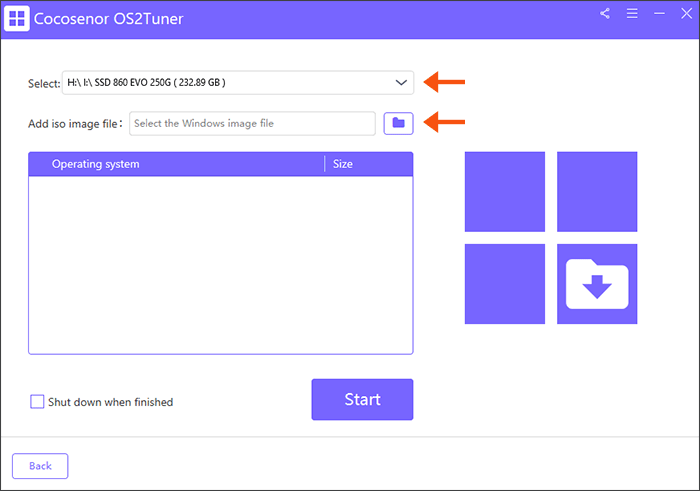
How To Install Windows 11 10 To External Hard Drive For Another Computer
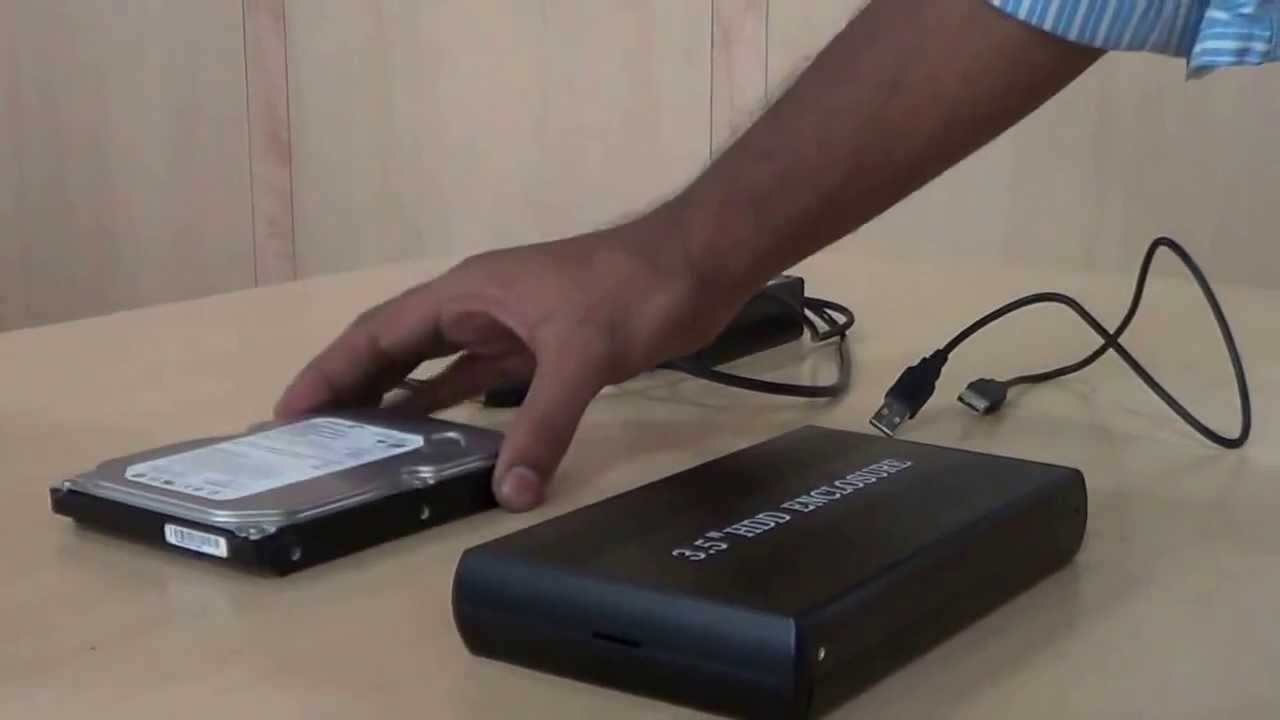
How To Connect A Hard Drive Using USB External Hard Drive Enclosure
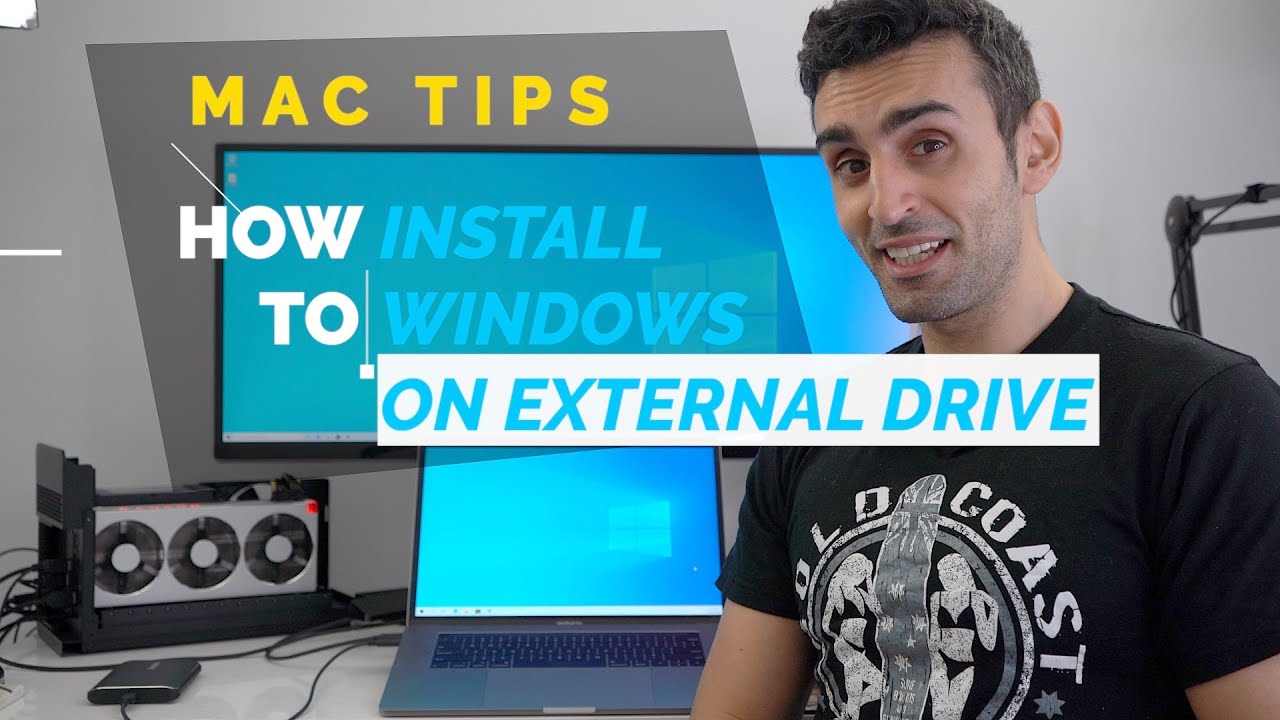
How To Install Windows 10 On USB External Drive Mac Guide 2019

Installing Linux On External USB HDD

Windows 10 Windows 8 1 Windows 7 You can use installation media a USB flash drive or DVD to install a new copy of Windows perform a clean installation or reinstall Windows To create installation media go to the software download website where you ll find step by step instructions

Download Windows ISO File To run Windows from the USB drive the first step is to sign into your current Windows computer and download the Windows ISO file that will be used to

1 Download the latest version of Rufus and install it on your machine At the time of writing the latest version is 3 16 which includes the Extended Windows 11 Image support 2 Insert a blank

Connect the hard drive to your PC Launch Rufus and select the hard drive in the device section Click on the SELECT button and locate the Windows ISO Under Image Option select Windows To Go Select the Windows version you want to install Enable the Prevent Windows To Go from accessing internal disks option

Step 4 Install Windows on the external hard drive Now that you have prepared a bootable USB drive it s time to install Windows on the external hard drive Follow these steps to initiate the installation process and ensure that Windows is installed successfully
Step 1 Format the drive and set the primary partition as active Connect the flash drive to your technician PC Open Disk Management Right click on Start and choose Disk Management Format the partition Right click the USB drive partition and choose Format Select the FAT32 file system to be able to boot either BIOS based or UEFI based PCs Windows 10 Hardware Requirements Create the Installation Media Install Windows 10 from the USB Drive Most modern computers don t have a CD or DVD drive so installing Windows 10 using a disc isn t always possible The good news is you don t need discs anymore all you need is a USB drive What You ll Need
Windows OS on external hard drive 8 answers Closed 7 years ago I am currently able to boot from an external drive or multiboot USB Taking this concept one step further I have 3 questions