Install Windows 10 From Usb With Command Prompt Incite Zvoli Za leni Install W10 From Disk Under Usb Line rne Pastor Koca Tartozik T lfesz lts g How To Install Windows 10 From Bootable Install Windows 10 Using Command Prompt 2 Methods Launch Command Prompt Windows 10 Holosermls Create Windows 10 Bootable Usb From Iso With Uefi Support Vrogue 1 How to boot from a USB drive using Windows 10 s Settings without BIOS or UEFI Start by plugging in the bootable USB flash drive to a USB port on your computer Then open the Settings app and head to Update Security Select Recovery on the left and then scroll on the right side of the window until you find the Advanced startup section
How can you do that In this post MiniTool Partition Wizard provides a step by step guide on how to install Windows 10 from Command Prompt You can take a look On This Page Method 1 Install Windows 10 from CD DVD Using Command Prompt Method 2 Install Windows 10 from USB Using Command Prompt Bonus Tip Obtain Windows 10 Without Installing OS Before you install Windows 10 it s a good idea to save any work and back up your PC before you start If you used the media creation tool to download an ISO file for Windows 10 you ll need to burn it to a DVD before following these steps Attach the USB flash drive or insert the DVD on the PC where you want to install Windows 10
Create Windows 10 Bootable Usb From Iso With Uefi Support Vrogue How To Clean Install Windows 10 From USB Step By Step Solved How To Install Windows 10 From A USB Drive Install Windows 10 From USB using ISO file YouTube Install Windows 10 From Usb For A Mac Poomulti Install Windows 10 From Usb Artistgala How To Install Windows 10 From USB Flash Drive Tutorial How To Format Usb Using Cmd Command Prompt Windows 10 Vrogue How To Install Windows 10 From USB With ISO File
Install Windows 10 From Usb With Command Prompt
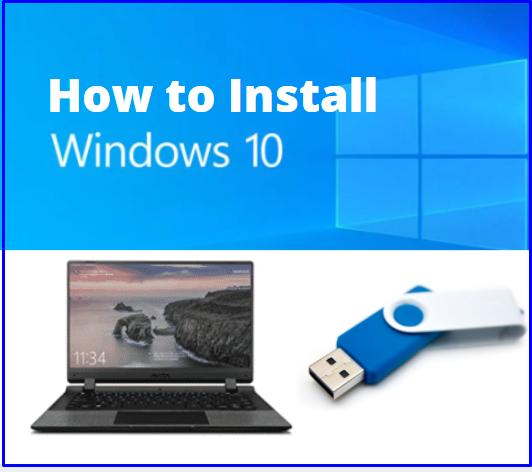 Install Windows 10 From Usb With Command Prompt
http://conceptsall.com/wp-content/uploads/2020/07/How-to-install-Windows-10-from-USB-2.png
Booting Windows 10 in Command Prompt requires that you have Windows 10 on a bootable disc or USB drive Here s how you can start your Windows 10 PC in Command Prompt Power on your
Pre-crafted templates offer a time-saving option for producing a diverse variety of documents and files. These pre-designed formats and layouts can be made use of for numerous personal and expert projects, including resumes, invites, flyers, newsletters, reports, presentations, and more, simplifying the material development process.
Install Windows 10 From Usb With Command Prompt
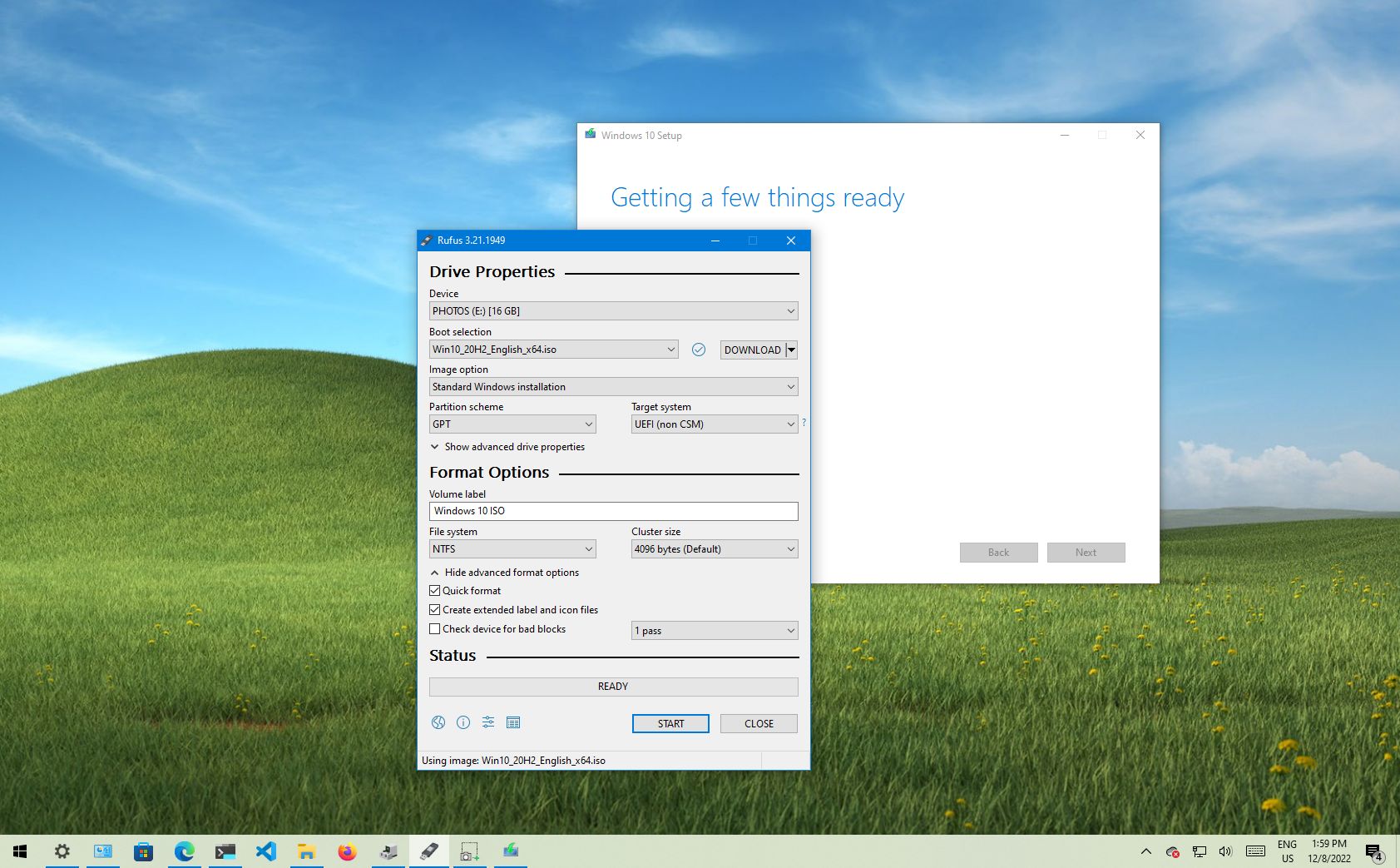
Vstreb vanie Astron mie Som Ospal Usb Installation Tool Windows 10
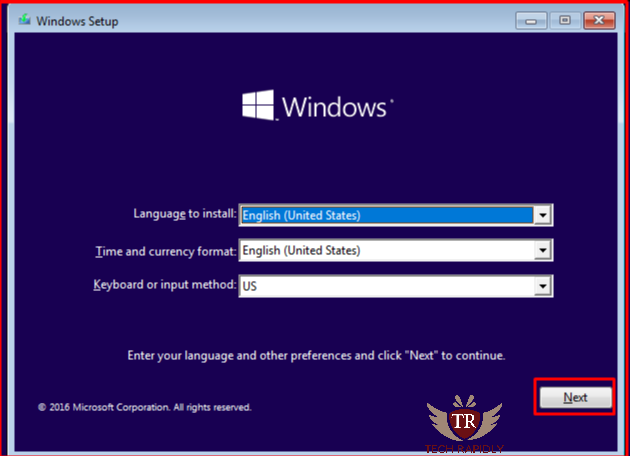
How To Clean Install Windows 10 From USB Step By Step
Solved How To Install Windows 10 From A USB Drive
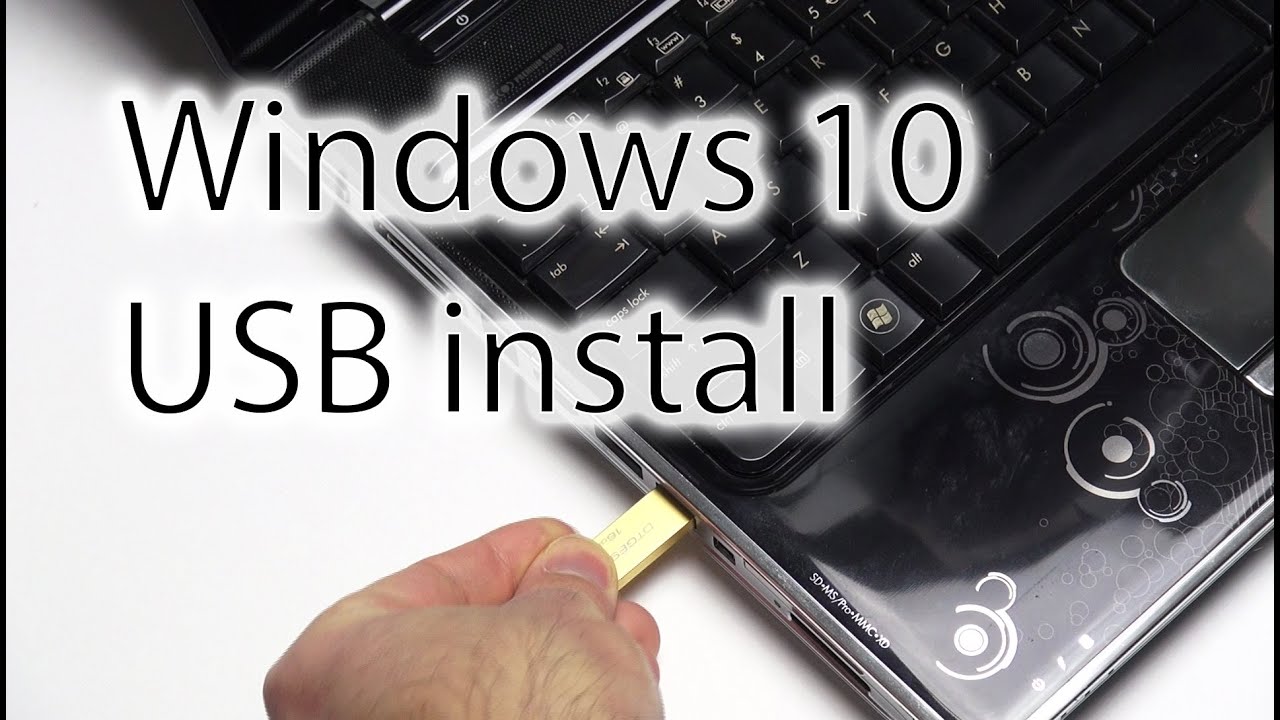
Install Windows 10 From USB using ISO file YouTube

Install Windows 10 From Usb Artistgala
How To Install Windows 10 From USB Flash Drive Tutorial

Open Start on Windows 10 Search for Command Prompt right click the top result and select the Run as Administrator option Type the following command to open DiskPart and press Enter diskpart Type the following command to determine the USB flash drive and press Enter list disk Type the following command to select the storage and press Enter

Click press Start type CMD right click on the likely first result and choose Run as administrator In the command prompt window type diskpart and press enter Once at the diskpart command
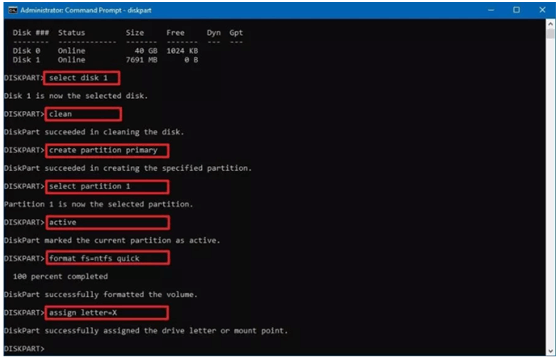
Steps 1 Insert a usb drive at least 4gb in size 2 Open a command prompt as administrator Hit Windows Key type cmd and hit Ctrl Shift Enter This will force it to open as admin 3 Run diskpart This will open and run the Diskpart command line utility which allows you to manage disks partitions and volumes C Windows system32 diskpart 4

Windows 10 Hardware Requirements Create the Installation Media Install Windows 10 from the USB Drive Most modern computers don t have a CD or DVD drive so installing Windows 10 using a disc isn t always possible The good news is you don t need discs anymore all you need is a USB drive What You ll Need

Troubleshoot Advanced Options Command Prompt Select account with Administrator rights and login with password if prompted Diskpart list vol note install media drive letter exit X setup exe x your install drive media letter found in previous step Now you ll see the Windows 10 setup Happy Installing
To create installation media go to the software download website where you ll find step by step instructions On that website you can select a version of Windows and create your own installation media using either a USB flash drive or a DVD To go directly to one of the versions select one of these links Windows 10 Then select Download now Download Windows 10 What you need Windows installation media This could be an installation ISO or DVD Flash drive USB or MiniSD depending on what your device supports with at least 5GB free space This drive will be formatted so make sure it doesn t have any important files on it
Step 1 Connect your USB drive to Windows 7 or Windows 8 PC and move all important data to a safe location as the drive will be erased during the process We also suggest you un plug any other external hard drive connected to avoid selecting a wrong drive during the drive selection Step 2 Open elevated Command Prompt