Install Vscode Mac Terminal Nh ng o n Code T y Bi n Cho VSCode C c p B i Evondev Evondev Blog How To Open Terminal In Visual Studio Code BEST GAMES WALKTHROUGH Visual Studio Code Vscode Settings Sync How To See Previous Versions Install VSCode On Ubuntu Using Terminal Only Facts How To Install Visual Studio Code In Mac OS Apple M1 VSCode To install or upgrade to the latest version of Google Earth Pro download the application System requirements In order for Google Earth Pro to run on your computer you must have all
Install and set up Drive for desktop Install amp set up Drive for desktop for Windows Important Before you start check that your operating system is compatible with Drive for desktop Tip If Apr 22 2013 nbsp 0183 32 I purchased the Professional Plus 2012 office and was not able to download it intially I would like to try again and I have my Product Key Code is there a link so that I can
How To Install Visual Studio Code In Mac OS Apple M1 VSCode Installing VSCode How To Install And Run On Windows Linux And MacOS How To Open VSCode From The Terminal Quick And Easy Set Up Guide For Mac Terminal Trick How To List Your Apps TechRadar Vscode Icons Visual Studio V s Vs Code Ide Or Editor Find Out What You Need Vscode Extensiones De VSCode Interesantes Manz dev Toggle Terminal Focus For VSCode I ve Been A Vi Fan Then And Emacs How To Setup Code Server On Ubuntu 20 04 LTS
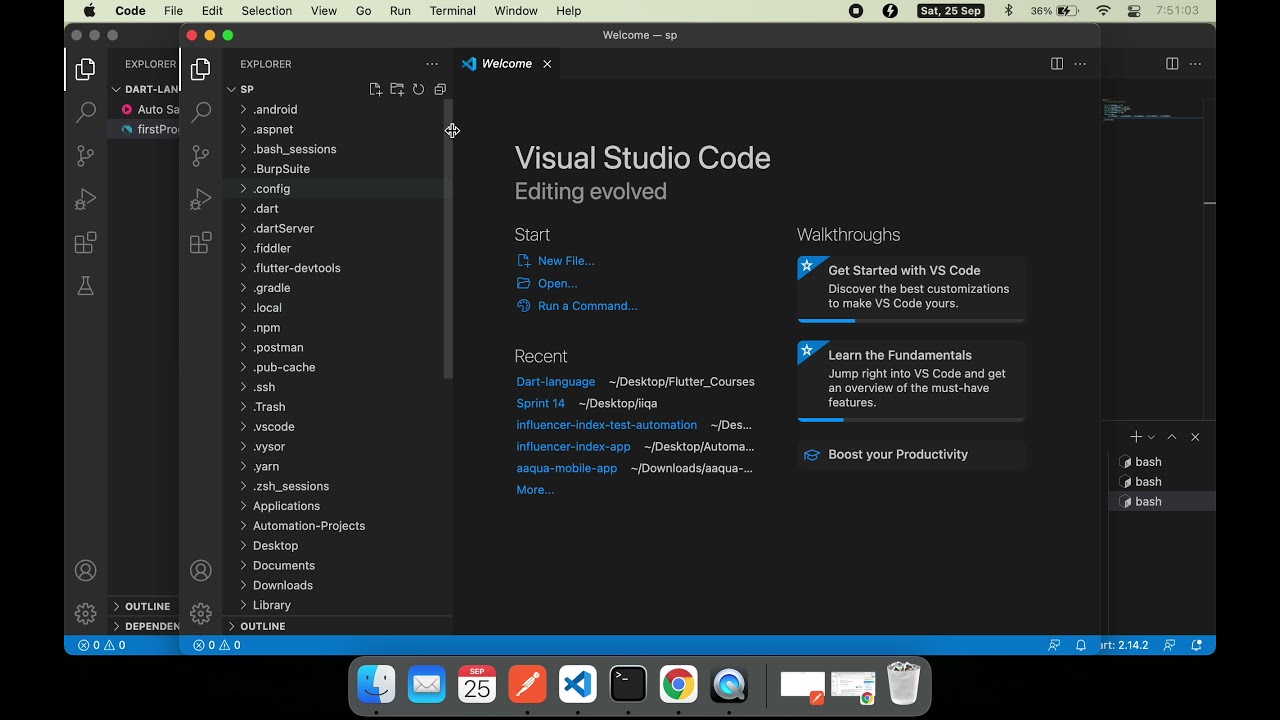
Install Vscode Mac Terminal
 Install Vscode Mac Terminal
https://evondev.com/wp-content/uploads/2022/05/vscode-custom-css.jpg
On your iPhone or iPad open App Store In the search bar enter Chrome Tap Get To install follow the on screen instructions If prompted enter your Apple ID password To start
Pre-crafted templates use a time-saving option for producing a varied series of documents and files. These pre-designed formats and layouts can be made use of for different individual and expert tasks, including resumes, invitations, leaflets, newsletters, reports, discussions, and more, improving the material creation procedure.
Install Vscode Mac Terminal
Vscode cpptools referencesView ts At Main Microsoft vscode cpptools
Installing VSCode How To Install And Run On Windows Linux And MacOS
How To Open VSCode From The Terminal Quick And Easy Set Up Guide For

Mac Terminal Trick How To List Your Apps TechRadar
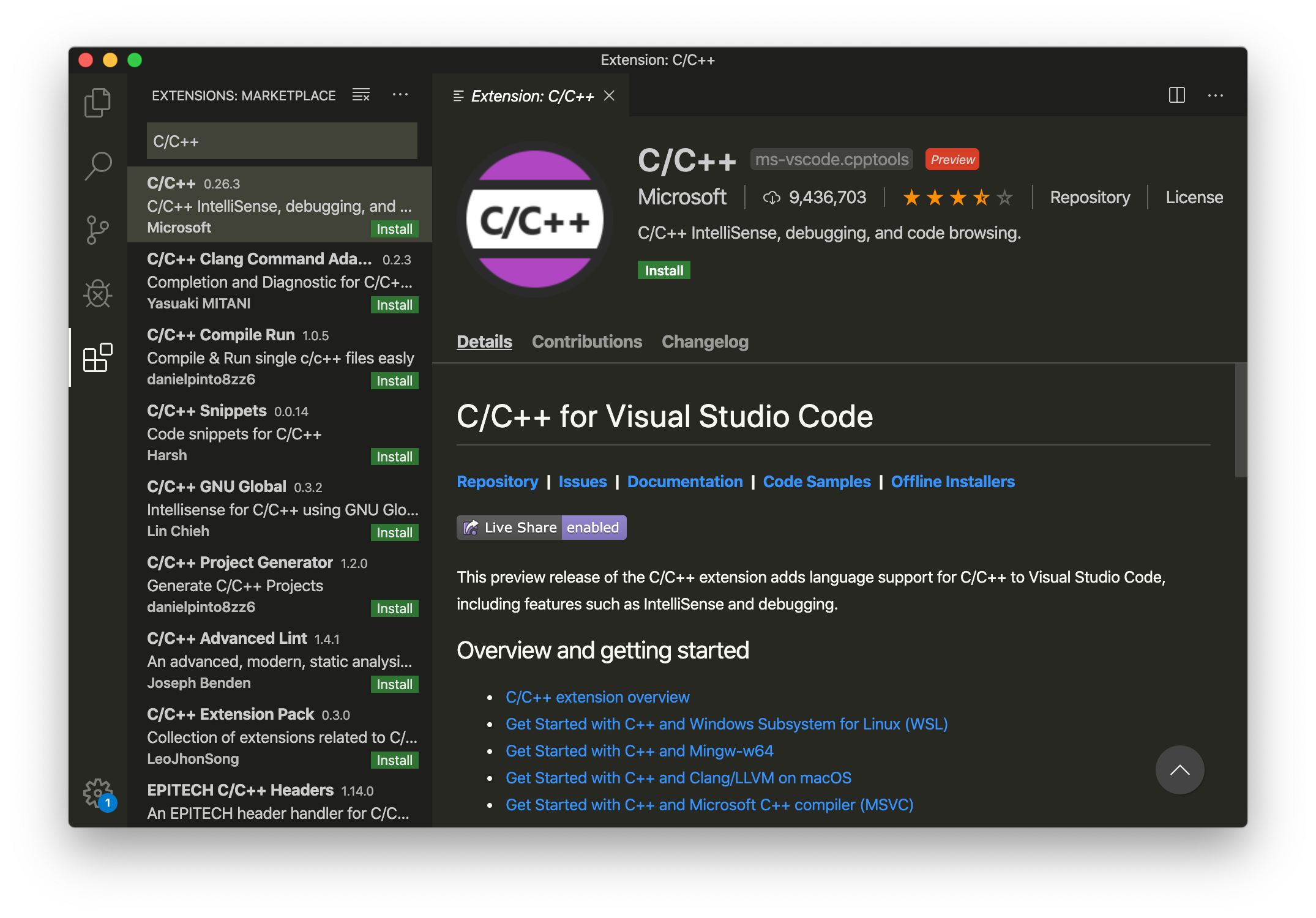
Visual Studio V s Vs Code Ide Or Editor Find Out What You Need Vscode
Extensiones De VSCode Interesantes Manz dev
On your iPhone or iPad open App Store In the search bar enter Chrome Tap Get To install follow the on screen instructions If prompted enter your Apple ID password To start
Official Google Chrome Help Center where you can find tips and tutorials on using Google Chrome and other answers to frequently asked questions

You can download and install the Chrome web browser at no charge and use it to browse the web
On your device go to the Apps section Tap Google Play Store The app will open and you can search and browse for content to download
Dec 4 2024 nbsp 0183 32 Hi Felix see if this helps Download install or reinstall Microsoft 365 Office 2024 or Office 2021 on a PC or Mac Microsoft Support
[desc-11] [desc-12]
[desc-13]