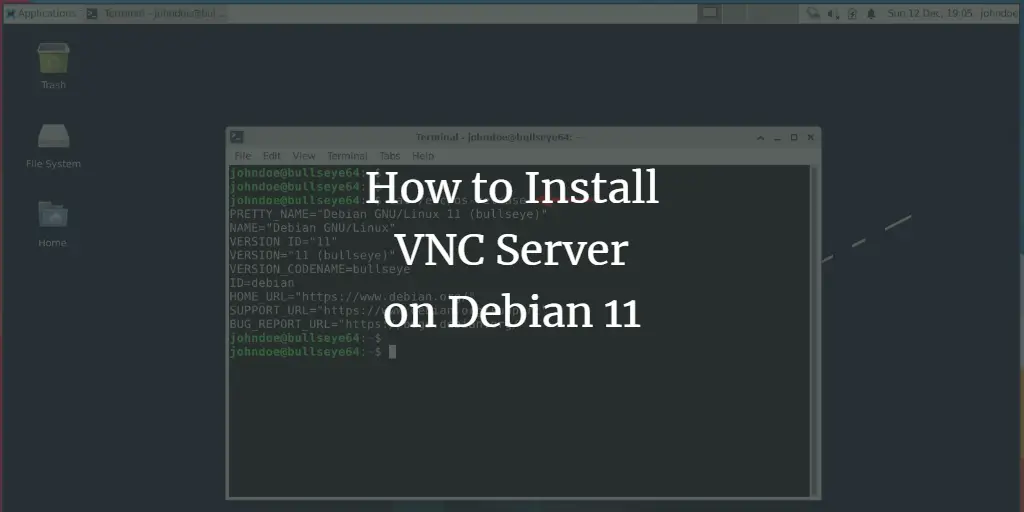
Install Vnc Server Debian 11 Gnome How To Install VNC Server On Debian 11 How To Install VNC Server Ubuntu 22 04 How To Install VNC Server On Debian 11 How To Start A Gnome Session Behalfessay9 Uninstall Vnc Server Debian Pagon Step 1 Before we install any software it s important to make sure your system is up to date by running the following apt commands in the terminal sudo apt update sudo apt upgrade Step 2 Installing VNC Server on Debian 11 By default the graphical environment is not installed on server versions of Debian
The first step in setting up a VNC server on Debian 11 is to install the VNC server software One of the most popular VNC servers available is TightVNC which is known for its performance and security features To install TightVNC you need to open a terminal and execute the following command bash sudo apt update sudo apt install Installing TigerVNC Server Debian 11 In this section you ll install TigerVNC packages and set up VNC Server on your Debian 11 system This includes setting up a VNC server for a specific user with its authentication and setting up the default DE The VNC Server works as per user each user has its specific display DE configuration and
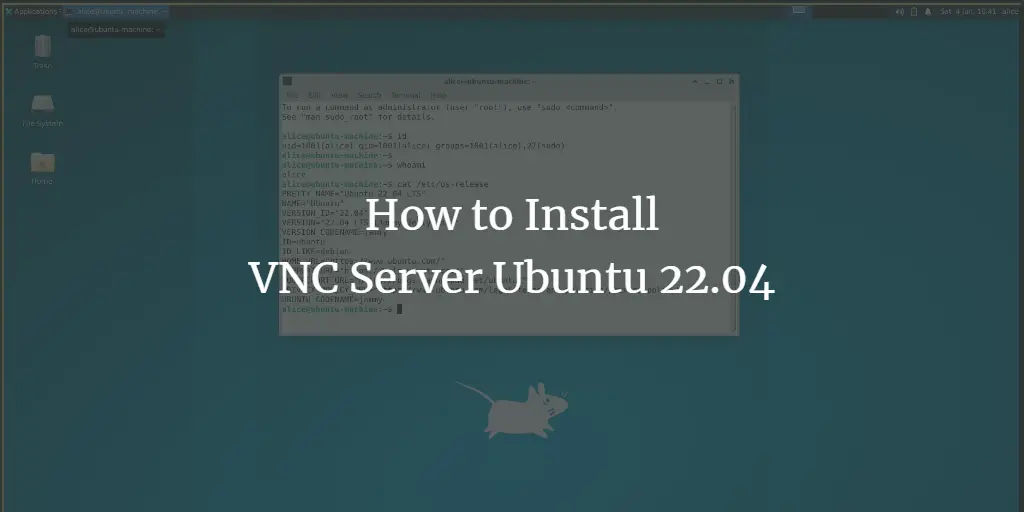
Uninstall Vnc Server Debian Pagon How To Install VNC Server On Ubuntu And Control Your Linux Machine Free Vnc Server Linux Mertqtrans How To Install The Latest GNOME On Debian 3 Easy Steps RaspberryTips Install And Configure VNC Server On Debian 11 Itnixpro New Debian 11 Features That Makes It An Excellent Release How To Install Webmin On Debian 11 Bullseye Server Linux Linux Shout Debian Vs Ubuntu A Detailed Comparison Linux Stans Ubuntu 22 04 LTS Configure VNC Server Server World
Install Vnc Server Debian 11 Gnome
 Install Vnc Server Debian 11 Gnome
https://www.howtoforge.com/images/how_to_install_vnc_server_on_debian_11/big/4-vnc-server-debian11.png
Install vim on Debian 11 10 using sudo apt install vim Here we want to configure TigerVNC to work with our Desktop Environment Gnome Environment vim vnc xstartup This file contains commands that are executed automatically when we start or restart the VNC server Add the below lines to the file
Templates are pre-designed documents or files that can be utilized for numerous functions. They can save time and effort by offering a ready-made format and design for developing different kinds of content. Templates can be used for individual or professional jobs, such as resumes, invites, flyers, newsletters, reports, presentations, and more.
Install Vnc Server Debian 11 Gnome

Debian 11 Com GNOME Minha Personaliza o Diolinux Plus
How To Install VNC Server On Ubuntu And Control Your Linux Machine
Free Vnc Server Linux Mertqtrans
How To Install The Latest GNOME On Debian 3 Easy Steps RaspberryTips

New Debian 11 Features That Makes It An Excellent Release
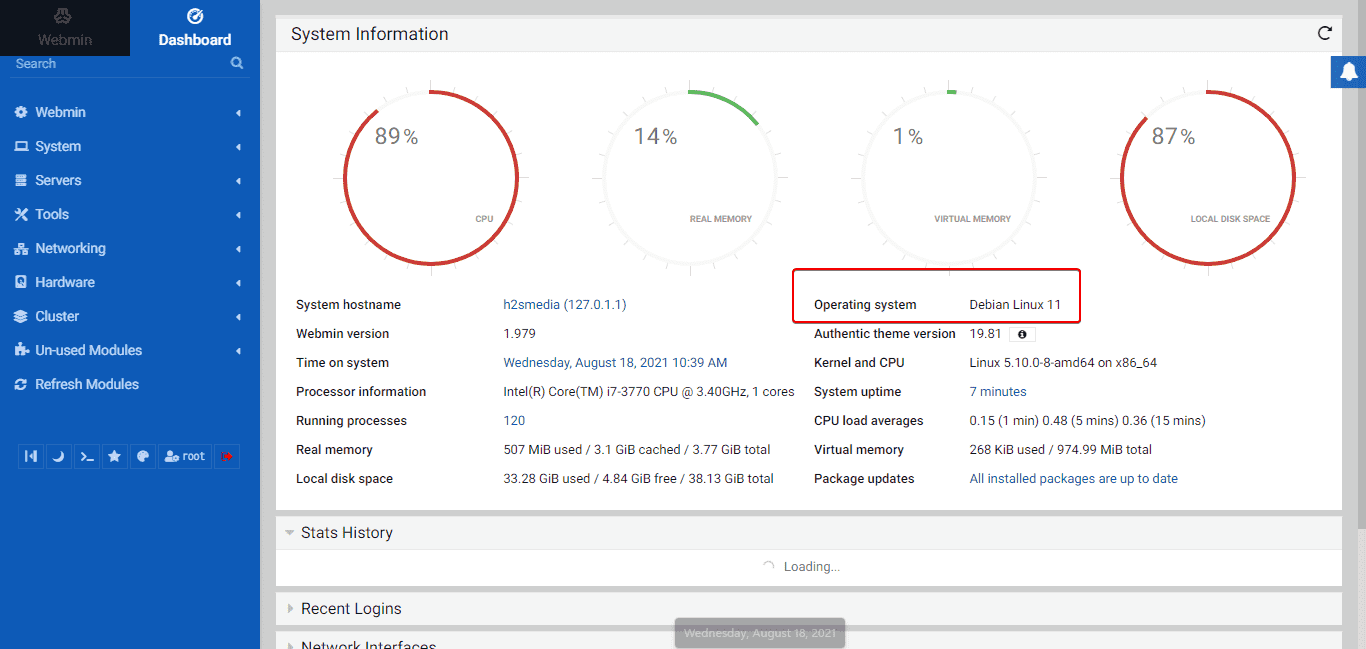
How To Install Webmin On Debian 11 Bullseye Server Linux Linux Shout
Save and exit the file 2 Next run the following command to start and enable the TigerVNC service for display number 1 If you ve multiple users and VNC servers change the display number for each user such as 2 3 and go on sudo systemctl enable now tigervncserver 1 service
Configure VNC to Use GNOME Install GNOME on Debian sudo apt install task gnome desktop dbus x11 To configure VNC to use GNOME edit the vnc xstartup file or create a new one if it doesn t already exist and add paste in the following vnc xstartup bin sh Start up the standard system desktop
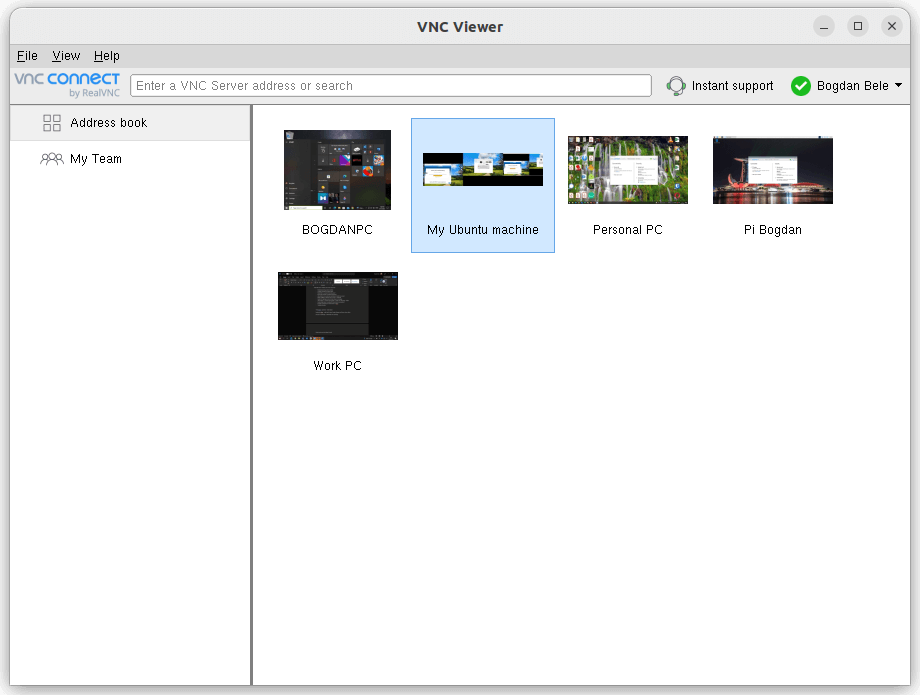
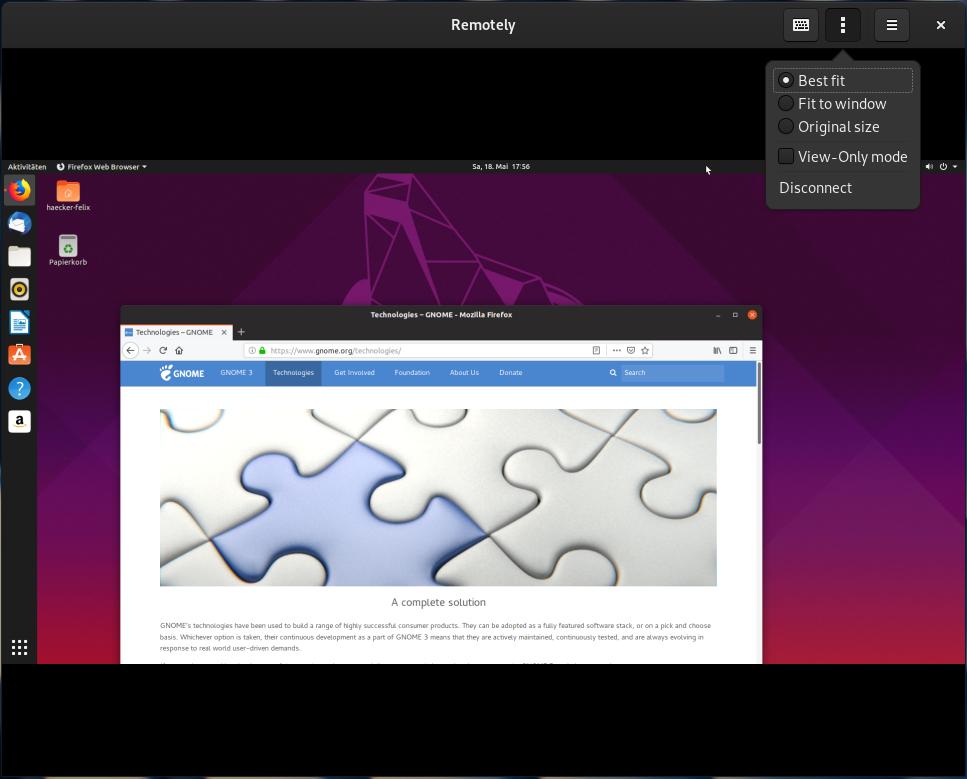
After installing UltraVNC click UltraVNC Viewer to run then following screen is shown Input Server s hostname or IP address display number like following example and then click Connect button VNC password you set in the section 2 is required to input for authentication If successfully passed authentication VNC session
Ssh username IP DEL SERVER To connect via ssh use the standard port 22 Installing the Desktop Environment To fully work with the VNC you need to install Desktop Environment DE The options are different depending on the specific case XFCE or Mate Desktop when resources are low Gnome for servers with a high level of resources
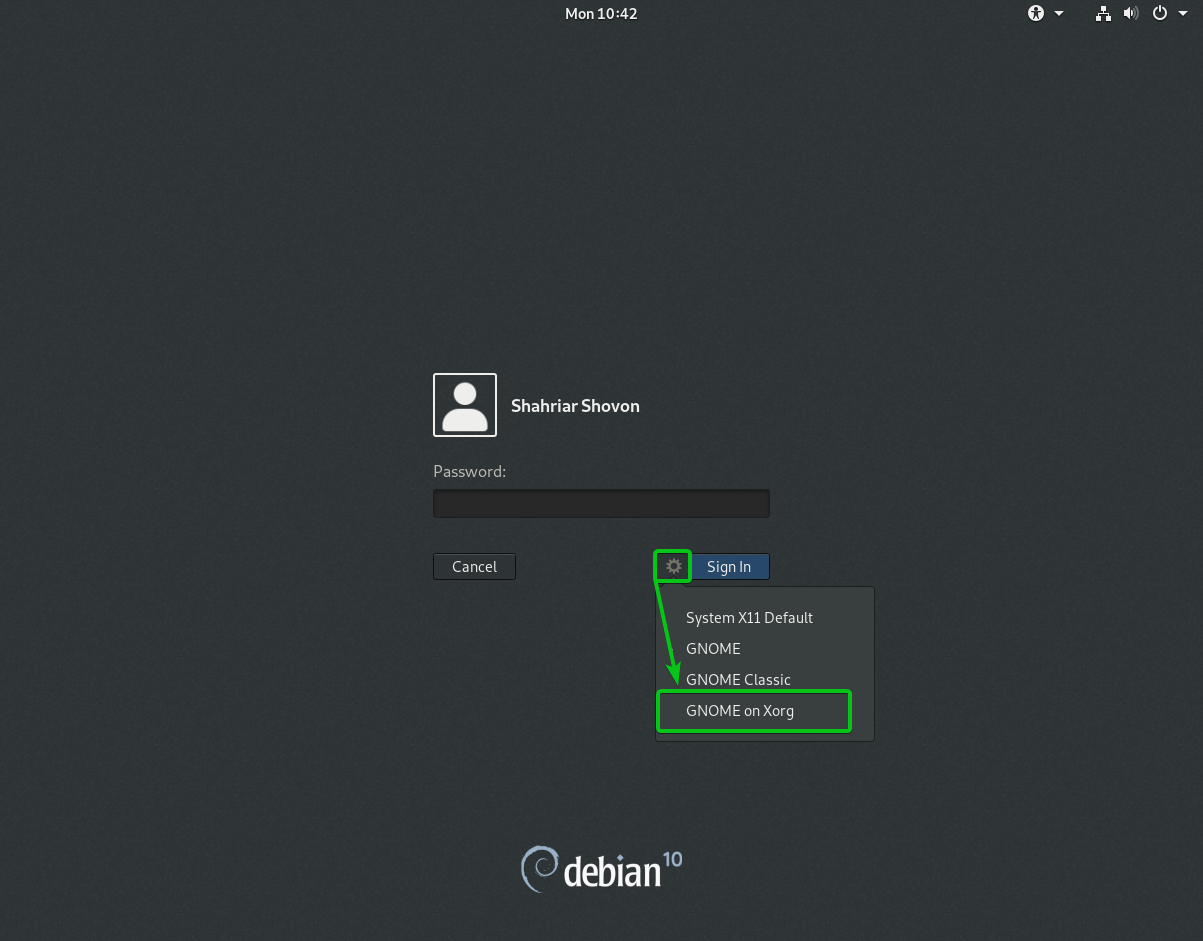
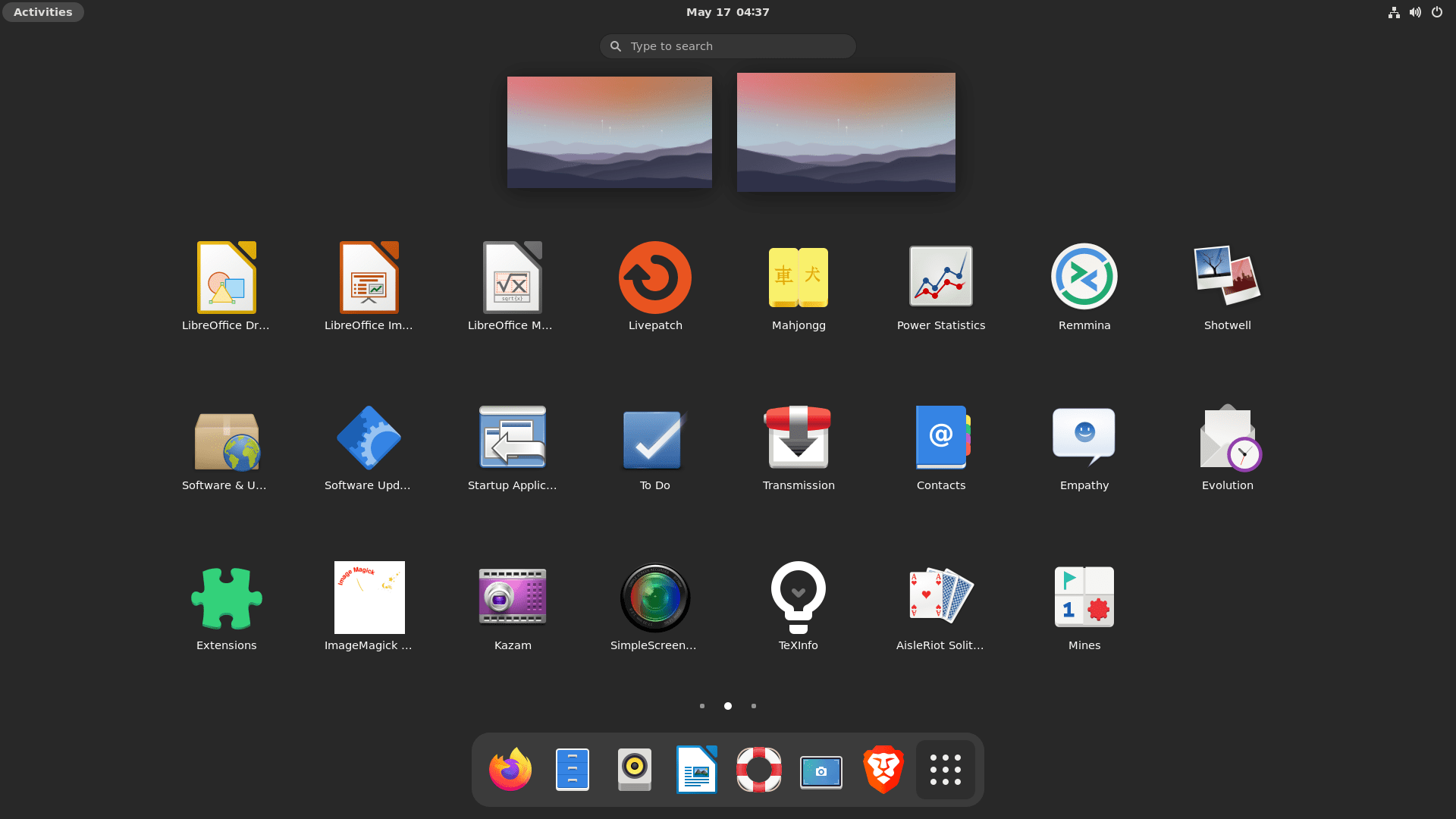
Install Gnome sudo apt install gnome 2 Install VNC Server Similar to Gnome several VNC variants are available in Debian repositories For this article install Tiger VNC because it s secure and actively maintained Install Tiger VNC by running the following command sudo apt install tigervnc common tigervnc standalone server 3
How to Install and Configure VNC server on Debian 11 Update your packages sudo apt update Next install lightdm display manager using the command below sudo apt get install lightdm When prompted to select display manager choose lightdm as shown below Install and Configure VNC server on Debian 11 After installing UltraVNC click UltraVNC Viewer to run then following screen is shown Input Server s hostname or IP address display number like following example and then click Connect button VNC password you set in the section 2 is required to input for authentication
First we will use the su command to login to the user s shell and use the vncpasswd to set the password su vncuser vncpasswd We need to start then stop the server to generate a configuration file vncserver 1 vncserver kill 1 After we ve generated the configuration file we must edit it so that GNOME is loaded when we connect