Install Vmware Workstation Pro On Windows 10 How To Install VMware Workstation 17 On Windows 10 SYSNETTECH How To Install Windows 10 In VMware Workstation step By Step Guide VMware Workstation Pro Windows Download And Install VMware Workstation 16 Pro On Windows Setup VMware Workstation Pro On Windows Server Addictive Tips Guide Your browser is not supported on VMware Customer Connect For the best experience we recommend using one of these browsers
DOWNLOAD TRIAL Buy Workstation Pro Today Done evaluating Make Workstation 17 Pro yours today BUY ONLINE Build Virtual Machines on the Desktop Build test and demo software across an array of different devices platforms and clouds To install Windows 10 in a virtual machine in VMware Workstation Player using the Easy Install method Click Create a New Virtual Machine Alternatively navigate to Player File New Virtual Machine Select Typical Click Next Select a source for installing the guest operating system You can use one of these options
Setup VMware Workstation Pro On Windows Server Addictive Tips Guide How To Install VMware Workstation Pro On Windows 11 FREE How To Install VMware Workstation Pro On A Windows 11 PC Vmware How To Install Windows 10 In Vmware Workstation 12 Youtube Www vrogue co VMware Workstation Pro 17 Run Windows MAC On Windows Install Vmware Workstation In Windows 11 Install Vmware Workstation Pro Download VMware Workstation Pro 16 For Free Latest Version VMware Workstation 9 Now Available World Wide VMware Workstation COMO DESCARGAR E INSTALAR VMWARE WORKSTATION 16 PRO EN WINDOWS 10 YouTube
Install Vmware Workstation Pro On Windows 10
 Install Vmware Workstation Pro On Windows 10
https://i.ytimg.com/vi/uwnDTSYhgG8/maxresdefault.jpg
Home VMware Workstation Pro Download VMware Workstation Pro Select Version 17 0 Select the relevant installation package to download from the tabs below You may be prompted to log in to complete the download If you do not have a profile you may be asked to create one before being able to complete the download process Get Your License Key
Pre-crafted templates use a time-saving solution for developing a varied variety of files and files. These pre-designed formats and layouts can be utilized for numerous personal and expert tasks, consisting of resumes, invitations, leaflets, newsletters, reports, presentations, and more, improving the content production procedure.
Install Vmware Workstation Pro On Windows 10
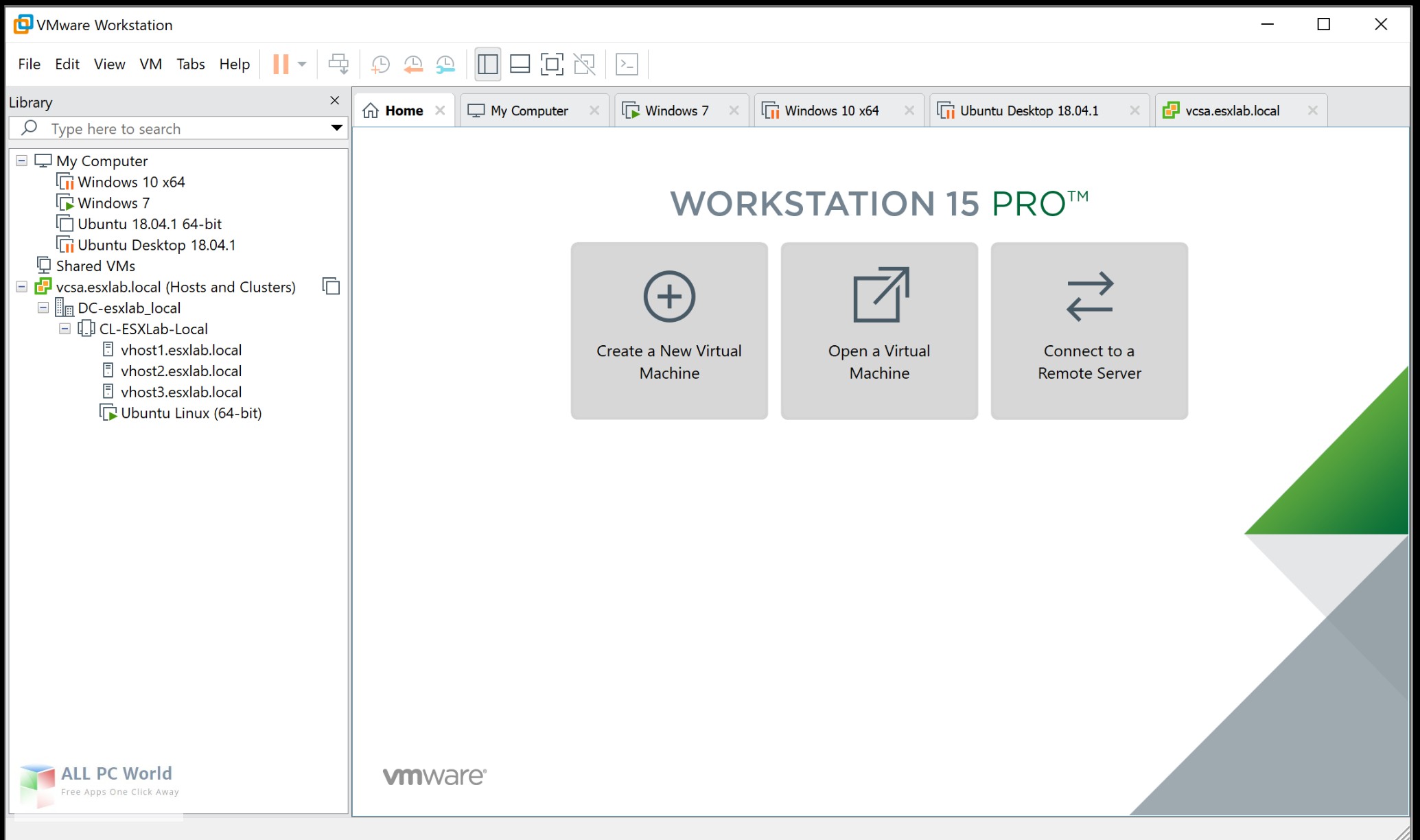
VMware Workstation Pro 15 Free Download ALLPCWord
How To Install VMware Workstation Pro On Windows 11 FREE

How To Install VMware Workstation Pro On A Windows 11 PC Vmware
How To Install Windows 10 In Vmware Workstation 12 Youtube Www vrogue co
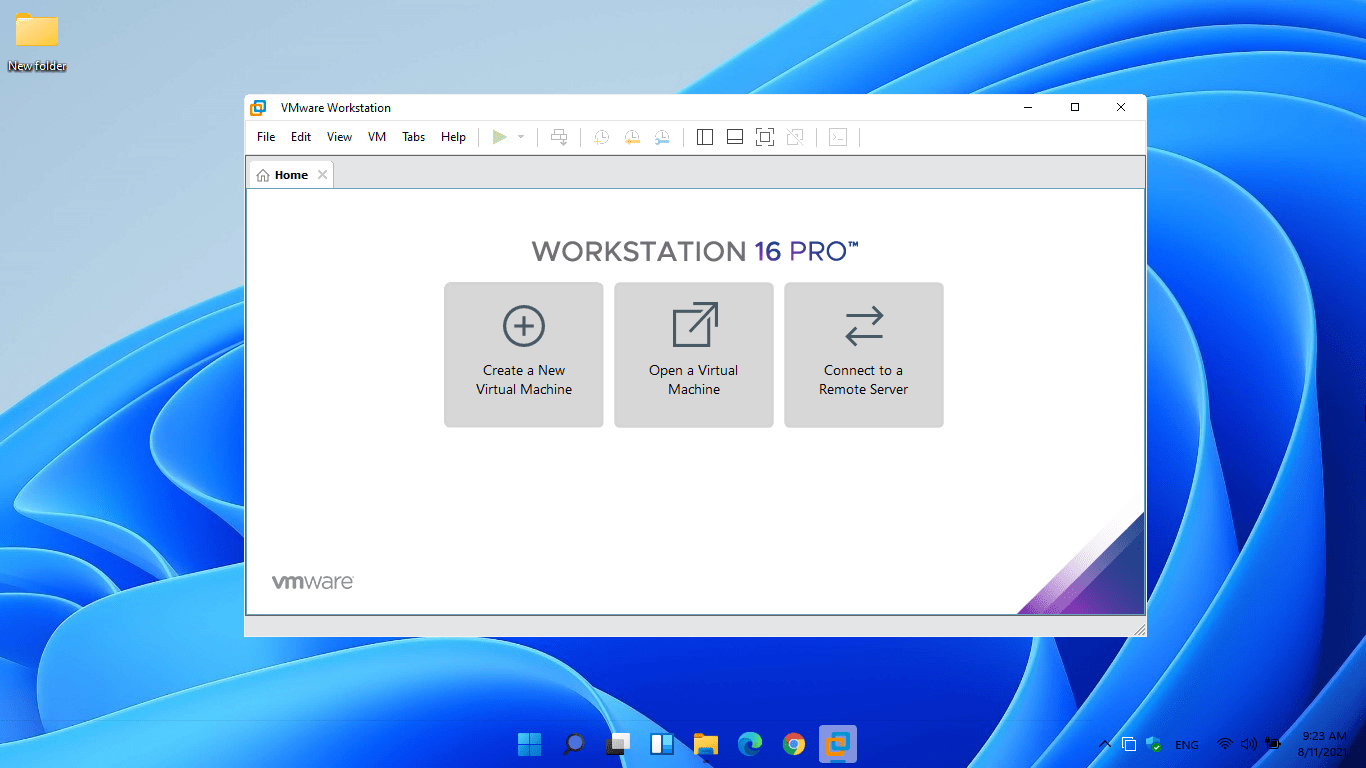
Install Vmware Workstation In Windows 11 Install Vmware Workstation Pro
Download VMware Workstation Pro 16 For Free Latest Version
Watch on Note This video shows the process it is the same for different versions Before starting Before downloading and installing VMware Workstation Ensure that your physical machine meets the system requirements for VMware Workstation For more information see System Requirements Workstation CPU Requirements Workstation Host OS Support

English This article provides a step by step guide for installing VMware Workstation 17 Pro Creating and operating virtual machines is crucial on a 64 bit Windows PC We ll explain all the stages of building a virtual system on your PC Whether you re new to this or an expert this guide makes setting up a VMware VM comfortable Table of Contents

How to Install VMware Workstation Pro on Windows 10 0 Comments This tutorial will show you how to install VMware Workstation on Windows 10 so that you can run operating systems like Linux without needing extra hardware To begin download the VMware Workstation Pro installer from the VMware Store to your local machine

This video shows you the steps to install VMware Workstation Pro 16 1 0 which allows you to create a virtual machine on Windows 10 64 Bit operating system a
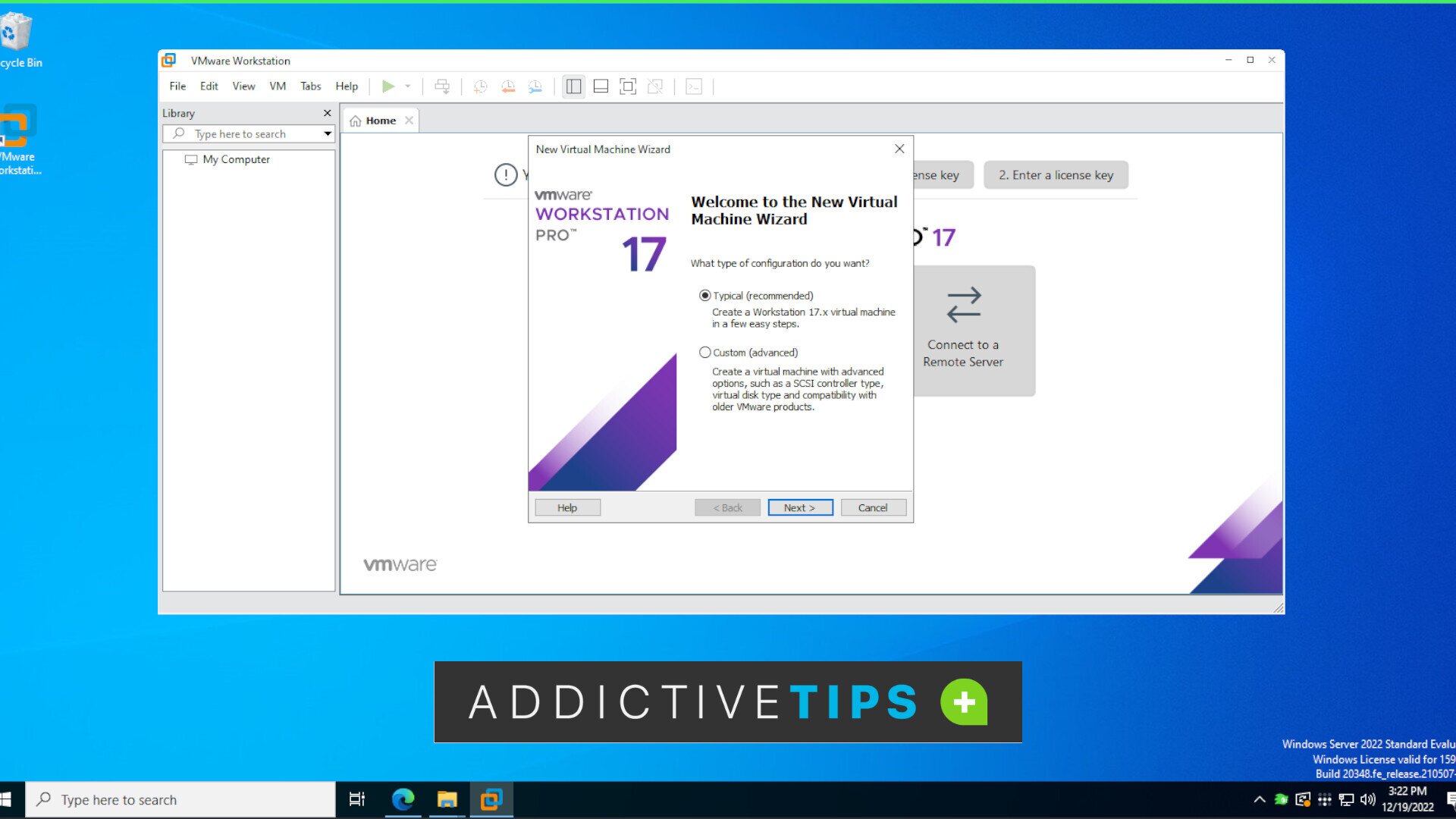
1 Installing VMware Workstation from given below link There are two options for downloading one is Windows and other for Linux My Base Operating System is Windows8 So I choose for
Step 3 Installing Windows 10 Once you re ready to begin installing click on Power on this virtual machine From here on the install should begin Installing Windows as a virtual Download VMware Workstation Player for free today to run a single virtual machine on a Windows or Linux PC and experience the multi functional capabilities
Subscribed Share 193K views 2 years ago How to Windows tutorials In this VMWare Workstation 16 Pro tutorial you will learn how to install Windows 10 on VMWare Workstation Pro Player