Install Ubuntu Desktop On A Server Running Ubuntu Desktop In WSL2 X410 dev Ubuntu Desktop Vs Server Differences Similarities More Install Ubuntu Desktop 20 04 LTS Hiroakit Ubuntu Server Vs Desktop Performance Power Consumption Linux Magazine How To Install Ubuntu Desktop From Ubuntu Server VITUX Step 2 Install the Desktop Environment There are a variety of desktop environments to choose from but if your hardware can afford it let s proceed with the default Ubuntu GNOME desktop environment You are always free to choose from other alternatives but this freedom comes at the risk of some software incompatibility
Unity The Default Desktop sudo apt get install ubuntu desktop NOTE If you re using Ubuntu 16 04 or higher you can use the apt command instead of apt get sudo apt install ubuntu desktop KDE If you re using Ubuntu 16 04 or higher you ll need to add the PPA for KDE first sudo add apt repository ppa kubuntu ppa backports Install Ubuntu Server GUI When prompted choose Ubuntu desktop to install the chosen desktop environment Use the space key to choose the desktop environment to be installed hit the tab key to move the focus from the list of software to the OK button at the bottom and hit enter
How To Install Ubuntu Desktop From Ubuntu Server VITUX Ubuntu 16 04 VMWare Install And Remote Desktop Setup Tips For Making Ubuntu Desktop Run Faster On Your Laptop GadgetGang How To Install A Desktop Environment GUI On An Ubuntu 22 04 VPS Server How To Install Ubuntu On Laptop Or PC USB VirtualBox KB Parallels Fix Ubuntu Virtual Machine Crashing In Parallels Desktop 14 04 Ubuntu Desktop Module Ask Ubuntu Ubuntu Download Servers Intwater How To Install A Full Desktop GUI On Ubuntu Server 20 04 LTS v 28 07
Install Ubuntu Desktop On A Server
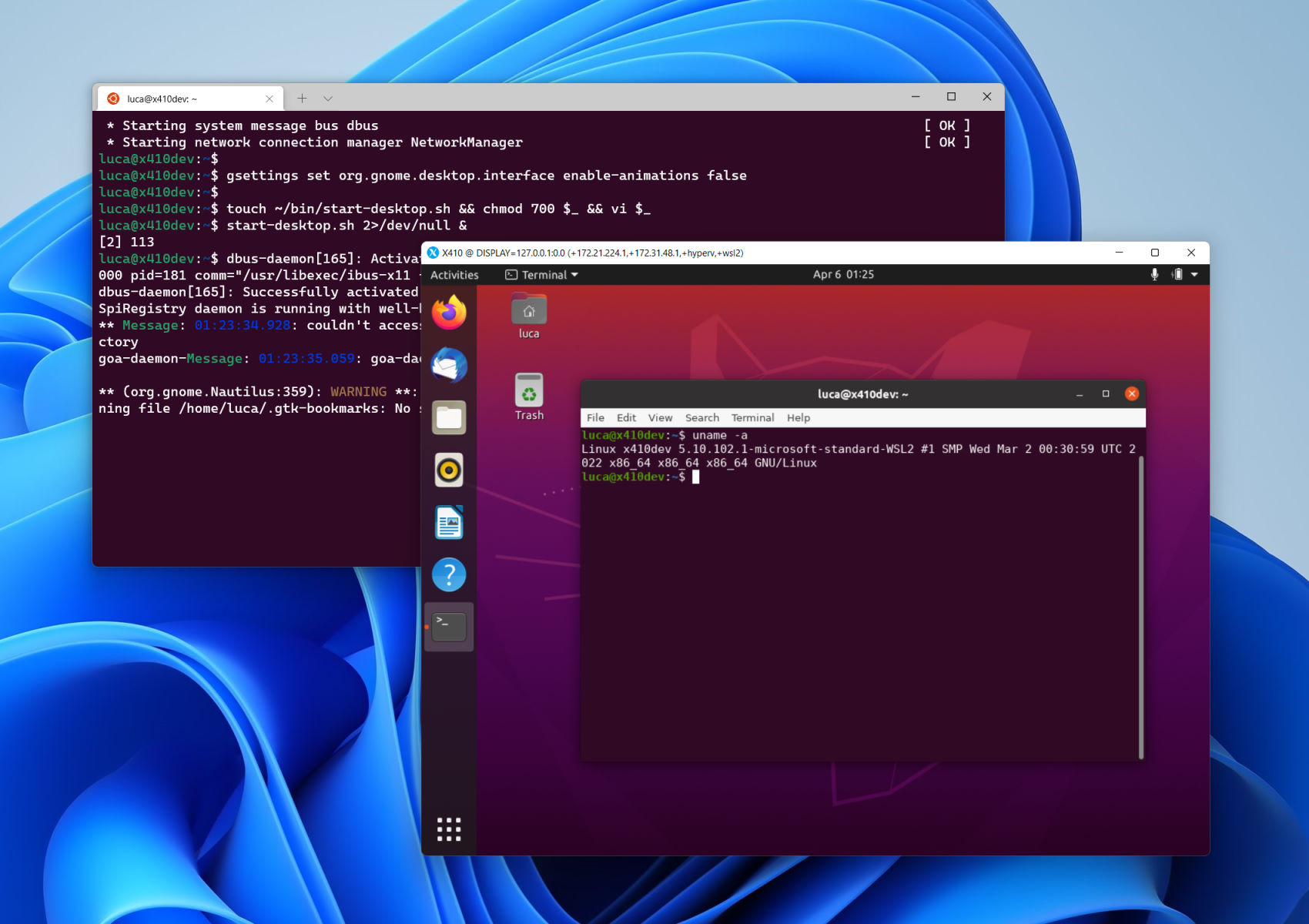 Install Ubuntu Desktop On A Server
https://x410.dev/cookbook/img/x410-running-ubuntu-desktop-in-wsl2-started.jpg
How to install a Desktop Environment GUI on Ubuntu Server It is possible to install a desktop environment GUI on an Ubuntu server This tutorial shows the steps It also discusses whether you need the GUI on a server Do you want to install GUI on your Ubuntu server
Templates are pre-designed files or files that can be utilized for various functions. They can save time and effort by offering a ready-made format and design for producing different kinds of material. Templates can be used for personal or expert jobs, such as resumes, invitations, leaflets, newsletters, reports, discussions, and more.
Install Ubuntu Desktop On A Server
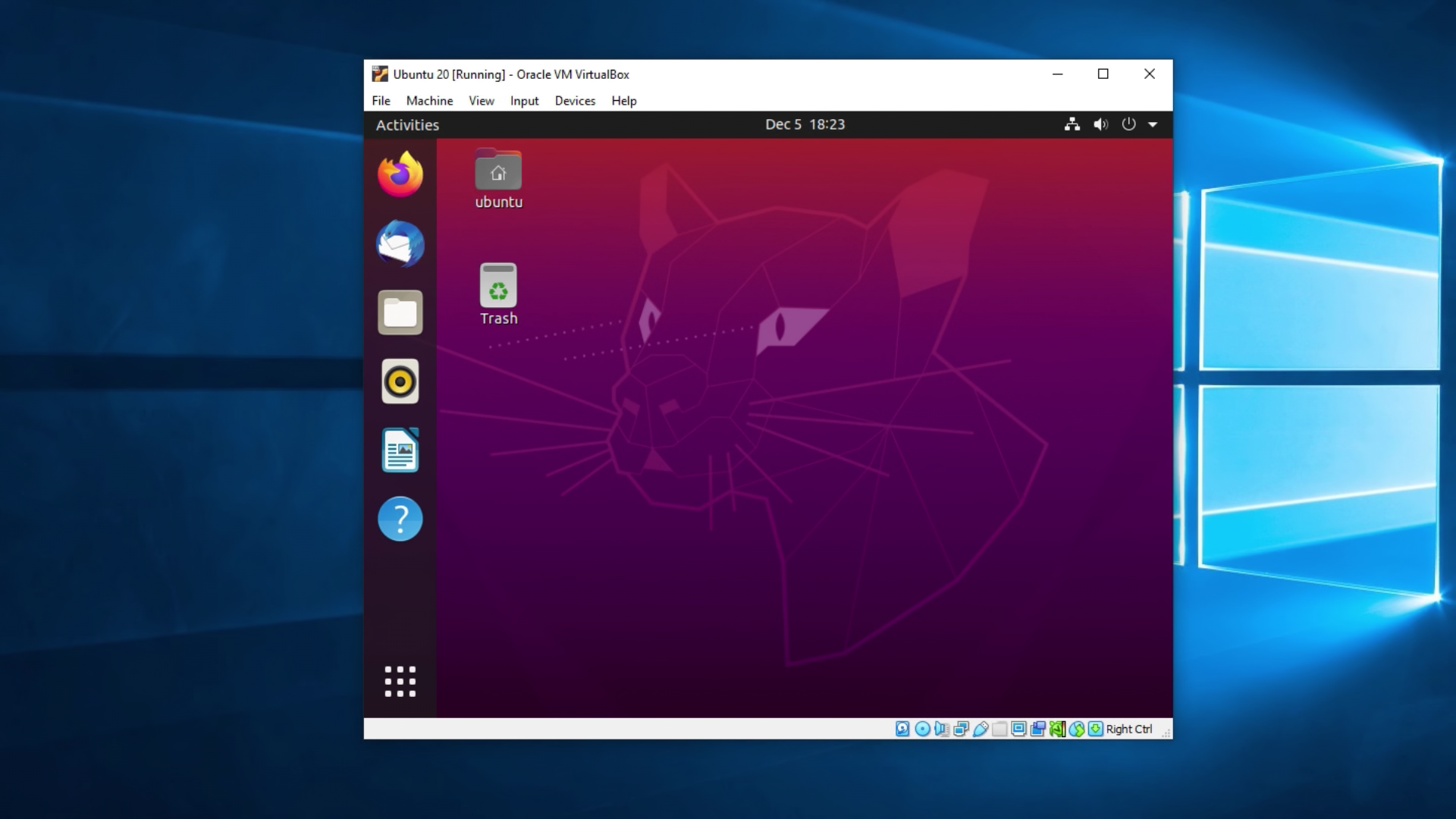
VirtualBox How To Install Ubuntu As Virtual Machine On Windows 10

Ubuntu 16 04 VMWare Install And Remote Desktop Setup
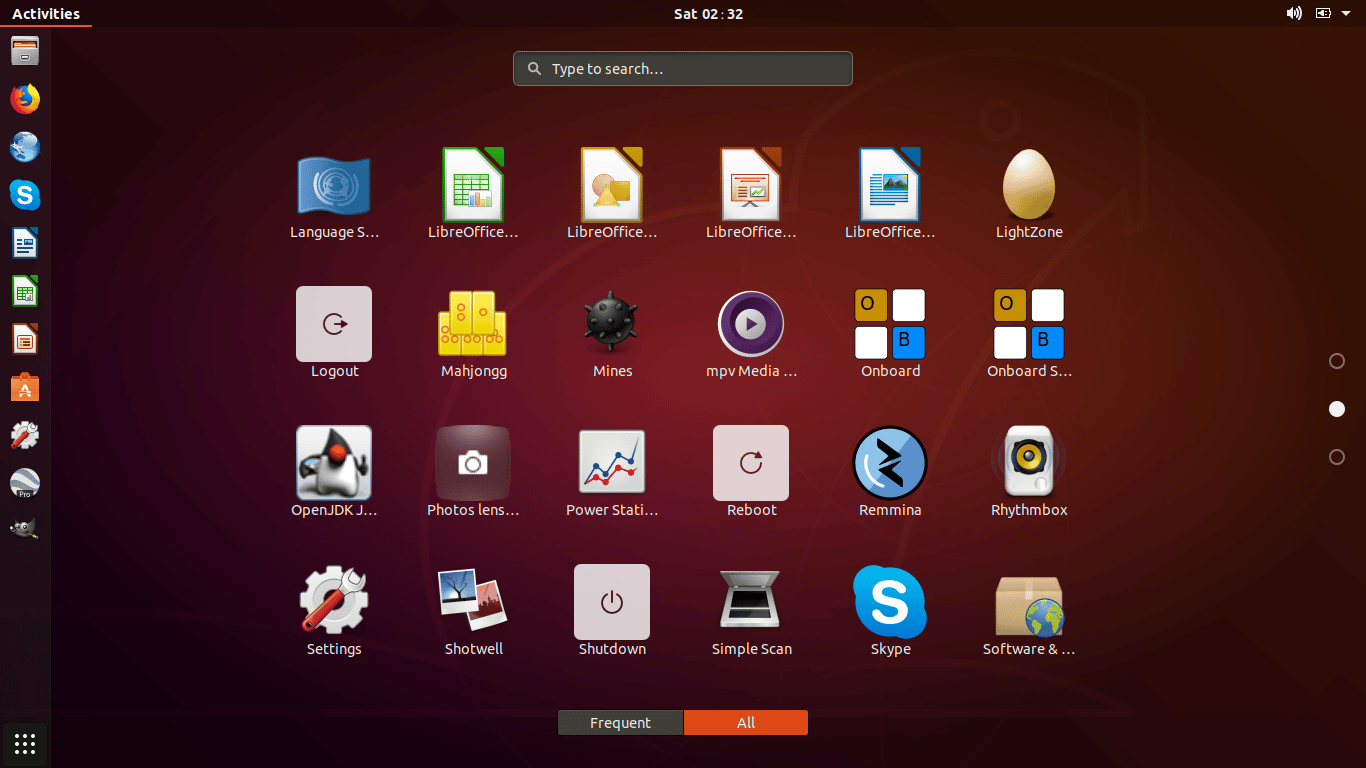
Tips For Making Ubuntu Desktop Run Faster On Your Laptop GadgetGang
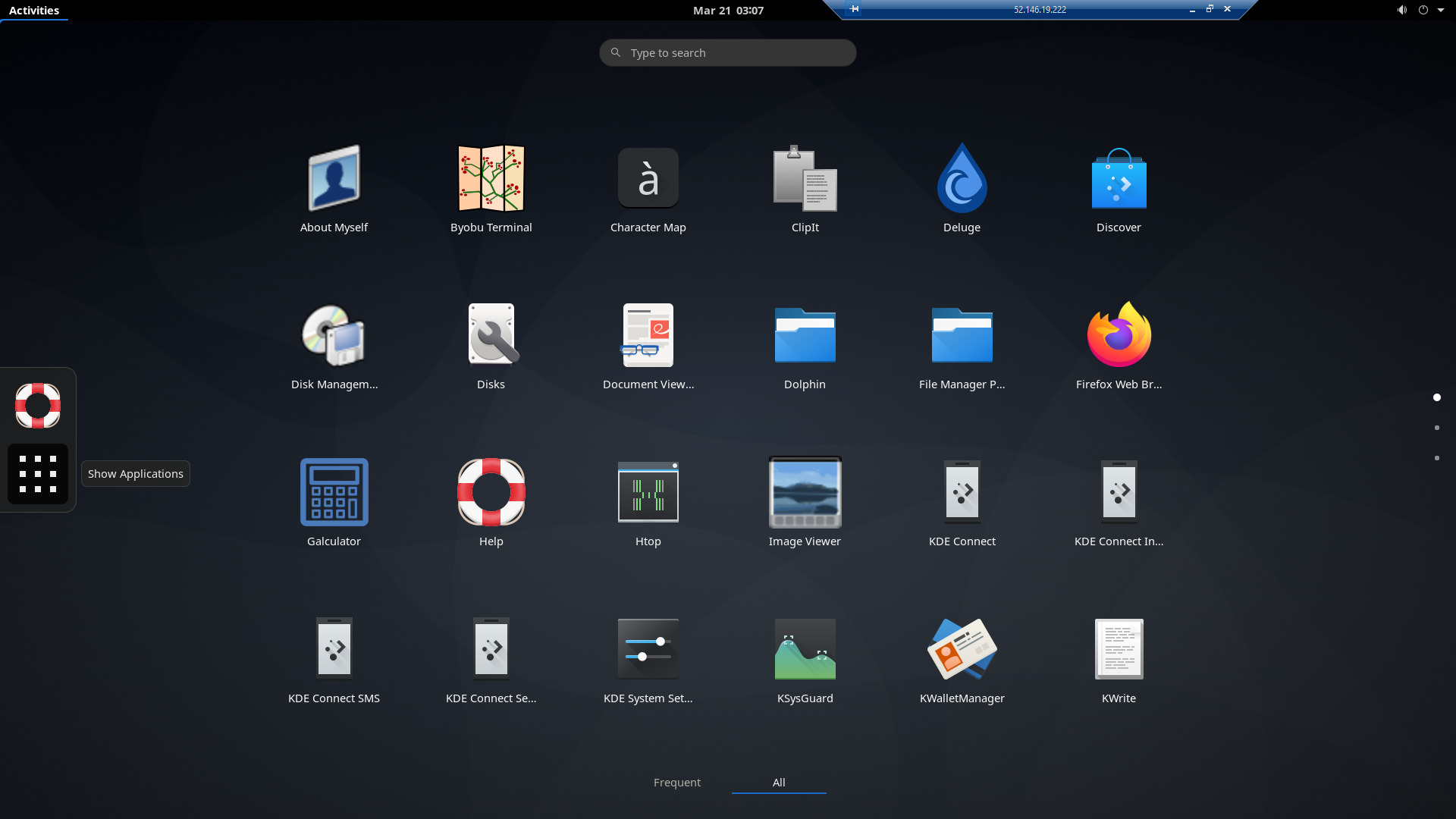
How To Install A Desktop Environment GUI On An Ubuntu 22 04 VPS Server
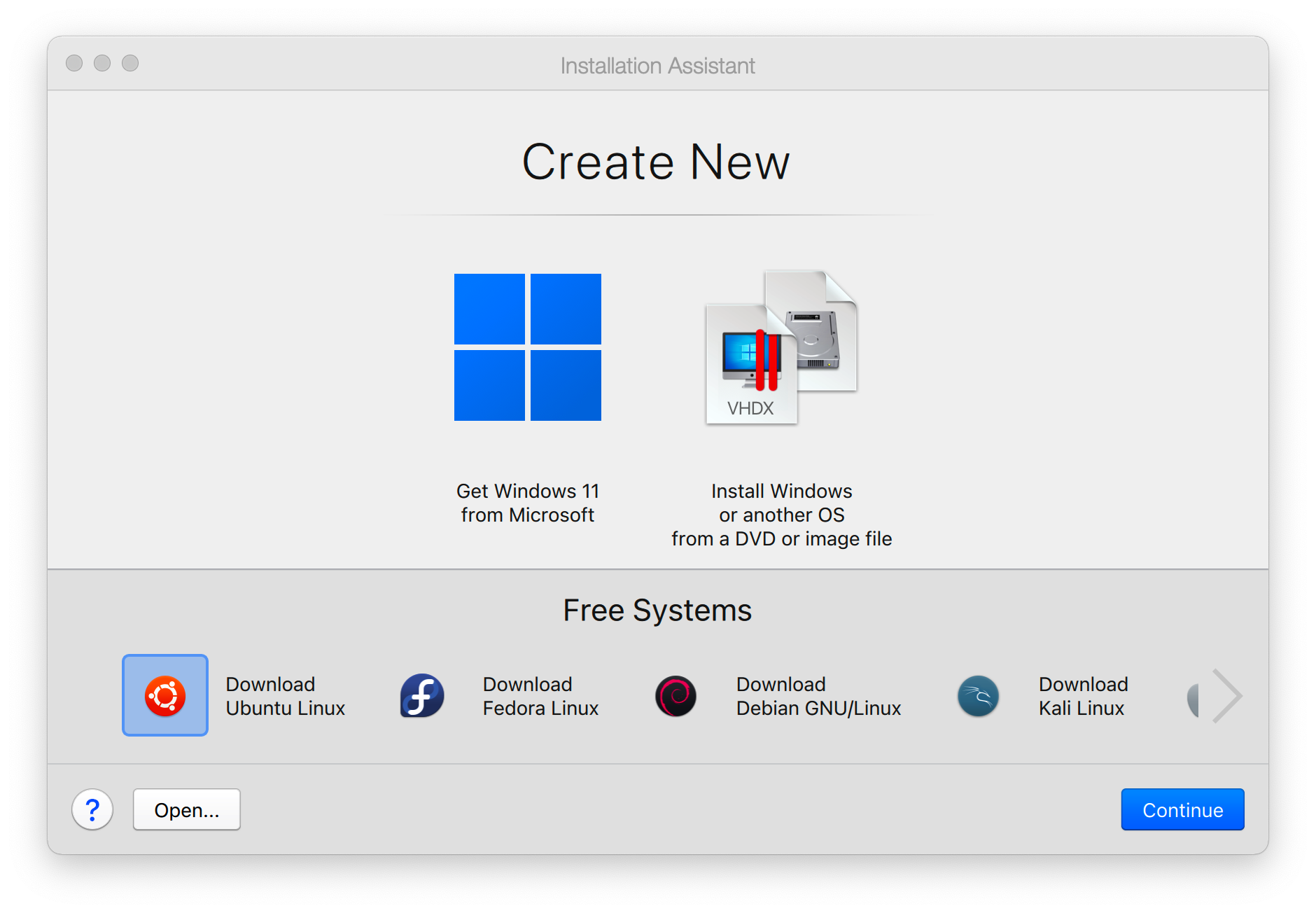
KB Parallels Fix Ubuntu Virtual Machine Crashing In Parallels Desktop

14 04 Ubuntu Desktop Module Ask Ubuntu
1 To install SLiM type sudo apt install slim 2 Press Y and then hit Enter to start the installation procedure Note If you prefer to install the LightDM display manager instead type sudo apt install lightdm Install GUI on Ubuntu Server With a display manager installed proceed to install a GUI

1 Update and Upgrade Your System This is a fundamental step before making any changes or installing packages on your Ubuntu server Update Ubuntu s software repositories and upgrade your system with the APT package manager sudo apt update apt upgrade
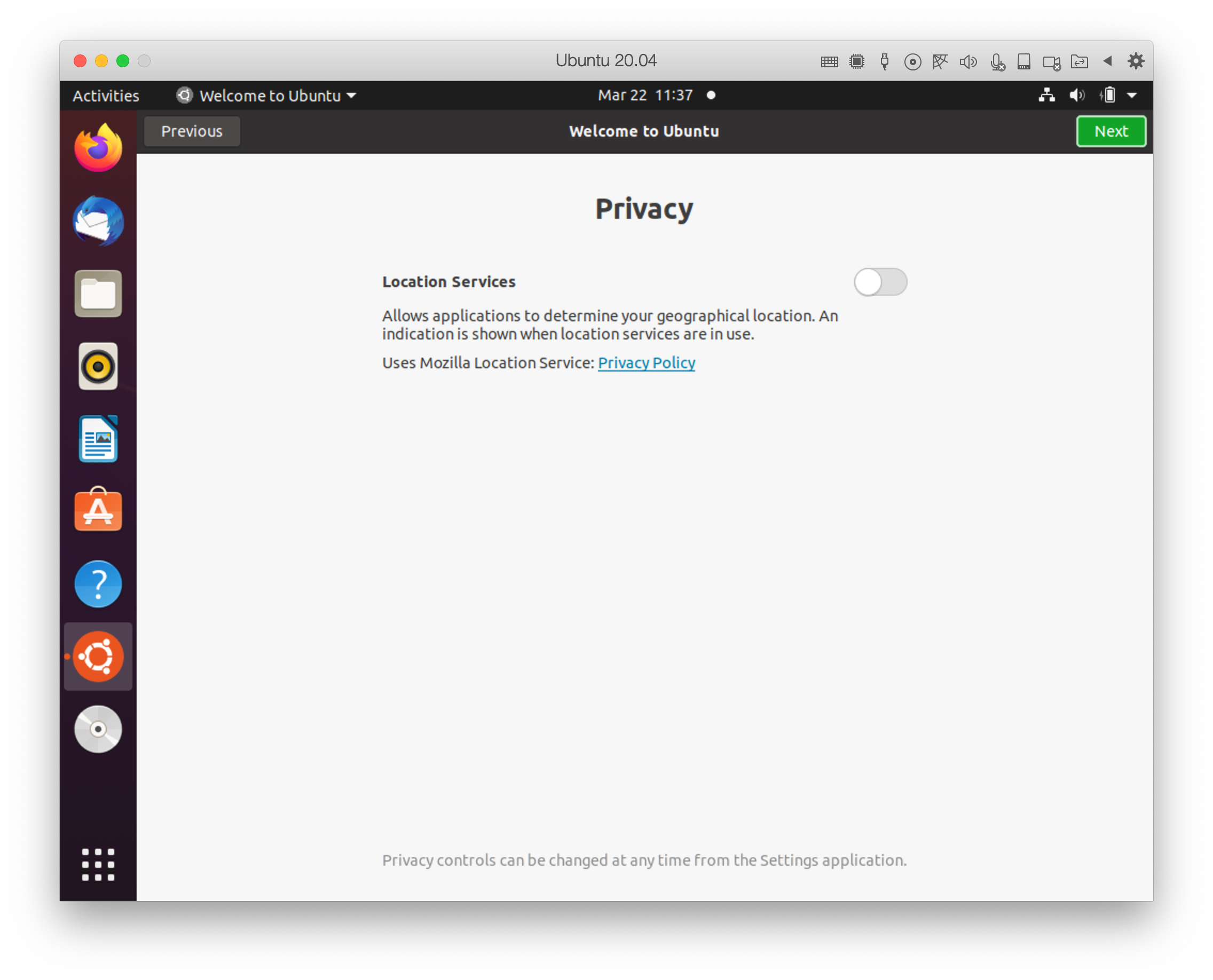
Prepare the system Before we start installing the Desktop GUI we will update the package lists sudo apt update And then install any pending updates if any sudo apt upgrade y Install a display manager In this step we will install the display manager

How to Install a Desktop Environment GUI on an Ubuntu 22 04 VPS Server by EdXD March 24 2021 3 comments 5 minute read Linux servers don t come with a desktop environment installed by default and in most cases it s not needed However there are cases when you do require a graphical user interface on your Linux server to get your work done

Step 2 Install Ubuntu Desktop Once you have set up xrdp as the Droplet s display server you can install the Ubuntu Desktop GUI on your Droplet Ubuntu has many GUI options available all with varying degrees benifits and advantages such as GNOME KDE Plasma Desktop and MATE Desktop Ubuntu Desktop is Ubuntu s official GUI and is based
2 A good way to think about Desktop and Server is that they are really just different default installations of a preselected group of packages Of course Desktop Focuses on packages that would be useful to an end user Besides the graphical desktop itself it includes browsers file managers productivity applications etc etc Option 1 Manual server installation USB or DVD image based physical install OS security guaranteed until April 2027 Expanded security maintenance until April 2032 Commercial support for enterprise customers Alternative downloads Alternative architectures Read the Ubuntu Server 22 04 LTS release notes Alternative releases Ubuntu Server 23 10
In this video I am going to show you how to install a full desktop GUI on Ubuntu server This is an update of the tutorial to reflect the changes on ubunt