Install Typescript Version 4 8 Por Qu Usar TypeScript Platzi Comprendre Typescript En 5 Minutes Je Suis Un Dev Visual Studio Code Typescript Semantic Highlighting Not Working at Javascript VSCode TypeScript Extension In Settings Stack Overflow Setup Node With TypeScript TypeScript 4 8 for Visual Studio Microsoft 1 632 installs 0 Free TypeScript lets you write JavaScript the way you really want to TypeScript is a typed superset of JavaScript that compiles to plain JavaScript Any browser Any host Any OS Open Source Download Overview Q A Rating Review
To install TypeScript on your machine use the following command if you use npm npm i typescript This will automatically install the latest version of TypeScript If you rather prefer using yarn use the following command yarn add typescript Similar to using npm this will also install the latest version of TypeScript by default If not installed install the latest version It has been reported that the following command will not work reliably when you already have typescript installed npm update g typescript latest Test the version using tsc v prints out the locally installed typescript version
Setup Node With TypeScript Changing Typescript Version Smartface Docs New TypeScript 4 1 Version Released Code Carbon TypeScript Setting Blog TypeScript Instalaci n Y Configuraci n Installation And Setup Typescript Vs Code Errors Archives How To JS TypeScript version Engineering Tech Dojo Install Specific Version Of TypeScript Delft Stack
Install Typescript Version 4 8
 Install Typescript Version 4 8
https://static.platzi.com/media/courses/Piezas-Fundamentos-TypeScript_Opengraph.png
JavaScript with syntax for types TypeScript is a strongly typed programming language that builds on JavaScript giving you better tooling at any scale Try TypeScript Now Online or via npm Editor Checks Auto complete Interfaces JSX const user
Pre-crafted templates use a time-saving option for developing a diverse range of files and files. These pre-designed formats and layouts can be used for numerous individual and expert projects, consisting of resumes, invitations, flyers, newsletters, reports, discussions, and more, simplifying the material creation procedure.
Install Typescript Version 4 8
Typescript 1 install
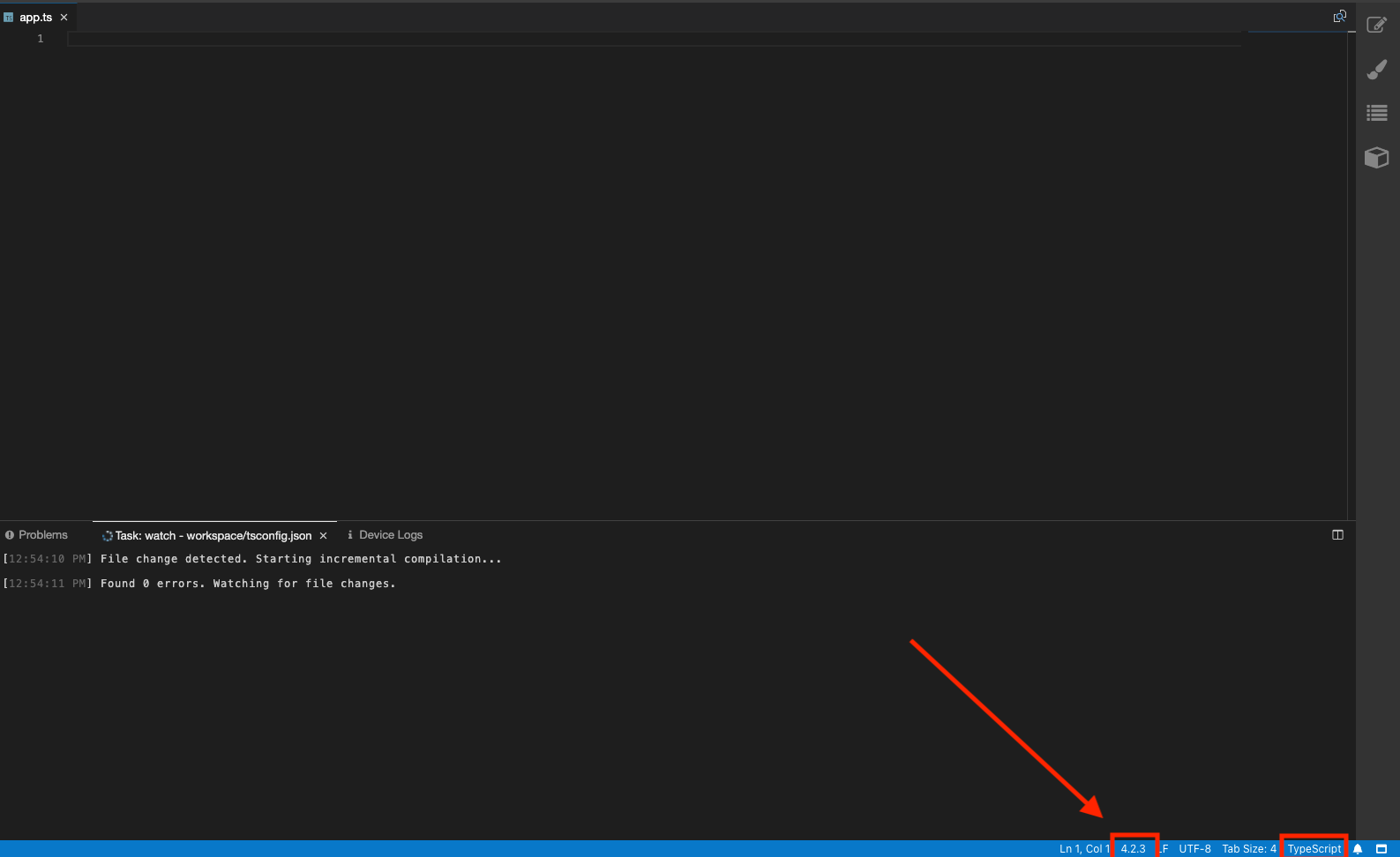
Changing Typescript Version Smartface Docs
New TypeScript 4 1 Version Released Code Carbon
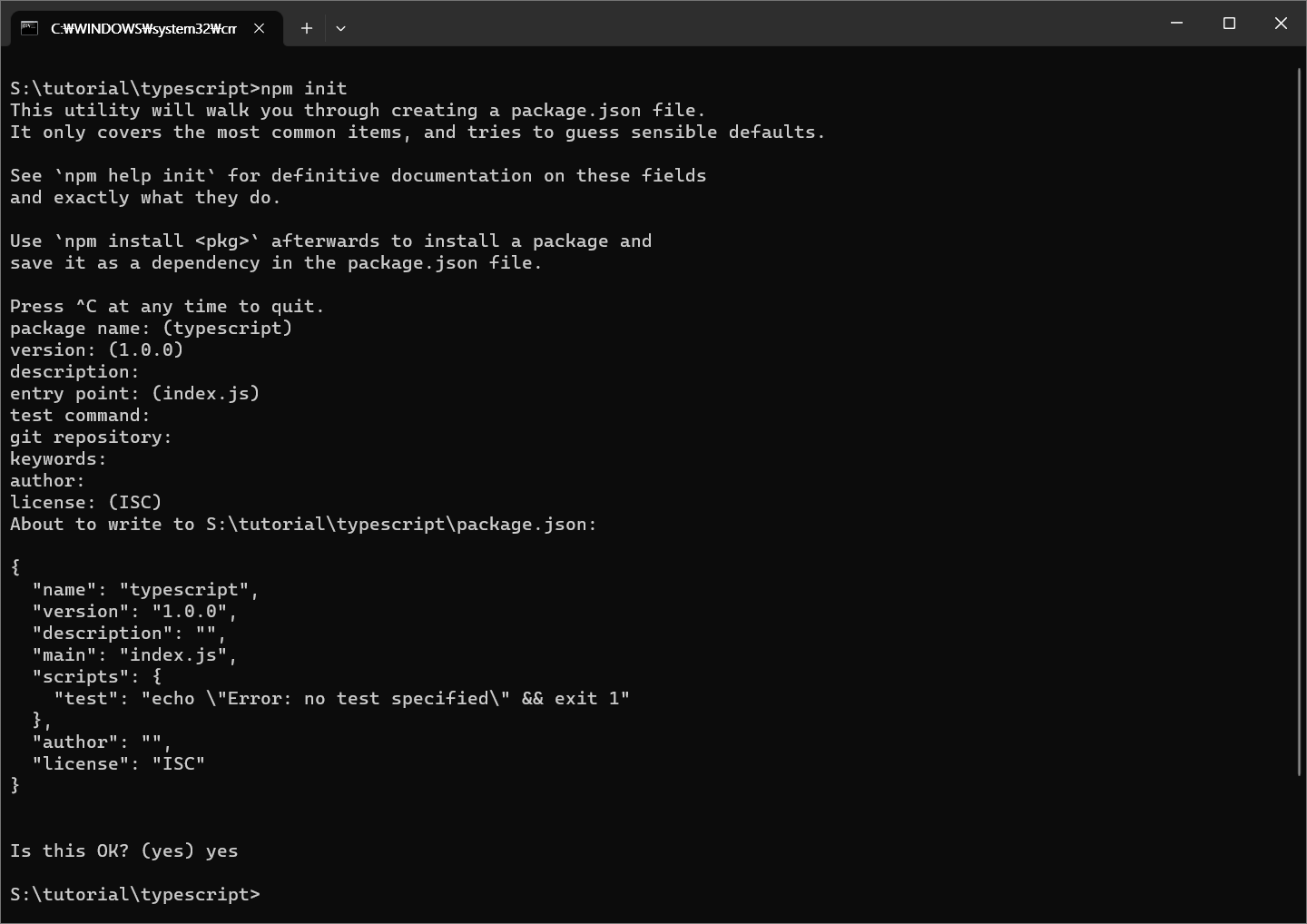
TypeScript Setting
Installation And Setup Typescript

Vs Code Errors Archives How To JS
Via npm TypeScript is available as a package on the npm registry available as typescript You will need a copy of Node js as an environment to run the package Then you use a dependency manager like npm yarn or pnpm to download TypeScript into your project npm install typescript save dev
TypeScript 4 8 Improved Intersection Reduction Union Compatibility and Narrowing TypeScript 4 8 brings a series of correctness and consistency improvements under strictNullChecks These changes affect how intersection and union types work and are leveraged in how TypeScript narrows types

Javascript TypeScript is a language for application scale JavaScript development Latest version 5 3 3 last published 22 days ago Start using typescript in your project by running npm i typescript There are 48280 other projects in the npm registry using typescript

How to install older version of Typescript Ask Question Asked 7 years 6 months ago Modified 2 months ago Viewed 151k times 72 I recently installed Typescript 1 8 and found too many breaking issues So for the time being I would like to install 1 7 Where can I download it typescript typescript1 8 Share Improve this question Follow
Compare TypeScript 5 3 For release notes check out the release announcement For the complete list of fixed issues check out the fixed issues query for Typescript 5 3 0 Beta fixed issues query for Typescript 5 3 1 RC fixed issues query for Typescript 5 3 2 Stable Downloads are available on NuGet package
TypeScript 4 4 adds an optimization for source map generation on extremely large output files When building an older version of the TypeScript compiler this results in around an 8 reduction in emit time We d like to extend our thanks to David Michon who provided a simple and clean change to enable this performance win Faster force Builds If you need to check the globally installed version of typescript use the npm ls g typescript command Make sure to open your terminal in your project s root directory where your package json file is before issuing the command shell npm ls typescript The screenshot shows that my version of typescript is 4 7 4
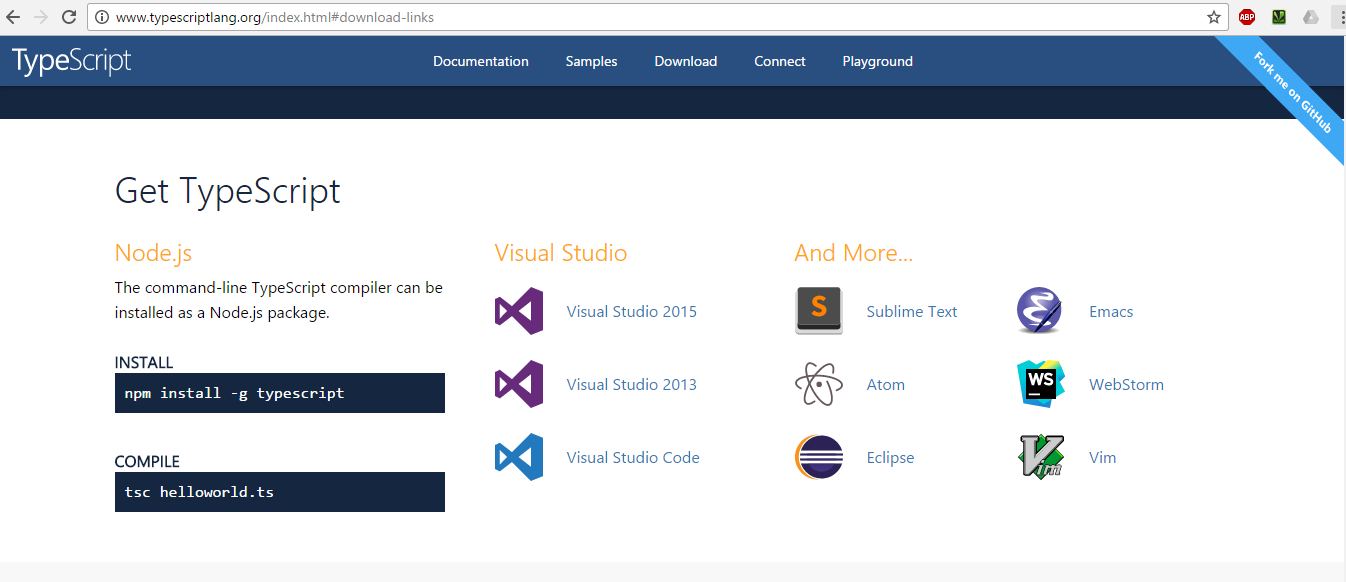
To install or update the latest version of TypeScript open command prompt terminal and type the following command npm install g typescript The above command will install TypeScript globally so that you can use it in any project Check the installed version of TypeScript using the following command tsc v