Install Tensorflow Text On Mac M1 TensorFlow Mac M1 M2 Conda Tensorflow deps PackagesNotFoundError Mac M1 m2 GPU pytorch tensorflow AI Cannot Install Tensorflow text In Virtual Environment Of Python 3 8 Mac Building Tensorflow And Tensorflow Text On A M1 Mac By Murphy Crosby Python Installing Tensorflow In M1 Mac Stack Overflow Check the Installation Step 1 Install Xcode Command Line Tools This is essential in some guides except I managed to do it although somehow I got away with not having to do this You can do
Please I need help to run M1 native Python again I d been successfully running M1 native Python code on a MacBook Pro 13 inch M1 2020 using Jupyter Notebook but since 10 13 2021 the notebook kernel dies as soon as the M1 CPU is used intensively Let s create a new environment called tensorflow m1 conda create name tensorflow m1 python 3 9 conda activate tensorflow m1 Then install the following conda install c apple tensorflow deps pip install tensorflow macos pip install tensorflow metal Optionally install the Jupyter notebook or lab
Python Installing Tensorflow In M1 Mac Stack Overflow How To Install TensorFlow GPU For Mac M1 M2 With Conda YouTube Mac M1 TensorFlow By Medium Google Colab Notebook Vision Transformer AugReg Imports Not Working Benchmarking Tensorflow On Mac M1 Colab And Intel NVIDIA Eduardofv Mac M1 Tensorflow 2 5 How To Install TensorFlow On Mac M1 M2 Chips Archyde Tensorflow M1 Mac Mac M1 Tensorflow Tensorflow Metal CSDN
Install Tensorflow Text On Mac M1
 Install Tensorflow Text On Mac M1
https://i.ytimg.com/vi/BEUU-icPg78/maxresdefault.jpg
Sep 2 2022 13 Install TensorFlow in a few steps on Mac M1 M2 with GPU support and benefit from the native performance of the new Mac ARM64 architecture Fig 01 Apple M1 image by
Templates are pre-designed documents or files that can be utilized for numerous functions. They can conserve effort and time by providing a ready-made format and layout for developing various type of content. Templates can be used for personal or expert projects, such as resumes, invitations, leaflets, newsletters, reports, discussions, and more.
Install Tensorflow Text On Mac M1

How To Install TensorFlow And TensorFlow Probability nightly On Mac

How To Install TensorFlow GPU For Mac M1 M2 With Conda YouTube
Mac M1 TensorFlow By Medium
Google Colab Notebook Vision Transformer AugReg Imports Not Working

Mac M1 Tensorflow 2 5

How To Install TensorFlow On Mac M1 M2 Chips Archyde

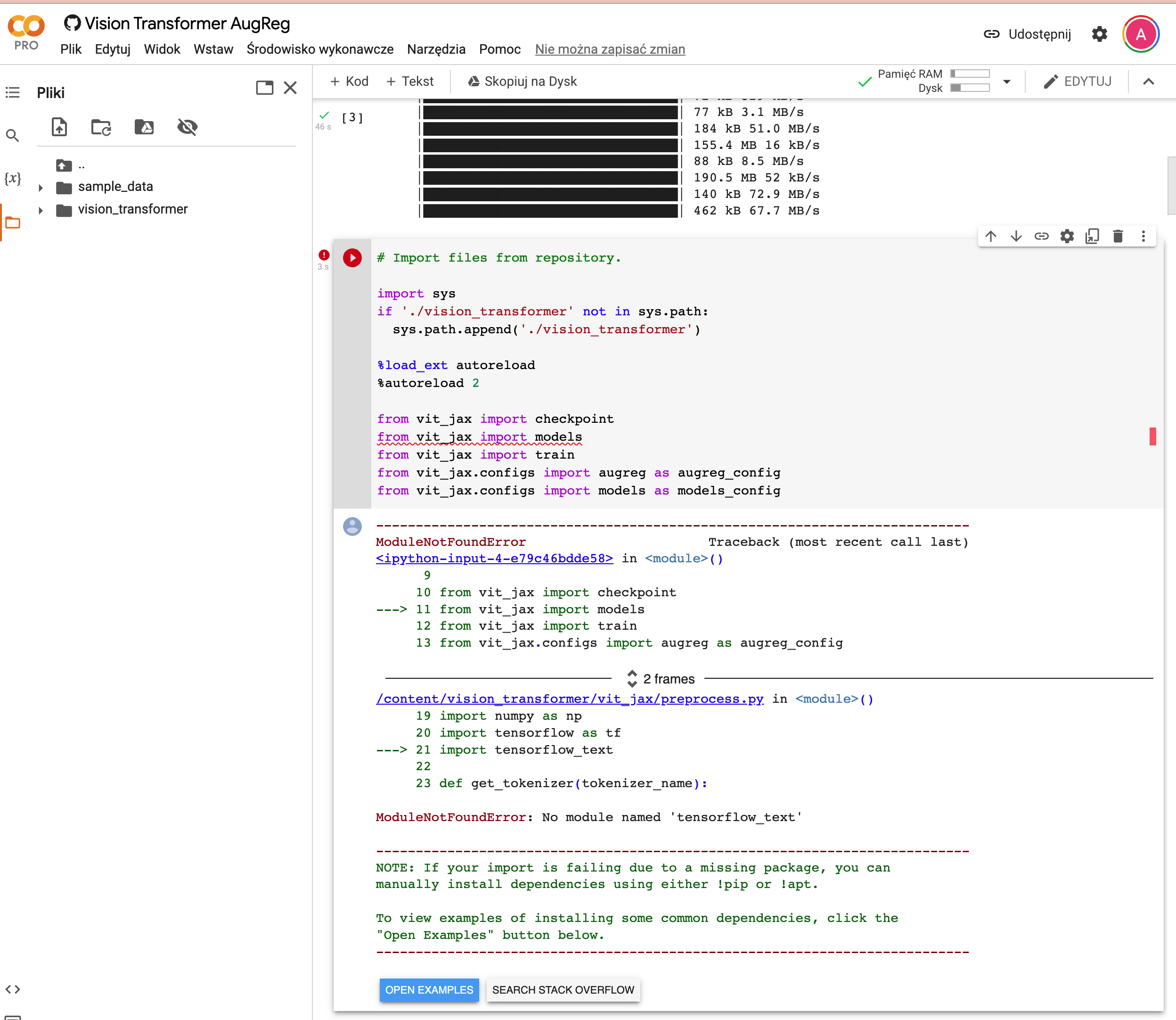
Able to install arm64 tensorflow and tensorflow text and successfully execute the Tensorflow Word Embeddings tutorial found here https www tensorflow text guide word embeddings I downloaded the notebook and ran locally in jupyter
Open Mac System Settings then click Privacy and Security Full Disk Access At the bottom click the and navigate and click on the terminal that you use Then rerun the mv Next you will need
Pip install tensorflow text Copy PIP instructions Latest version Released Nov 15 2023 TF Text is a TensorFlow library of text related ops modules and subgraphs Navigation Project description TF Text is a TensorFlow library of text related ops modules and subgraphs The library can perform the preprocessing regularly required by
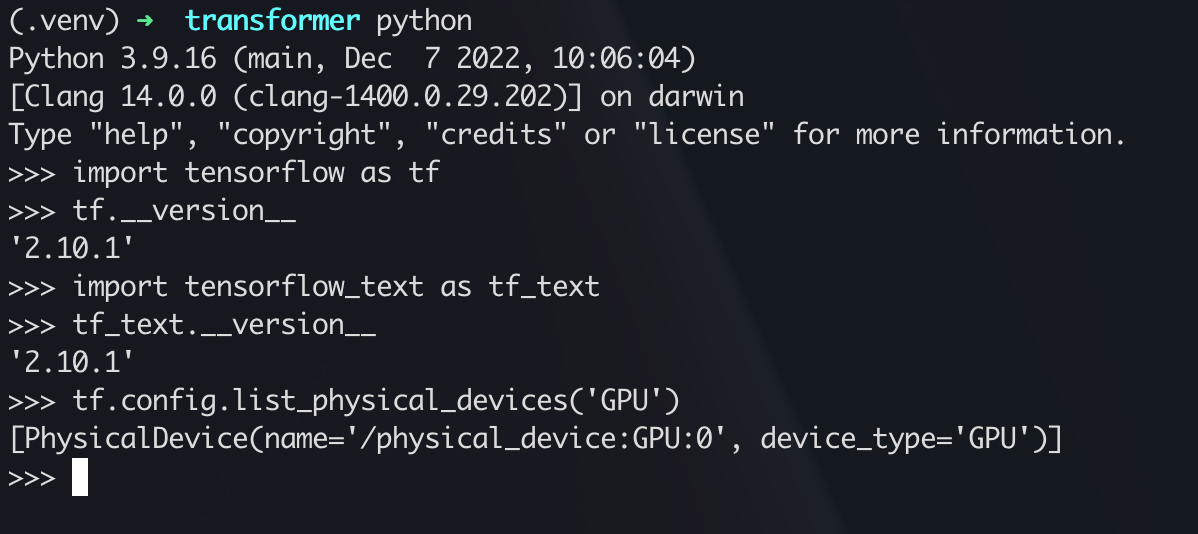
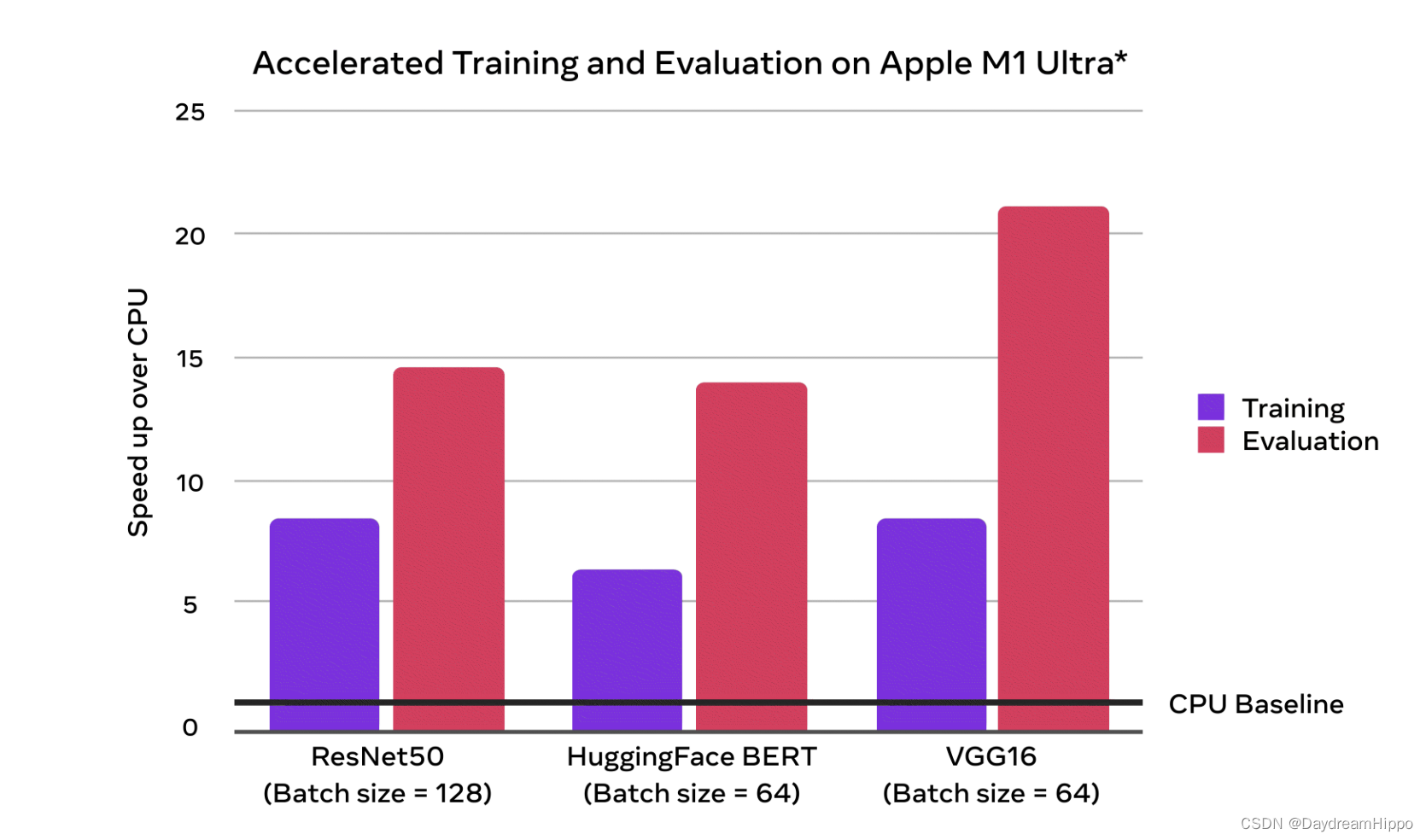
To utilize Apple s ML Compute framework for native hardware acceleration on M1 Macs you need to install Apple s hardware accelerated TensorFlow and TensorFlow Addons for macOS 11 0 This article will show how how to prepare your M1 Mac for developing deep learning projects using TensorFlow

Install using pip When installing TF Text with pip install note the version of TensorFlow you are running as you should specify the corresponding version of TF Text pip install U tensorflow text version Build from source TensorFlow Text must be built in the same environment as TensorFlow Thus if you manually build TF Text it is
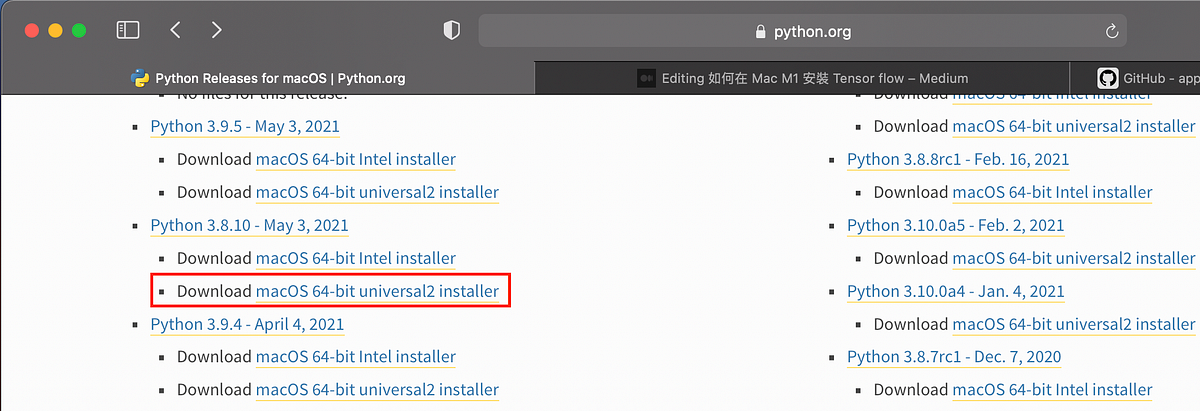
3 Create conda environment with Python3 8 Tensorflow not available for Python3 9 now 25th Jan 2021 conda create name tf env python 3 8 4 Activate the created virtual environment tf env conda activate tf env 5 Download tensorflow macos 1alpha1 tar gz from Apple github tensorflow macos Check in assets The last thing to do is install Tensorflow and its depending packages TensorFlow Setup on Apple Silicon Mac M1 M1 Pro M1 Max Text to speech
3 I am trying to install tensor flow on my macOS M1 As per chip compatibility I know that not all the pip images of tensor flow works or are even compatible But I found this repository https github apple tensorflow macos Which is supposed to be working on Apple M1