Install Tensorflow Text Mac M1 A complete guide to installing tensorflow on m1 mac with gpu Mac M1 tensorflow R Tensorflow On An M1 Mac Without Crashing I m A Chordata Urochordata 2022 Apple M1 Mac M1 Tensorflow Cannot Install Tensorflow text In Virtual Environment Of Python 3 8 Mac All you need is an ARM Mac and you re ready to go Setting Up Python Macs nowadays already come with Python installed at least Python2 but I believe there are better and recommended ways of working with Python in an arm64 like your M1 or M2 MacBook XCode Command line tools First you ll need to install XCode Command line tools
INTRODUCTION This pre release delivers hardware accelerated TensorFlow and TensorFlow Addons for macOS 11 0 Native hardware acceleration is supported on M1 Macs and Intel based Macs through Apple s ML Compute framework CURRENT RELEASE 0 1 alpha3 SUPPORTED VERSIONS TensorFlow r2 4rc0 TensorFlow Addons 0 11 2 REQUIREMENTS macOS 11 0 If you re looking to get started with TensorFlow on your shiny new M1 M1 Pro M1 Max M1 Ultra or M2 Mac I ve got you covered Here s 2 min read Jul 17 TheDataSurgeon
Cannot Install Tensorflow text In Virtual Environment Of Python 3 8 Mac Python Installing Tensorflow In M1 Mac Stack Overflow How To Install TensorFlow And TensorFlow Probability nightly On Mac Install Tensorflow Metal On Intel Macbook Pro With AMD GPU Install TensorFlow Keras GPU On Apple M1 M2 Mac With Conda Google Colab Notebook Vision Transformer AugReg Imports Not Working Benchmarking Tensorflow On Mac M1 Colab And Intel NVIDIA Eduardofv How To Install TensorFlow On Mac M1 M2 Chips Archyde TensorFlow Mac M1 TensorFlow
Install Tensorflow Text Mac M1
 Install Tensorflow Text Mac M1
https://hashnode.com/utility/r?url=https:%2F%2Fcdn.hashnode.com%2Fres%2Fhashnode%2Fimage%2Funsplash%2FJx-UX9zVdKk%2Fupload%2Fv1647501509921%2F2AlqK2fT_.jpeg%3Fw%3D1200%26h%3D630%26fit%3Dcrop%26crop%3Dentropy%26auto%3Dcompress%2Cformat%26format%3Dwebp%26fm%3Dpng
Please I need help to run M1 native Python again I d been successfully running M1 native Python code on a MacBook Pro 13 inch M1 2020 using Jupyter Notebook but since 10 13 2021 the notebook kernel dies as soon as the M1 CPU is used intensively
Pre-crafted templates offer a time-saving service for creating a diverse range of files and files. These pre-designed formats and layouts can be utilized for various individual and professional projects, consisting of resumes, invitations, leaflets, newsletters, reports, discussions, and more, simplifying the material creation process.
Install Tensorflow Text Mac M1
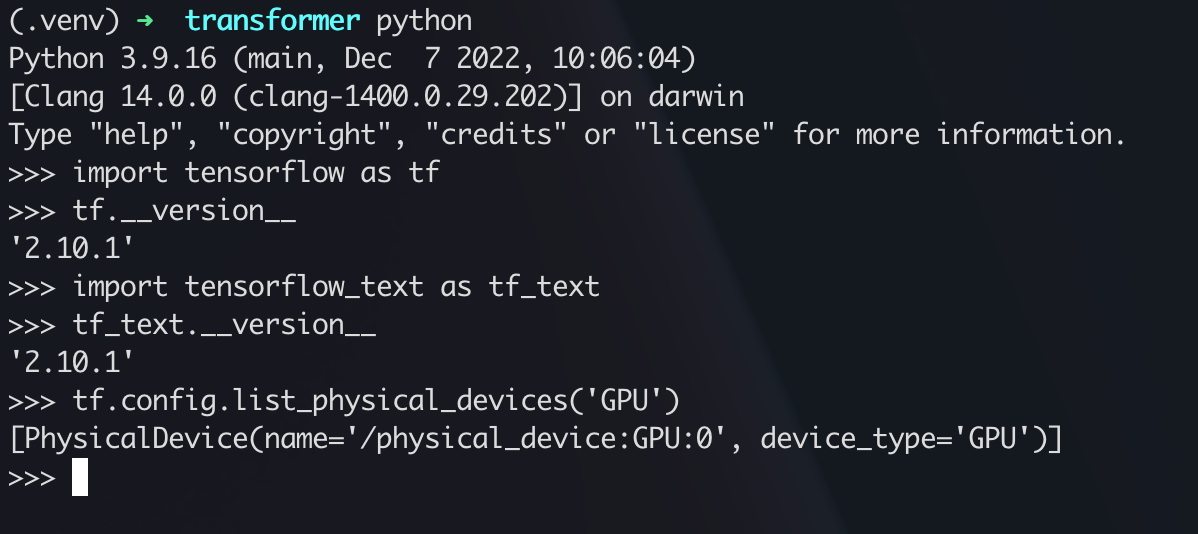
Building Tensorflow And Tensorflow Text On A M1 Mac By Murphy Crosby

Python Installing Tensorflow In M1 Mac Stack Overflow

How To Install TensorFlow And TensorFlow Probability nightly On Mac
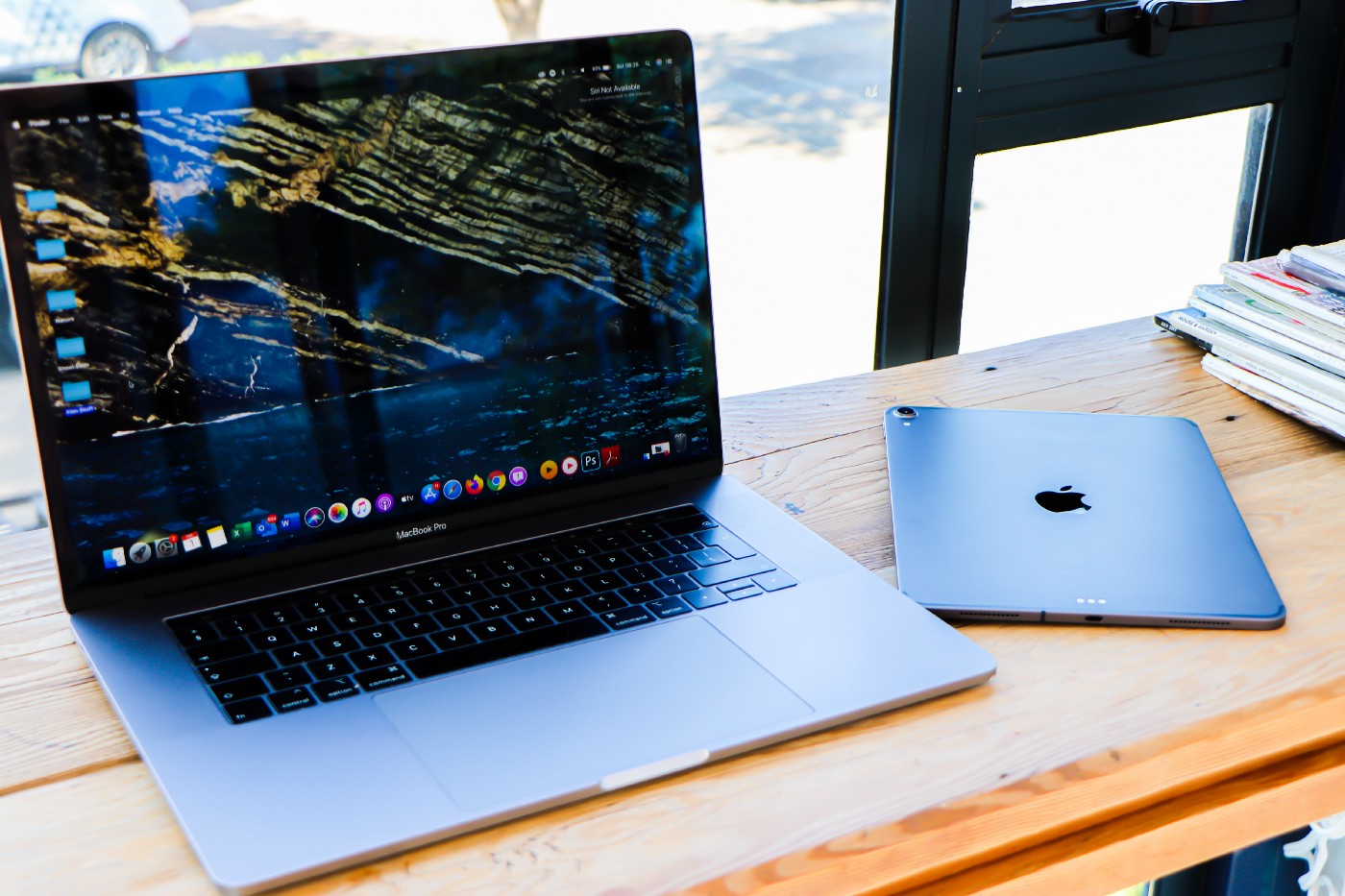
Install Tensorflow Metal On Intel Macbook Pro With AMD GPU
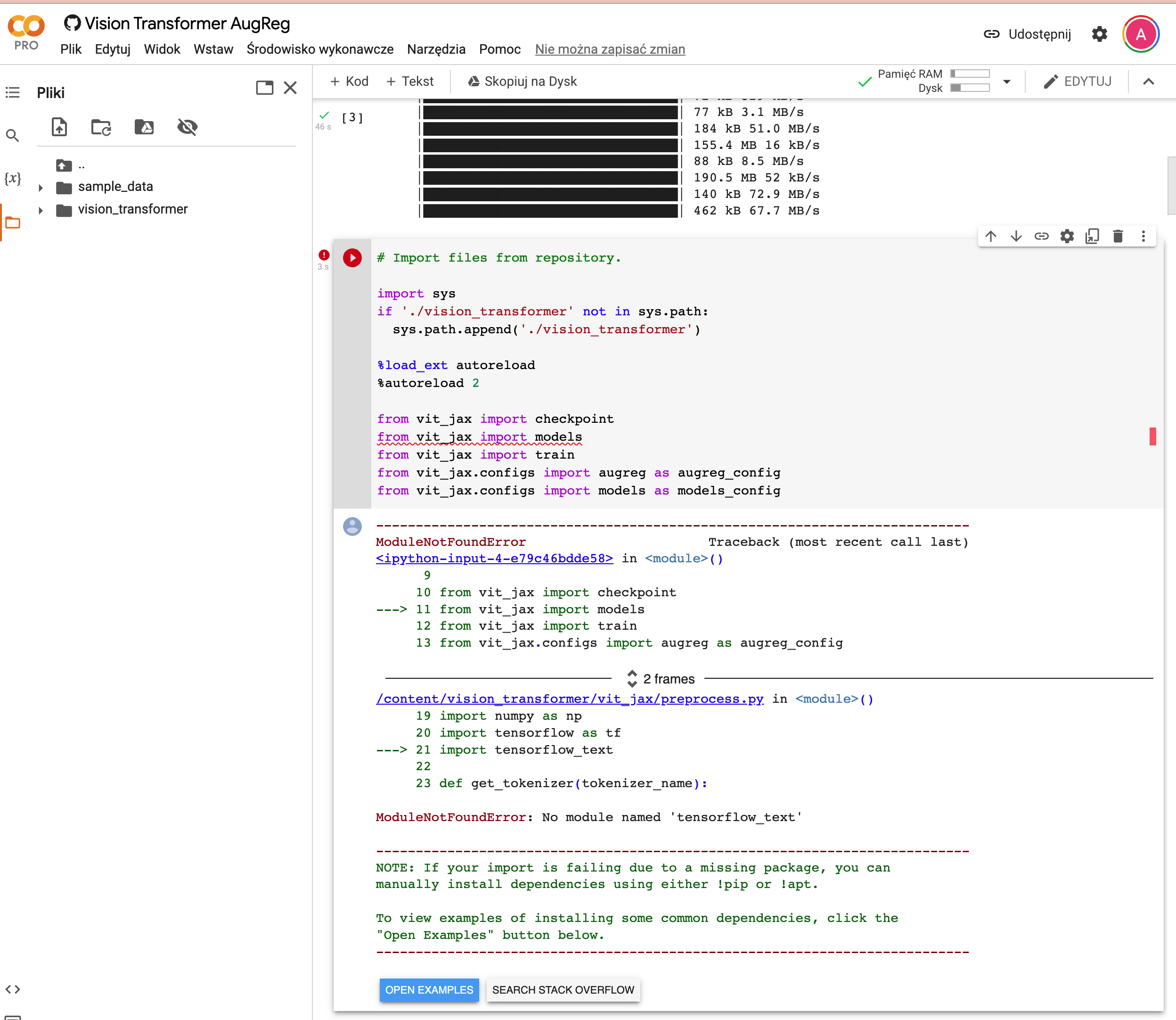
Google Colab Notebook Vision Transformer AugReg Imports Not Working

Benchmarking Tensorflow On Mac M1 Colab And Intel NVIDIA Eduardofv

Open Mac System Settings then click Privacy and Security Full Disk Access At the bottom click the and navigate and click on the terminal that you use Then rerun the mv Next you will need

5 Create a directory to setup TensorFlow environment mkdir tensorflow test cd tensorflow test 6 Make and activate Conda environment with Python 3 8 Python 3 8 is the most stable with M1 TensorFlow in my experience though you could try with Python 3 x conda create prefix env python 3 8 conda activate env

To utilize Apple s ML Compute framework for native hardware acceleration on M1 Macs you need to install Apple s hardware accelerated TensorFlow and TensorFlow Addons for macOS 11 0 This article will show how how to prepare your M1 Mac for developing deep learning projects using TensorFlow
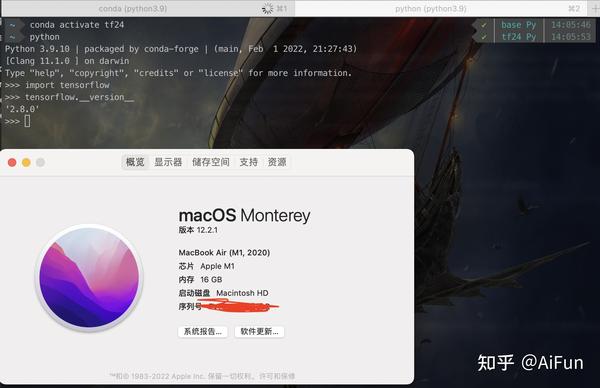
Install using pip When installing TF Text with pip install note the version of TensorFlow you are running as you should specify the corresponding version of TF Text pip install U tensorflow text version Build from source TensorFlow Text must be built in the same environment as TensorFlow Thus if you manually build TF Text it is
Sep 2 2022 13 Install TensorFlow in a few steps on Mac M1 M2 with GPU support and benefit from the native performance of the new Mac ARM64 architecture Fig 01 Apple M1 image by
To install TensorFlow on a new Mac M1 is no simple task unless you have priviledged access to the magic receipe Well I just found a copy on the bright side of the Web that I want to share with you to make the installation a breeze 0 Requirements To kickstart our TensorFlow installation execute the following commands conda install c apple tensorflow deps TensorFlow macos refers to a specialized version of the TensorFlow deep
I ve successfully installed TensorFlow in my Apple MacBook M1 release I ve collected the steps from various blogs and GitHub threads and organized to new users 18 Steps to install tensorflow macos on the M1 MacBook 2020 AI Buzz TensorFlow Setup on Apple Silicon Mac M1 M1 Pro M1 Max If you re looking to get started with