Install Tensorflow On Mac M1 Conda Conda MacOS Mac M1 Mac conda M1 Native PyTorch conda Installing TensorFlow On Mac M1 Under Anaconda Environment YouTube Python TensorFlow 2 5 Mac M1 Installing Problem Compatibility With Web Jan 24 2021 nbsp 0183 32 Download tensorflow macos 0 1alpha1 tar gz from Apple github tensorflow macos Check in assets Releases 183 apple tensorflow macos This pre
Web Dec 20 2020 nbsp 0183 32 It cannot yet be used in a professional context But it s already possible to start working on personal Machine Learning projects with a Mac M1 Here I describe step by step how to install a full Web Oct 7 2021 nbsp 0183 32 conda create name tensorflow m1 python 3 9 conda activate tensorflow m1 Then install the following conda install c apple tensorflow deps
Python TensorFlow 2 5 Mac M1 Installing Problem Compatibility With Macbook Pro 16 M1 Max Install Tensorflow And Conda Data Science How To Install TensorFlow GPU For Mac M1 M2 With Conda YouTube Mac M1 m2 GPU pytorch tensorflow AI Net ERR CONNECTION TIMED OUT tengyuxin net err How To Install TensorFlow On A Mac Using Virtualenv Surfactants Benchmarking Tensorflow On Mac M1 Colab And Intel NVIDIA Eduardofv Mac M1 Conda M1 Macbook python conda tensorflow 1024
Install Tensorflow On Mac M1 Conda
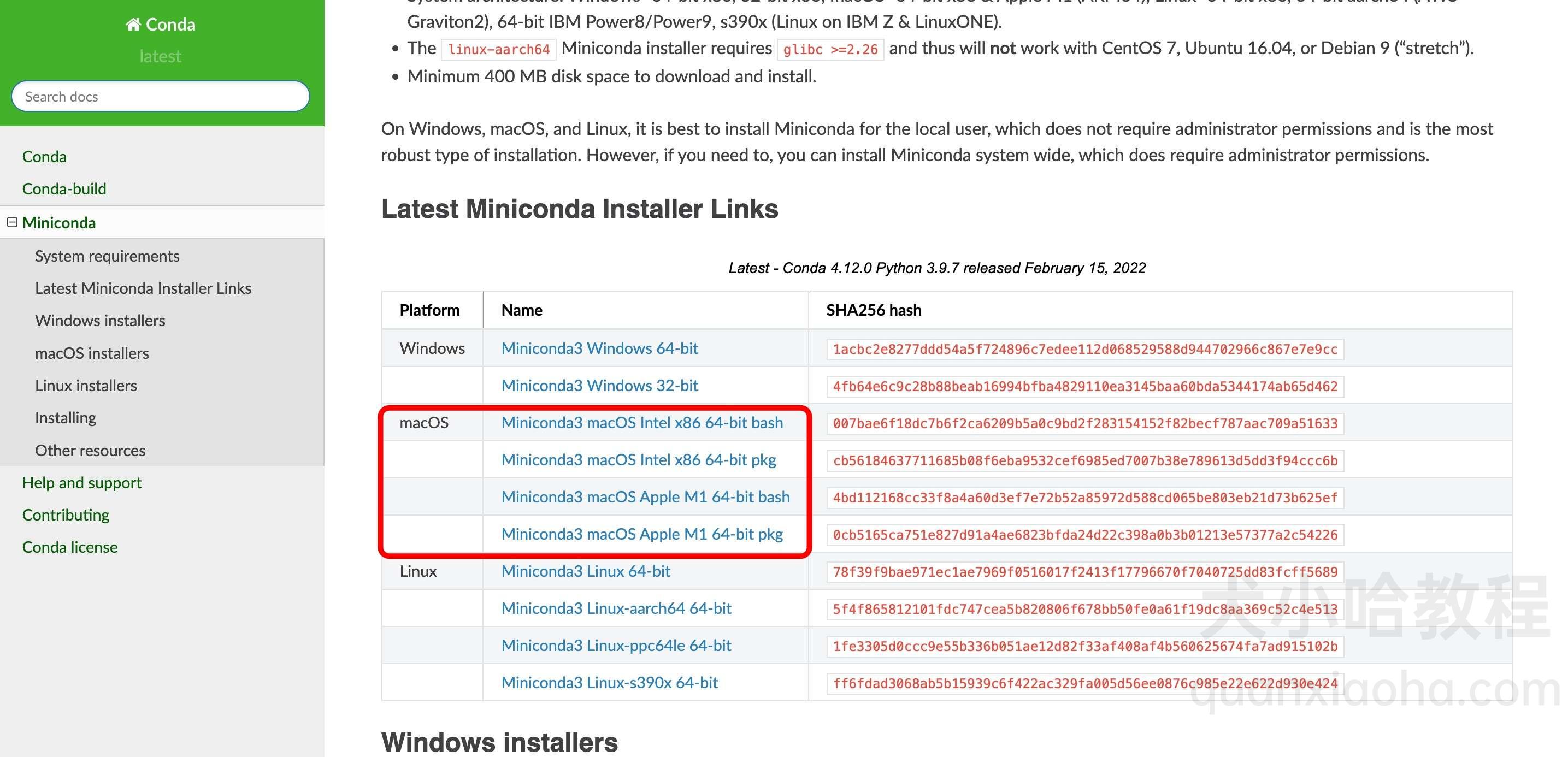
https://img.quanxiaoha.com/quanxiaoha/165656653865650
Web Feb 4 2018 nbsp 0183 32 I can not find a solution to install tensorflow on anaconda mac When i try conda install tensorflow I get UnsatisfiableError The following specifications were
Pre-crafted templates offer a time-saving option for creating a varied range of files and files. These pre-designed formats and designs can be utilized for different individual and professional tasks, consisting of resumes, invitations, flyers, newsletters, reports, discussions, and more, enhancing the content production procedure.
Install Tensorflow On Mac M1 Conda

How To Install Tensorflow On A Condor Cluster Surfactants

Macbook Pro 16 M1 Max Install Tensorflow And Conda Data Science

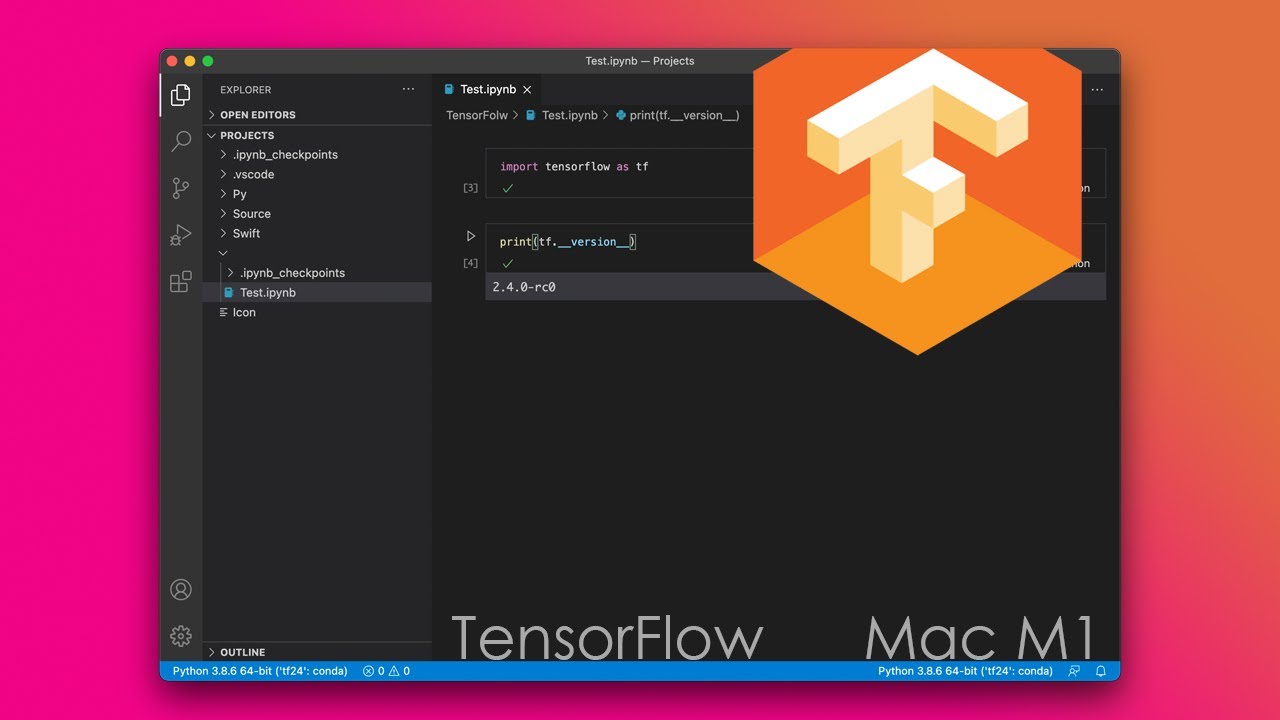
How To Install TensorFlow GPU For Mac M1 M2 With Conda YouTube
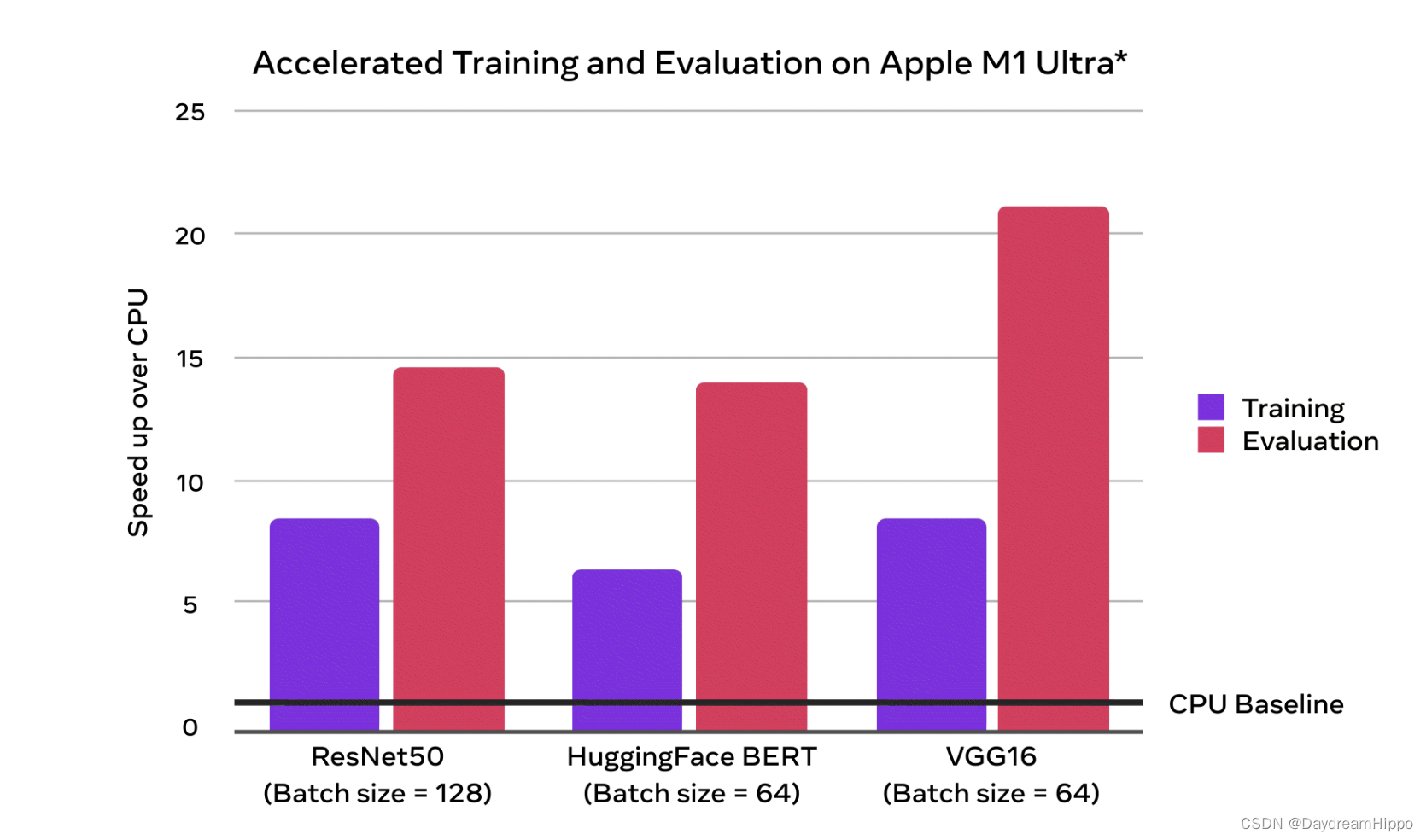
Mac M1 m2 GPU pytorch tensorflow AI

How To Install TensorFlow On A Mac Using Virtualenv Surfactants

Benchmarking Tensorflow On Mac M1 Colab And Intel NVIDIA Eduardofv

Web May 26 2021 nbsp 0183 32 To utilize Apple s ML Compute framework for native hardware acceleration on M1 Macs you need to install Apple s hardware accelerated TensorFlow and

Web Jan 29 2023 nbsp 0183 32 1 Answer Sorted by 1 this is maybe due to the fact that TensorFlow is not yet compatible with the Apple M1 chip TensorFlow does not yet have official support for
Web Download and install Anaconda or Miniconda Open a terminal application and use the default bash shell Choose a name for your TensorFlow environment such as tf Use
Web Feb 25 2023 nbsp 0183 32 First you ll need to install XCode Command line tools gt xcode select install gt xcrun show sdk path

Web conda install c apple tensorflow deps 8 Install base TensorFlow Apple s fork of TensorFlow is called tensorflow macos python m pip install tensorflow macos 9
Web May 29 2022 nbsp 0183 32 Activate env conda activate env tensorflow you are now in a conda env in a pyenv env You can also activate Conda Base environment Install tensorflow Web Apr 3 2022 nbsp 0183 32 According to the official guideline we should use at least python version 3 9 0 Don t forget to activate it conda create name tensorflow silicon python 3 9
Web Sep 2 2022 13 Install TensorFlow in a few steps on Mac M1 M2 with GPU support and benefit from the native performance of the new Mac ARM64 architecture Fig 01 Apple