Install Sticky Notes In Windows 10 How To Use The Sticky Notes App In Windows 10 To Remind You All The How To Close Or Minimize Sticky Notes Without Deleting Them In Windows Manually Sync Sticky Notes On Windows 10 PC Tutorials How To Uninstall Or Reinstall Sticky Notes In Windows 10 Password How To Back Up And Restore Sticky Notes In Windows 10 To install or upgrade to the latest version of Google Earth Pro download the application System requirements In order for Google Earth Pro to run on your computer you must have all
You can download and install the Chrome web browser at no charge and use it to browse the web Download the YouTube app for a richer viewing experience on your smartphone
How To Back Up And Restore Sticky Notes In Windows 10 Sticky Notes In Windows 10 Updated With New Features MSPoweruser How To Install Sticky Notes To Windows Server 2012 TechFlute How To Use Sticky Notes In Windows 10 Digital Citizen Turn On Or Off Delete Confirmation For Sticky Notes In Windows 10 Nuova UI E Modifica Dimensione Caratteri Per Sticky Notes In Windows 10 Change Font Size In Sticky Notes In Windows 10 YouTube How To Uninstall Sticky Notes Windows 10 Zoomds Old Classic Sticky Notes For Windows 11 Atelier yuwa ciao jp
Install Sticky Notes In Windows 10
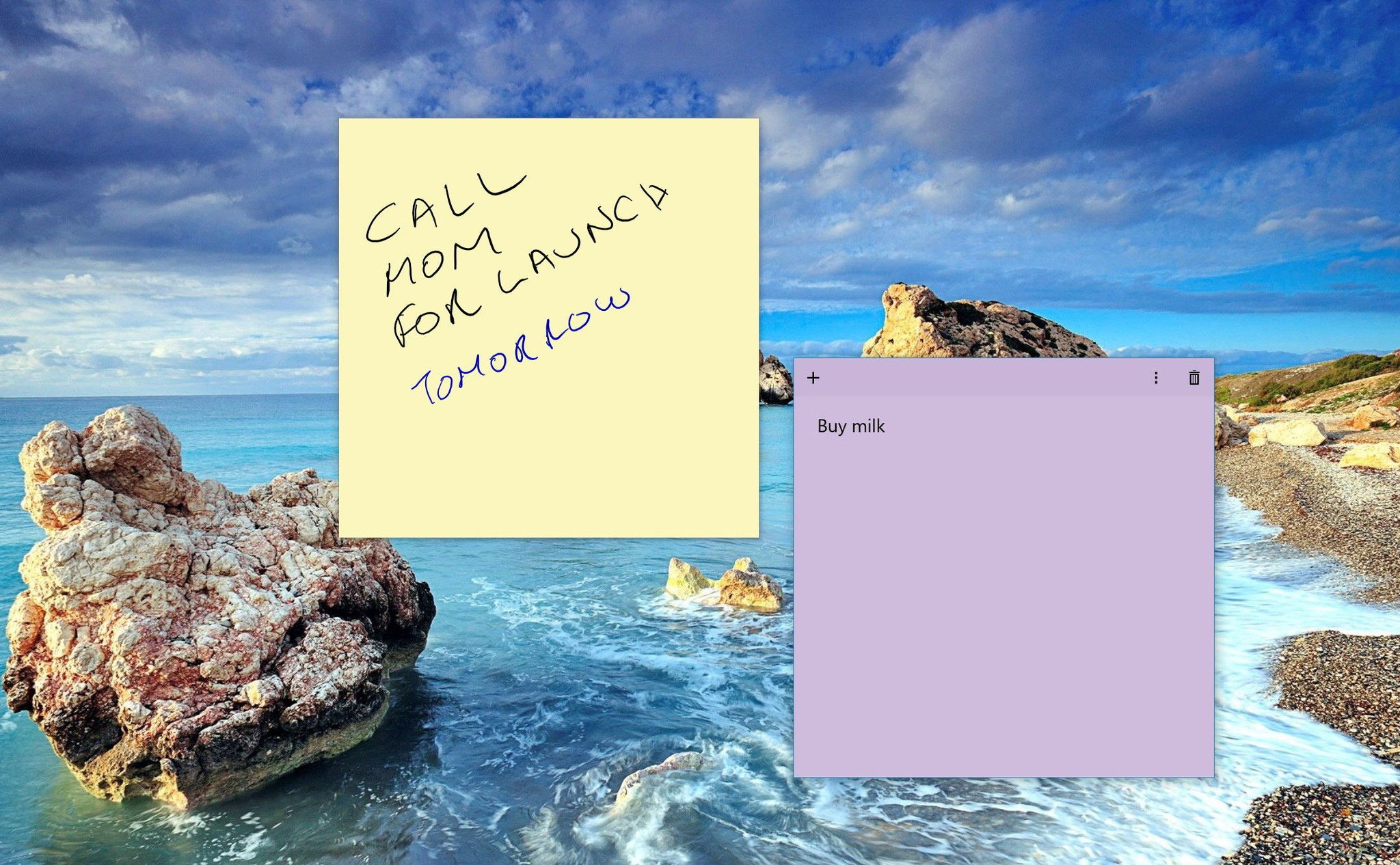 Install Sticky Notes In Windows 10
https://www.windowscentral.com/sites/wpcentral.com/files/styles/large/public/field/image/2017/12/sticky-notes-desktop-windows-10-nosquare.jpg
Select Install for no charge items or the item s price Tips To check that an app is reliable find out what other people say about it Under the app s title check the star ratings and the number
Pre-crafted templates use a time-saving option for producing a varied range of files and files. These pre-designed formats and designs can be utilized for different personal and expert tasks, including resumes, invites, leaflets, newsletters, reports, presentations, and more, simplifying the content development procedure.
Install Sticky Notes In Windows 10
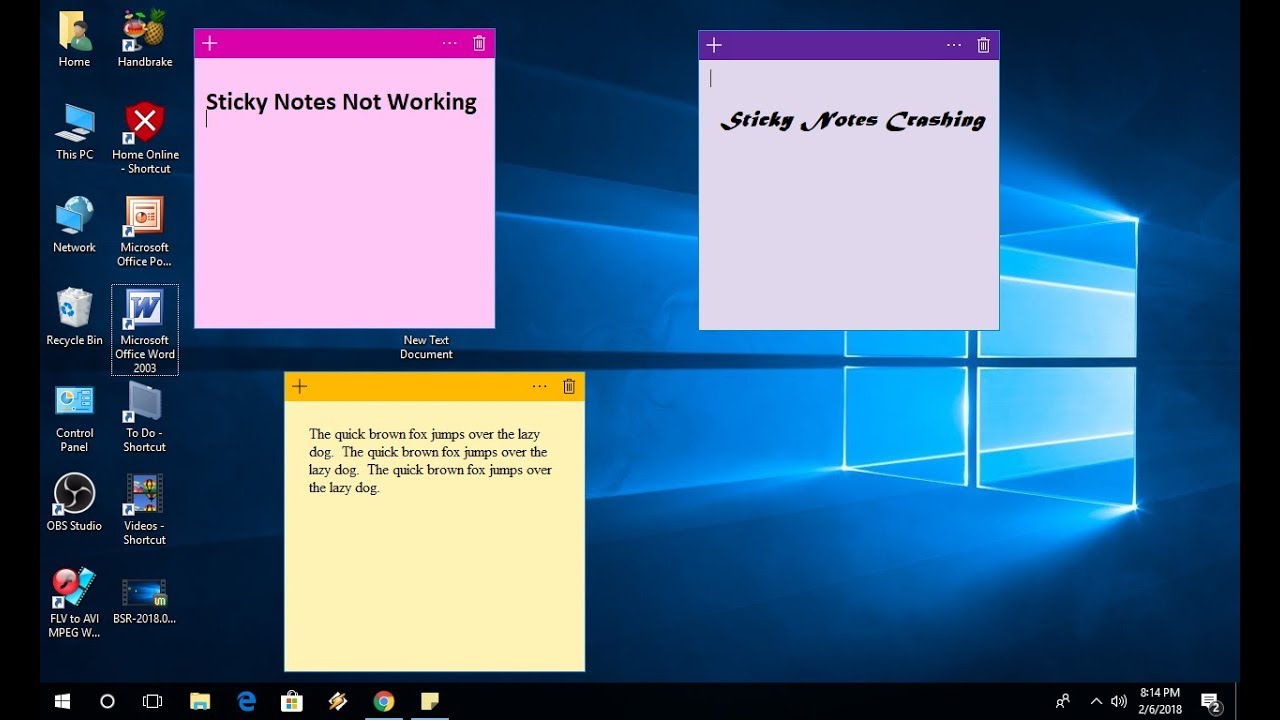
How To Fix All Sticky Notes Issues In Windows 10 YouTube
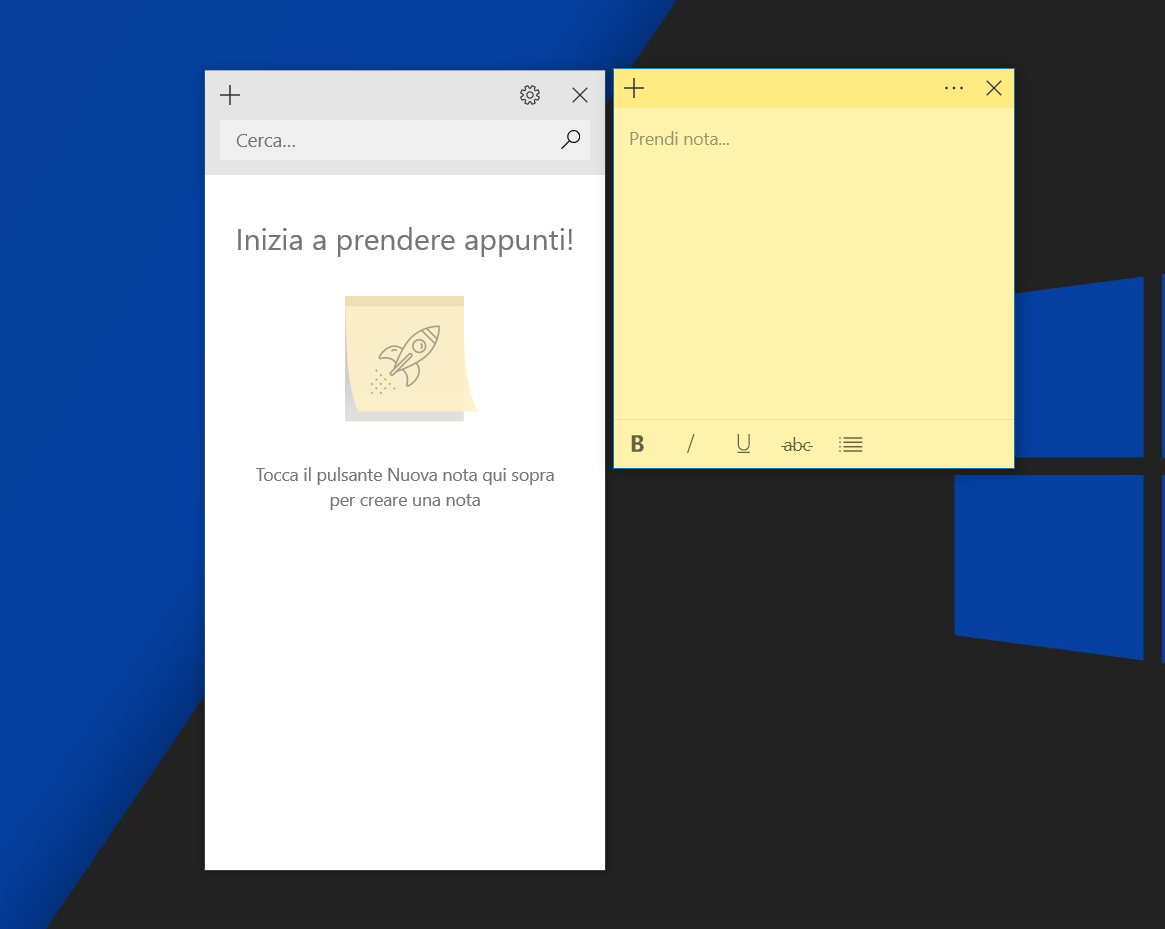
Sticky Notes In Windows 10 Updated With New Features MSPoweruser

How To Install Sticky Notes To Windows Server 2012 TechFlute

How To Use Sticky Notes In Windows 10 Digital Citizen
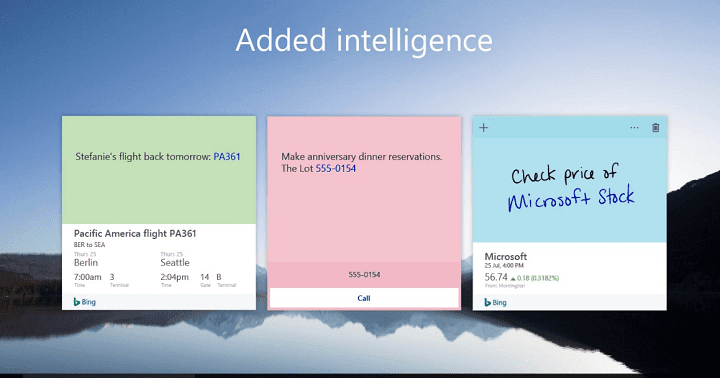
Nuova UI E Modifica Dimensione Caratteri Per Sticky Notes In Windows 10
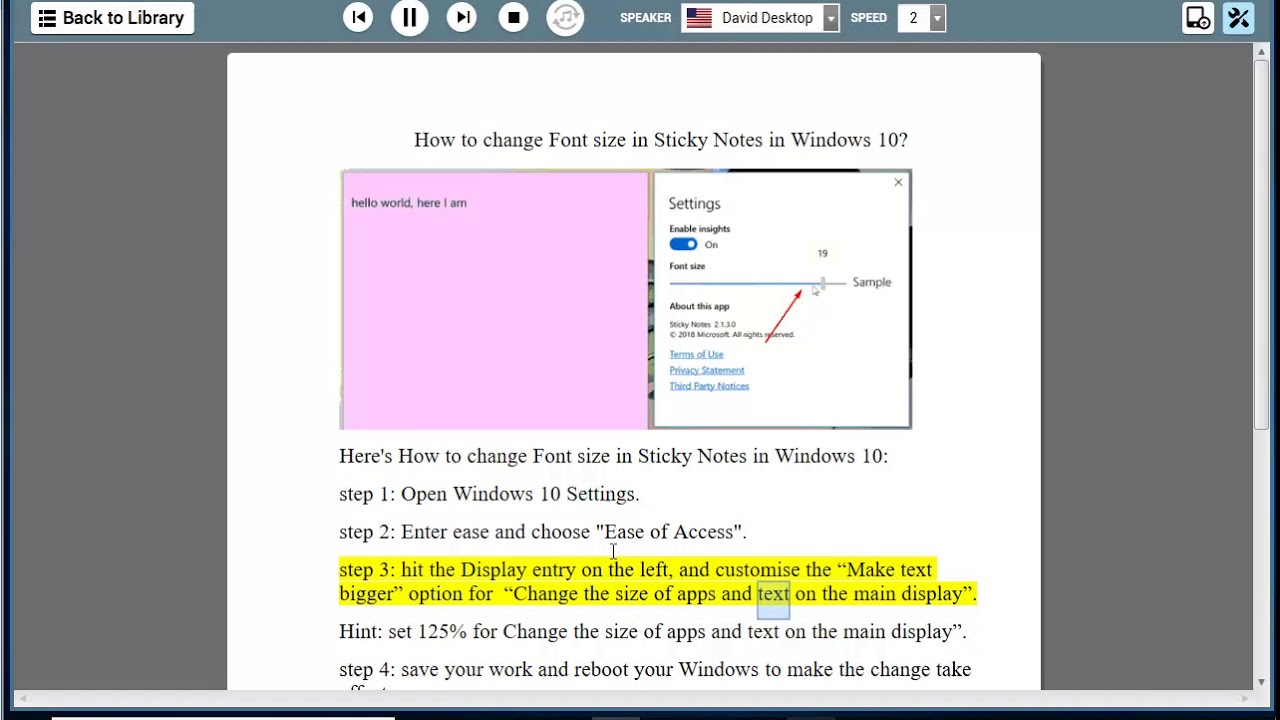
Change Font Size In Sticky Notes In Windows 10 YouTube

Official Google Chrome Help Center where you can find tips and tutorials on using Google Chrome and other answers to frequently asked questions

Install and set up Drive for desktop Install amp set up Drive for desktop for Windows Important Before you start check that your operating system is compatible with Drive for desktop Tip If

How to install Chrome Important Before you download you can check if Chrome supports your operating system and other system requirements
When you install Drive for desktop on your computer it creates a drive in My Computer or a location in Finder named Google Drive All of your Drive files appear here Any new files or

pip install conda install anaconda prompt pip install conda install 1 098
[desc-11] [desc-12]
[desc-13]