Install Specific Npm Version With Nvm Use NVM Node Version Manager To Install Specific Version Of Node YouTube Npm Dependency Version Syntax Bestrfiles Installing Node LTS With The Latest NPM Using NVM Chris Wiegman How To Install Nvm On Windows Eatlo How To Install Specific Version Of Npm In Windows 10 YouTube Recap How to Download and Install Node Version Manager in Windows 10 As I mentioned earlier there s no NVM for Windows as NVM is only supported on Linux and Mac What you will be using on your Windows machine is nvm windows nvm windows is similar to NVM but not identical to it N B
Set node version with NVM or install if not available Ask Question Asked 5 years 9 months ago Modified 1 year 9 months ago Viewed 3k times 2 I m trying to add to my bash profile something that will set my node version to a specific version and if the node version is not installed then install it What I have so far is After nvm is installed we can use the following command to install the latest version of node js nvm install node Downloading and installing node v20 0 0 Downloading https nodejs dist v20 node v20 darwin x64 tar xz
How To Install Specific Version Of Npm In Windows 10 YouTube AddyOsmani Offline Installation Of Npm Packages Install Node js And Npm In 3 Easy Steps Npm Install Modules With Dependencies Africanlasopa How To Change NPM Version In Linux Windows Or MacOS Nvm Install Node Version Senturinlib How To Download Npm Specific Package Version Twitter How To Install Latest Node Version Manager NVM And Install Node And NPM NPM Update All Node js Dependencies To Their Latest Version
Install Specific Npm Version With Nvm
 Install Specific Npm Version With Nvm
https://i.ytimg.com/vi/CNnCz6StbbY/maxresdefault.jpg
First of all nvm installs both versions of node in a specific place and that place should stay static and unchanging I can find the 8 9 1 versions of node and npm here C Users SamuelR AppData Roaming nvm v8 9 1
Templates are pre-designed documents or files that can be used for various functions. They can conserve effort and time by supplying a ready-made format and design for developing different type of content. Templates can be used for personal or professional tasks, such as resumes, invitations, leaflets, newsletters, reports, presentations, and more.
Install Specific Npm Version With Nvm
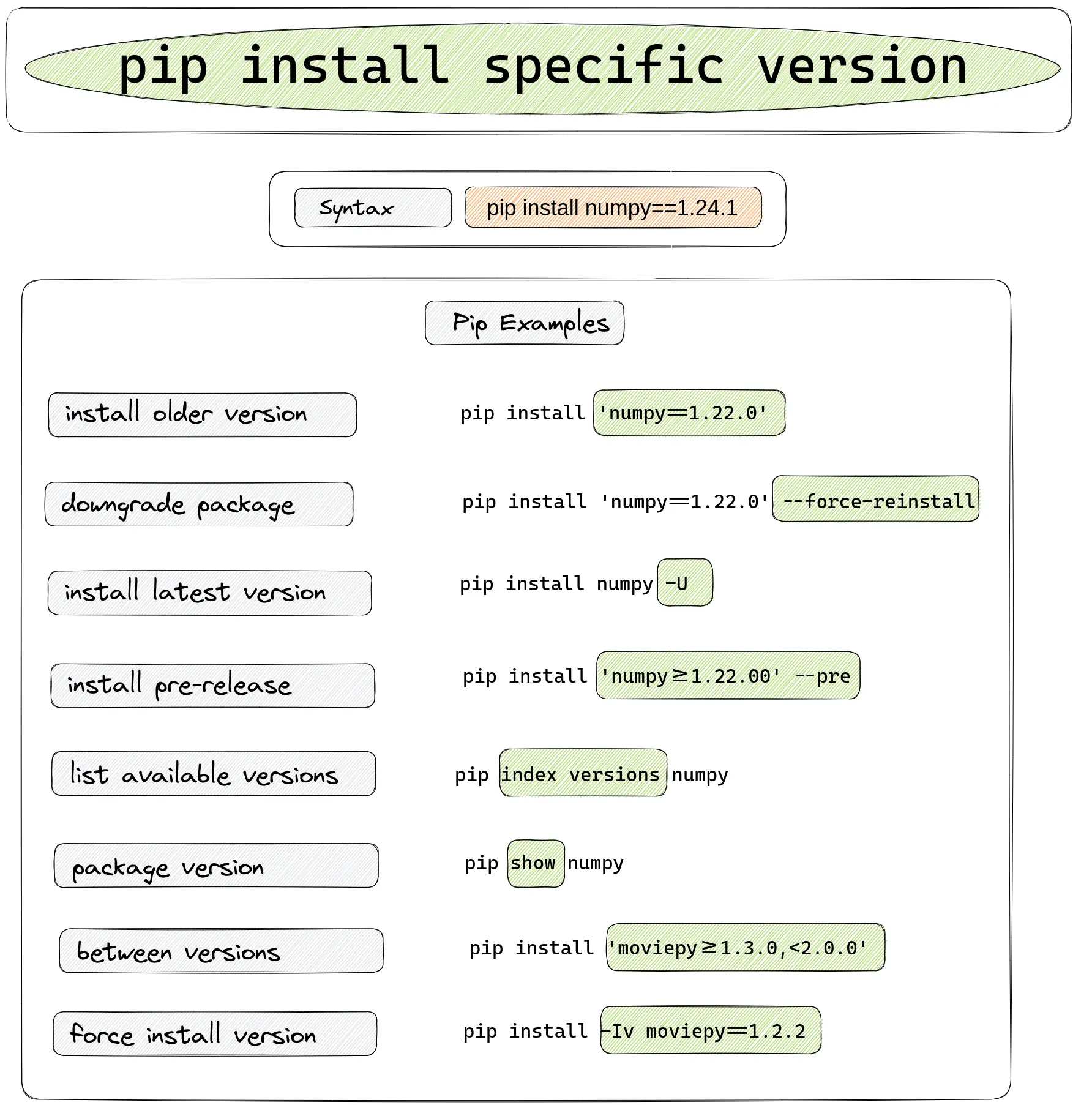
How To Install Specific Package Versions With Pip And Python
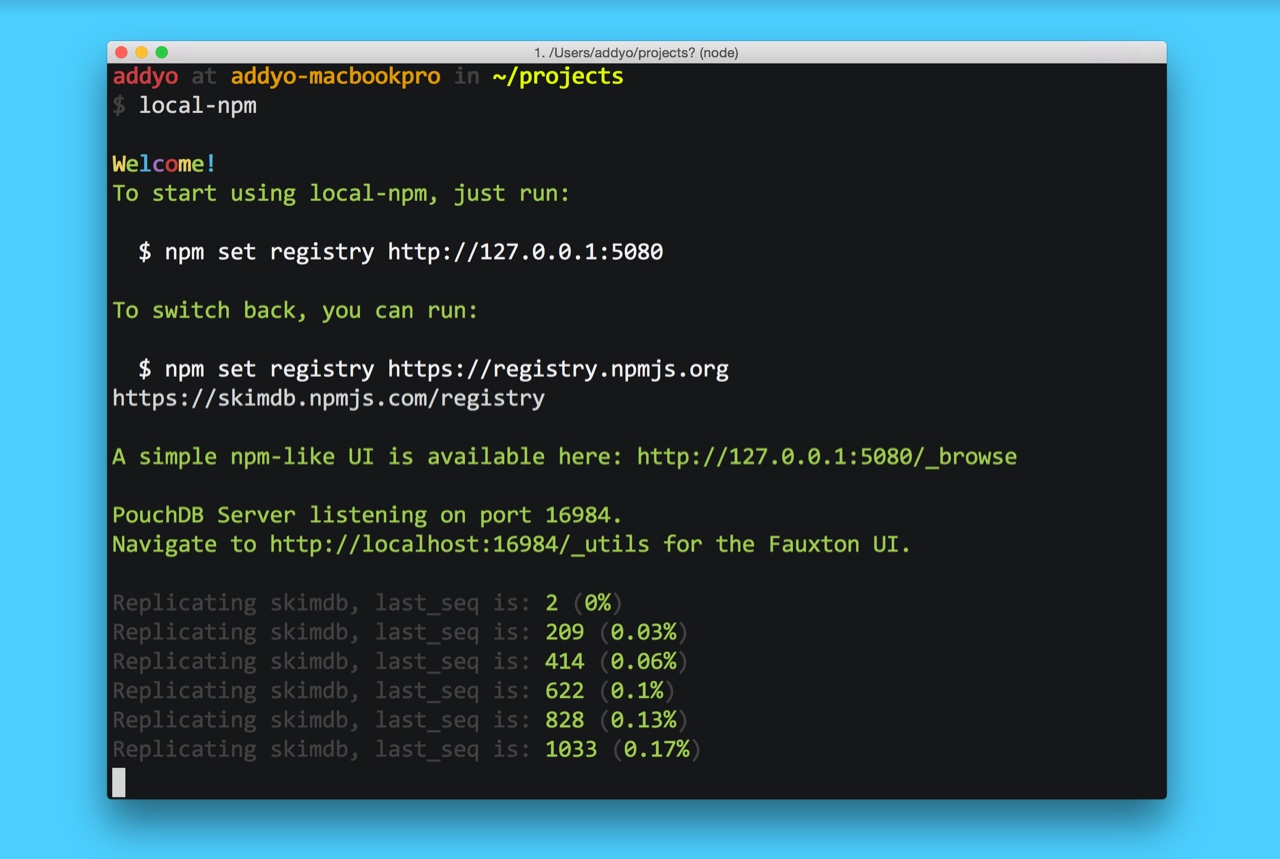
AddyOsmani Offline Installation Of Npm Packages
Install Node js And Npm In 3 Easy Steps
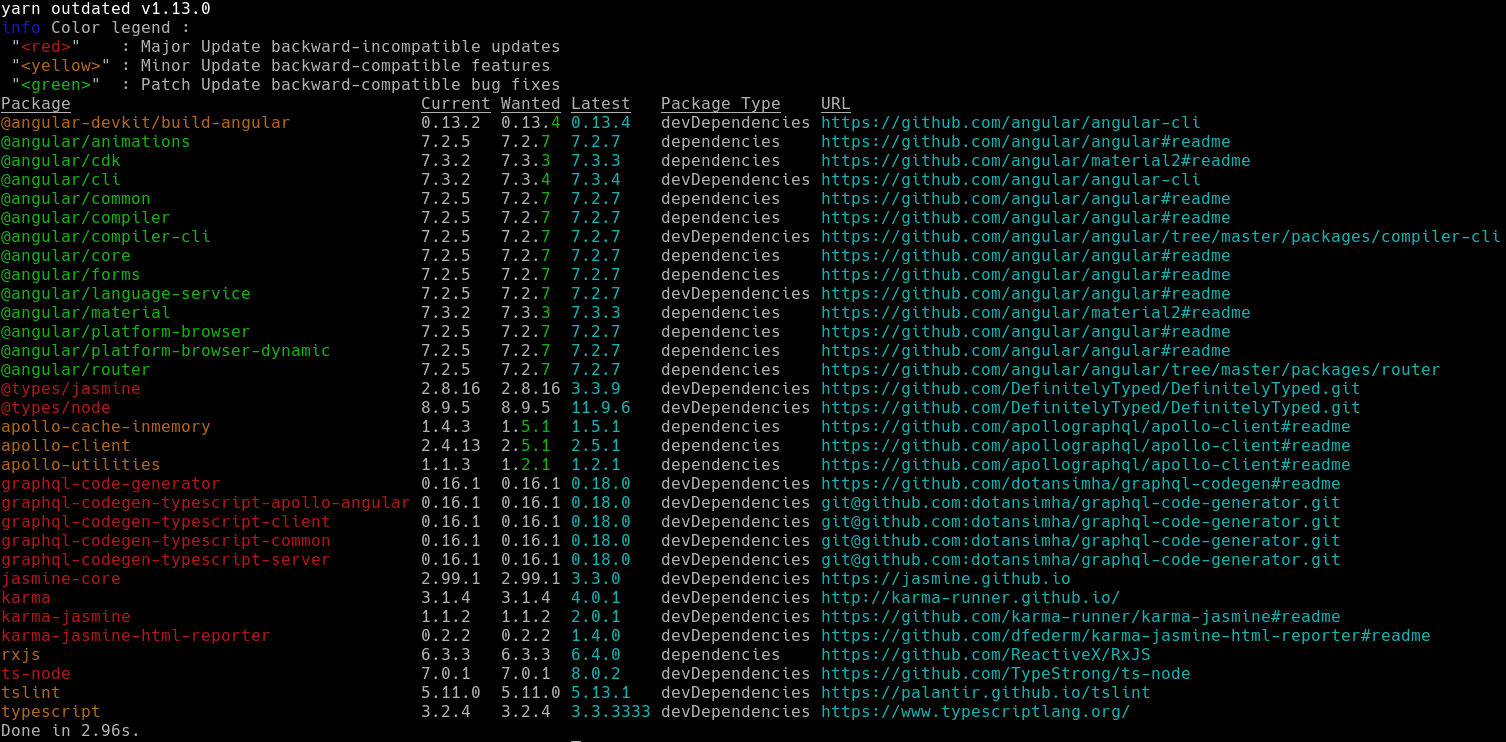
Npm Install Modules With Dependencies Africanlasopa
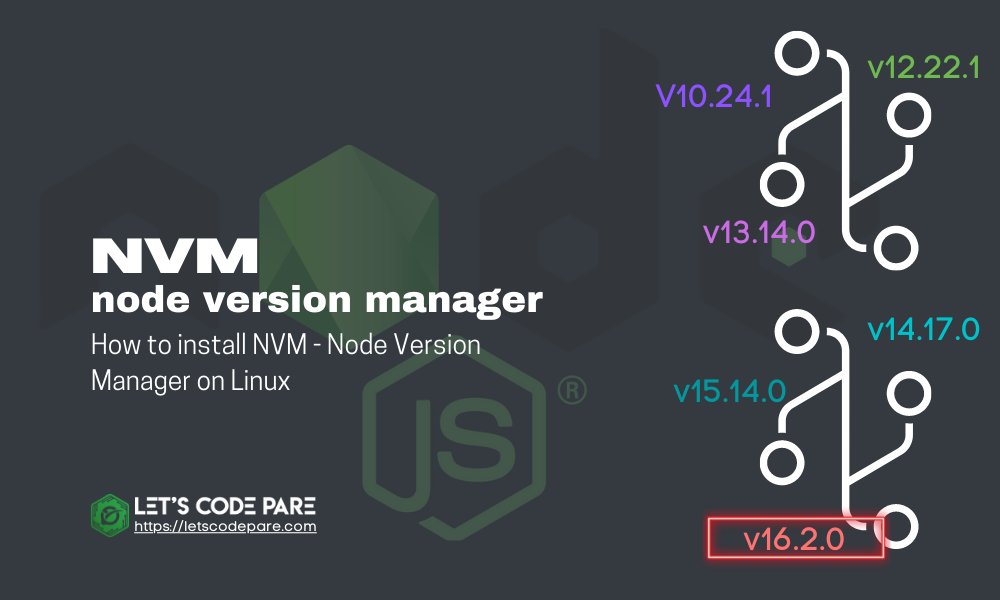
Nvm Install Node Version Senturinlib

How To Download Npm Specific Package Version Twitter

If you want to install a specific version of npm you have to use the npm install command with a version modifier shell npm install g npm 7 7 2 npm install g npm 8 11 0 You can use the npm view npm versions command to list all versions of npm shell npm view npm versions
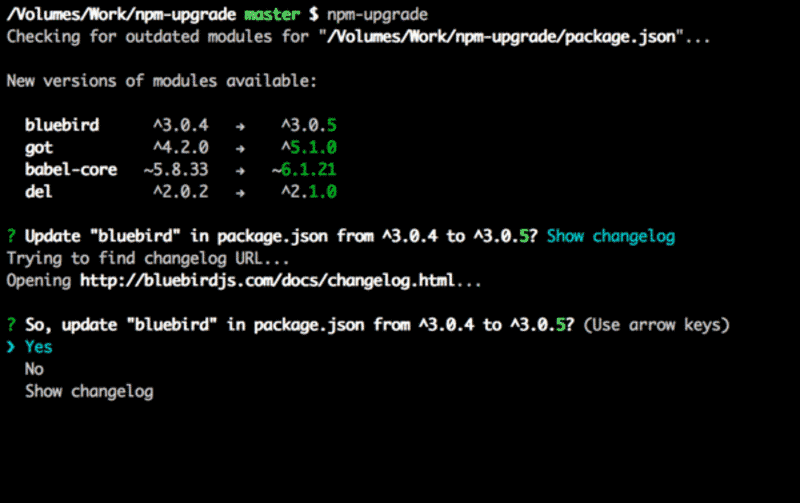
Install NVM nvm manages node js and npm versions It s designed to be installed per user and invoked per shell nvm works on any POSIX compliant shell sh dash ksh zsh bash in particular on these platforms unix macOS and windows WSL nvm can be installed by curl or wget command

6 After switching node versions with nvm use and confirming you switched with node version you should globally update downgrade npm with npm install g npm 5 6 0 g arg is important Switch back to other node version and it should be using its own version Also see this npm article about installing npm versions

Install NVM using either curl or wget cURL wget To install NVM using curl run the following command curl o https raw githubusercontent nvm sh nvm v0 37 2 install sh bash Note You can also install NVM using GIT or with a manual download and installation Consult the GIT section of the NVM Documentation Guide for detailed instructions

Here we install the last stable version of Node js ensuring access to the latest features and facilitating easy version management for project compatibility Additionally we can also use the install command with a specific version of Node js by specifying only the version number that we want to install nvm install 20 10
5 Answers Sorted by 308 nvm install 8 10 0 is for installing proposed node version locally In order to use it nvm use 8 10 0 Note that you need to run this command as administrator It can be installed manually if you prefer Open the terminal and run the nvm list available command to see a list of Node versions that are available to download and install Run the nvm use command followed by the version number of Node you want to use e g nvm use 16 9 1 to use a specific version
If you want to use npm to install npm you need to use the g flag to signal that the package should be installed globally If you install without the g flag it will try to find a package json file in the local directory sudo npm install g email protected Btw you cannot install Node js with npm To manage Node js versions you can use either nvm or n