Install Remote Desktop How to EASILY Set Up Remote Desktop on Windows 10 - YouTube Windows Server 2016 Install Remote Desktop Services - Virtualization Howto How to use Remote Desktop app to connect to a PC on Windows 10 | Windows Central Ubuntu 20.04 Remote Desktop Access from Windows 10 - Linux Tutorials - Learn Linux Configuration Deploy an RDS Server - Remote Desktop Service - RDR-IT Web May 5 2023 nbsp 0183 32 Install Remote Desktop Download the app from the Microsoft Store to the device you wish to use You ll need to install it before you can move forward with the remote desktop configuration process Connect to your remote computer Use the search box on your taskbar to type Remote Desktop Connection then select Remote Desktop
Web Dec 2 2022 nbsp 0183 32 This extension enables you to install view and modify the Chrome Remote Desktop native client from the web UI Chrome Remote Desktop allows users to remotely access another computer Web Mar 6 2023 nbsp 0183 32 Use Windows Remote Desktop to access a PC from anywhere in the world Learn how Remote Desktop works system requirements for using it and how to set it up on your PC
Deploy an RDS Server - Remote Desktop Service - RDR-IT Remote Desktop Gateway Setup In Windows Server 2019 - YouTube Ubuntu 20.04 Remote Desktop Access from Windows 10 - Linux Tutorials - Learn Linux Configuration How to Connect to a Debian 10/11 Server via Remote Desktop Connection using xRDP - ByteXD How to enable Remote Desktop on Windows 10 - Pureinfotech Install Devolution Remote Desktop Manager on Ubuntu/Debian - kifarunix.com macOS: Connect to Remote Computers via Microsoft Remote Desktop // Remote Learning for Students // Marquette University Deploy files with Remote Desktop - Apple Support How to Setup a Remote Desktop Gateway - TurboFuture
Install Remote Desktop
 Install Remote Desktop
https://i.ytimg.com/vi/Olgso_oXQa8/maxresdefault.jpg
Web Aug 7 2023 nbsp 0183 32 Download the Remote Desktop client installer choosing the correct version for your device NET Framework 4 6 2 or later You may need to install this on Windows Server 2012 R2 Windows Server 2016 and some versions of Windows 10 To download the latest version see Download NET Framework
Pre-crafted templates use a time-saving service for producing a varied variety of documents and files. These pre-designed formats and layouts can be used for different personal and professional projects, consisting of resumes, invitations, flyers, newsletters, reports, discussions, and more, simplifying the content creation procedure.
Install Remote Desktop
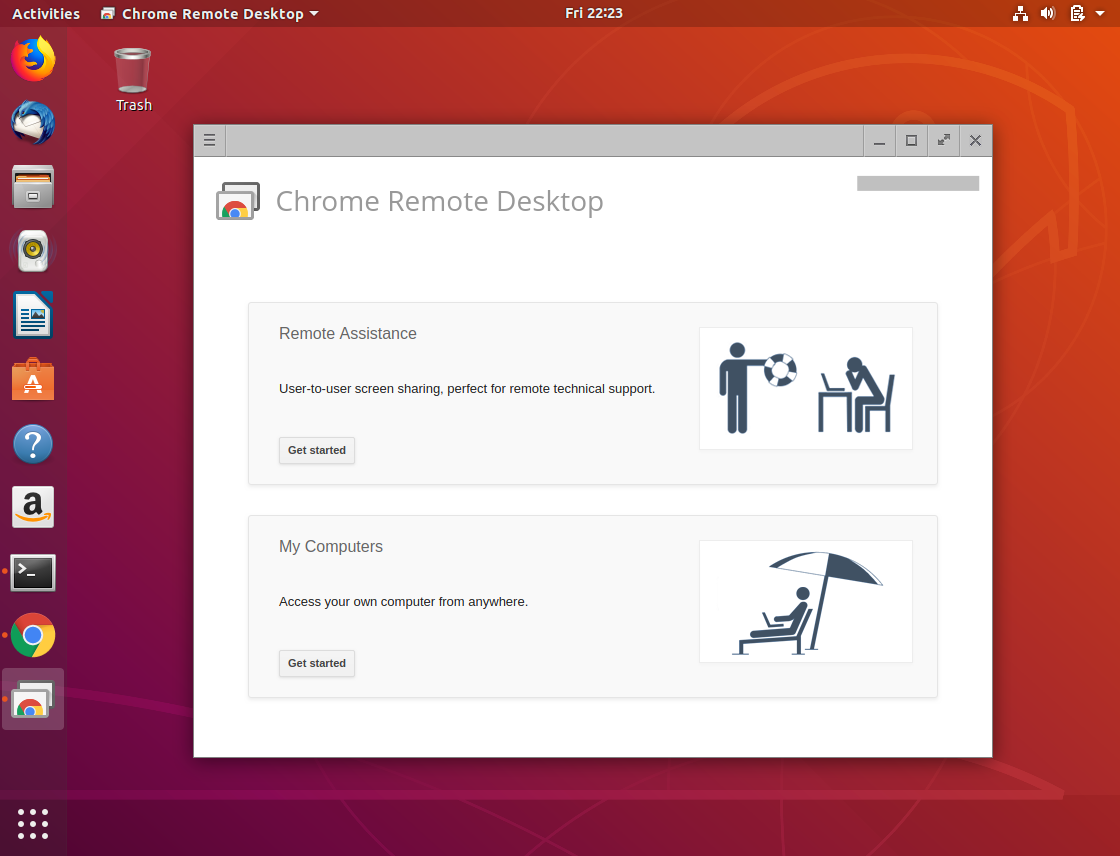
How to Install Chrome Remote Desktop on Ubuntu 18.04 | by Vicken Simonian | Medium

Remote Desktop Gateway Setup In Windows Server 2019 - YouTube

Ubuntu 20.04 Remote Desktop Access from Windows 10 - Linux Tutorials - Learn Linux Configuration
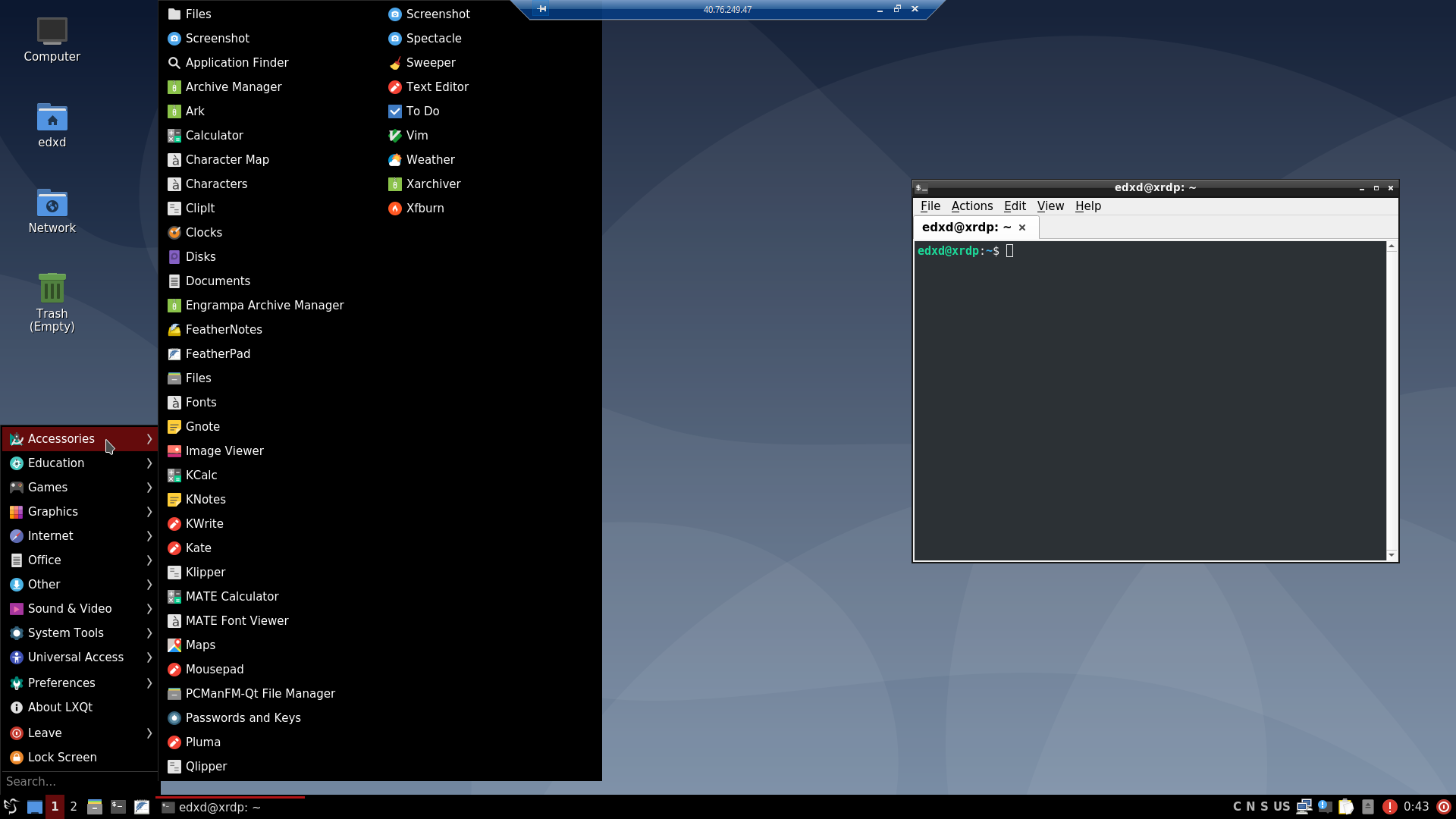
How to Connect to a Debian 10/11 Server via Remote Desktop Connection using xRDP - ByteXD
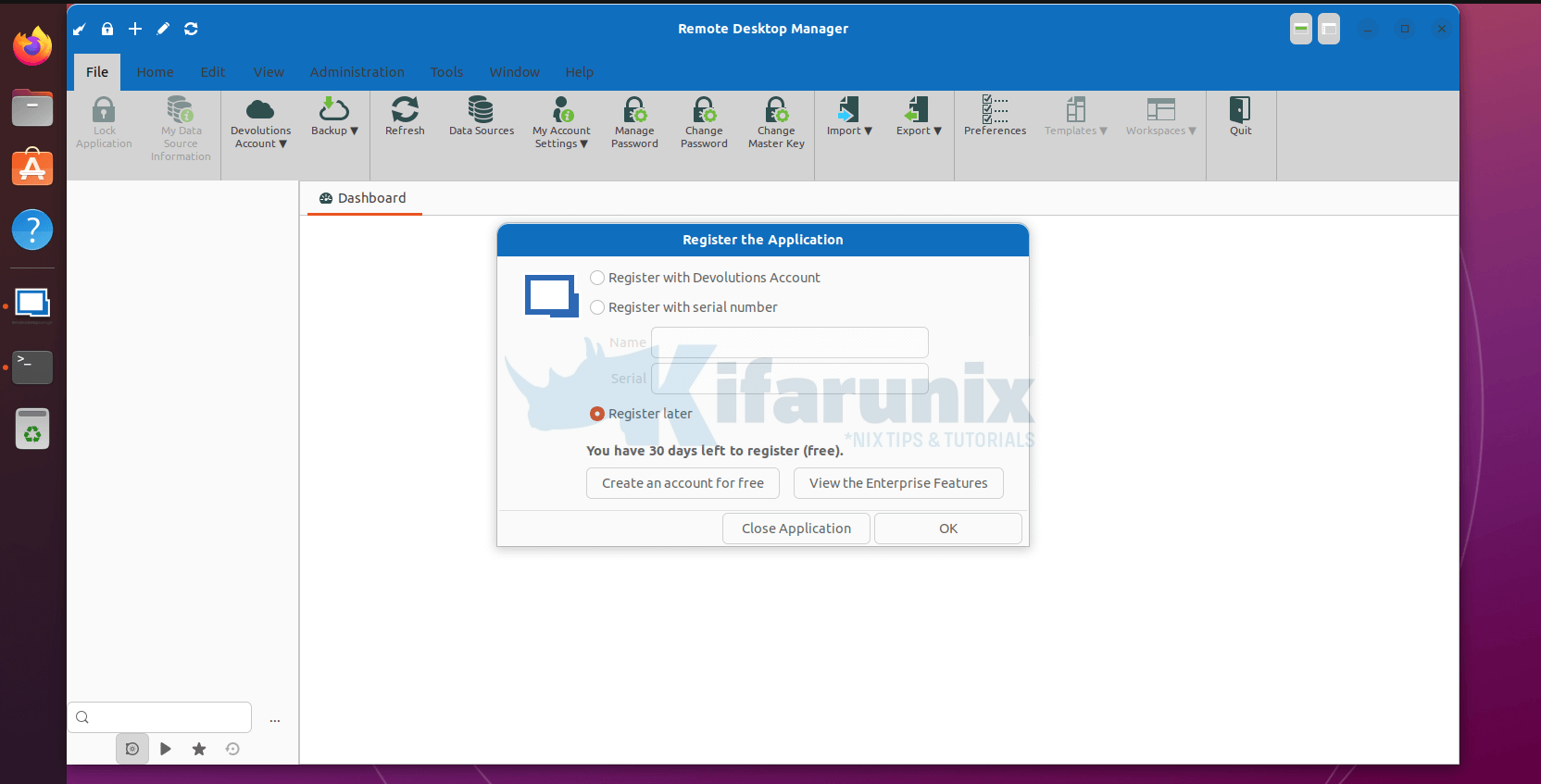
Install Devolution Remote Desktop Manager on Ubuntu/Debian - kifarunix.com
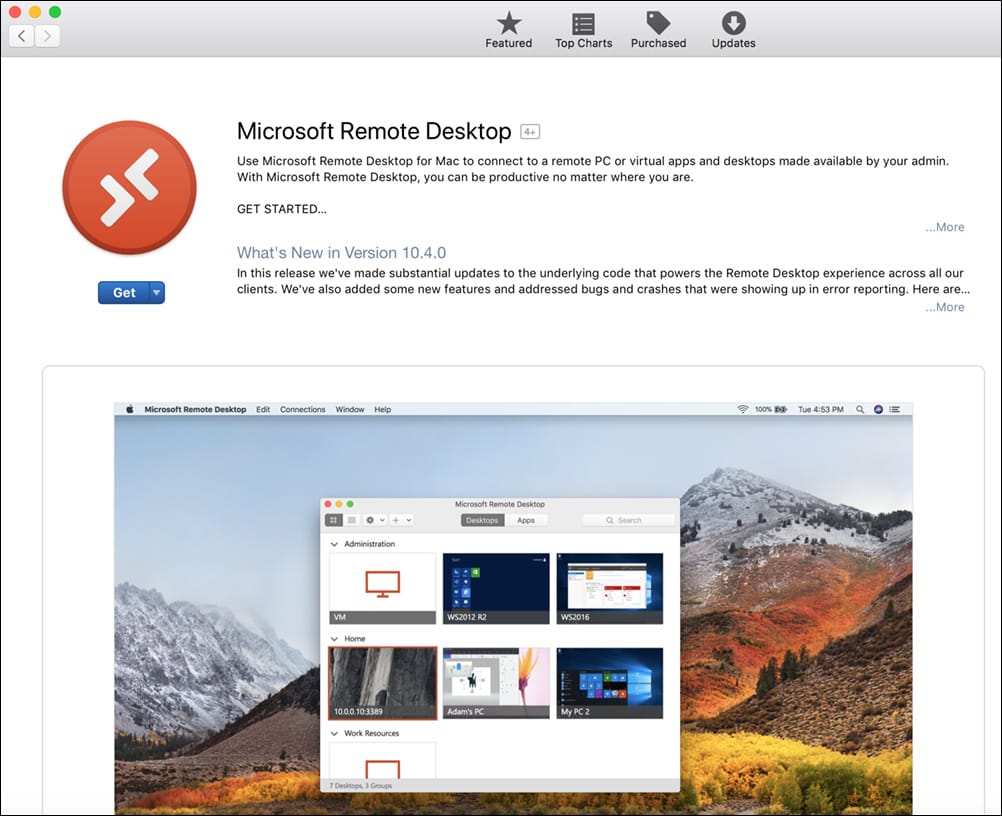
macOS: Connect to Remote Computers via Microsoft Remote Desktop // Remote Learning for Students // Marquette University

Web Sep 5 2023 nbsp 0183 32 Here s a list of the Remote Desktop client apps and our documentation for connecting to Remote Desktop Services or remote PCs where you can find download links what s new and learn how to install and use each client
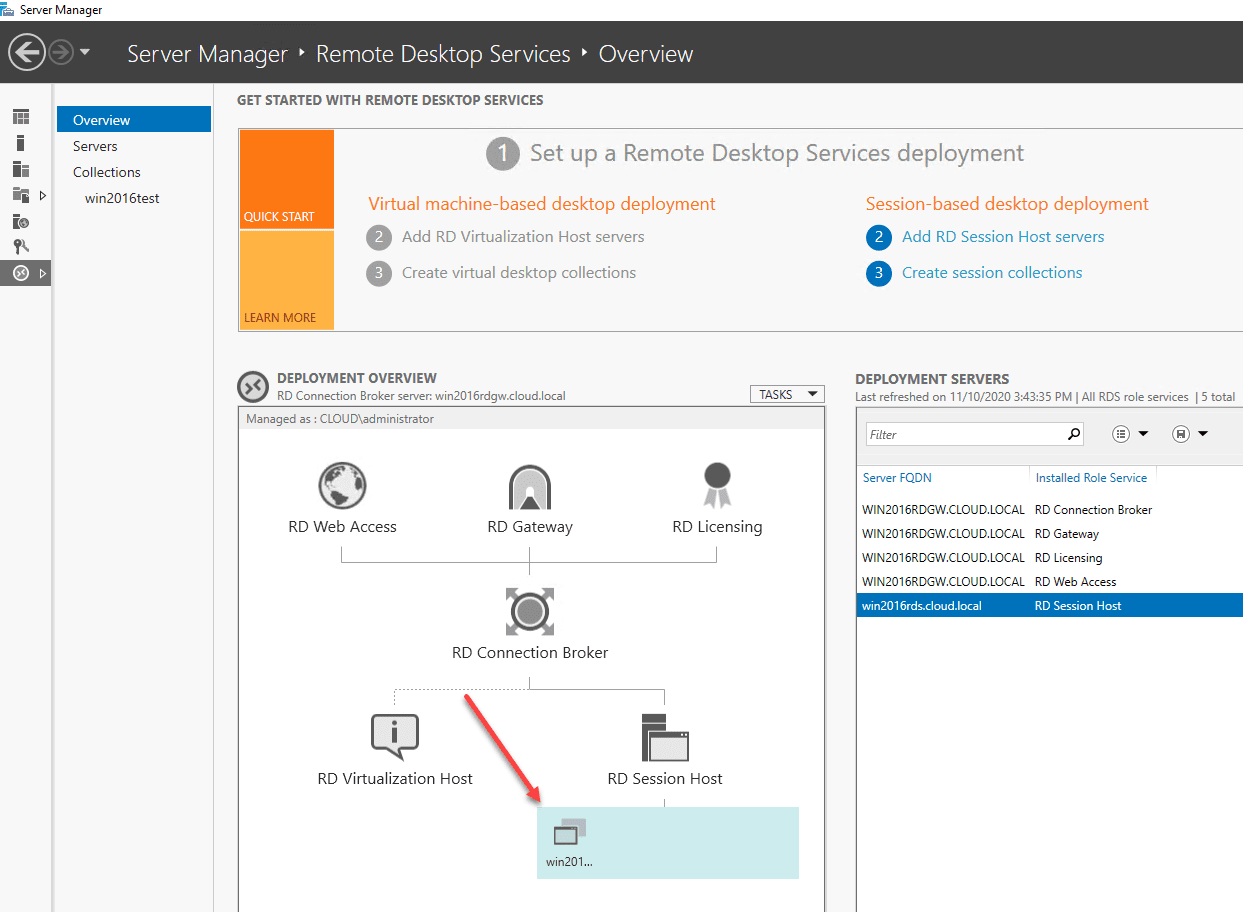
Web Use Remote Desktop on your Windows Android or iOS device to connect to a Windows 10 PC from afar Here s how to set up your PC to allow remote connections and then connect to the PC you set up
Web Securely access your computer whenever you re away using your phone tablet or another computer Share your screen to collaborate in real time or connect with another computer to give or receive

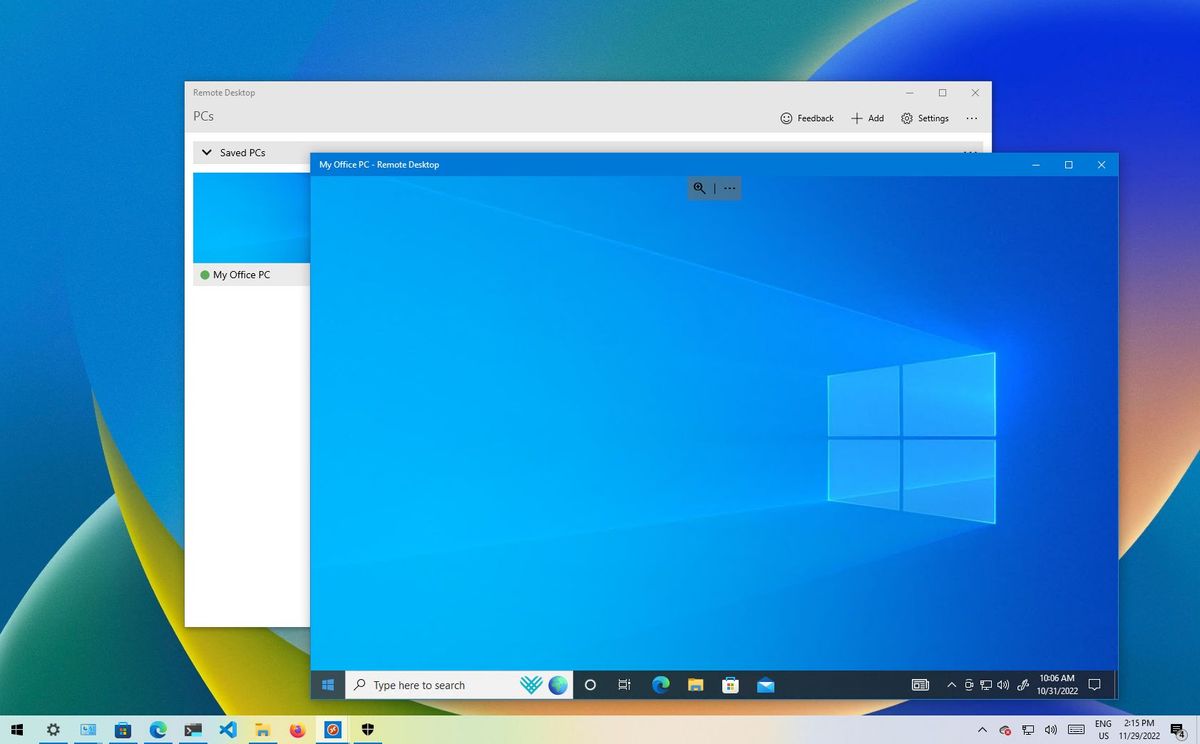
Web Aug 8 2023 nbsp 0183 32 Get the Remote Desktop app and start using it Follow these steps to get started with Remote Desktop on your Windows 10 device Download the Remote Desktop app from the Microsoft Store Set up your PC to accept remote connections Add a Remote PC connection or a workspace
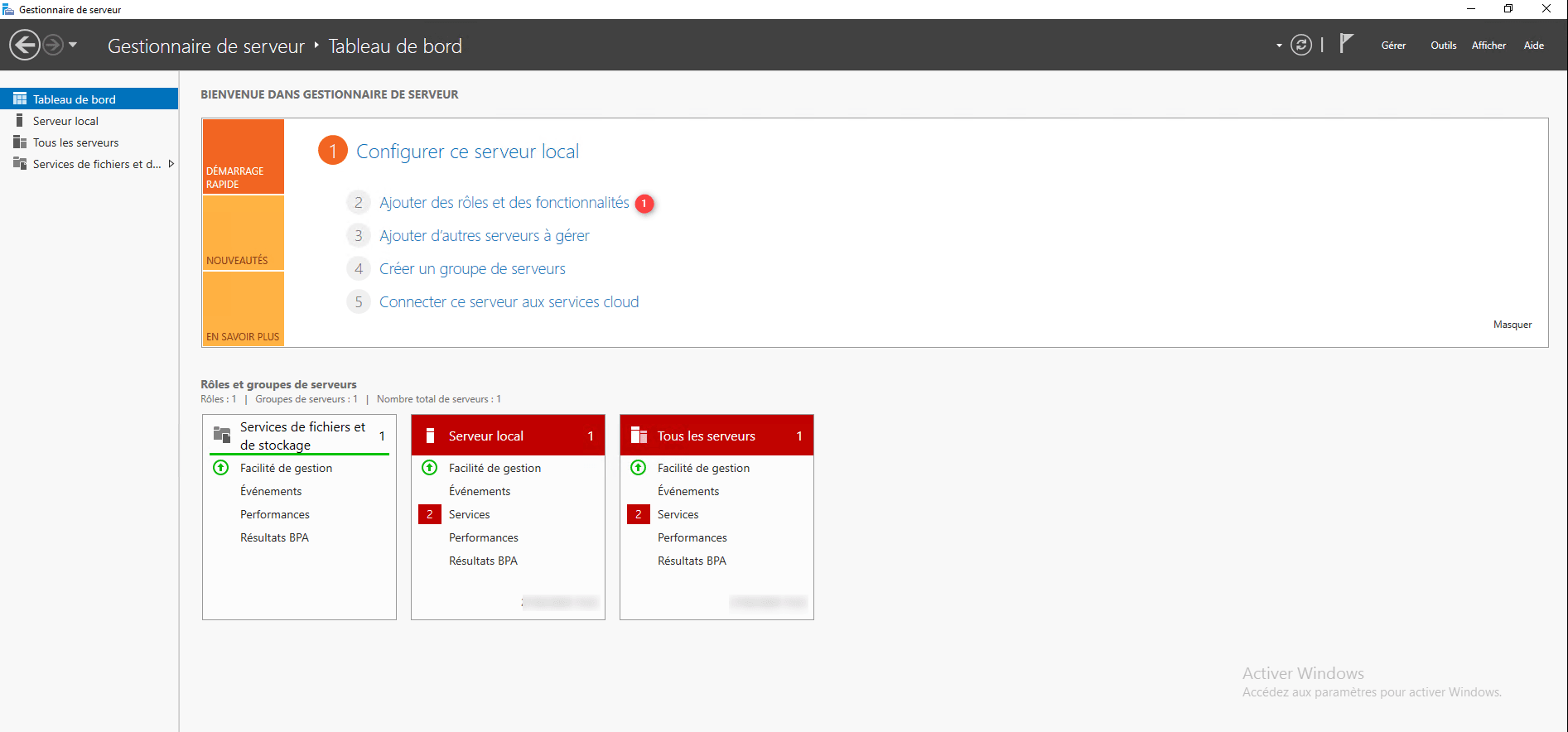
Web You can set up remote access to your Mac Windows or Linux computer On your computer open Chrome In the address bar enter remotedesktop google access Under Set up Remote Access click Download Follow the onscreen directions to download and install Chrome Remote Desktop
[desc-11] [desc-12]
[desc-13]