Install Pytorch With Gpu Support Windows Cuda Pytorch Gpu Hot Sex Picture GPU Support Bracket Graphics Card GPU Brace Video Card Sag Holder How To Set Up PyTorch With GPU Support On Windows 11 A Comprehensive How To Install PyTorch On The GPU With Docker Saturn Cloud Blog Installing PyTorch For CPU And GPU Using CONDA July 2020 YouTube Tip If you use a work or school account you might not be able to use Google Drive for desktop or your organization might have to install it for you If you have questions ask your administrator
You can download and install the Chrome web browser at no charge and use it to browse the web pip install conda install anaconda prompt pip install conda install 1 098
Installing PyTorch For CPU And GPU Using CONDA July 2020 YouTube GPU Version Of Pytorch Cannot Be Enabled PyTorch Forums Is A GPU Support Bracket Necessary PC Guide How To Install Pytorch With Gpu In Windows Gt Macheronte Riset Preparing To Run PyTorch On Your Own GPU Windows 9to5Tutorial How To Run PyTorch With GPU And CUDA 9 2 Support On Google Colab Pytorch GPU Install And Configure PyTorch On Your Machine Microsoft Learn
Install Pytorch With Gpu Support
 Install Pytorch With Gpu Support
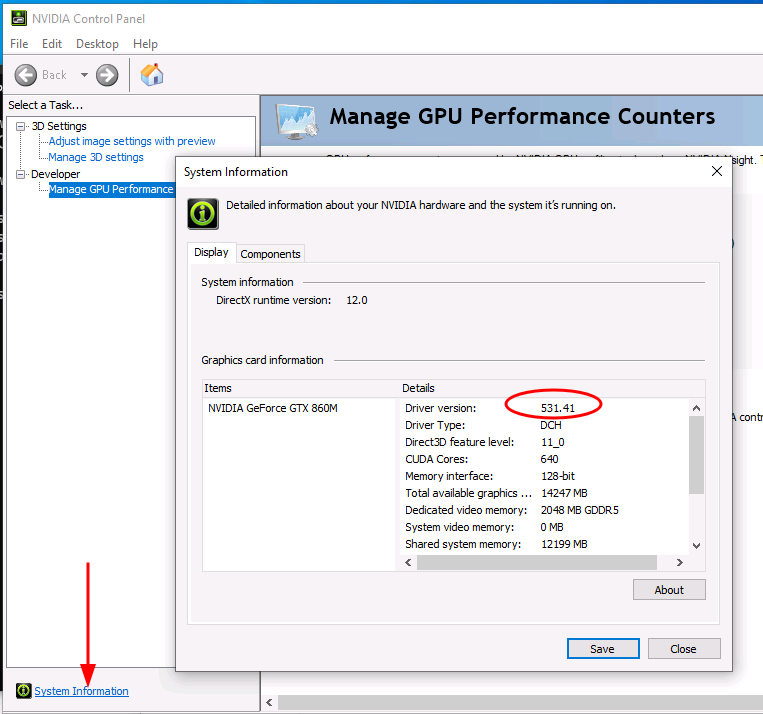
https://telin.ugent.be/telin-docs/windows/pytorch/pytorch1.png
Select Install for no charge items or the item s price Tips To check that an app is reliable find out what other people say about it Under the app s title check the star ratings and the number
Pre-crafted templates use a time-saving option for creating a diverse series of files and files. These pre-designed formats and designs can be made use of for different individual and expert tasks, including resumes, invitations, leaflets, newsletters, reports, discussions, and more, improving the content creation process.
Install Pytorch With Gpu Support
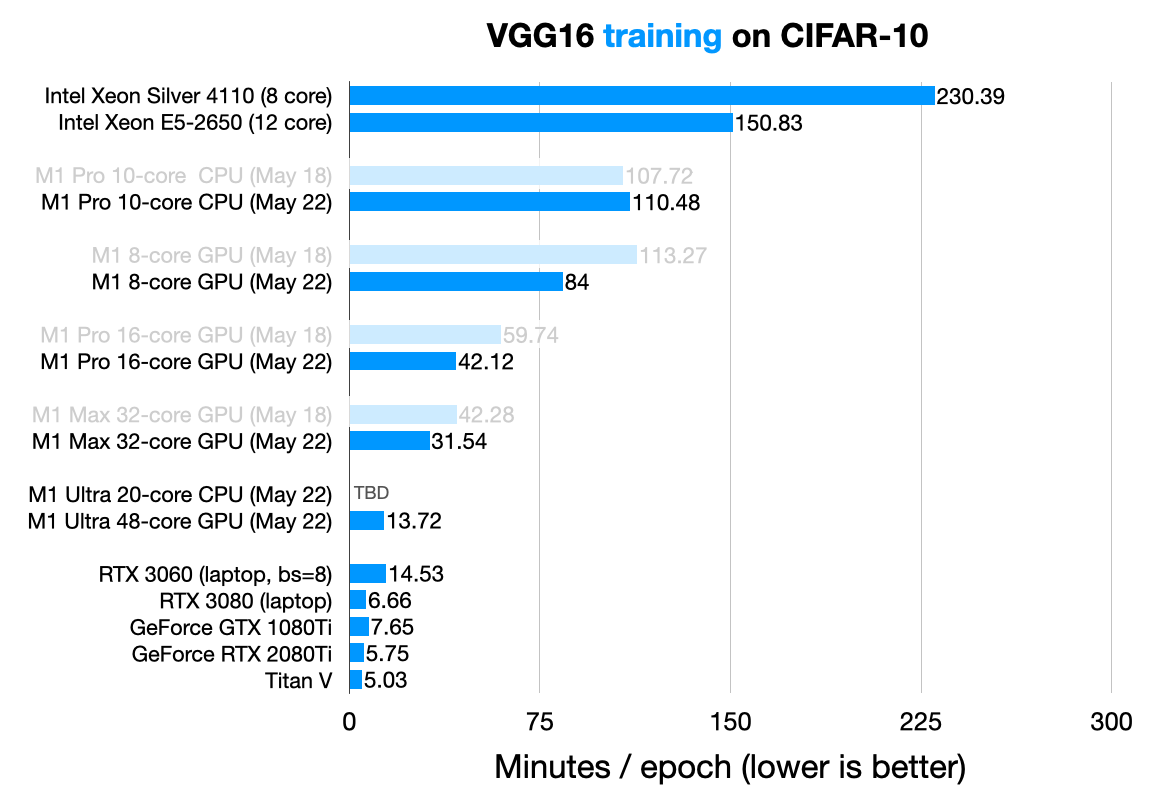
Running PyTorch On The M1 GPU
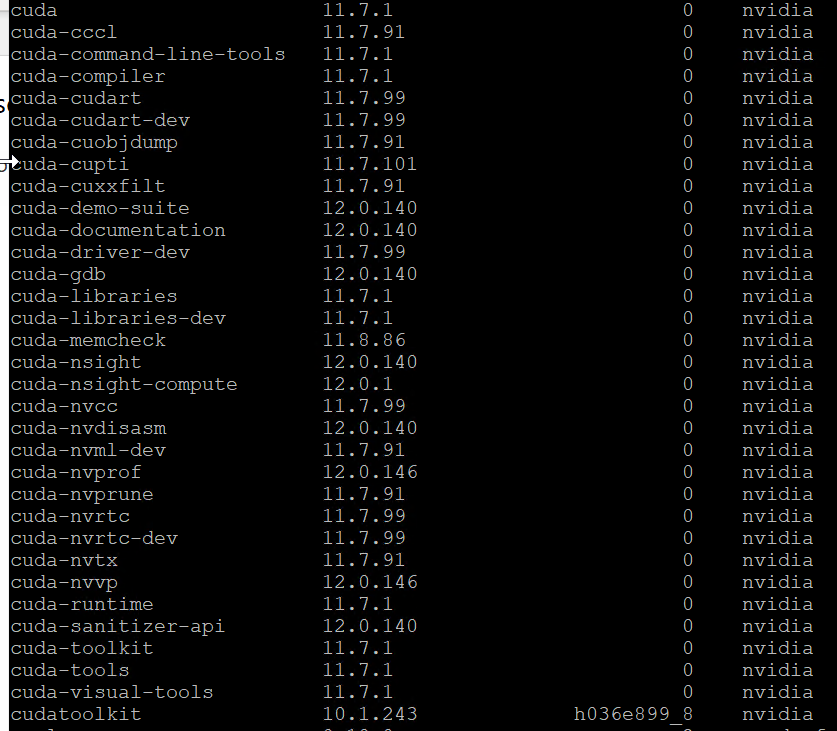
GPU Version Of Pytorch Cannot Be Enabled PyTorch Forums
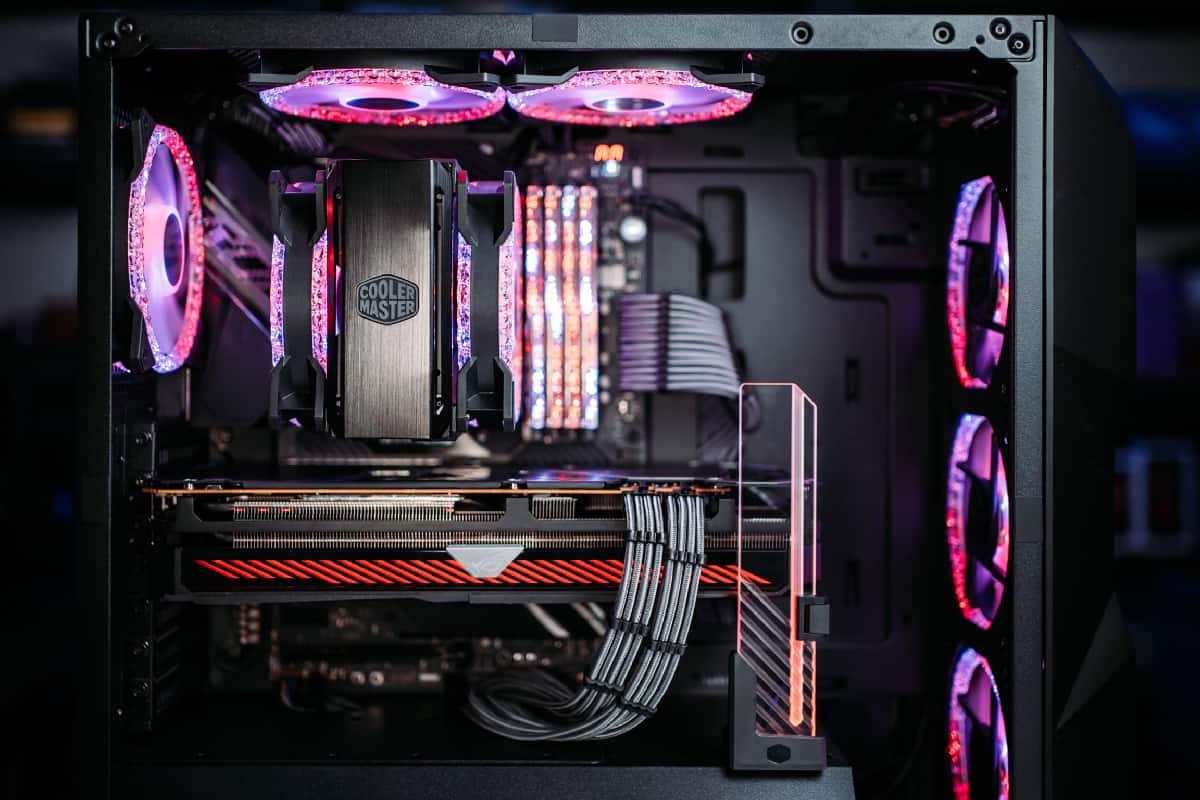
Is A GPU Support Bracket Necessary PC Guide

How To Install Pytorch With Gpu In Windows Gt Macheronte Riset

How To Run PyTorch With GPU And CUDA 9 2 Support On Google Colab
Official Google Chrome Help Center where you can find tips and tutorials on using Google Chrome and other answers to frequently asked questions

When you install Drive for desktop on your computer it creates a drive in My Computer or a location in Finder named Google Drive All of your Drive files appear here

You can download and install the Chrome web browser at no charge and use it to browse the web

Download the installation file again To install Chrome again use the new file If the installation still isn t working use an offline installer Computers with multiple user accounts Computers
To install or upgrade to the latest version of Google Earth Pro download the application System requirements In order for Google Earth Pro to run on your computer you must have all
[desc-11] [desc-12]
[desc-13]