Install Python Library From Git How To Update Python On Mac Terminal Fekop Installing Visual Studio Code Okeness How To Install A Python Module On A Windows PC Easy Way To Update A Python Package With Pip Upgrade Be On The Right How To Import Opencv 3 1 In Android Studio 1 5 Stack Overflow Gambaran The following command will install the latest version of a module and its dependencies from the Python Package Index python m pip install SomePackage Note For POSIX users including macOS and Linux users the examples in this guide assume the use of a virtual environment
This method is simpler just open the windows command prompt to install python package from GitHub and write the following command bash pip install e git github url of the package egg packageName In my case if I want to download the flask package I will write bash n n n n Ensure pip setuptools and wheel are up to date n While pip alone is sufficient to install from pre built binary archives nup to date copies of the setuptools and wheel projects are useful nto ensure you can also install from source archives n tab Unix macOS n n code block bash n n python3 m pip install upgrade pip setuptools wheel n n
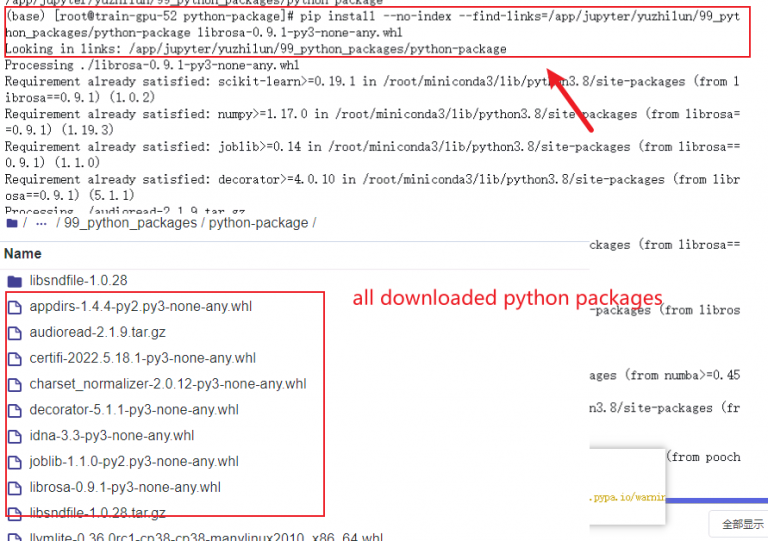
How To Import Opencv 3 1 In Android Studio 1 5 Stack Overflow Gambaran Pip Install Python Packages Offline On Linux Python Tutorial Install Python Library On Pynq Board Via Putty Terminal Support PYNQ How To Install Python Library Using PIP And Command Prompt YouTube How To Install Download And Build Python Wheels ActiveState How To Install Any Python Library Or Module For Spyder IDE YouTube Downloading And Installing Packages CADS Farmer School Of Business How To Install Python Packages Using A Script ActiveState How To Install Numpy With Python 3 Youtube Riset
Install Python Library From Git
 Install Python Library From Git
https://renewseek265.weebly.com/uploads/1/2/6/8/126870941/792368115.png
REQUIREMENTS GitPython needs the git executable to be installed on the system and available in your PATH for most operations If it is not in your PATH you can help GitPython find it by setting the GIT PYTHON GIT EXECUTABLE path to git environment variable Git 1 7 x or newer Python 3 7
Templates are pre-designed documents or files that can be utilized for numerous purposes. They can save time and effort by supplying a ready-made format and layout for creating different kinds of material. Templates can be used for personal or professional tasks, such as resumes, invitations, leaflets, newsletters, reports, discussions, and more.
Install Python Library From Git
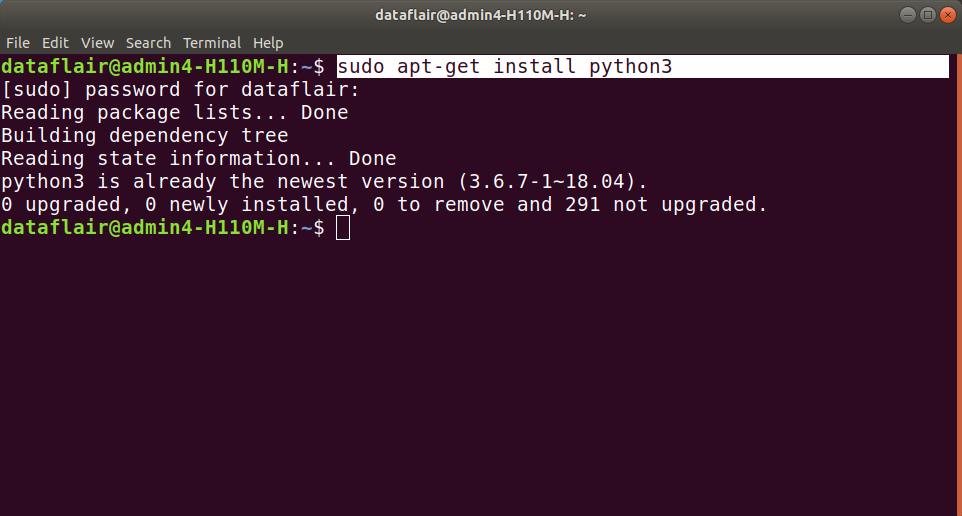
How Do I Install Python 3 On Windows 10
Pip Install Python Packages Offline On Linux Python Tutorial

Install Python Library On Pynq Board Via Putty Terminal Support PYNQ
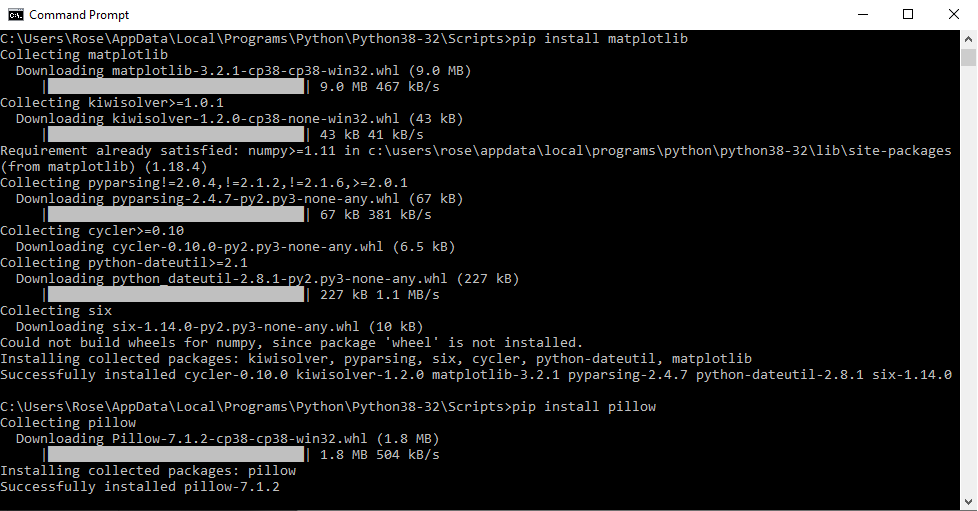
How To Install Python Library Using PIP And Command Prompt YouTube
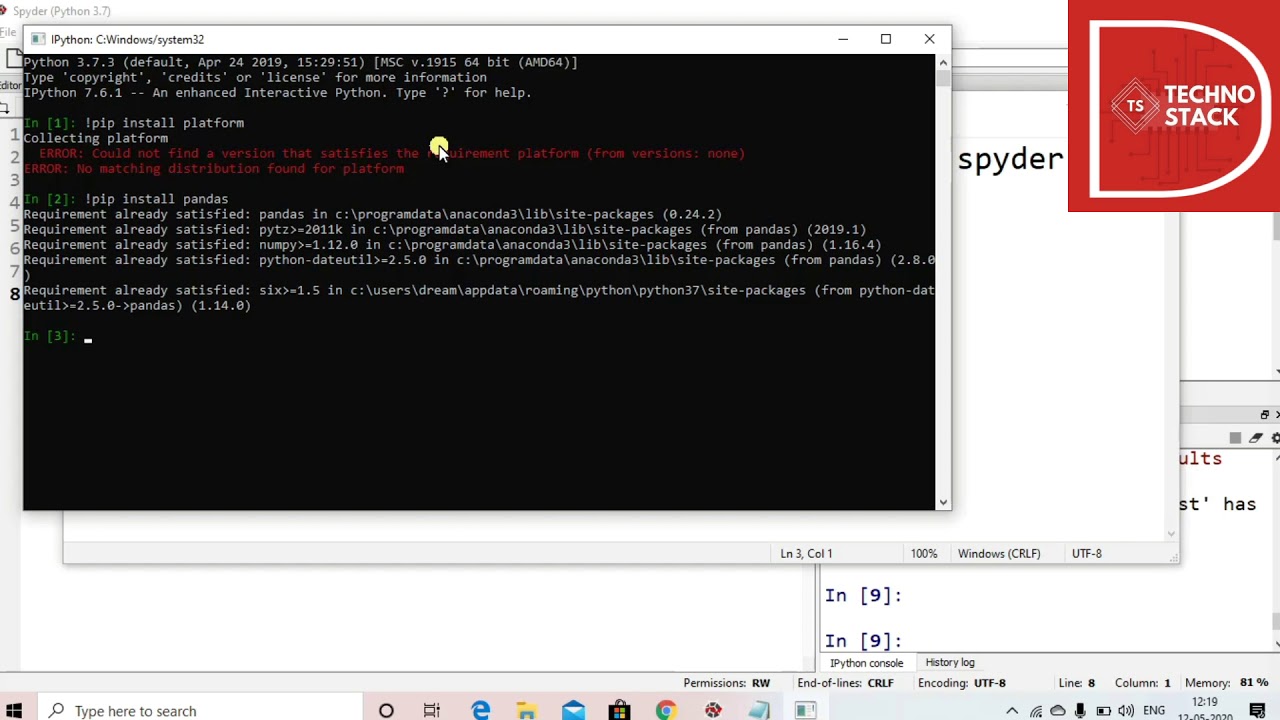
How To Install Any Python Library Or Module For Spyder IDE YouTube

Downloading And Installing Packages CADS Farmer School Of Business

Courses Practice In this article we will learn how to install a pip package from a git repository PIP supports installing from various version control systems VCS This support requires a working executable to be available for the version control system being used It is used through URL prefixes Git git Mercurial hg Subversion svn

In this Byte we ll explore how to install Python packages from a Git repo branch using pip Understanding pip and Git What is pip pip is a package management system that simplifies the process of installing and managing Python software packages It s a command line tool that allows you to install upgrade and remove Python packages
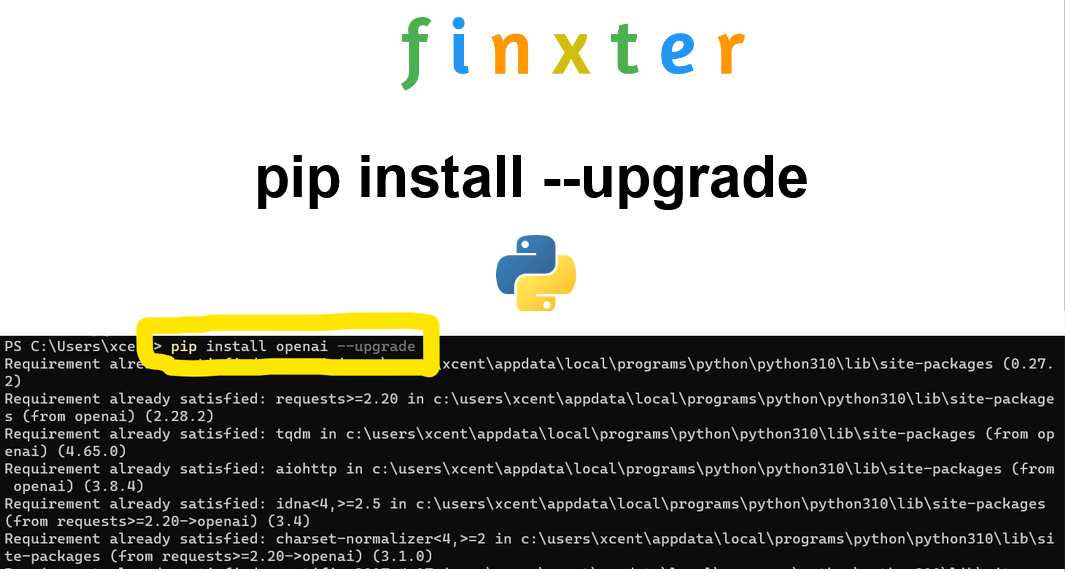
How to install private python packages Edit on GitHub How to install private python packages Warning This guide is for About Read the Docs for Business Read the Docs uses pip to install your Python packages If you have private dependencies you can install them from a private Git repository or a private repository manager From a Git repository
This command will download the latest version of GitPython from the Python Package Index and install it to your system More information about pip and pypi can be found here install pip pypi Alternatively you can install from the distribution using the setup py script python setup py install Note
Learn how to install a Python package from a git repository Posted by Harald Nezbeda on Fri 06 August 2021 When it comes to packages probably every Python developer thinks of pypi This is the most common way of distribution them in the ecosystem But there are several cases where packages are in a progress or pre alpha state in which a package
First we ll take our functions and create a Python package out of it This is necessary if you want to use pip for the installation Windows If you installed Python from source with an installer from python or via Homebrew you should already have pip If you re on Linux and installed using your OS package manager you may have to install pip separately see Installing pip setuptools wheel with Linux Package Managers
First step install git on my virtual machine else it won t work and you ll get an error sudo apt get update sudo apt get install git Then pip install from github You can add the