Install Python 3 6 Raspberry Pi 3 How To Install NumPy On Python 3 11 3 In Windows 11 PIP Install NumPy How To Install Python 3 11 0 On Windows 10 11 2022 Update Python How To Install Python 3 11 3 On Windows 10 2023 Python 3 11 3 Adafruit Learning System Best Raspberry Pi In 2024 To install or upgrade to the latest version of Google Earth Pro download the application System requirements In order for Google Earth Pro to run on your computer you must have all
pip install conda install anaconda prompt pip install conda install 1 098 Download the installation file again To install Chrome again use the new file If the installation still isn t working use an offline installer Computers with multiple user accounts Computers
Best Raspberry Pi In 2024 Raspberry Pi NAS The DIY Life Pikvm a8 Pcie Wholesale Discounted Radio egerton ac ke How To Install Python 3 6 On Ubuntu 16 YouTube Best Raspberry Pi HATs 3B Raspberry Pi 3B 4 python How To Download And Install Python 3 6 1 CA YouTube How To Download And Install Python 3 6 On Windows 10 YouTube 5 Of The Best Code Editors For Raspberry Pi You Should Be Using
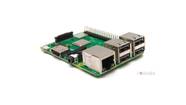
Install Python 3 6 Raspberry Pi 3
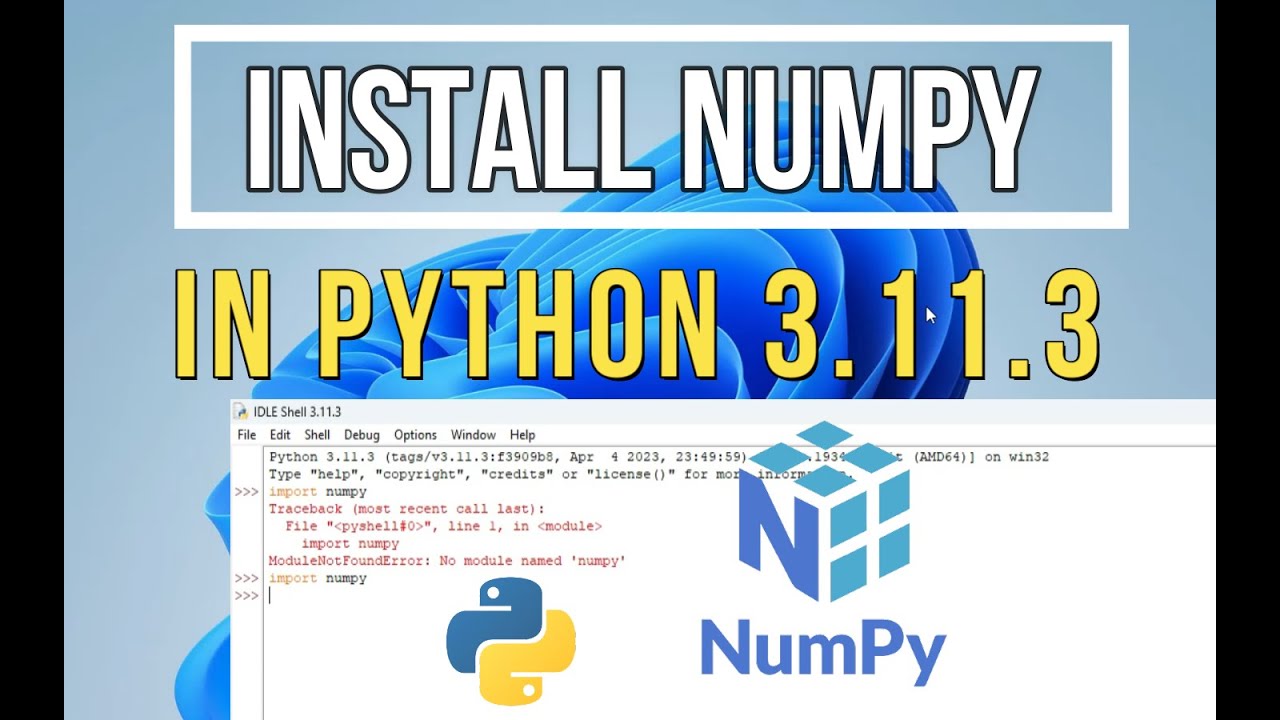 Install Python 3 6 Raspberry Pi 3
https://i.ytimg.com/vi/ShsMPGVOcaU/maxresdefault.jpg
To fix most issues with your search engine pop ups or Chrome updates uninstall and reinstall Chrome On your iPhone or iPad learn how to make Chrome your default browser Learn how
Templates are pre-designed documents or files that can be utilized for various purposes. They can conserve effort and time by providing a ready-made format and design for creating various kinds of content. Templates can be used for personal or professional projects, such as resumes, invites, flyers, newsletters, reports, presentations, and more.
Install Python 3 6 Raspberry Pi 3
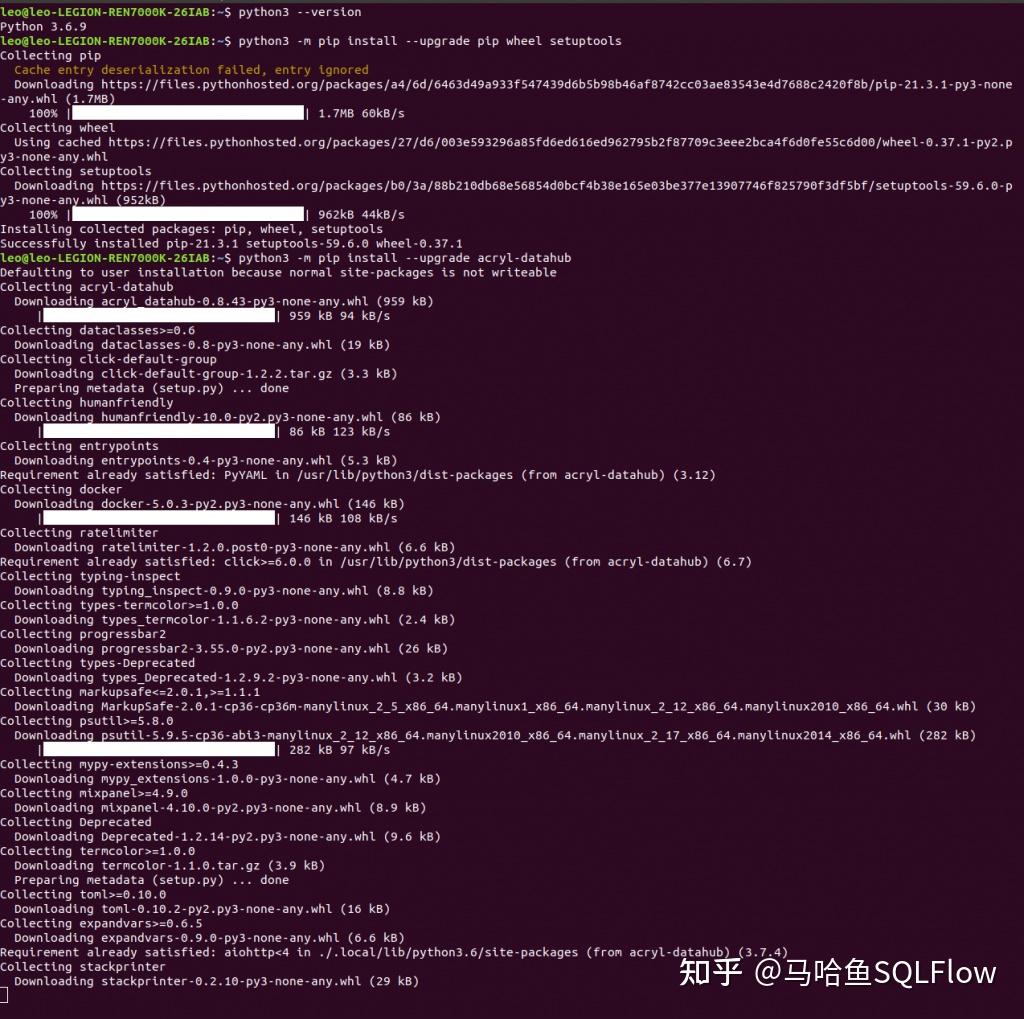
Datahub
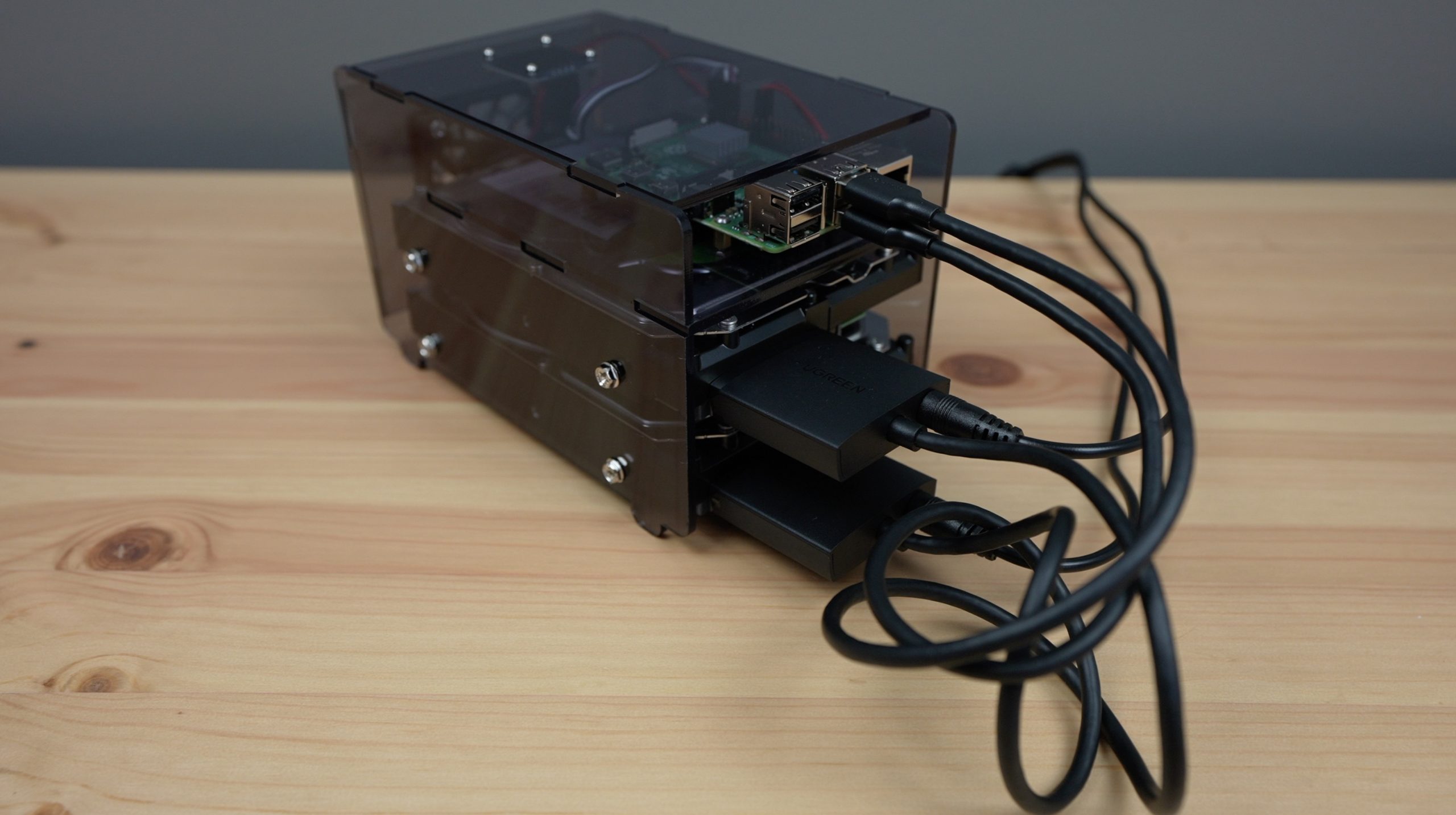
Raspberry Pi NAS The DIY Life
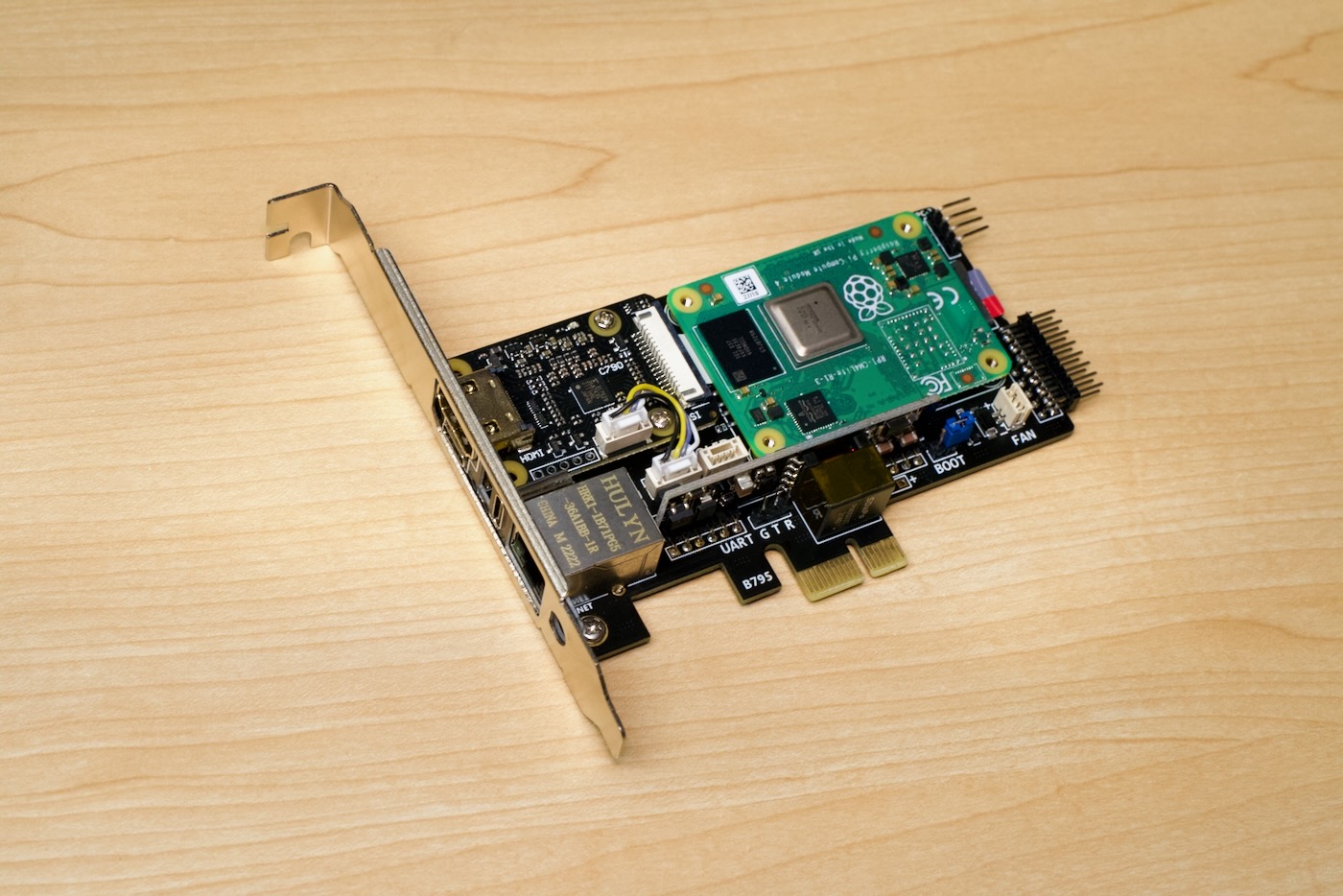
Pikvm a8 Pcie Wholesale Discounted Radio egerton ac ke
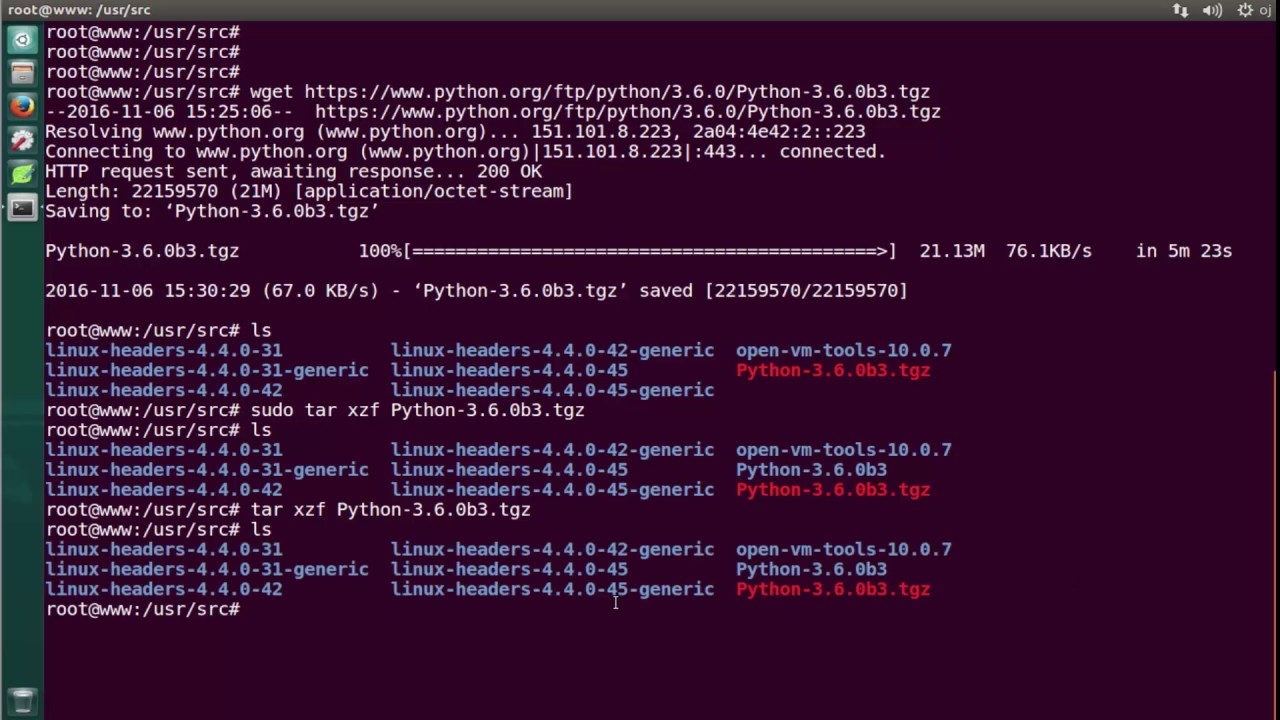
How To Install Python 3 6 On Ubuntu 16 YouTube

3B Raspberry Pi 3B 4 python
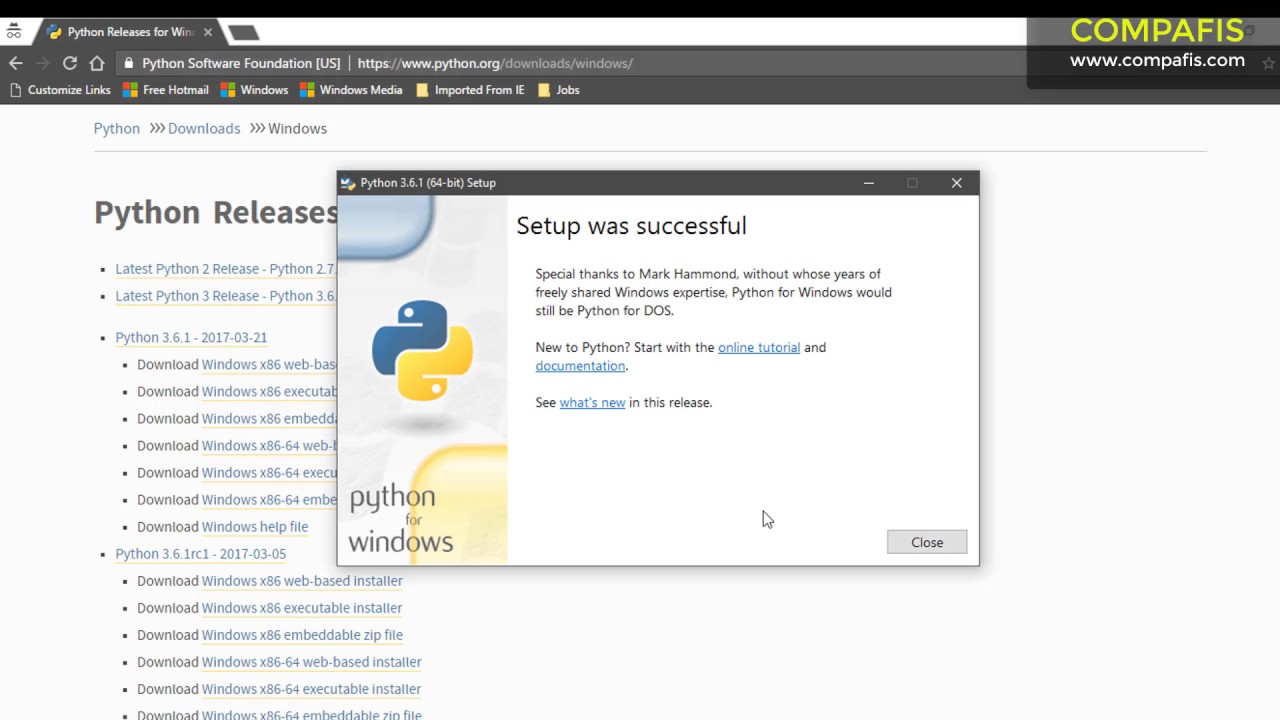
How To Download And Install Python 3 6 1 CA YouTube
You can download and install the Chrome web browser at no charge and use it to browse the web
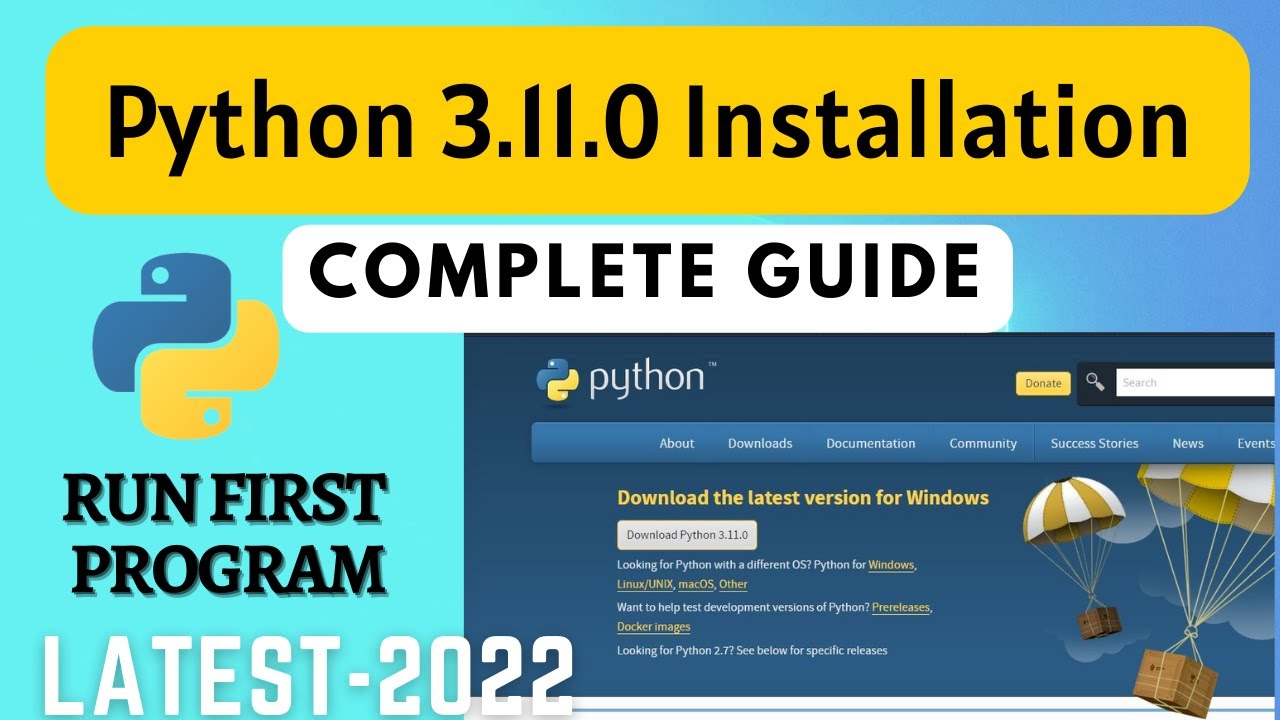
Official Google Chrome Help Center where you can find tips and tutorials on using Google Chrome and other answers to frequently asked questions
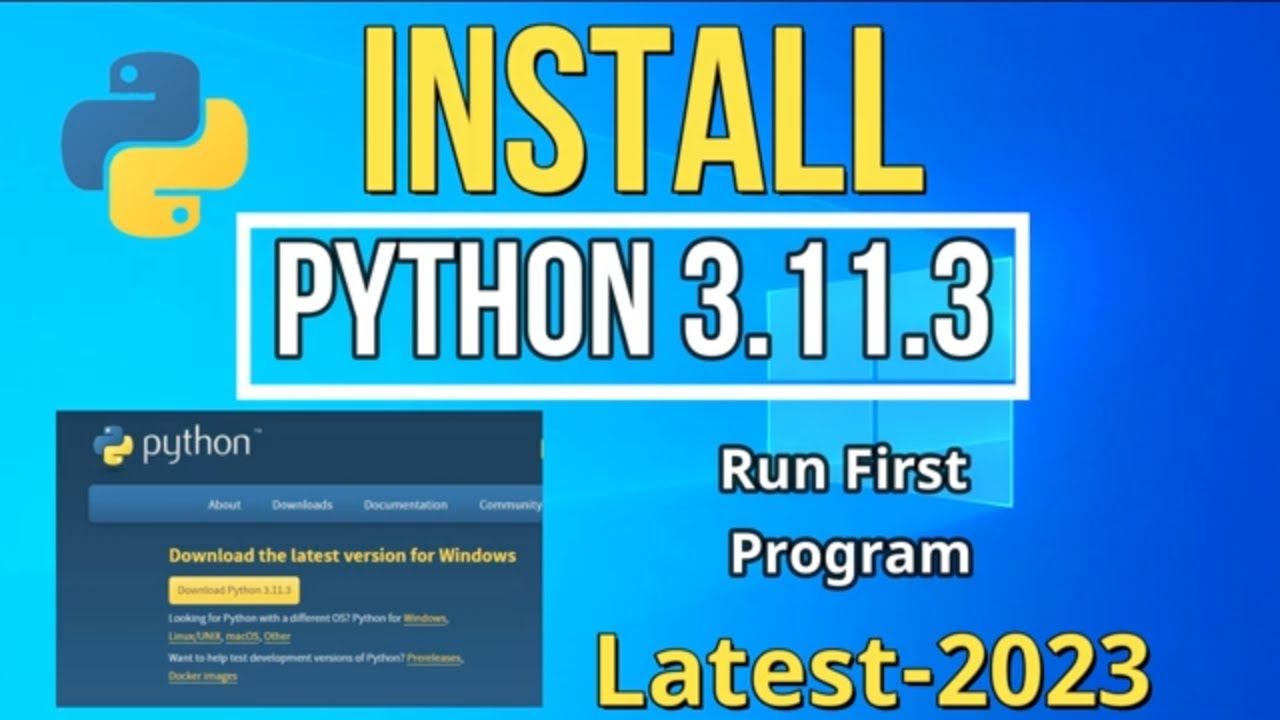
When you install Drive for desktop on your computer it creates a drive in My Computer or a location in Finder named Google Drive All of your Drive files appear here Any new files or

You can download and install the Chrome web browser at no charge and use it to browse the web
Install and set up Drive for desktop Install amp set up Drive for desktop for Windows Important Before you start check that your operating system is compatible with Drive for desktop Tip If
[desc-11] [desc-12]
[desc-13]