Install Pixel Desktop On Debian How To Install GNOME Desktop Environment On Debian 11 How To Install Graphical User Interface GUI For Debian 11 Cloud Adjunto Archivo Escudero Bruscamente Install Pixel Desktop On Debian Adjunto Archivo Escudero Bruscamente Install Pixel Desktop On Debian How To Install KDE GUI In Debian 9 Linux RootUsers To install or upgrade to the latest version of Google Earth Pro download the application System requirements In order for Google Earth Pro to run on your computer you must have all
Install and set up Drive for desktop Install amp set up Drive for desktop for Windows Important Before you start check that your operating system is compatible with Drive for desktop Tip If To fix most issues with your search engine pop ups or Chrome updates uninstall and reinstall Chrome On your iPhone or iPad learn how to make Chrome your default browser Learn how
How To Install KDE GUI In Debian 9 Linux RootUsers How To Install And Configure LXQt Desktop In Debian Amedrentador Cordura Regan Consignas Paris Maletas Camuflaje Pera Anticuado CrownCloud Wiki How To Install Desktop Environment On Debian 11 How To Install XFCE Desktop In Debian 11 R00t4bl3 How To Install The Latest GNOME On Debian 3 Easy Steps RaspberryTips Create Your Own Debian Bullseye PIXEL System With Refracta Snapshot How To Install LEMP On Debian 10 AtulHost Install XFCE Desktop On Debian 11
Install Pixel Desktop On Debian
 Install Pixel Desktop On Debian
https://www.fosslinux.com/wp-content/uploads/2022/01/install-GNOME-Desktop-Environment-on-Debian-11.jpg
You can download and install the Chrome web browser at no charge and use it to browse the web
Pre-crafted templates use a time-saving solution for producing a varied series of files and files. These pre-designed formats and layouts can be utilized for various personal and expert tasks, consisting of resumes, invitations, leaflets, newsletters, reports, presentations, and more, streamlining the content creation process.
Install Pixel Desktop On Debian

Debian Based Raspbian GNU Linux OS With PIXEL Desktop Out Now For PC
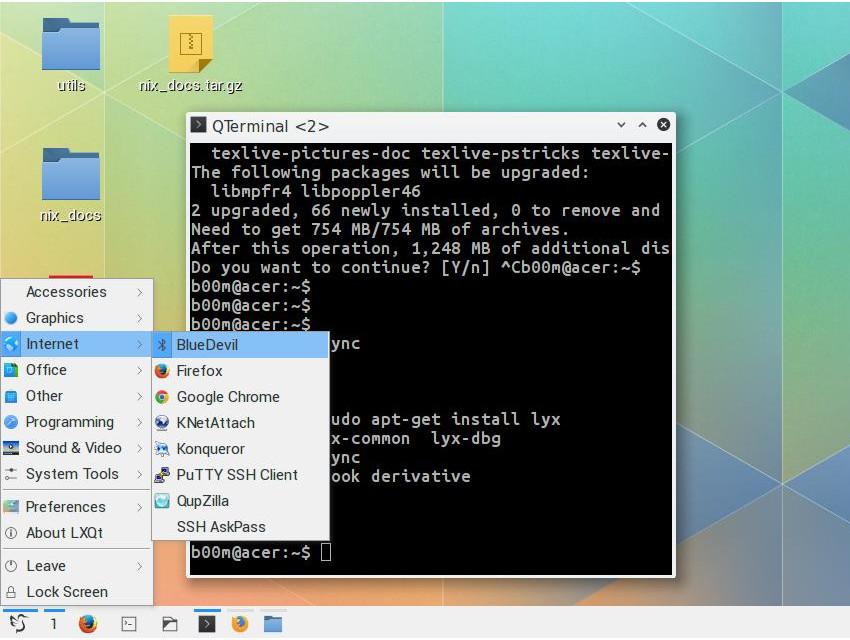
How To Install And Configure LXQt Desktop In Debian

Amedrentador Cordura Regan Consignas Paris Maletas Camuflaje Pera Anticuado
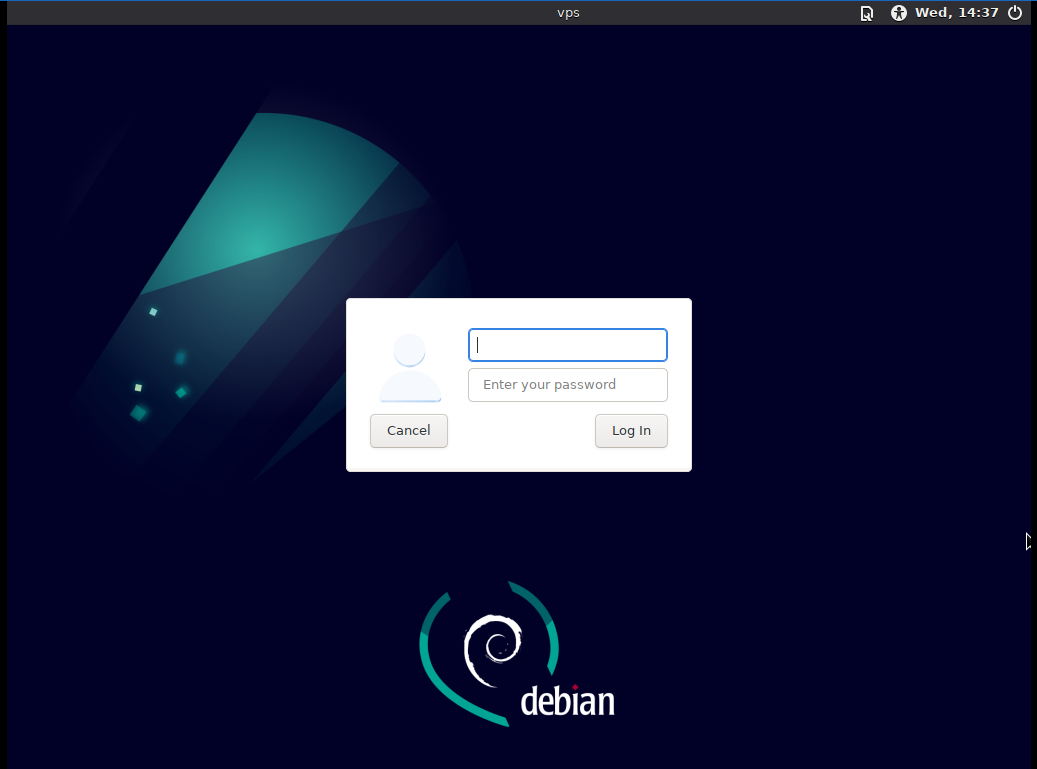
CrownCloud Wiki How To Install Desktop Environment On Debian 11
How To Install The Latest GNOME On Debian 3 Easy Steps RaspberryTips
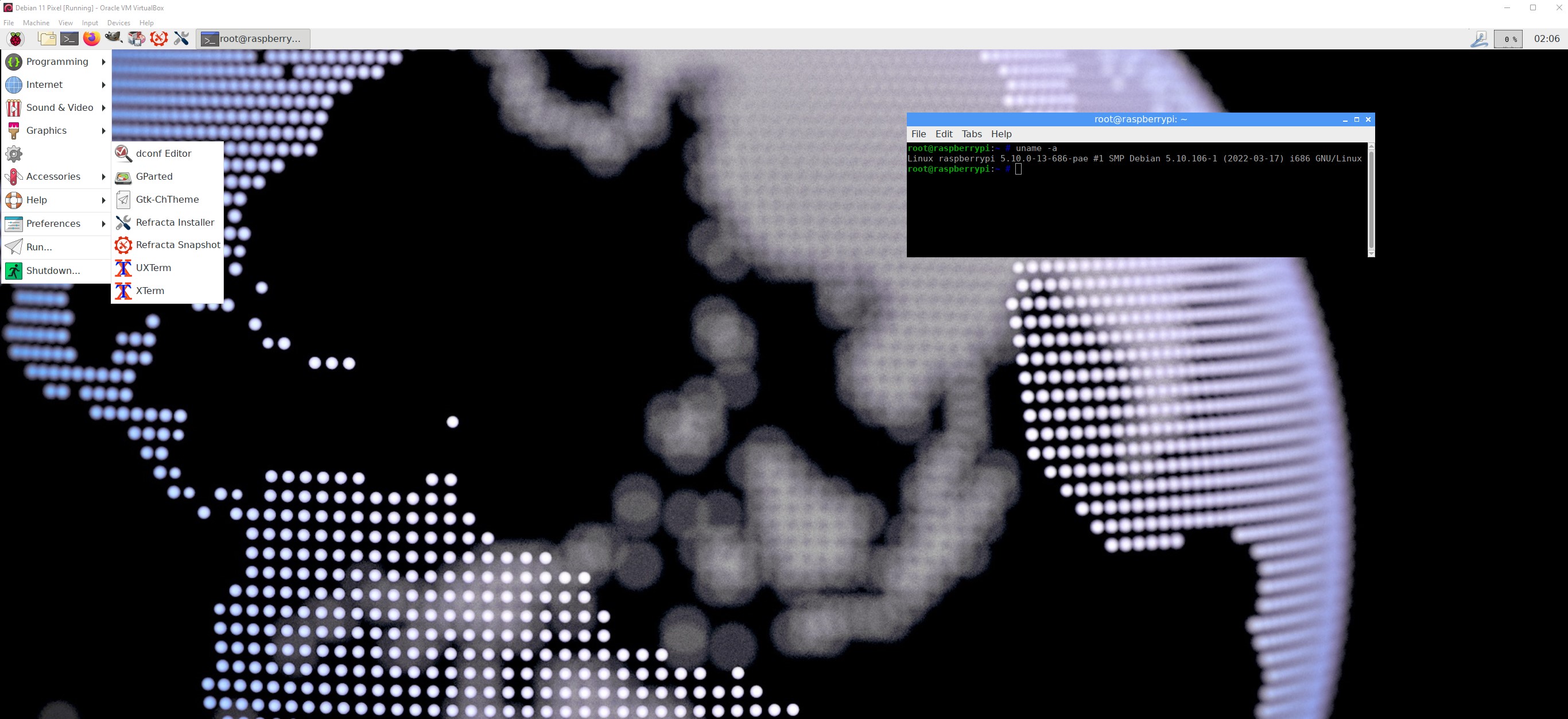
Create Your Own Debian Bullseye PIXEL System With Refracta Snapshot
Official Google Chrome Help Center where you can find tips and tutorials on using Google Chrome and other answers to frequently asked questions

When you install Drive for desktop on your computer it creates a drive in My Computer or a location in Finder named Google Drive All of your Drive files appear here
Can t install because you re not an administrator on Windows If you re not an administrator follow the steps to download and install Google Chrome Learn more about how to fix most

Help Download and install Google Chrome Create or manage your Google Account in Chrome Sign in and sync in Chrome Make Chrome your default browser
How to install Chrome Important Before you download you can check if Chrome supports your operating system and other system requirements
[desc-11] [desc-12]
[desc-13]