Install Pip Windows 11 How To Install Modules For Python 3 X Using Pip In Windows 10 Install Virtualenv And Pip On Windows YouTube How To Install PIP In Python On Windows 11 YouTube How To Install PIP On Windows 11 How To Install Pip On Windows The Easy Way YouTube Web To get started with using pip you should install Python on your system Ensure you have a working pip As a first step you should check that you have a working Python with pip installed This can be done by running the following commands and making sure that the output looks similar
Web Mar 10 2023 nbsp 0183 32 Learn how to install Pip on Windows 10 11 using the command line or the installer You can also fix Pip if its path is not set correctly Web May 22 2023 nbsp 0183 32 In this step by step tutorial I guide you through the process of installing Python 3 11 and PIP on Windows 10 and Windows 11 Whether you re a beginner or an experienced developer
How To Install Pip On Windows The Easy Way YouTube How To Install PIP On Windows Install Pip On Windows How To Install Pip Windows OS Today How To Install Python Pip Opencv On Windows 10 Youtube Riset Riset How To Install PIP On Windows In 6 Steps Liquid Web How To Run PIP Install From Windows 10 Command Prompt To Install Python Installing Pip With Embeddable Zip Python In Windows Roy Tutorials How Download How To Install PIP In Windows 11 2023 Install Python PIP In
Install Pip Windows 11
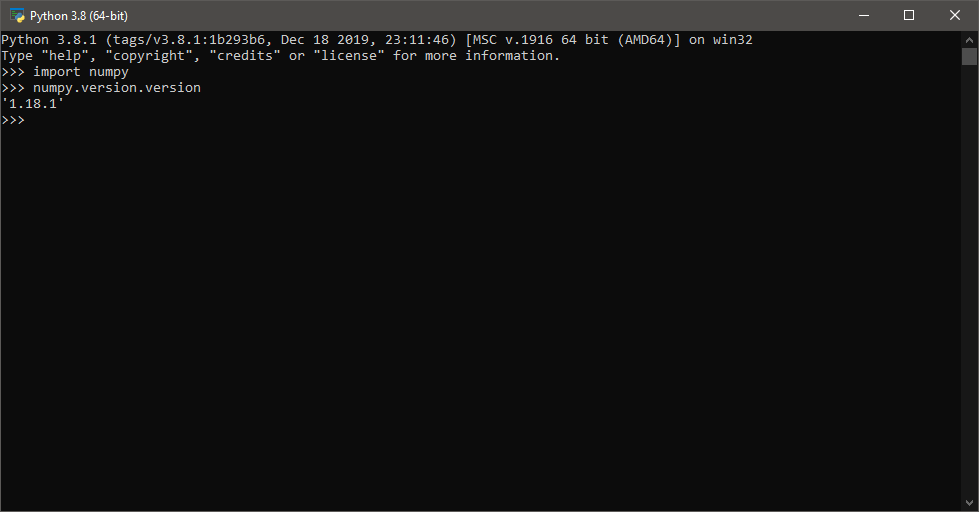 Install Pip Windows 11
https://tipsmake.com/data/thumbs/how-to-install-modules-for-python-3x-using-pip-in-windows-10-thumb-3u4Rs5Bt5.png
Web Jun 13 2023 nbsp 0183 32 1 Before we start first check that pip is not already installed on your computer To do so enter the following command into the terminal pip V Copy If it is installed you will get a message similar to the example below pip 21 2 4 from C Python310 lib site packages pip python 3 10 Copy
Templates are pre-designed documents or files that can be utilized for various functions. They can save time and effort by providing a ready-made format and layout for producing various kinds of material. Templates can be utilized for personal or expert tasks, such as resumes, invites, leaflets, newsletters, reports, discussions, and more.
Install Pip Windows 11
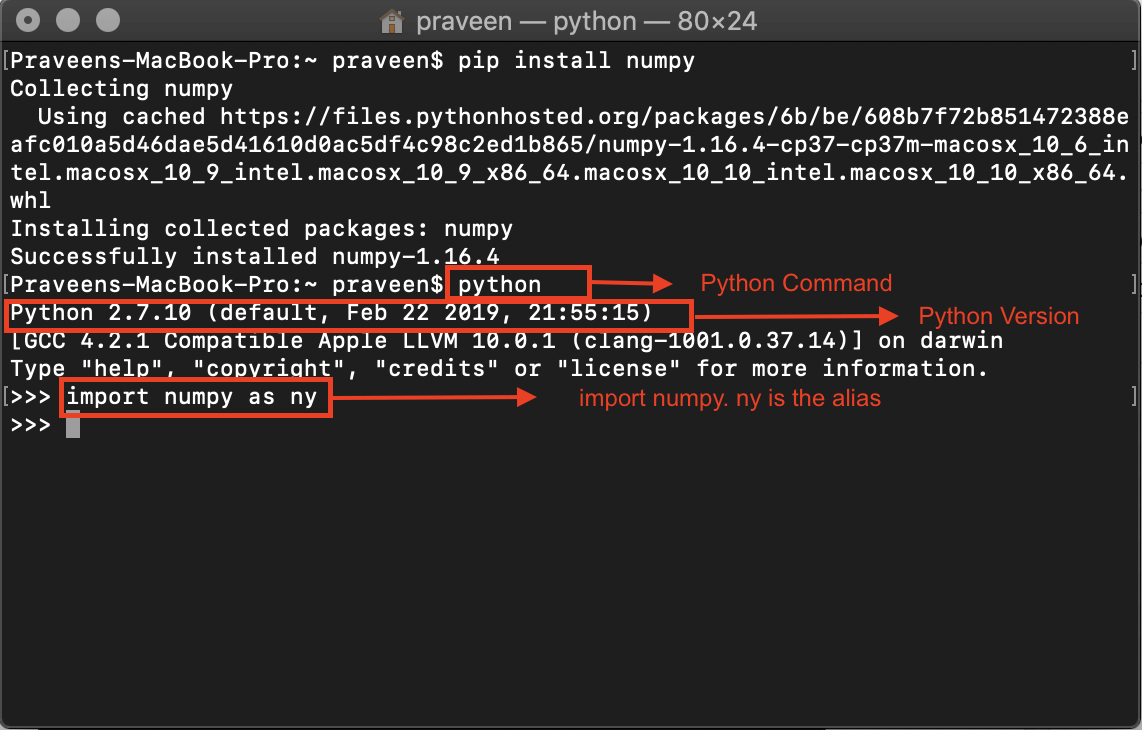
Python Pip Install Matplotlib And Scipy Lassaeden

How To Install PIP On Windows
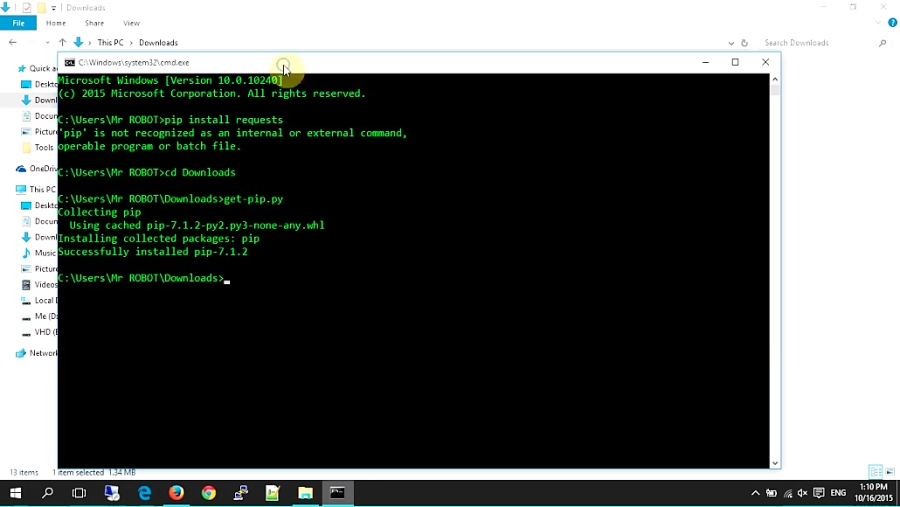
Install Pip On Windows

How To Install Pip Windows OS Today
How To Install PIP On Windows In 6 Steps Liquid Web
How To Run PIP Install From Windows 10 Command Prompt To Install Python
Web The current version of pip works on Windows Linux and MacOS CPython 3 7 3 8 3 9 3 10 3 11 3 12 and latest PyPy3 pip is tested to work on the latest patch version of the Python interpreter for each of the minor versions listed above Previous patch versions are supported on a best effort approach

Web Installing Pip on Windows Download pip 1 2 1 from https pypi python packages source p pip pip 1 2 1 tar gz Extract the pip 1 2 1 tar gz file Change directory to the extracted folder cd lt path to extracted folder gt pip 1 2 1 Run python setup py install

Web Follow these instructions to install pip Step 1 Open the cmd terminal Step 2 In python a curl is a tool for transferring data requests to and from a server Use the following command to request curl https bootst rap pypa io get pip py o get pip py python get pip py Method 2 Manually install Python PIP on Windows

Web June 9 2022 How to Install PIP on Windows in 2023 w Screenshots In this tutorial we will identify PIP for Python when we use it how to install it how to check its version how to configure it on Windows and how to upgrade or downgrade it What Is PIP for Python

Web Dec 17 2023 nbsp 0183 32 pip is the package installer for Python You can use pip to install packages from the Python Package Index and other indexes Please take a look at our documentation for how to install and use pip Installation Usage We release updates regularly with a new version every 3 months Find more details in our documentation Release notes
[desc-11] [desc-12]
[desc-13]