Install Os From Bootable Usb How To Create Bootable USB Installer For MacOS X On Windows 10 3 Easy Computer Tricks How To Create A Bootable USB Drive How To Create Bootable USB From Windows 10 8 7 DroidTechKnow How To Create Multiple Mac OS X Bootable In A Single USB Drive YouTube Create Bootable USB Without Any Software Or CMD Best Smartphone 112 To create a USB media with an existing Windows 10 ISO file connect a flash drive of at least 8GB of space and use these steps Open Rufus download page Under the Download section click the
Download Windows 10 ISO File To run Windows 11 from a USB drive you need to obtain a Windows 11 ISO file and use it to install the operating system onto the drive Head to the Download You need to create USB installation media from bootable ISOs Windows Linux UEFI etc you need to work on a system that doesn t have an OS installed you need to flash a BIOS or other firmware from DOS you want to run a low level utility Despite its small size Rufus provides everything you need
Create Bootable USB Without Any Software Or CMD Best Smartphone 112 How To Boot And Install OS From USB Drive In VMware Workstation Pro All Make A Bootable USB MacOS Installer Download The Update For Big Sur How To Create A MAC OS USB Bootable Drive YouTube How To Boot From USB In Windows 7 with Pictures WikiHow Download Mac Os Bootable Usb Usaviews How To Create Multiple OS Bootable USB Drive In Windows Manually UEFI Boot Linux And Windows 10 USB From Grub Modest Destiny Bootable USB Installer Drive For Apple Mac OS System Recovery Kit
Install Os From Bootable Usb
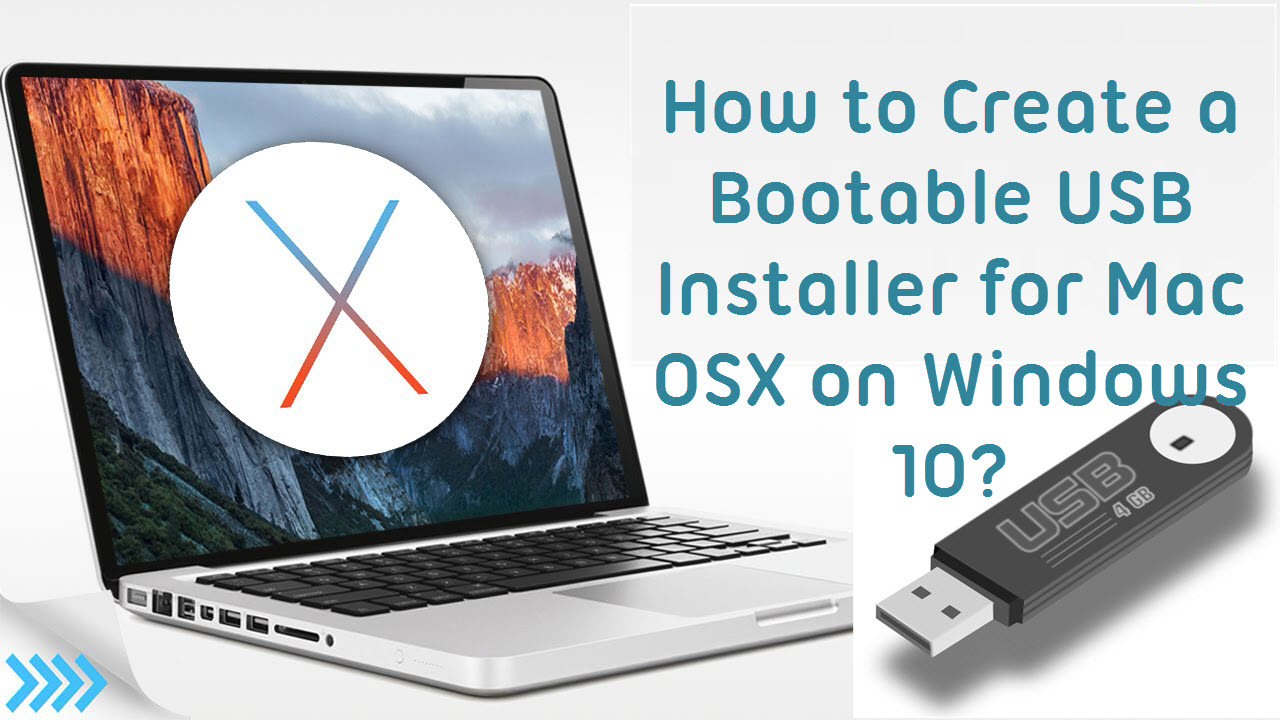 Install Os From Bootable Usb
https://www.wikigain.com/wp-content/uploads/2016/03/Create-Bootable-USB-Installer-for-Mac-OS-X-on-Windows.jpg
To make a bootable Windows 10 USB drive begin by downloading the Media Creation tool from Microsoft s Download Windows 10 website Click Download Tool Now on the page Wait for the file to finish downloading in your browser Then hit Ctrl j to open your browser s downloads a menu listing your downloads should appear
Pre-crafted templates use a time-saving service for developing a diverse range of documents and files. These pre-designed formats and designs can be utilized for numerous personal and professional projects, consisting of resumes, invites, flyers, newsletters, reports, presentations, and more, simplifying the content development procedure.
Install Os From Bootable Usb
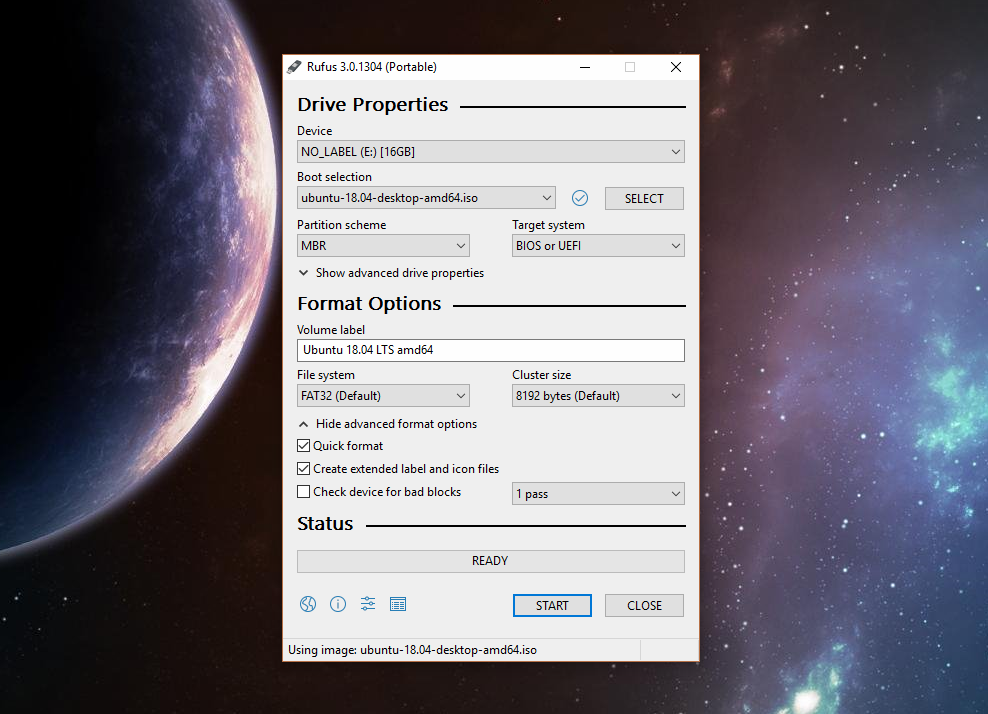
Create Bootable USB Drives From Windows With Rufus Version 3 0

How To Boot And Install OS From USB Drive In VMware Workstation Pro All
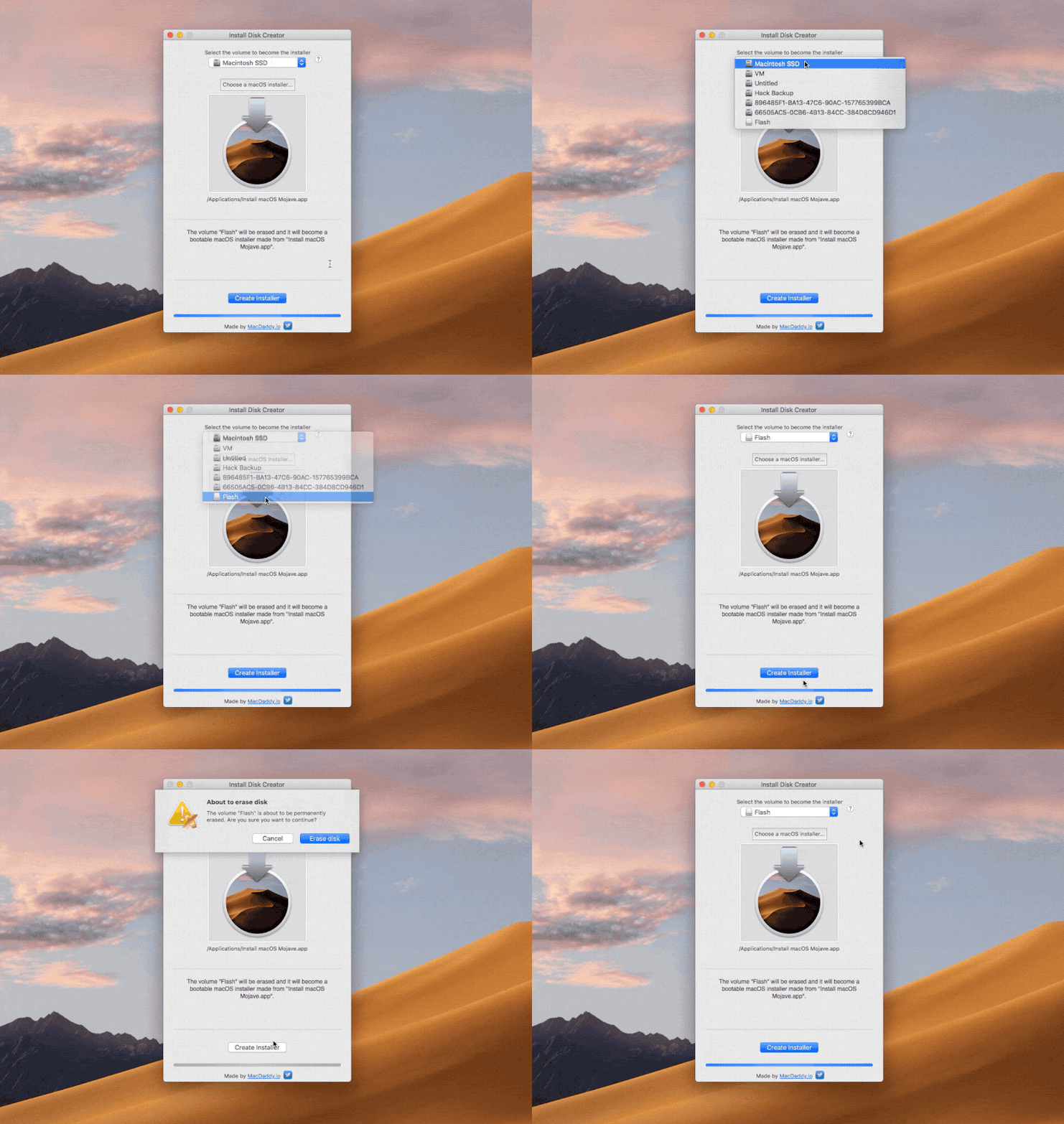
Make A Bootable USB MacOS Installer Download The Update For Big Sur
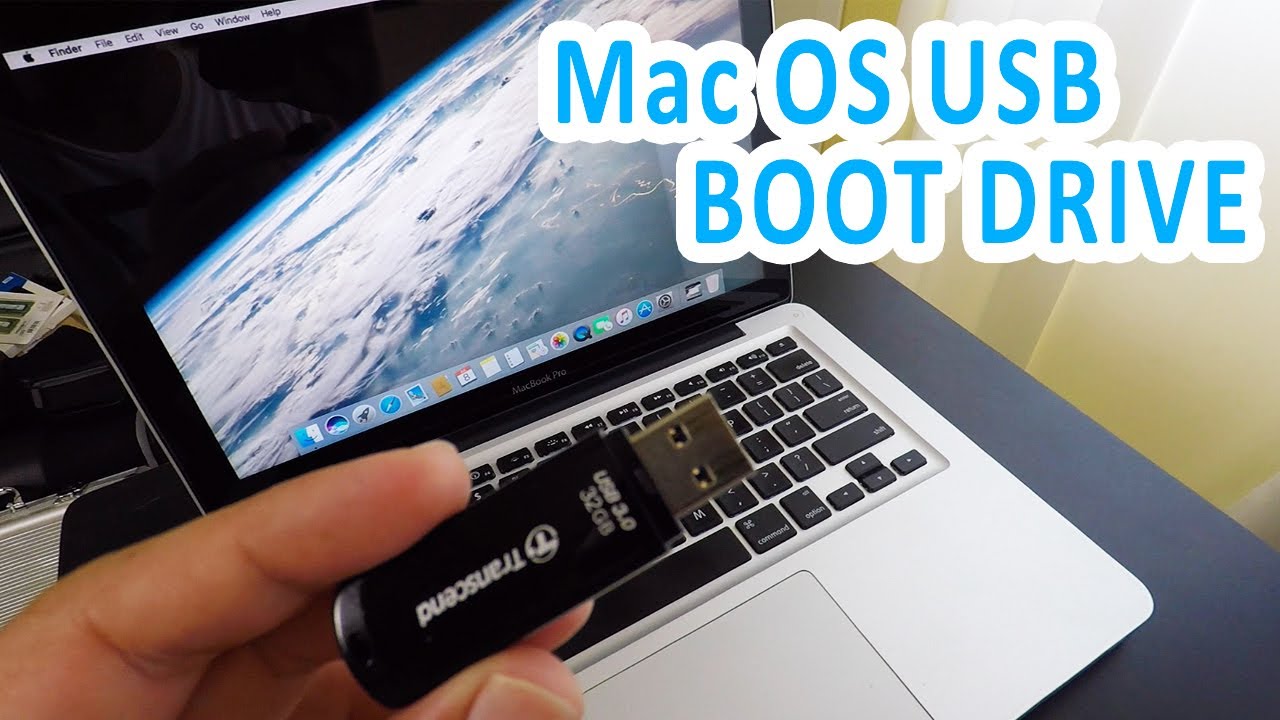
How To Create A MAC OS USB Bootable Drive YouTube

Download Mac Os Bootable Usb Usaviews

How To Create Multiple OS Bootable USB Drive In Windows

Quick Links What You ll Need Windows 10 Hardware Requirements Create the Installation Media Install Windows 10 from the USB Drive Most modern computers don t have a CD or DVD drive so installing Windows 10 using a disc isn t always possible The good news is you don t need discs anymore all you need is a USB drive What You ll Need
Windows 8 1 Windows 10 Then select Download now Windows 11 Then select Download now Important Back up your files before you install or reinstall Windows on your PC Learn how To create the installation media here s what you ll need A PC with a reliable internet connection
To grab this head to the Microsoft Download Windows 10 page and click Download tool now Save the tool to your computer It s around 20 MB so it shouldn t take too long on a fast connection Note that creation of the bootable Windows 10 USB installer requires an internet connection Create a Bootable USB Installer for Windows 10

Insert the USB into your Windows PC that you want to make the bootable USB drive on Any files on the USB drive will be erased during the setup process Make sure that there are no important files on the USB drive Next head over to Microsoft s official Windows 11 download page
Follow these steps to create installation media USB flash drive or DVD you can use to install a new copy of Windows 10 perform a clean installation or reinstall Windows 10 If changing the boot menu or order doesn t work and your PC immediately boots into the OS you want to replace it is possible the PC had not fully shut down
1 How to boot from a USB drive using Windows 10 s Settings without BIOS or UEFI Start by plugging in the bootable USB flash drive to a USB port on your computer Then open the Settings app and head to Update Security Select Recovery on the left and then scroll on the right side of the window until you find the Advanced startup section So we built Etcher an SD card flasher app that is simple for end users extensible for developers and works on any platform Create USB installation media from bootable ISOs Install almost any OS to almost any flash drive Offer an easy way for your users to flash your OS using our Flash with Etcher feature Read more on our blog
1 Insert a blank USB Flash drive into your PC It needs to be at least 8GB If it s not blank note that it will be overwritten 2 Navigate to Microsoft s Download Windows 10 page 3 Click