Install Open Vm Tools Centos 7 Command Line 2 How To Install Centos 7 In Command Line Interface CLI Step By Step For Beginners YouTube Centos 7 How To Expand Logical Volume Using Command Line The Dummit CentOS 7 3 Desktop Open vm tools VMware Workstation 12 Pro HP ML115 G5 System Monitoring Tools CentOS 7 Or Linux 2015 BENISNOUS Linux Open vm tools 51CTO open vm tools Find the Google Play Store app Get Android apps amp digital content from the Google Play Store Use your phone or computer to install apps amp content on other devices Pre order or pre
Jan 14 2025 nbsp 0183 32 Split from this thread I just purchased office home 2024 I need help to download and install On your iPhone or iPad open App Store In the search bar enter Chrome Tap Get To install follow the on screen instructions If prompted enter your Apple ID password To start
Linux Open vm tools 51CTO open vm tools VMware Open vm tools Install CentOS 8 Server On Virtualbox Only Command Line Interface Installing VMware Tools In CentOS 7 The Complete Guide Node35 Centos 7 How To Expand Logical Volume Using Command Line The Dummit SU Command In Linux How To Use With Examples 2021 Tutorial Installing MDB Tools In CentOS 7 Doug s Blog Enable A Repository From The Command Line On CentOS 7 BENISNOUS Install VMware Tools On Centos 7 VBrainstorm
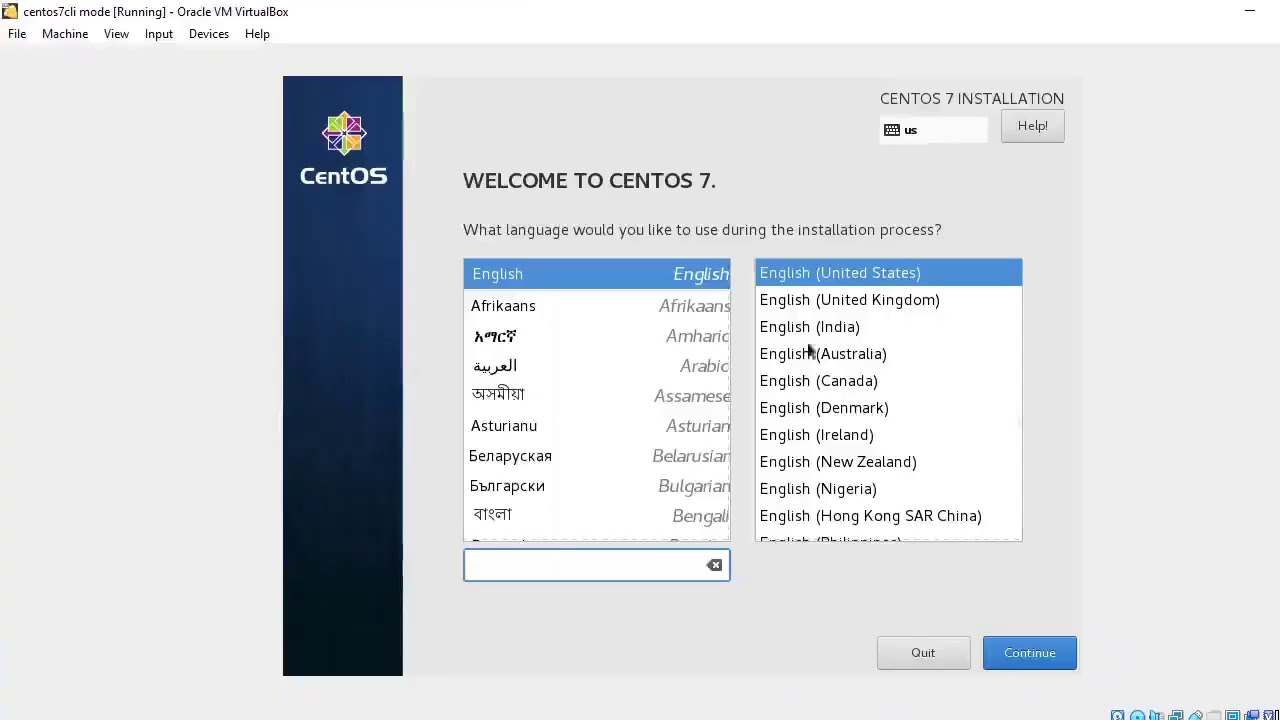
Install Open Vm Tools Centos 7 Command Line
 Install Open Vm Tools Centos 7 Command Line
https://i.ytimg.com/vi/MZefcVT1Ez8/maxresdefault.jpg
Install and set up Drive for desktop Install amp set up Drive for desktop for Windows Important Before you start check that your operating system is compatible with Drive for desktop Tip If
Pre-crafted templates offer a time-saving solution for producing a varied series of documents and files. These pre-designed formats and designs can be utilized for different personal and expert projects, including resumes, invitations, flyers, newsletters, reports, discussions, and more, simplifying the content creation process.
Install Open Vm Tools Centos 7 Command Line

Open VM Tools On CentOS 7 Install Computer How To

VMware Open vm tools
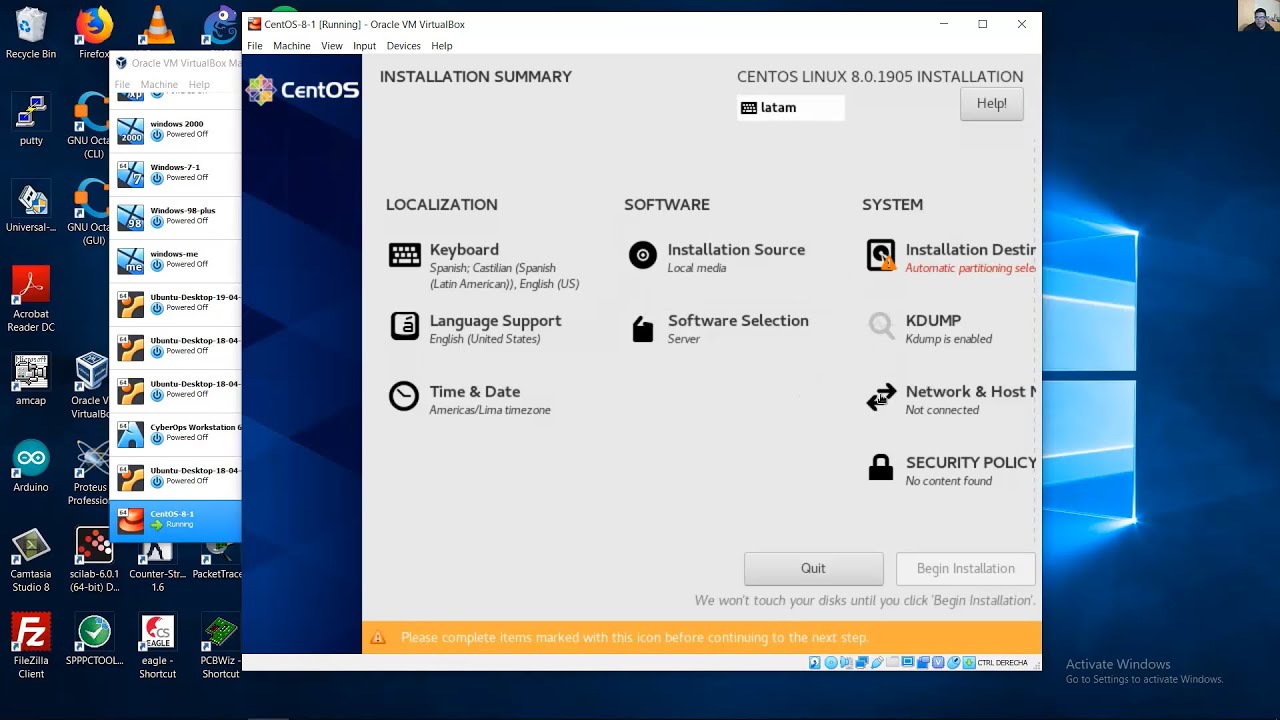
Install CentOS 8 Server On Virtualbox Only Command Line Interface
Installing VMware Tools In CentOS 7 The Complete Guide Node35
SU Command In Linux How To Use With Examples 2021 Tutorial
Installing MDB Tools In CentOS 7 Doug s Blog
Puedes descargar e instalar el navegador web Chrome sin coste econ 243 mico y usarlo para navegar por la Web C 243 mo instalar Chrome Importante Antes de descargarlo puedes

On your iPhone or iPad open App Store In the search bar enter Chrome Tap Get To install follow the on screen instructions If prompted enter your Apple ID password To start

Official Google Chrome Help Center where you can find tips and tutorials on using Google Chrome and other answers to frequently asked questions

When you install Drive for desktop on your computer it creates a drive in My Computer or a location in Finder named Google Drive All of your Drive files appear here

Dec 4 2024 nbsp 0183 32 Hi Felix see if this helps Download install or reinstall Microsoft 365 Office 2024 or Office 2021 on a PC or Mac Microsoft Support
[desc-11] [desc-12]
[desc-13]