Install Node 16 On Rhel 7 How To Install Node js On Linux Tutorial Install NodeJS 16 On Ubuntu 20 04 Linux Song s Blog RHEL 8 QCOW KVM Unixsysadmin How To Install Node js Built In To fix most issues with your search engine pop ups or Chrome updates uninstall and reinstall Chrome On your iPhone or iPad learn how to make Chrome your default browser Learn how
You can download and install the Chrome web browser at no charge and use it to browse the web pip install conda install anaconda prompt pip install conda install 1 098
How To Install Node js Built In How To Install Node js And Npm On Windows C mo Actualizar Node Y NPM A La ltima Versi n Oracle SUSE And CIQ Launch The Open Enterprise Linux Association Amid How To Install Node js On Ubuntu How To Change Runlevel On RHEL 7 Linux Linux Tutorials Learn Linux Install NVM To Downgrade Node Version Step By Step Guide How To Install Node js On Ubuntu 20 04 LTS Lagerkreis F lle Nicht Gefallen Install Node Mac Beistelltisch Kr uter
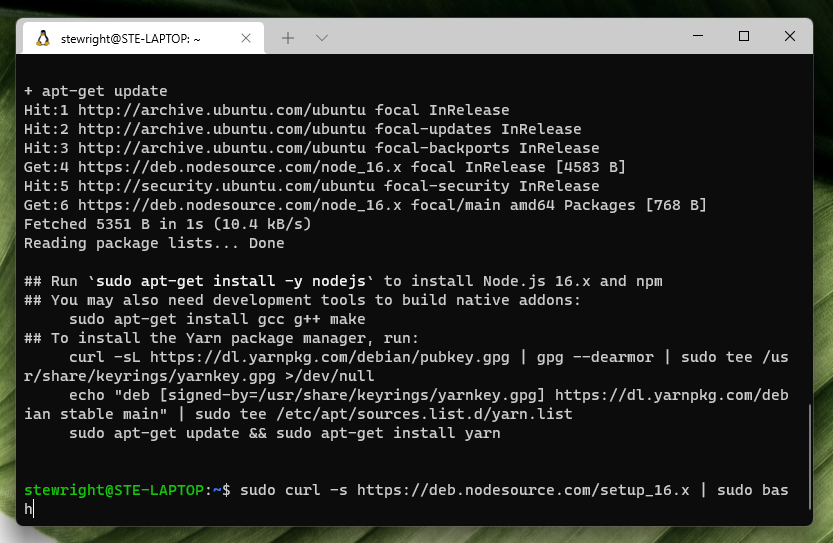
Install Node 16 On Rhel 7
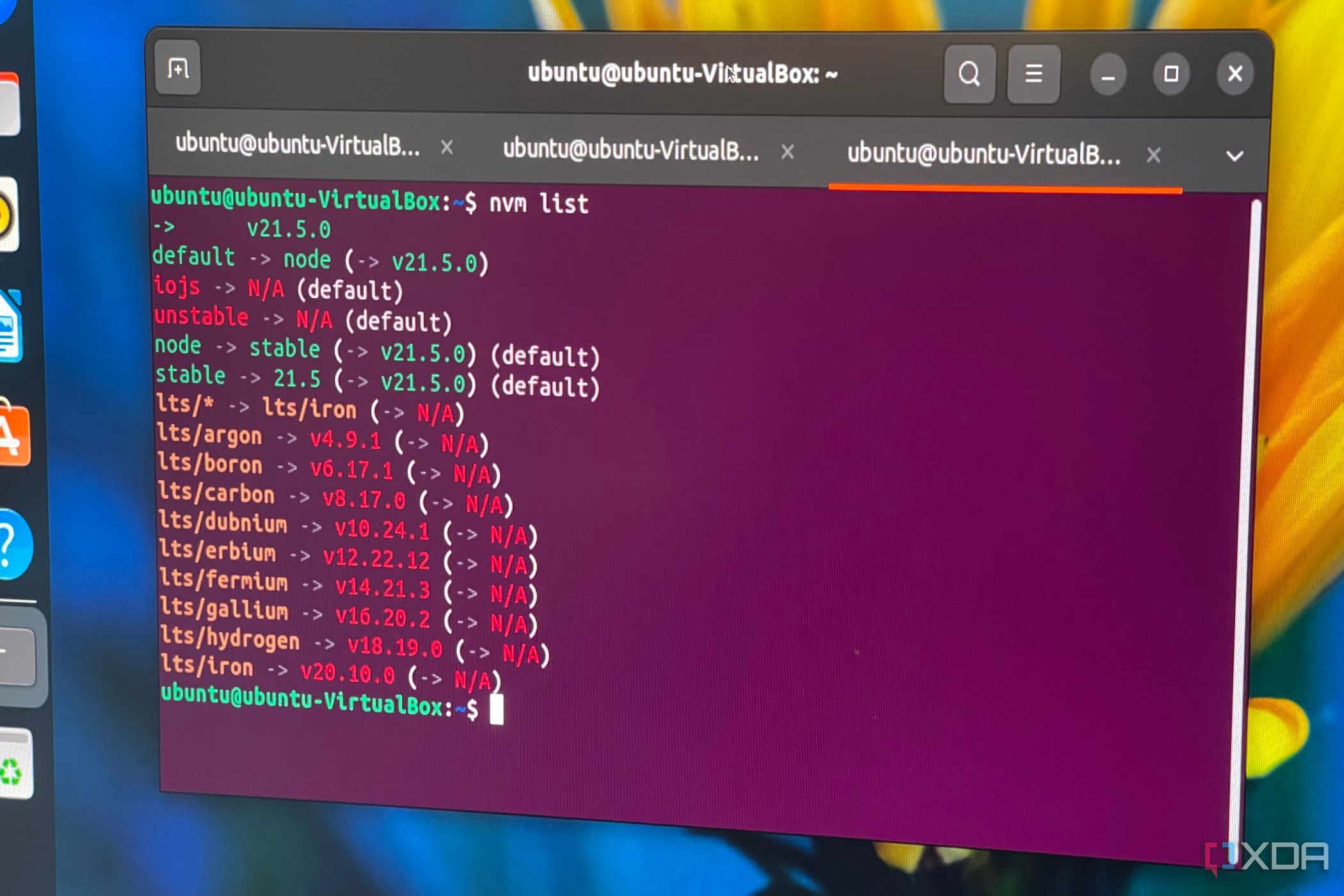 Install Node 16 On Rhel 7
https://static1.xdaimages.com/wordpress/wp-content/uploads/wm/2024/01/nvm-on-ubuntu.jpg
Install an extension Important You can t add extensions when you browse in Incognito mode or as a guest Open the Chrome Web Store Find and select the extension you want Select Add
Pre-crafted templates provide a time-saving option for developing a diverse variety of documents and files. These pre-designed formats and designs can be made use of for numerous personal and expert projects, consisting of resumes, invites, leaflets, newsletters, reports, presentations, and more, improving the content development process.
Install Node 16 On Rhel 7

Node Exporter Installation On RHEL CentOS Ubuntu YouTube
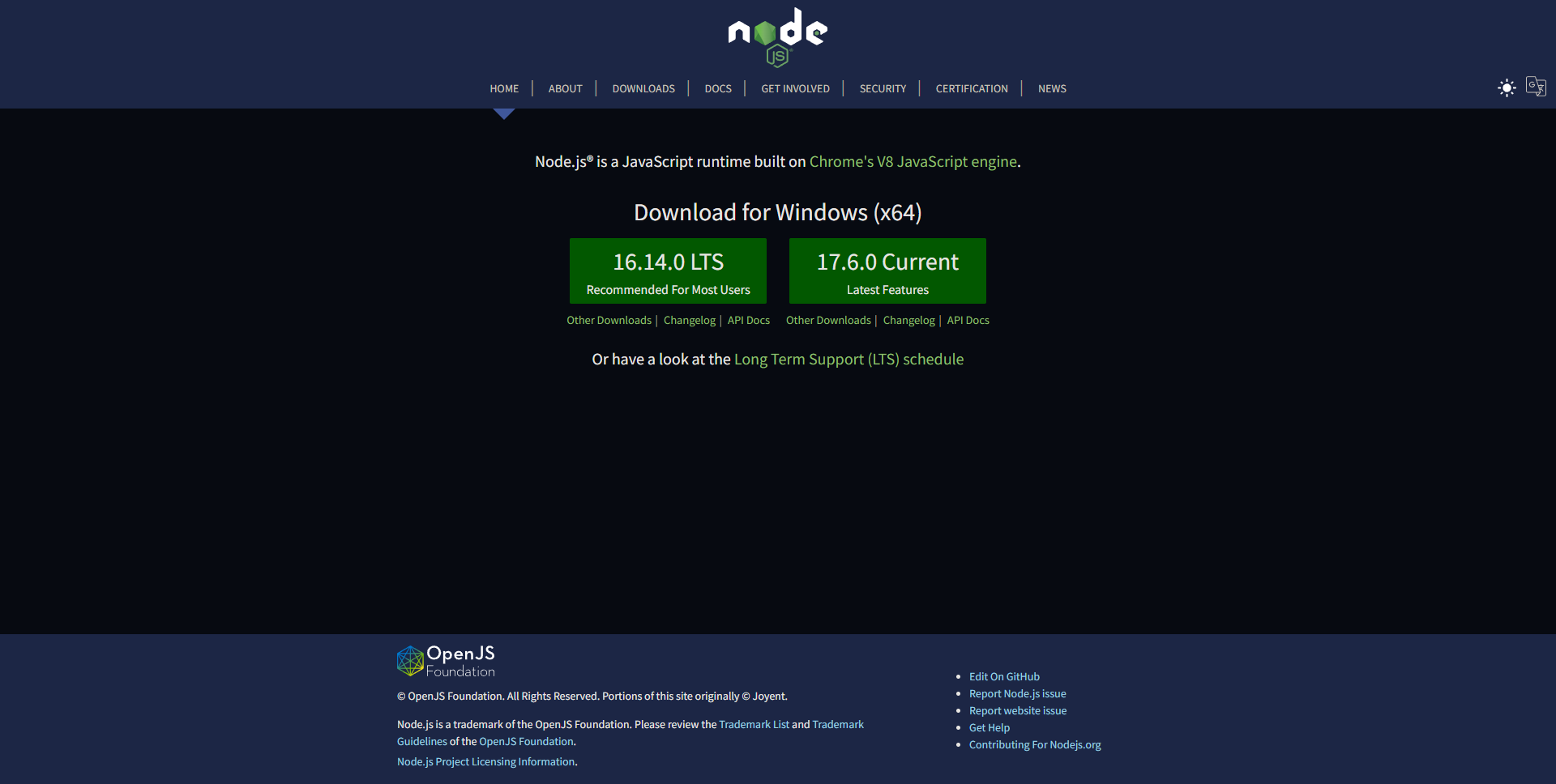
How To Install Node js And Npm On Windows
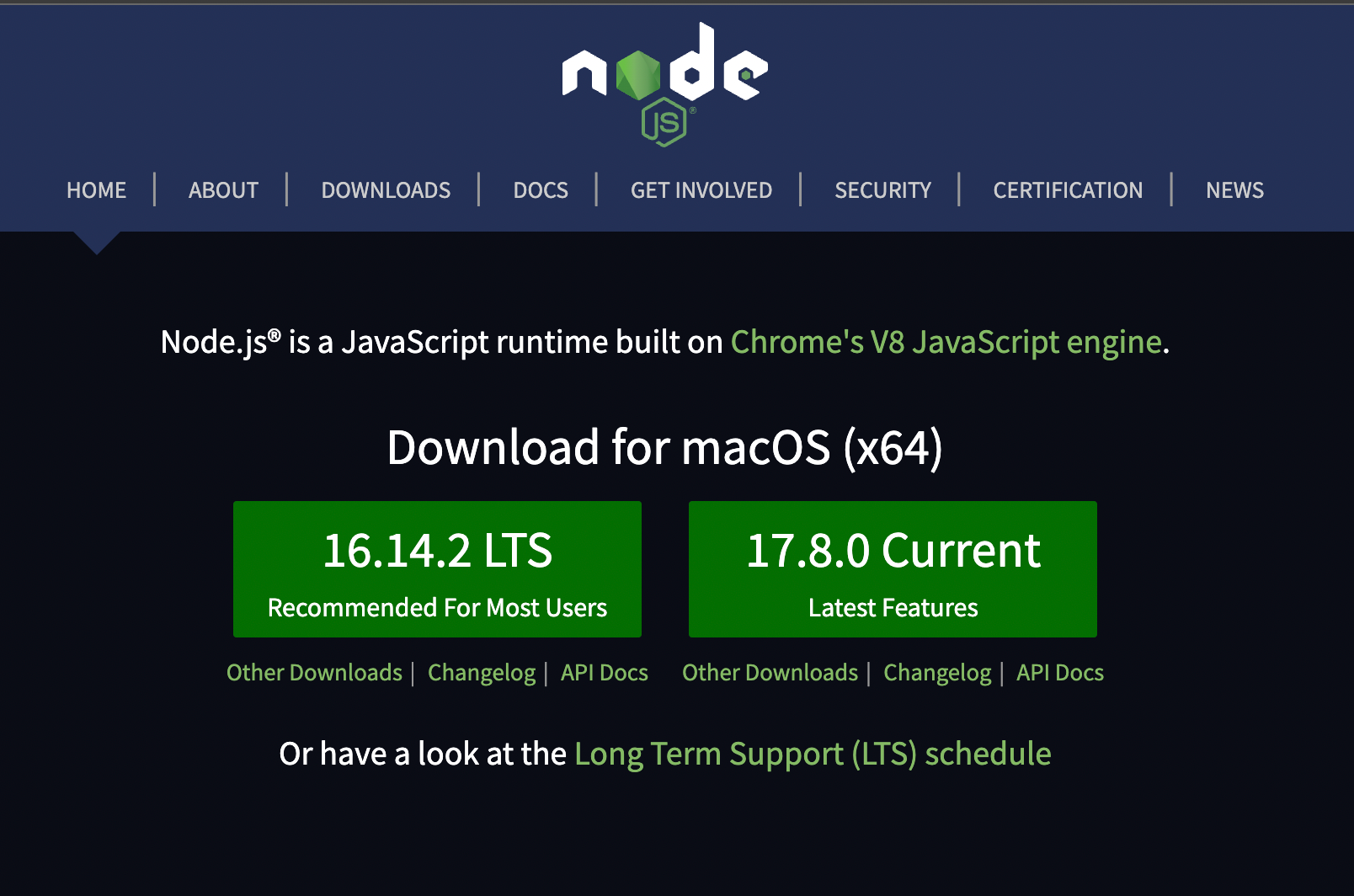
C mo Actualizar Node Y NPM A La ltima Versi n

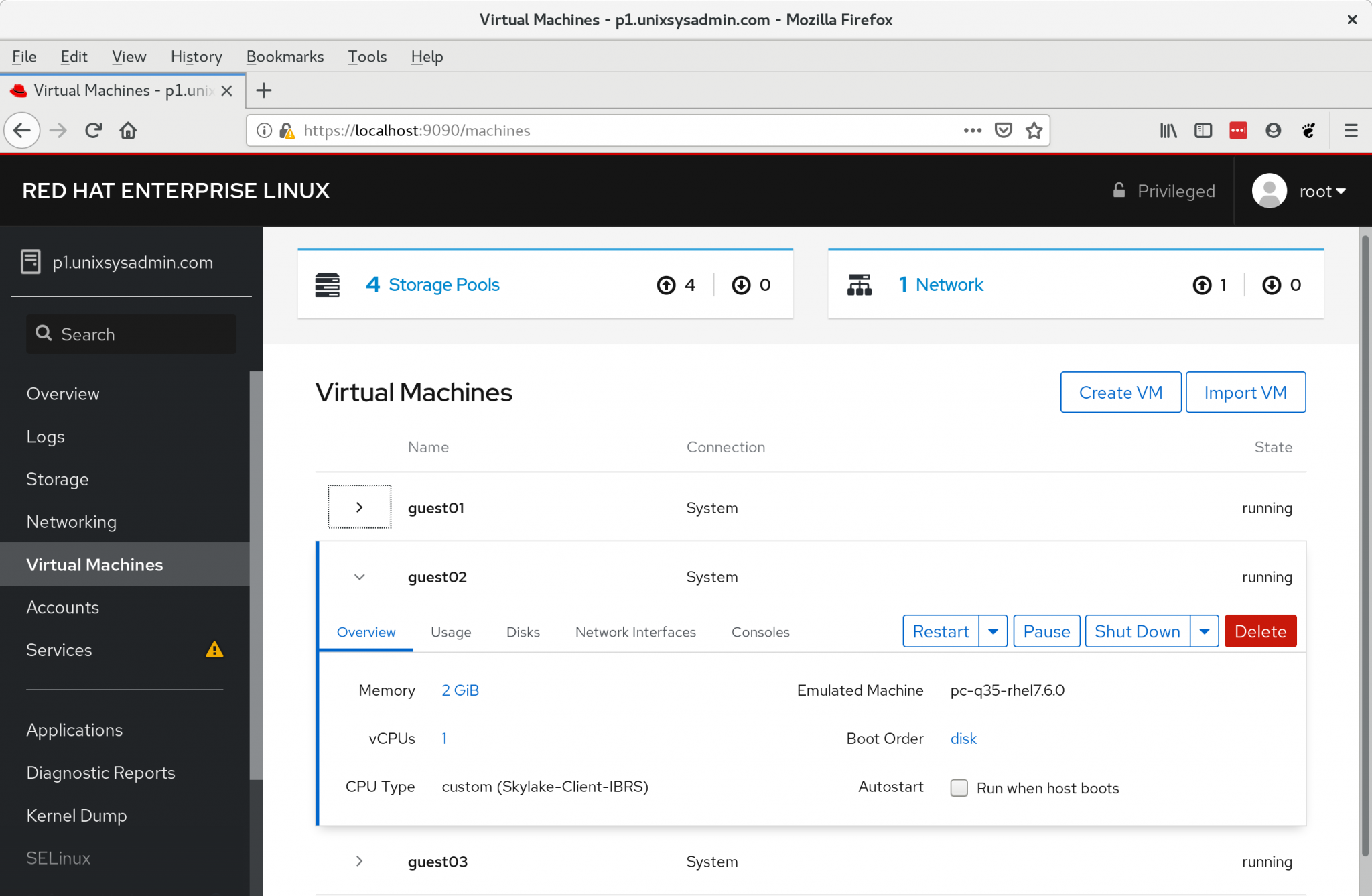
Oracle SUSE And CIQ Launch The Open Enterprise Linux Association Amid

How To Change Runlevel On RHEL 7 Linux Linux Tutorials Learn Linux

Install NVM To Downgrade Node Version Step By Step Guide
Official Google Chrome Help Center where you can find tips and tutorials on using Google Chrome and other answers to frequently asked questions
When you install Drive for desktop on your computer it creates a drive in My Computer or a location in Finder named Google Drive All of your Drive files appear here

Can t install because you re not an administrator on Windows If you re not an administrator follow the steps to download and install Google Chrome Learn more about how to fix most
Tip If you use a work or school account you might not be able to use Google Drive for desktop or your organization might have to install it for you If you have questions ask your administrator

To install or upgrade to the latest version of Google Earth Pro download the application System requirements In order for Google Earth Pro to run on your computer you must have all
[desc-11] [desc-12]
[desc-13]