Install Mysql Client 5 7 Centos 7 How To Install MySQL Server 5 7 On Ubuntu 20 04 BENISNOUS Centos 7 Install Mysql 5 5 Client Cli Harewrules Linux MySQL CSDN Solved Install Mysql client 5 7 On Debian Buster 9to5Answer Centos 7 Install Mysql Client Cli Copaxalaska How do I use mysql client CentOS install Mysql database server CentOS install MySQL client only MySQL Create a user accounts MySQL Create a
Step 1 Add New Repository Step 2 Install MySQL 5 7 Step 3 Start MySQL and Enable Start at Boot Time Step 4 Configure the MySQL Root Password Step 5 Use the following yum install command to install MySQL sudo yum install mysql server The script will return with a list of packages and ask
Centos 7 Install Mysql Client Cli Copaxalaska Mysql Glibc2 14 libc so 6 GLIBC 2 14 64bit Is Needed By MySQL 469014 Ubuntu16 04 1 mysql Blueberryzzz Yum Install Mysql server Error Package Mysql community client 5 6 35 CentOS 7 1810 H3399 Deploying WordPress Application Using Visual Studio Team Services And ubuntu mysql CSDN MoiaControl V5 EFSOL MySQL 5 5
Install Mysql Client 5 7 Centos 7
 Install Mysql Client 5 7 Centos 7
https://benisnous.com/wp-content/uploads/2021/03/How-to-Install-MySQL-Server-57-on-Ubuntu-2004-800x445.jpg
MySQL 5 7 is not available in the official CentOS repositories it has been replaced by MariaDB a fork of MySQL MariaDB share features with
Pre-crafted templates use a time-saving service for producing a diverse variety of documents and files. These pre-designed formats and layouts can be utilized for different personal and professional projects, including resumes, invitations, leaflets, newsletters, reports, discussions, and more, improving the content creation procedure.
Install Mysql Client 5 7 Centos 7
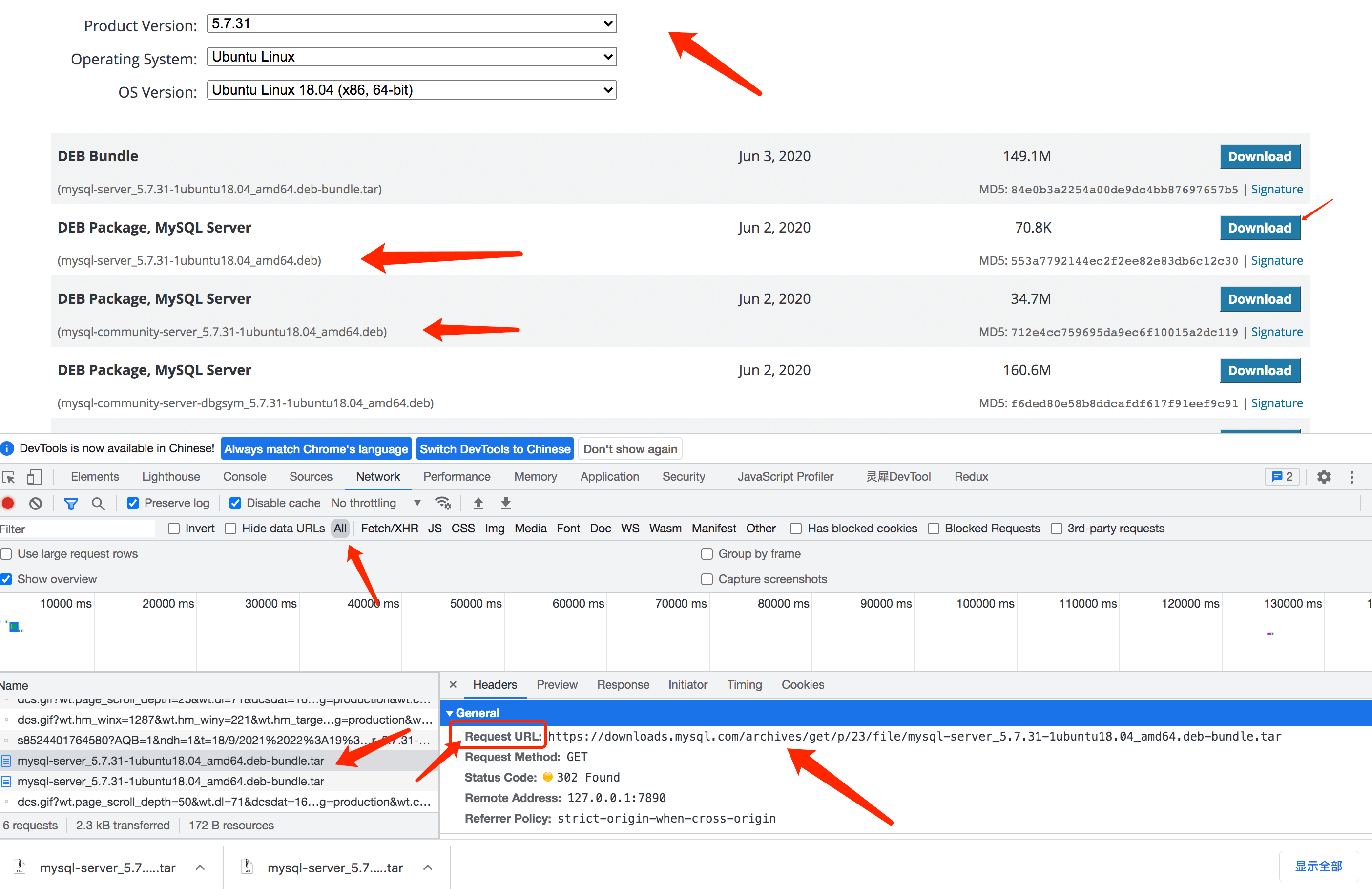
Ubuntu20 MySQL5 7 Sail
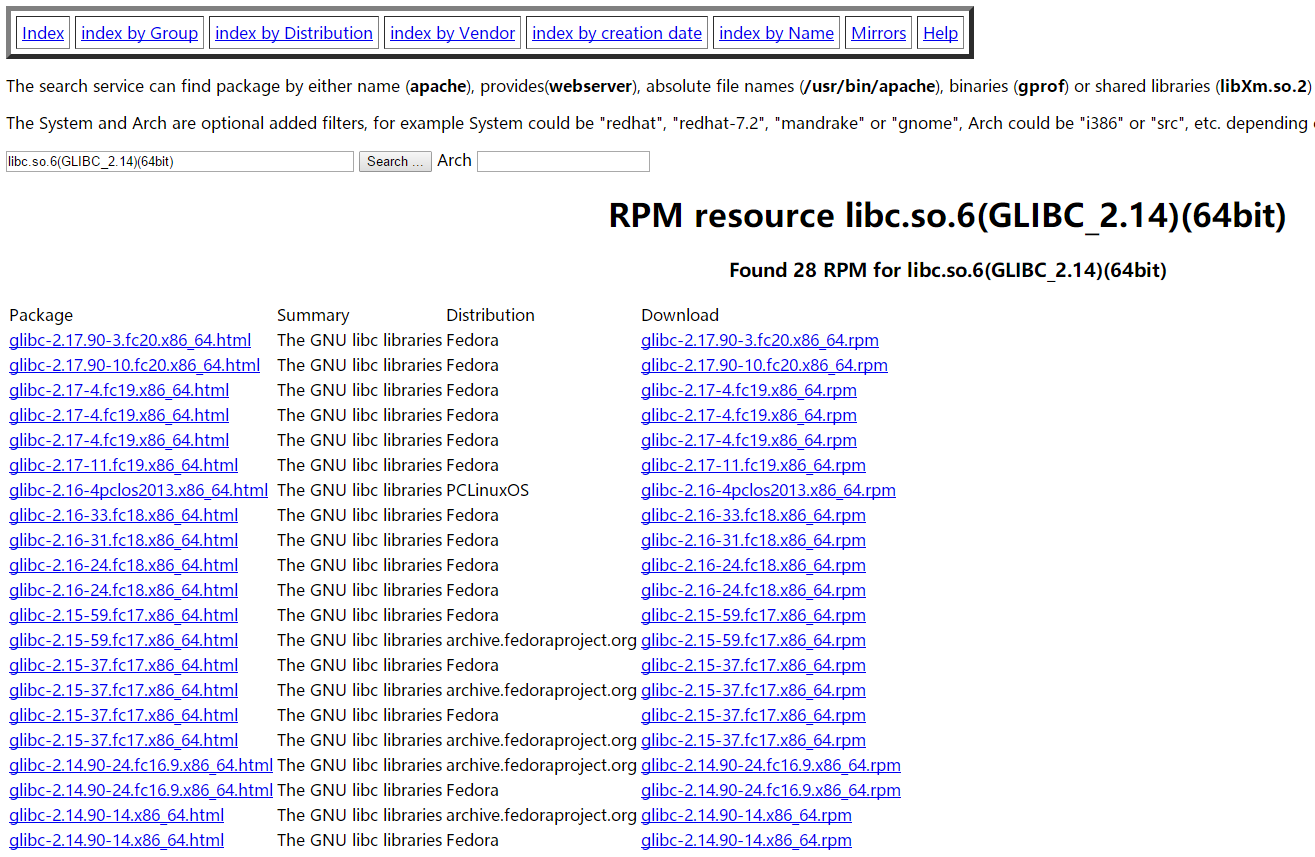
Mysql Glibc2 14 libc so 6 GLIBC 2 14 64bit Is Needed By MySQL 469014

Ubuntu16 04 1 mysql Blueberryzzz

Yum Install Mysql server Error Package Mysql community client 5 6 35
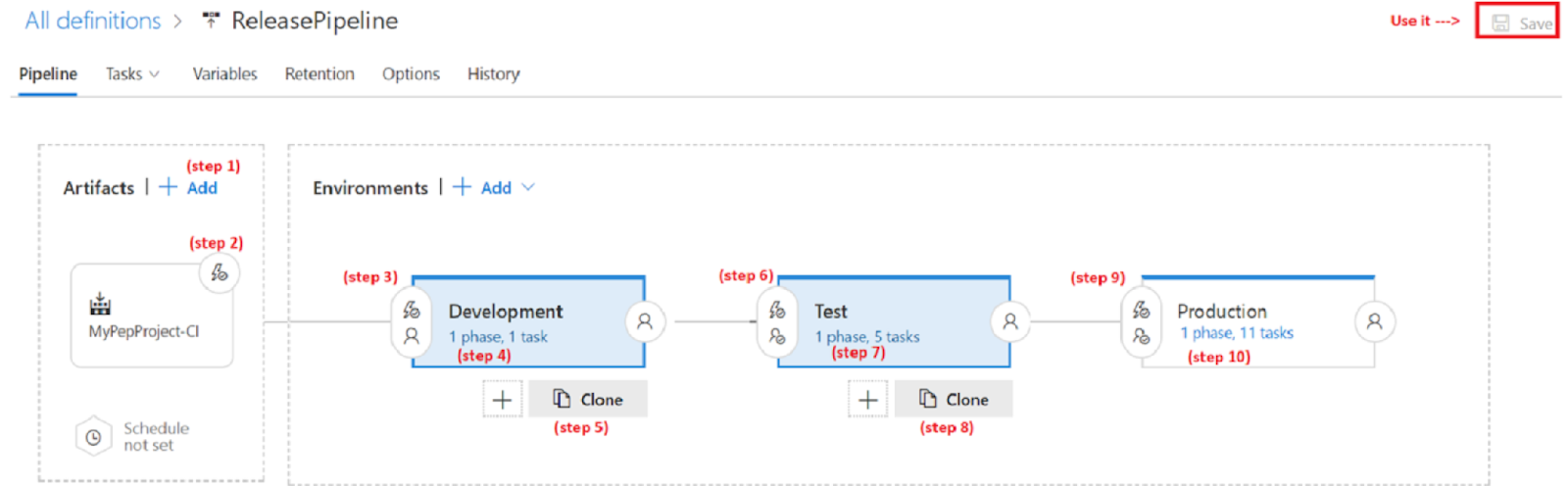
Deploying WordPress Application Using Visual Studio Team Services And

ubuntu mysql CSDN

Go to the Download MySQL Yum Repository page https dev mysql downloads repo yum in the MySQL Developer Zone Select and download the release package

Installing Latest MySQL Version Please use the following command for the installation of MySql server The MySQL has been successfully

Install MySQL 5 7 on CentOS 7 First of all You need to enable MySQL 5 7 community release yum repository on your system The rpm packages for

MySQL 5 7 installation in CentOS 7 sudo su Remove MariaDB packages yum list installed grep i maria yum remove mariadb Uninstall Password Validation
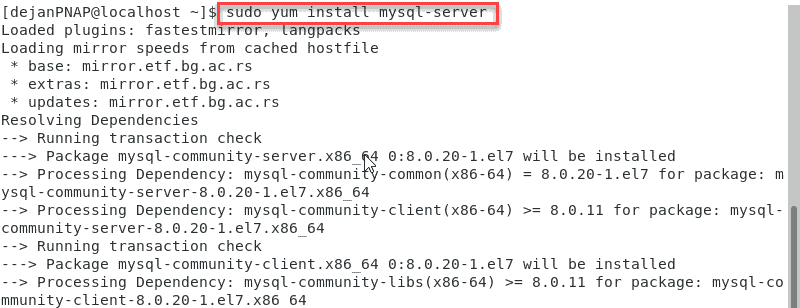
Install MySQL on CentOS 7 sudo systemctl enable mysqld sudo systemctl start mysqld sudo systemctl status mysqld mysqld sudo grep temporary password var
The default MySQL version in Red Hat CentOS 7 is MySQL 8 As this version of MySQL is not currently supported you will need to change it to 5 7 Choose another MySQL release version 5 6 5 7 1 We add the MySQL 5 7 repository to our CentOS 7 system 2 Next we install MySQL server 5 7 3 Finally
Step 1 Yum Repository Configuration Step 2 Install MySQL Community Server Step 3 Start MySQL Service Step 4 Find MySQL root Password Step 5 MySQL Post