Install Msi Silently Remotely Download Technology MSI HD Wallpaper Hp Support Assistant Silent Install Msi Lasopadel How To Squeeze The Extreme Performance Of MSI Gaming Laptop How To Silently Deploy An MSI File With PowerShell YouTube MSI Sword 15 MSI I previously covered how to silently install a MSI The next thing an administrator wants to do is install it on a remote system That is the logical next step This isn t always the easiest task for someone new to PowerShell Index Index Introduction Running installers remotely Installing from a remote location The double hop problem
1 Answer Use Start Process to installs the msi package from PowerShell using msiexec with the i and qn parameters You can optionally test using the wait parameter of Start Process in case it helps in your particular case There is also a norestart parameter to use with msiexec To install an MSI package with PowerShell script remotely follow the below steps Prepare MSI package Create an MSI package for remote installation Copy MSI package to Shared Location Copy the MSI software package to a shared location accessible by the remote computer Use the Invoke Command to execute a script Use the PowerShell Invoke
MSI Sword 15 MSI How To Download And Install MSI Driver App Center For Windows YouTube How To Silently Install Vcredist X64 Exe Tsivegan How To Install MSI Plugin In QGIS YouTube How To Silently Install EXE And MSI Setup Applications Unattended 2024 Deploy WinRaR Via Microsoft Intune Silently Install Patches Remotely And Automatically Reboot Many Computers MSI Australia Remotely Control Any PC With Netcat YouTube
Install Msi Silently Remotely
 Install Msi Silently Remotely
https://images6.alphacoders.com/130/thumb-1920-1306177.jpeg
To install package C example msi using a normal installation process with no reboot at the end type msiexec exe i C example msi norestart Logging options If you need to debug your installation package you can set the parameters to create a log file with specific information Syntax
Pre-crafted templates offer a time-saving option for creating a varied range of files and files. These pre-designed formats and designs can be made use of for various personal and expert tasks, including resumes, invitations, flyers, newsletters, reports, discussions, and more, enhancing the content production procedure.
Install Msi Silently Remotely

How To Install Google Chrome MSI Silently YouTube

How To Download And Install MSI Driver App Center For Windows YouTube

How To Silently Install Vcredist X64 Exe Tsivegan

How To Install MSI Plugin In QGIS YouTube

Deploy WinRaR Via Microsoft Intune
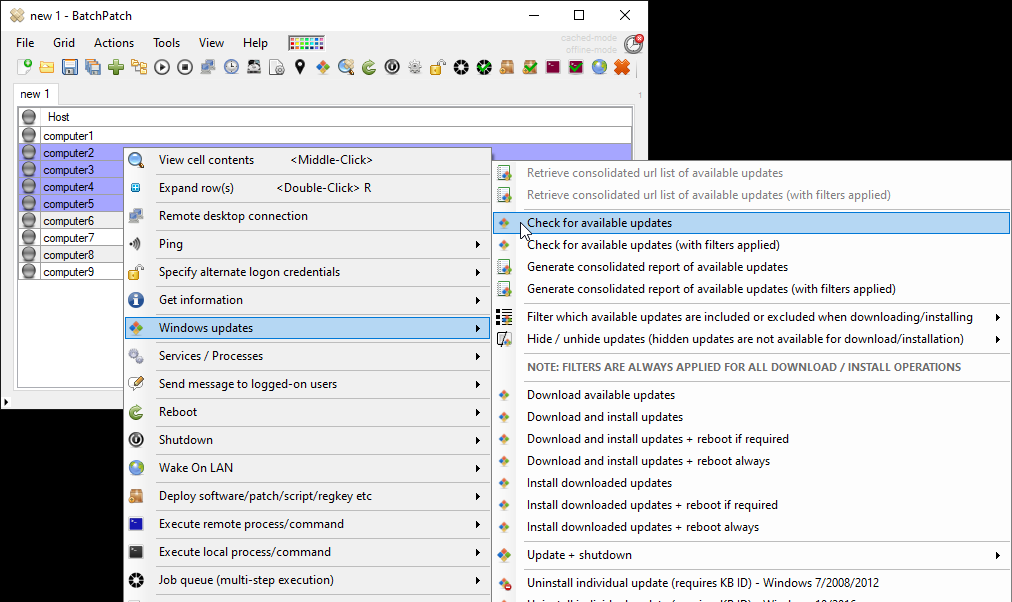
Silently Install Patches Remotely And Automatically Reboot Many Computers

Uninstall packages without knowing the msi file If the server or remote pc hasn t internet access I need this to work locally because some remote machines do not have access to the Internet You can use Chocolatey locally but it takes a fair amount of work

Remote MSI Install Progress via WMI 1 How to install MSI with silent installation 2 Getting MSI exit code when installing remotely using PowerShell 2 PowerShell Remoting Not installing MSI 1 How to install msi with a script Hot Network Questions What technique can be used to solve this 6x6 sudoku

In powershell 5 1 you can actually use install package but it can t take extra msi arguments install package file msi Otherwise with start process and waiting start wait file msi ALLUSERS 1 INSTALLDIR C FILE

For MSI installation the Wait parameter option was used to wait until the process ends Start Process FilePath msiexec exe ArgumentList i D node v17 2 x64 msi quiet l D nodejsmsi log Wait Install MSI on a Remote PC As an example I will deploy the node js MSI installer to a remote PC and install the MSI silently

It uses msiexec exe to install the setup and accepts the standard MSI parameters MSI s silent install standard command line parameters are as follows quiet quiet mode there is no user interaction passive unattended mode the installation shows only a progress bar q set the UI level n no UI n no UI except for a modal dialog
Not only does it do the silent install it also captures a verbose log of the install Now that you know how to execute a MSI silently the next step is to run that on a remote system See my post on Installing remote software on how to approach that Tags PowerShell Basics Previous Post Next Post Kevin Marquette The Start Process command can be used to kick off an executable Here we will kick off the msiexec exe and feed it an argument which is the msi file to install silently We ll then wait for it to complete Start Process FilePath msiexec exe ArgumentList i TEST msi qb Wait Passthru Installation Installer msi server silently
However you should be able to install remotely using the setup exe command line parameters for an Installshield setup if the setup in question has been created using Installshield The overall idiea is that you pass command line to the msi inside the setup by the v parameter followed by a valid msiexec command line The s is used to run silent