Install Msi Quietly How To Install MSI Laptop Audio Sound Driver On Windows 11 10 YouTube Msi Silent Install Command Line Siever Should You Install Software Using EXE Or MSI Tweaks For Geeks How To Install Msi Motherboard Drivers On Windows Bmd2016mke How To Install MSI Files Silently LiquidSky Tip If you use a work or school account you might not be able to use Google Drive for desktop or your organization might have to install it for you If you have questions ask your administrator On Google
pip install conda install anaconda prompt pip install conda install 1 102 Select Install for no charge items or the item s price Tips To check that an app is reliable find out what other people say about it Under the app s title check the star ratings and the number of
How To Install MSI Files Silently LiquidSky How To Install MSI Afterburner 2022 Tentative Successful Pop Install On Msi Sword 15 Linuxhardware How To Install MSI Packages Using The Command Line LiquidSky Silent Install Using MSI Calacatta Cressa Leaf Marble Mesh Mounted Mosaic Tile 10 x 12 Honed MSI Collection In 2022 We Absolutely Love This Small Detail About The MSI GE76 That Was Quietly Improved Over The GE75 MSI GS76 Stealth Gaming Laptop With NVIDIA GeForce RTX 30 GPU And 360 Hz Display Pictured How To Install Msi File On Linux Systran Box
Install Msi Quietly
 Install Msi Quietly
https://i.ytimg.com/vi/znpMI9tAjvY/maxresdefault.jpg
If you install apps from outside of Google Play your device can send Google information about those apps This information helps Google better protect everyone from harmful apps The information can
Pre-crafted templates use a time-saving solution for producing a diverse variety of documents and files. These pre-designed formats and designs can be used for different personal and professional projects, including resumes, invitations, flyers, newsletters, reports, presentations, and more, simplifying the content development procedure.
Install Msi Quietly
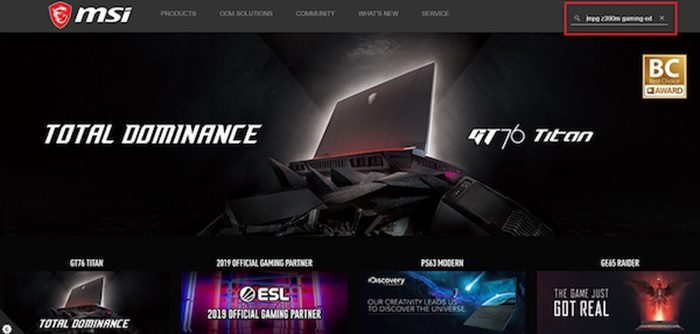
Download Install MSI Motherboard Drivers For Windows 11 10

How To Install MSI Afterburner 2022

Tentative Successful Pop Install On Msi Sword 15 Linuxhardware

How To Install MSI Packages Using The Command Line LiquidSky

Calacatta Cressa Leaf Marble Mesh Mounted Mosaic Tile 10 x 12 Honed MSI Collection In 2022
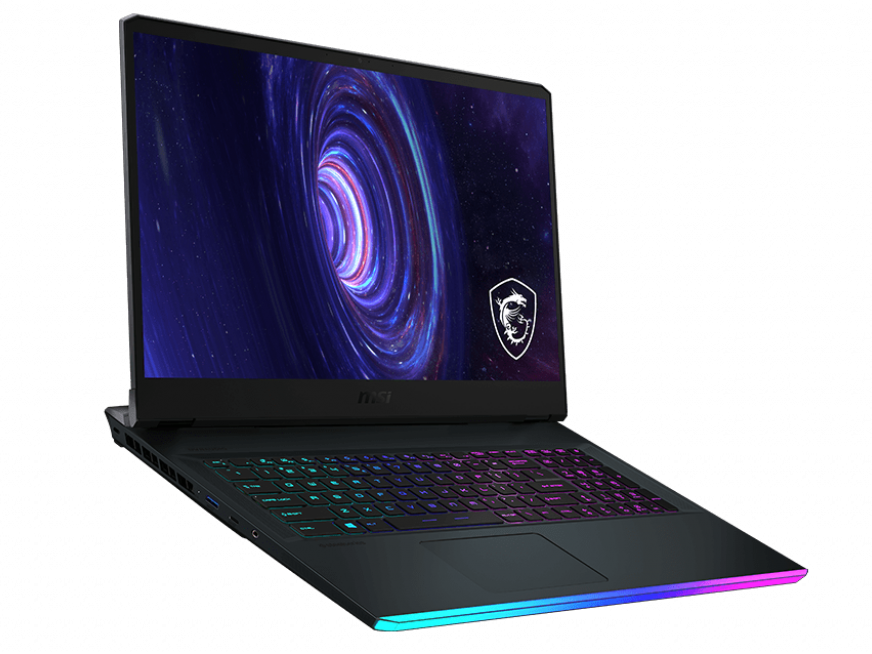
We Absolutely Love This Small Detail About The MSI GE76 That Was Quietly Improved Over The GE75

What you can do with Drive Add files and folders to Drive Share files and folders in Drive Install Drive for desktop Print save or customize Learning Center guides Learn how to print Learning Center guides

Download the installation file again To install Chrome again use the new file If the installation still isn t working use an offline installer Computers with multiple user accounts Computers with one user

To install or upgrade to the latest version of Google Earth Pro download the application System requirements In order for Google Earth Pro to run on your computer you must have all minimum

Official Google Chrome Help Center where you can find tips and tutorials on using Google Chrome and other answers to frequently asked questions

Install an extension Important You can t add extensions when you browse in Incognito mode or as a guest Open the Chrome Web Store Find and select the extension you want Select Add to Chrome
[desc-11] [desc-12]
[desc-13]