Install Macos From Bootable Usb How To Create Bootable USB Installer For Mac OSX On Windows 10 Make Bootable Usb Flash Drive Mac Os X Kentuckyskyey How To Create MacOS High Sierra Bootable USB Installer On Windows 10 How To Create MacOS Big Sur Beta Bootable USB Install Drive Make A MacOS Monterey Beta Bootable USB Install Drive To install or upgrade to the latest version of Google Earth Pro download the application System requirements In order for Google Earth Pro to run on your computer you must have all
Install and set up Drive for desktop Install amp set up Drive for desktop for Windows Important Before you start check that your operating system is compatible with Drive for desktop Tip If Select Install for no charge items or the item s price Tips To check that an app is reliable find out what other people say about it Under the app s title check the star ratings and the number
Make A MacOS Monterey Beta Bootable USB Install Drive MacOS Mac OS X 10 15 Catalina Bootable USB Full Install Upgrade Restore How To Create Macos High Sierra Bootable Usb Installer On Windows 10 A How To Make Bootable MacOS Sierra 10 12 Beta USB Installer Drive Clean Install Macos From Usb Mflio Create Bootable USB Without Any Software Or CMD YouTube Install Macos From Usb In Windows Scubarewa How To Create MacOS Ventura Bootable USB Installer macOS Ventura Tips How To Install Macos From Usb On Windows Devdast
Install Macos From Bootable Usb
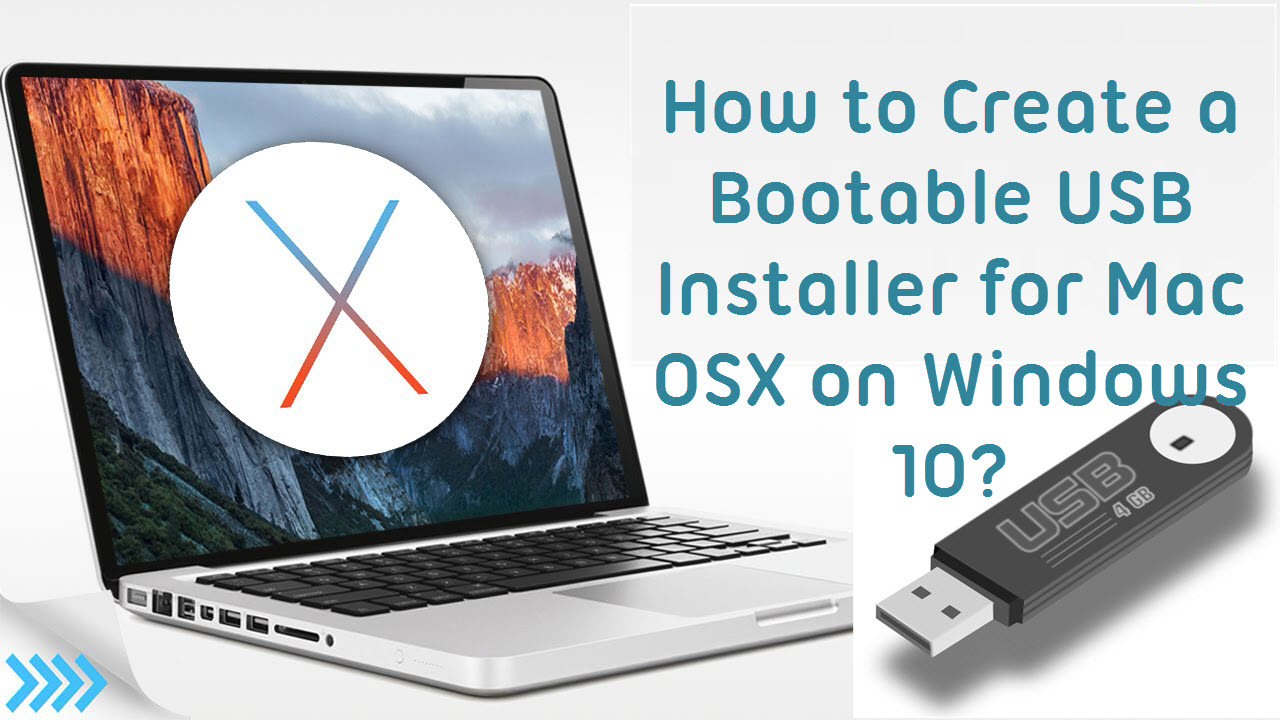 Install Macos From Bootable Usb
https://www.wikigain.com/wp-content/uploads/2016/03/Create-Bootable-USB-Installer-for-Mac-OS-X-on-Windows.jpg
If you install apps from outside of Google Play your device can send Google information about those apps This information helps Google better protect everyone from harmful apps The
Templates are pre-designed documents or files that can be utilized for various functions. They can save time and effort by providing a ready-made format and layout for producing different type of material. Templates can be utilized for individual or professional projects, such as resumes, invitations, flyers, newsletters, reports, presentations, and more.
Install Macos From Bootable Usb
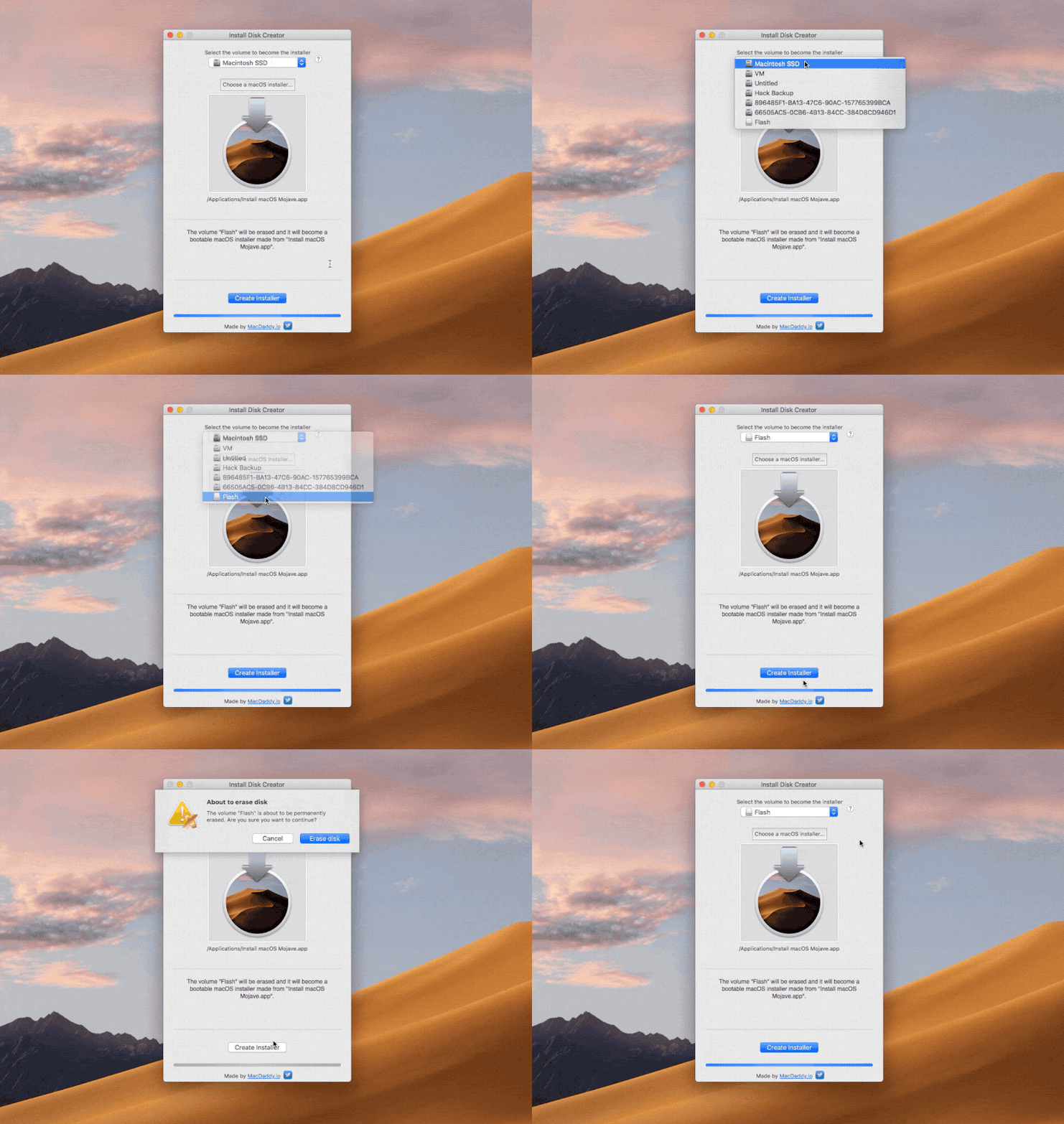
Make A Bootable USB MacOS Installer Download The Update For Big Sur
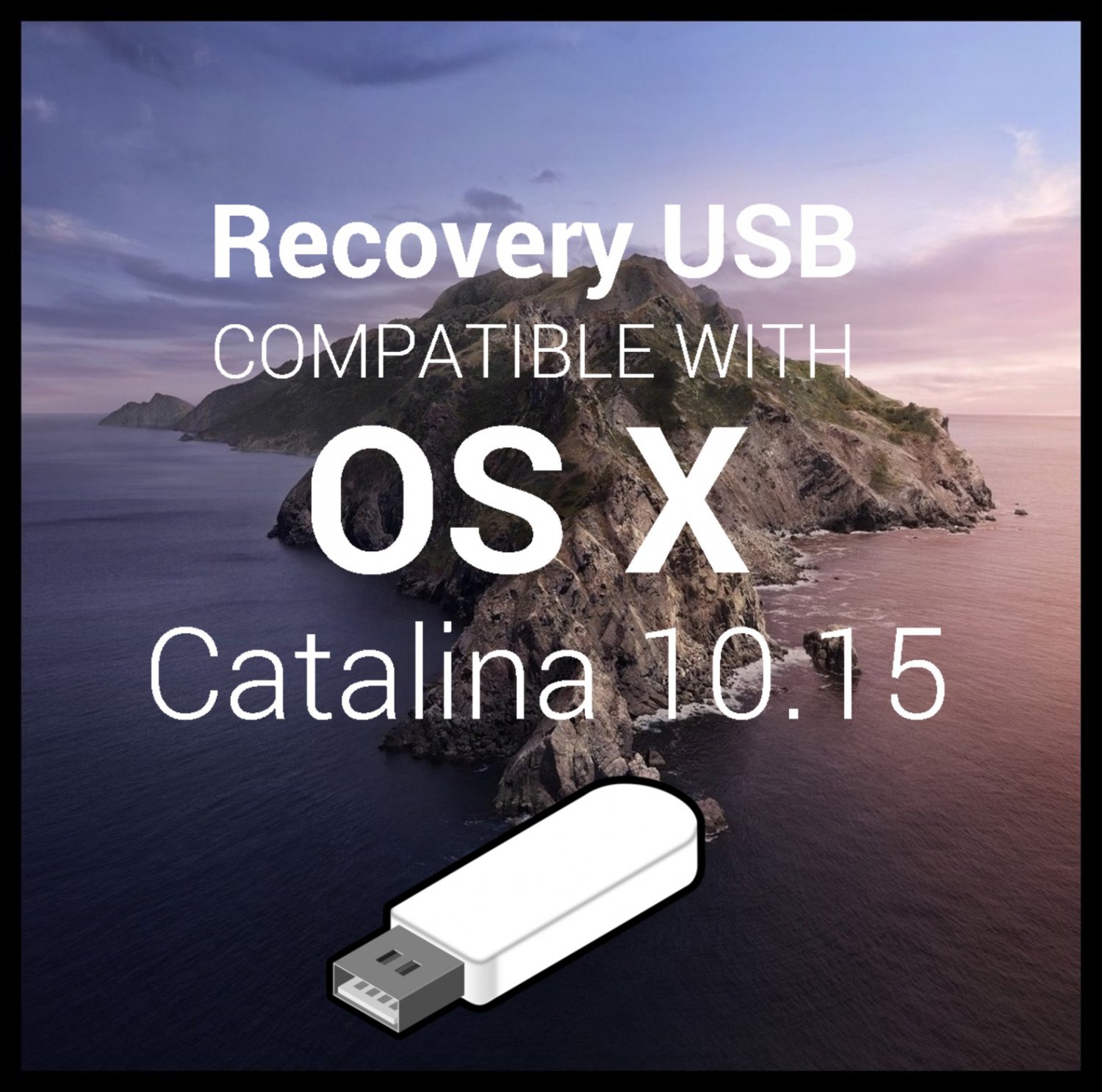
MacOS Mac OS X 10 15 Catalina Bootable USB Full Install Upgrade Restore

How To Create Macos High Sierra Bootable Usb Installer On Windows 10 A
How To Make Bootable MacOS Sierra 10 12 Beta USB Installer Drive

Create Bootable USB Without Any Software Or CMD YouTube

Install Macos From Usb In Windows Scubarewa

Official Google Chrome Help Center where you can find tips and tutorials on using Google Chrome and other answers to frequently asked questions

When you install Drive for desktop on your computer it creates a drive in My Computer or a location in Finder named Google Drive All of your Drive files appear here Any new files or
Can t install because you re not an administrator on Windows If you re not an administrator follow the steps to download and install Google Chrome Learn more about how to fix most

Help Download and install Google Chrome Create or manage your Google Account in Chrome Sign in and sync in Chrome Make Chrome your default browser

You can download and install the Chrome web browser at no charge and use it to browse the web
[desc-11] [desc-12]
[desc-13]