Install Mac Big Sur On Virtualbox How To Install MacOS 13 On VirtualBox On Windows PC Macos Big Sur Screenshots Images And Photos Finder VirtualBox MacOS BigSur MacOs Big Sur Como Instalar O MacOS Big Sur No VirtualBox No Windows How To Install Mac Big Sur With Ubuntu MacBuntu 2020 YouTube Tutorial How to Install MacOS Big Sur on VirtualBox Completely
Launch VirtualBox and click the New button Give your virtual machine a Name This could be anything you want In the ISO Image field navigate to the macOS Sonoma ISO file and select it Set the In this video I am going to show you how to Install the macOS Big Sur on VirtualBox on your Windows 10 11 PC virtualbox macos bigsur Download Mac OS Big
How To Install Mac Big Sur With Ubuntu MacBuntu 2020 YouTube Fix MacOS Big Sur Screen Resolution On VirtualBox Windows Wikigain How To Download Install Macos On A Virtual Machine Using Virtualbox Big How To Install MacOS Big Sur On VMware Workstation 17 YouTube How To Install MacOS Big Sur On VMware Workstation YouTube VirtualBox For Mac Review Unpolished Virtualization That s Not For Install MacOS Big Sur On VirtualBox On Windows VMDK Macos Big Sur The Macstories Review Macstories Part My XXX Hot Girl What s New In MacOS 11 Big Sur Our Full Feature Roundup WIRED
Install Mac Big Sur On Virtualbox
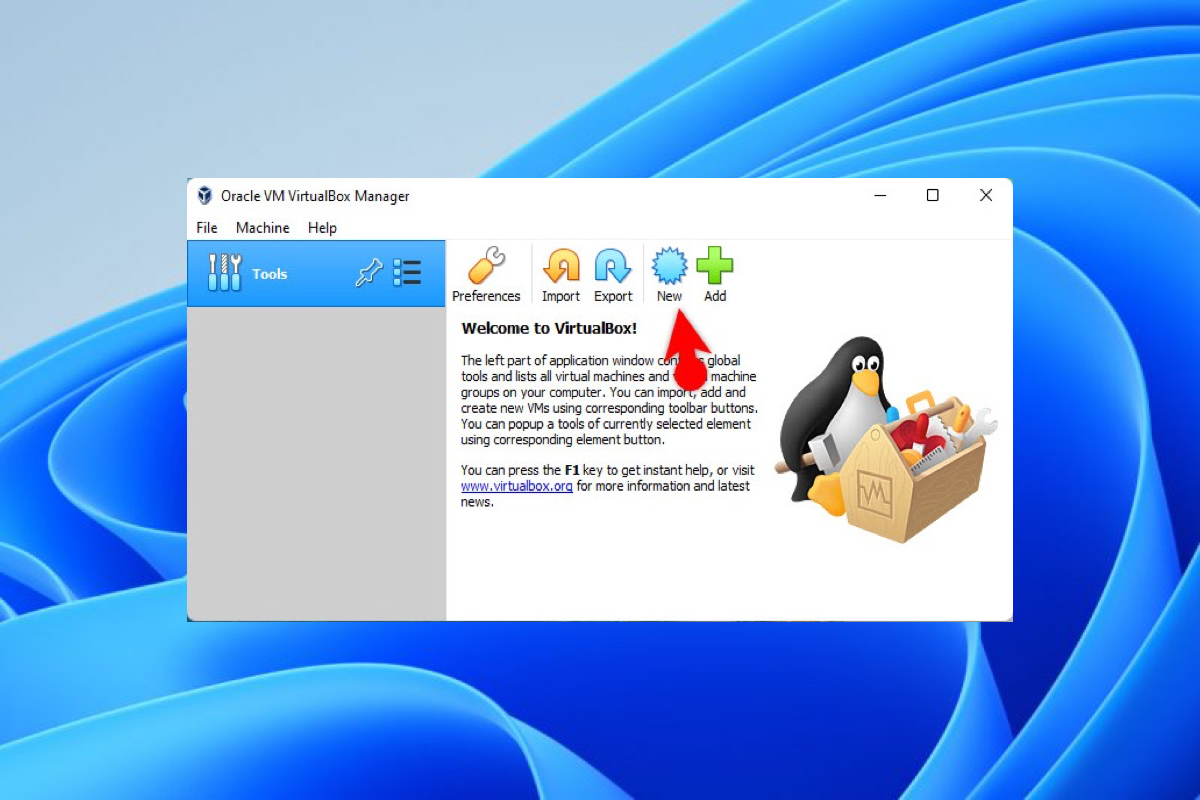 Install Mac Big Sur On Virtualbox
https://iboysoft.com/images/en-howto/install-macos-13-on-virtualbox/summary-install-macos-13-on-virtualbo.png
Simple script to automatically download install and run macOS 11 Big Sur and other versions in VirtualBox on macOS Since VirtualBox does not support booting from APFS volumes this script is copying the APFS EFI drivers automatically
Pre-crafted templates use a time-saving service for producing a varied variety of files and files. These pre-designed formats and designs can be utilized for numerous individual and professional projects, including resumes, invitations, leaflets, newsletters, reports, presentations, and more, simplifying the content production procedure.
Install Mac Big Sur On Virtualbox

Success Install MacOS Big Sur Hackintosh On Gigabyte B460M DS3H Intel
Fix MacOS Big Sur Screen Resolution On VirtualBox Windows Wikigain

How To Download Install Macos On A Virtual Machine Using Virtualbox Big

How To Install MacOS Big Sur On VMware Workstation 17 YouTube

VirtualBox For Mac Review Unpolished Virtualization That s Not For
Install MacOS Big Sur On VirtualBox On Windows VMDK
Click on New in the VirtualBox software Here give a valid name for your virtual machine For example macOS Big Sur as shown below Make sure the type is set to Mac OS X and the 64 bit version is selected Once you re done click on Expert mode to proceed to the next step
It was previously named Mac OS X and later OS X MacOS was developed and marketed by Apple Inc from 2001 MacOS succeeded classic MacOS a macintosh operating system with nine releases from 1984 to 1999 In this guide I will demonstrate how to install macOS Catalina Big Sur on VirtualBox macOS installation on VirtualBox requirements

To install macOS on Virtualbox can be sometimes challenging dep In this guide we will walk you through all the steps to install macOS Big Sur on windows 10
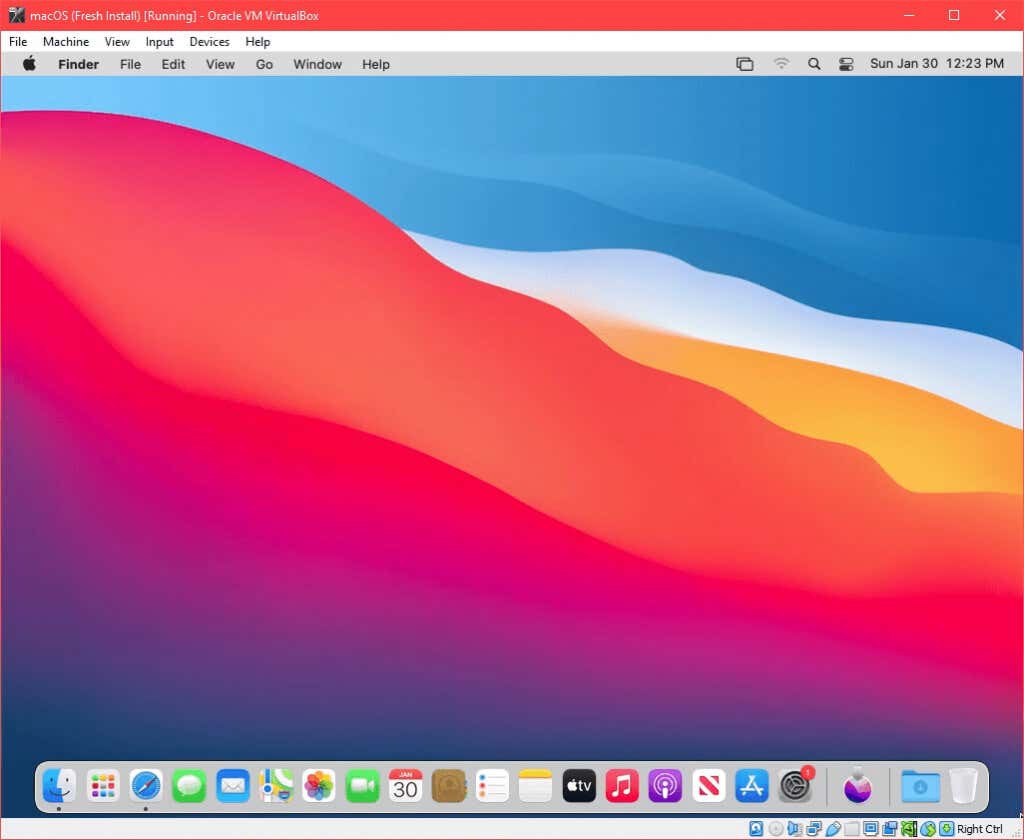
Step 4 Create a New Virtual Machine for macOS Big Sur To create a new virtual machine for macOS Big Sur follow the guide Open the VirtualBox Then click the New button Click on Expert Mode Give a name to your virtual machine and choose a folder for installation
STEP 1 Download VirtualBox and VirtualBox Extension Pack Click on Windows Host and it should start Downloading Also Click on All Supported Platforms under the VirtualBox Extension pack to download Download macOS Big Sur ISO Image File as well STEP 2 Install VirtualBox after downloading by double clicking on it and following the prompt
Step 3 Click New Step 3 Type macOS Big Sur for the virtual machine name and then click the Expert Mode button Step 4 Next name the operating System macOS Big Sur Use the slider to increase the memory size up to 8GB if your PC allows it If not then let at least 50 of physical RAM Then make sure Create a virtual hard disk now Every time I tried to download Mac Big Sur on virtualBox I got stuck here Either way to downloads straightly Big Sur on virtualbox or upgrading from Catalina Please help It says on the last line Forcing CS RUNTIME for entitlement com apple rootless restricted block devices Betty September 14 2020 at 9 52 AM Reply
Here s how to run macOS Big Sur on VirtualBox Install Catalina on VirtualBox Download Big Sur InstallAssistant pkg 9GB either inside the virtual machine or on the host on a disk image that will be mounted on the virtual machine Windows can create and mount VHD disk images through Disk Management Use VirtualBox to create an additional disk